English
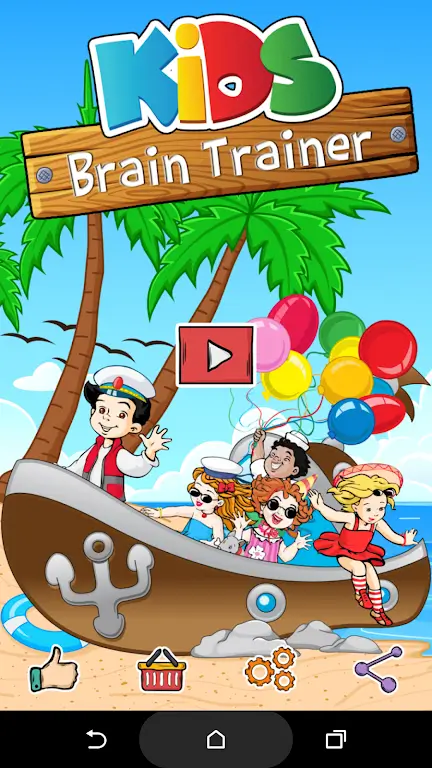
Kids Brain Trainer helps children develop cognitive skills through short, engaging exercises designed for ages 3–10. The app blends memory games, logic puzzles, and quick math tasks into daily sessions that track progress and adapt difficulty, making learning playful and measurable for parents and teachers.
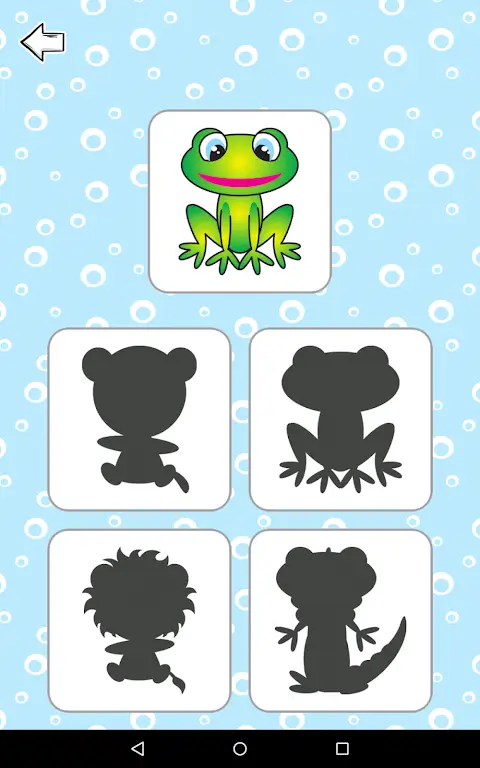
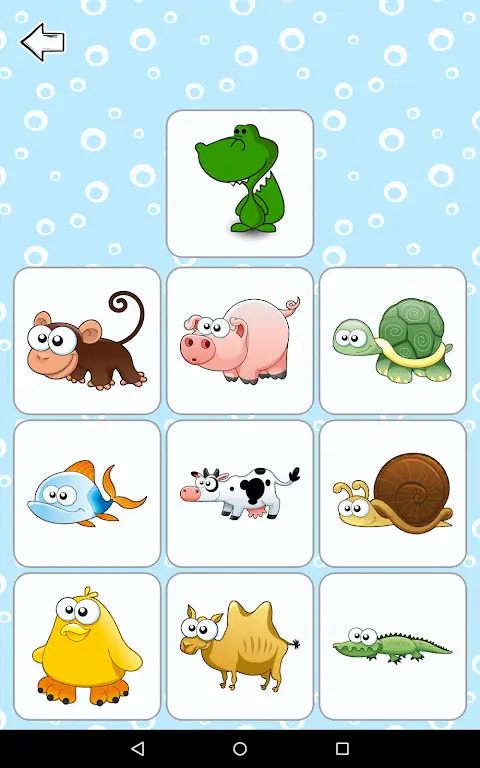
Kids Brain Trainer focuses on core mental skills: attention, memory, processing speed, and problem solving. Each exercise is intentionally brief to maintain focus while encouraging repeated practice. The app combines colorful visuals with simple interactions so young users can jump into activities without lengthy instructions.
The learning flow in Kids Brain Trainer is built around repetition, feedback, and gradual increase in complexity. Sessions are grouped into themes—memory, logic, numeracy—so caregivers can target specific skills. Immediate visual and auditory feedback rewards correct answers while gentle prompts guide users after mistakes, fostering a low-pressure environment for growth.
The interface uses clear icons, large buttons, and high-contrast elements suited for small hands and short attention spans. Navigation keeps tasks one step deep to reduce confusion. Colorful animations and nonintrusive sound effects add delight without distracting from the exercise.
Adults can set daily limits, choose which activity categories are available, and review detailed performance reports. Reports highlight strengths and areas needing practice, with exportable summaries for sharing with teachers or therapists. A simple dashboard displays streaks, average scores, and time spent per session.
Teachers can use the app as a warm-up at the start of class, while parents might integrate it into morning routines or screen-time schedules. The short format is well suited to use during commutes, after-school breaks, or as a focused alternative to passive entertainment. Activity flexibility makes the tool useful for both enrichment and remediation.
Kids Brain Trainer is optimized for a wide range of Android devices and aims to run smoothly on mid-range hardware. Graphics are lightweight, and local caching reduces load times and data usage. Offline modes are available for core exercises so the app remains usable without a continuous internet connection.
The app prioritizes child safety by avoiding intrusive ads in learning modes and limiting data collection to essential metrics for progress tracking. Parental consent gates any sharing or cloud backup features, and a clear privacy section explains what information is stored and why.
Setting up Kids Brain Trainer takes a few minutes: create a child profile, select age range and target skills, then choose a daily session length. The first few exercises assess baseline ability so the app can personalize the initial difficulty. Ongoing use refines calibration automatically.
Regular use helps sharpen attention, increase working memory capacity, and build faster mental processing through repeated exposure to structured challenges. Caregivers often notice improved focus during homework and smoother transitions in daily routines as children become accustomed to brief, concentrated tasks.
Kids Brain Trainer offers a practical, child-friendly path to regular cognitive practice, combining thoughtful design with measurable tracking to support learning at home and in educational settings.
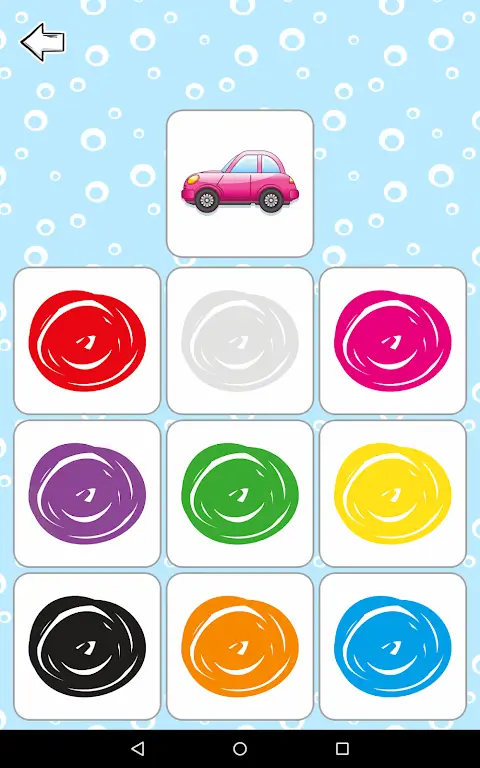
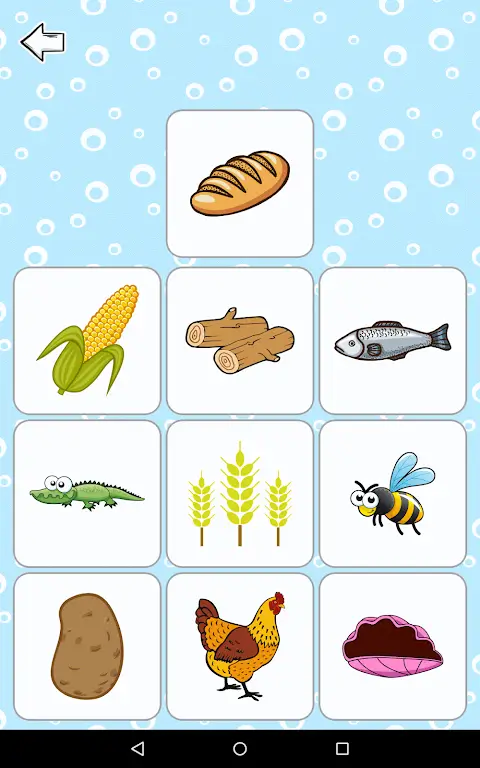
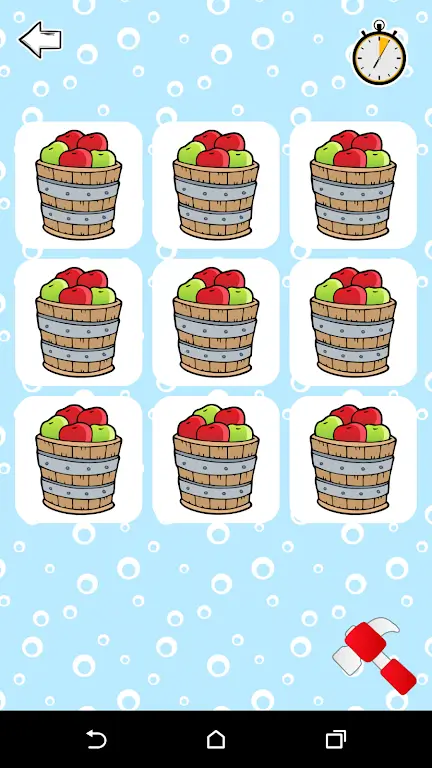
Kids Brain Trainer
Size:50.97M PuzzleBulldozer Master
Size:210.16M Puzzle100 Ways To Die
Size:82.40M PuzzleFlappy Modi Note
Size:4.78M PuzzleRated A for Adorable (alpha v11)
Size:97.20M PuzzleFish Eat Fish.io
Size:126.68M PuzzleClash of Critters
Size:156.70M PuzzleHollywood Merge
Size:277.70M PuzzleMy Dream Store
Size:215.30M PuzzleFlying Rahul Gandhi
Size:4.95M PuzzleMerge Magic!
Size:42.97M PuzzleClockmaker
Size:150.52M PuzzleApril 2024 Clash of Clans Update: Unveiling a Fresh Companion, Enhanced Levels, Chat Tagging, and Be
2024-04-16Arrival of Genshin Impact 4.6 Update: 'Embers of Two Realms, Twilight of Crimson'
2024-04-16V2.2 of the Farlight 84 update introduces an overhauled Season structure, fresh in-game currency, an
2024-04-16Monster Never Cry is now accessible on both Android and iOS mobile devices.
2024-04-18PUBG Mobile Teams Up with Bentley Motors: Luxury Cars, Exclusive Collectibles, and Beyond
2024-04-18March 2024 Free Redemption Codes for Honkai: Star Rail
2024-04-18