English
GooLink is a revolutionary app that enables seamless and direct connectivity between your Android phone and IPC (Internet Protocol Camera). With its Peer to Peer mode, you can now effortlessly connect to your IPC without the hassle of mapping IP and Port. Simply plug in and play by connecting your IPC to the internet, and GooLink will do the rest. Adding IPC information has never been easier with the convenience of scanning the QR code.
- P2P Mode: The app supports Peer to Peer mode, which allows you to connect your Android phone directly to the IPC (Internet Protocol Camera) without the need to go through complicated network settings.
- Plug and Play: With the app, all you need to do is connect the IPC to the internet and you can instantly access it. There's no need to manually map the IP address and port, making it incredibly easy to set up.
- QR Code Scanning: Adding IPC information to GooLink is a breeze, thanks to the built-in QR code scanning feature. Simply scan the QR code on the IPC to automatically fill in all the required details, saving you time and effort.
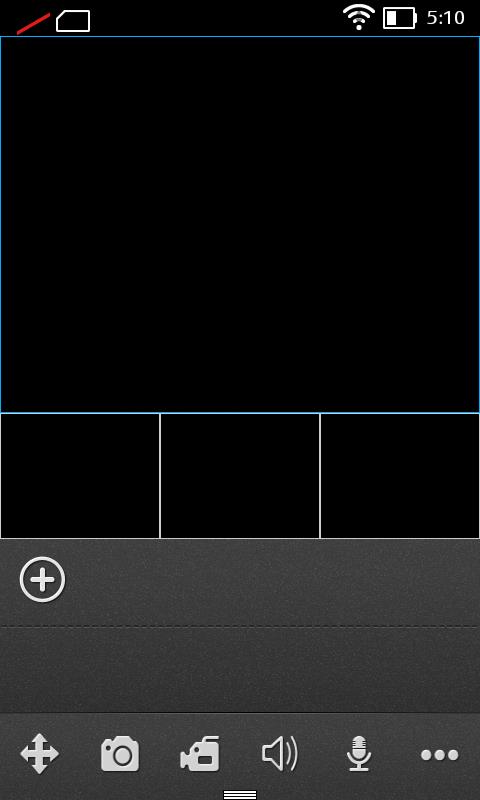
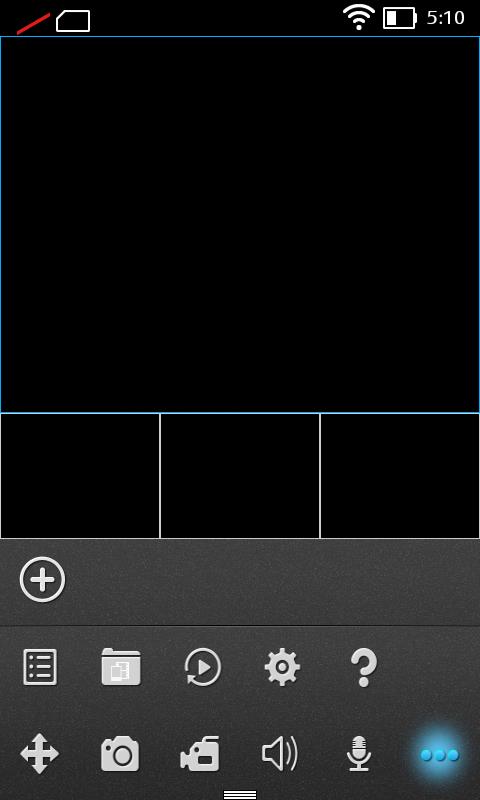
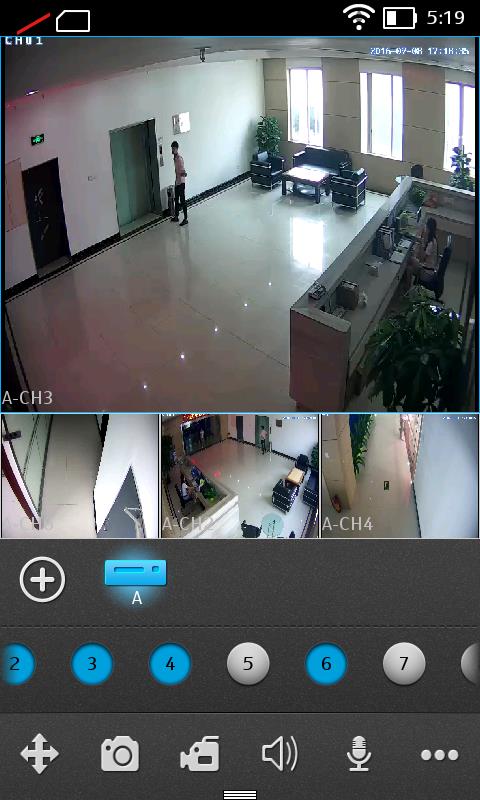
- User-friendly Interface: The app boasts a user-friendly interface that is intuitive and easy to navigate. Even if you're not tech-savvy, you can easily access and control your IPC with just a few taps.
- Ensure Stable Internet Connection: To experience seamless video streaming and real-time monitoring, make sure you have a stable and reliable internet connection. This will ensure that you can access your IPC anytime, anywhere without any interruptions.
- Customize Settings: Take advantage of the settings available in the app to personalize your IPC experience. You can adjust video quality, enable motion detection alerts, and even schedule recording times based on your preferences.
- Enable Two-Way Audio: If your IPC supports two-way audio, enable this feature in it to communicate with those at the other end. This can be particularly useful for monitoring pets or interacting with family members when you're away from home.
GooLink is the ultimate app for seamless IPC connectivity. With its P2P mode, plug and play functionality, and QR code scanning feature, setting up and accessing your IPC has never been easier. The user-friendly interface ensures that even beginners can navigate the app effortlessly. By following the playing tips, such as ensuring a stable internet connection and customizing settings, you can maximize your IPC experience. Whether you want to keep an eye on your home, office, or loved ones, GooLink offers a reliable, efficient, and convenient solution for all your IPC needs. Download today and enjoy the peace of mind that comes with constant monitoring.
KingRoot
Size:12.50M ToolsMonitora View
Size:276.10M ToolsFlashlight - Torch & Modes
Size:18.59M ToolsBirthday Reminder
Size:1.80M ToolsBYKKO Serv
Size:4.69M ToolsFilezy.
Size:40.60M ToolsEsma-ül Hüsna
Size:6.98M ToolsCHM Viewer
Size:50.00M ToolsRideAlong
Size:25.51M ToolsCrochet
Size:162.48M ToolsAndroid Info Master
Size:23.80M ToolsRSS Reader
Size:19.00M ToolsApril 2024 Clash of Clans Update: Unveiling a Fresh Companion, Enhanced Levels, Chat Tagging, and Be
2024-04-16Arrival of Genshin Impact 4.6 Update: 'Embers of Two Realms, Twilight of Crimson'
2024-04-16V2.2 of the Farlight 84 update introduces an overhauled Season structure, fresh in-game currency, an
2024-04-16Monster Never Cry is now accessible on both Android and iOS mobile devices.
2024-04-18PUBG Mobile Teams Up with Bentley Motors: Luxury Cars, Exclusive Collectibles, and Beyond
2024-04-18March 2024 Free Redemption Codes for Honkai: Star Rail
2024-04-18