English
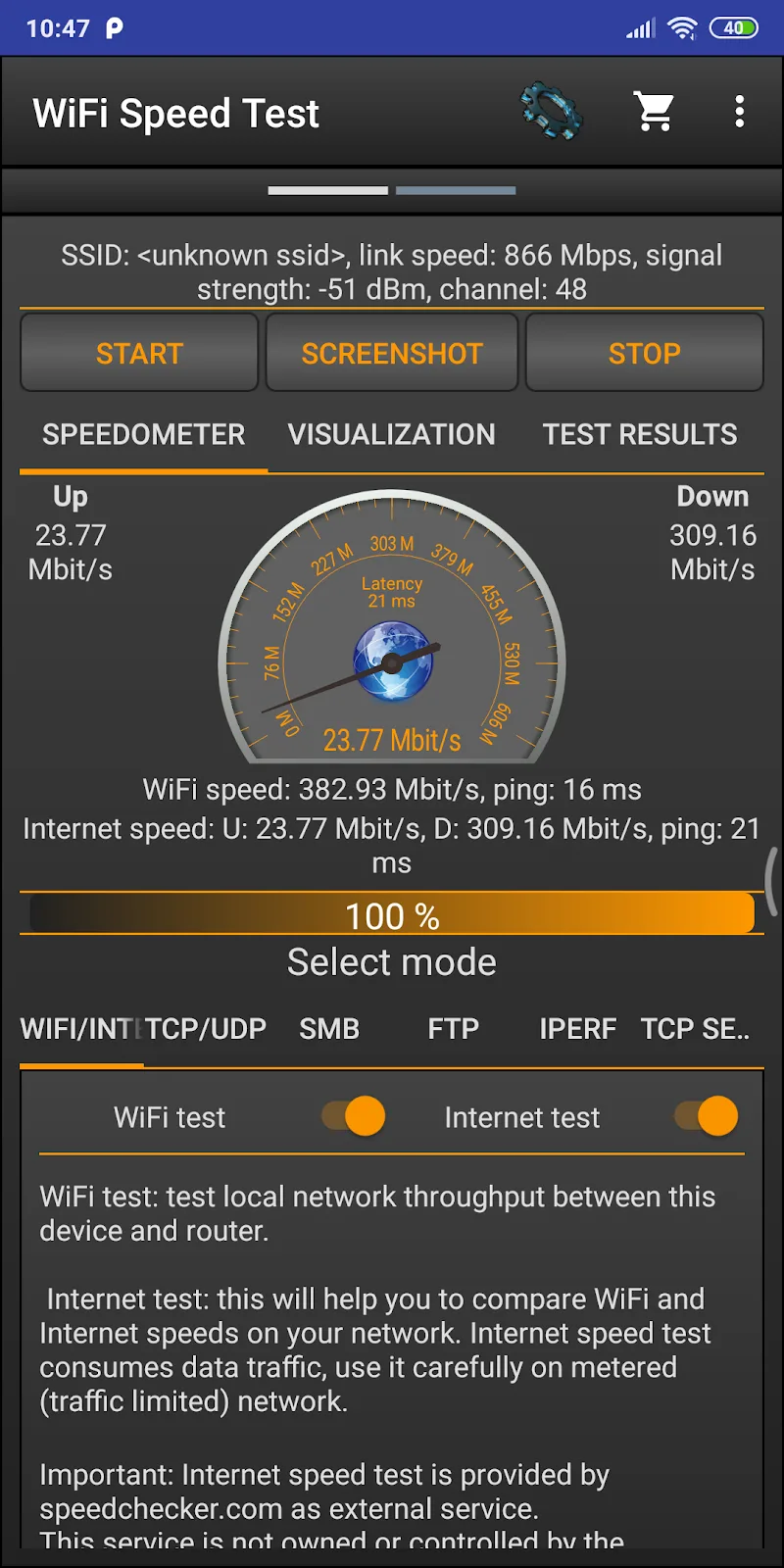
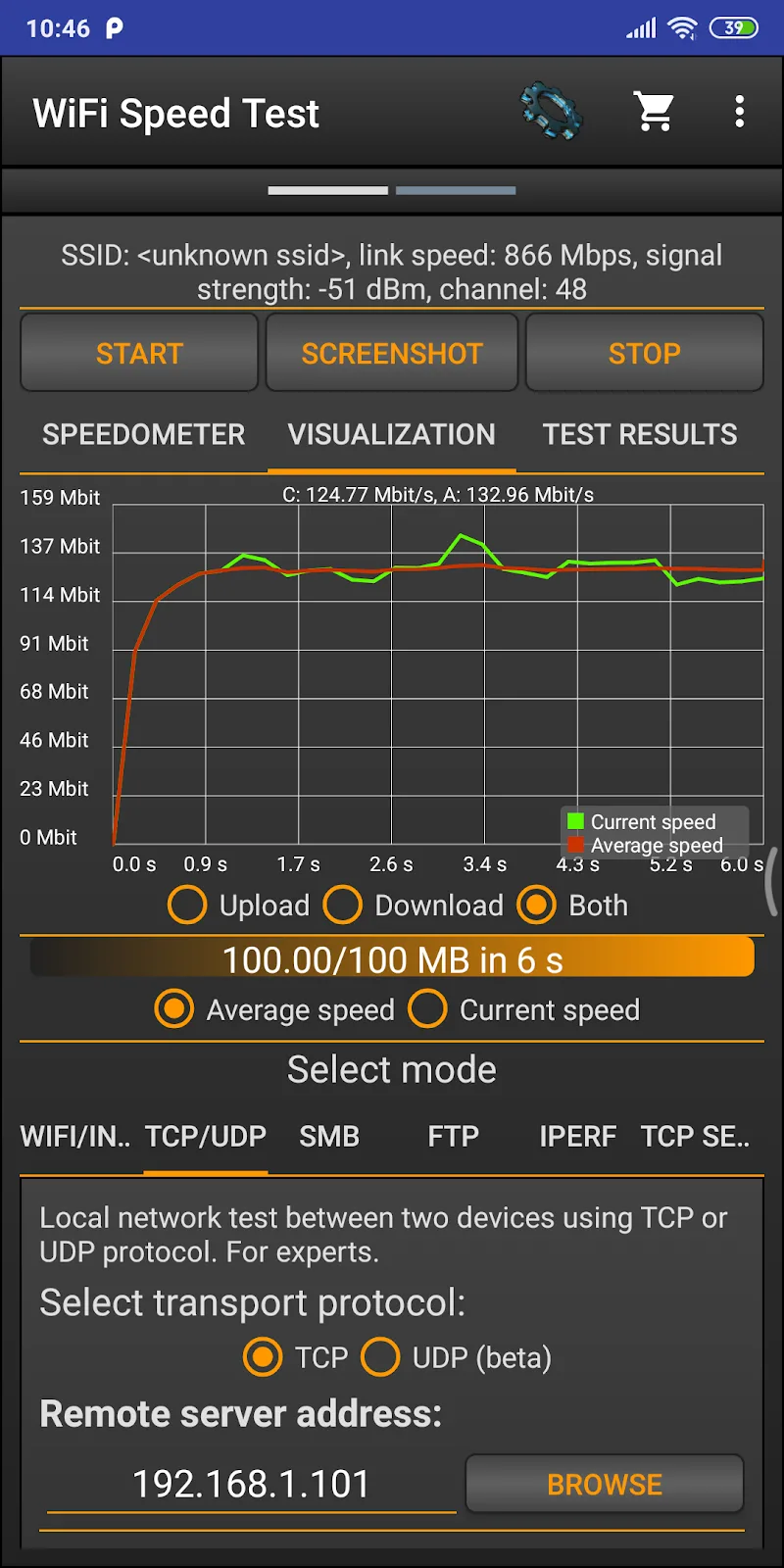
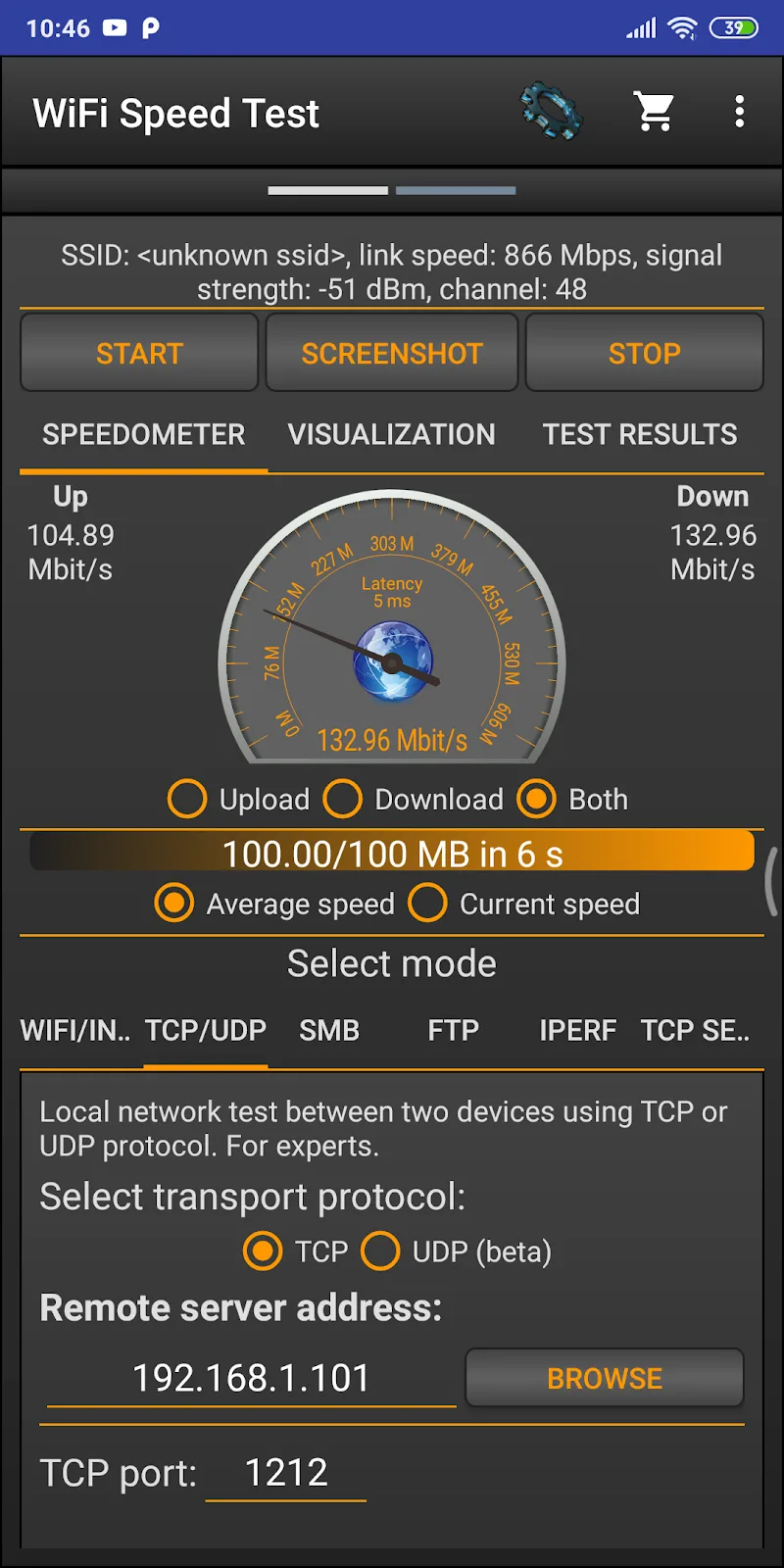
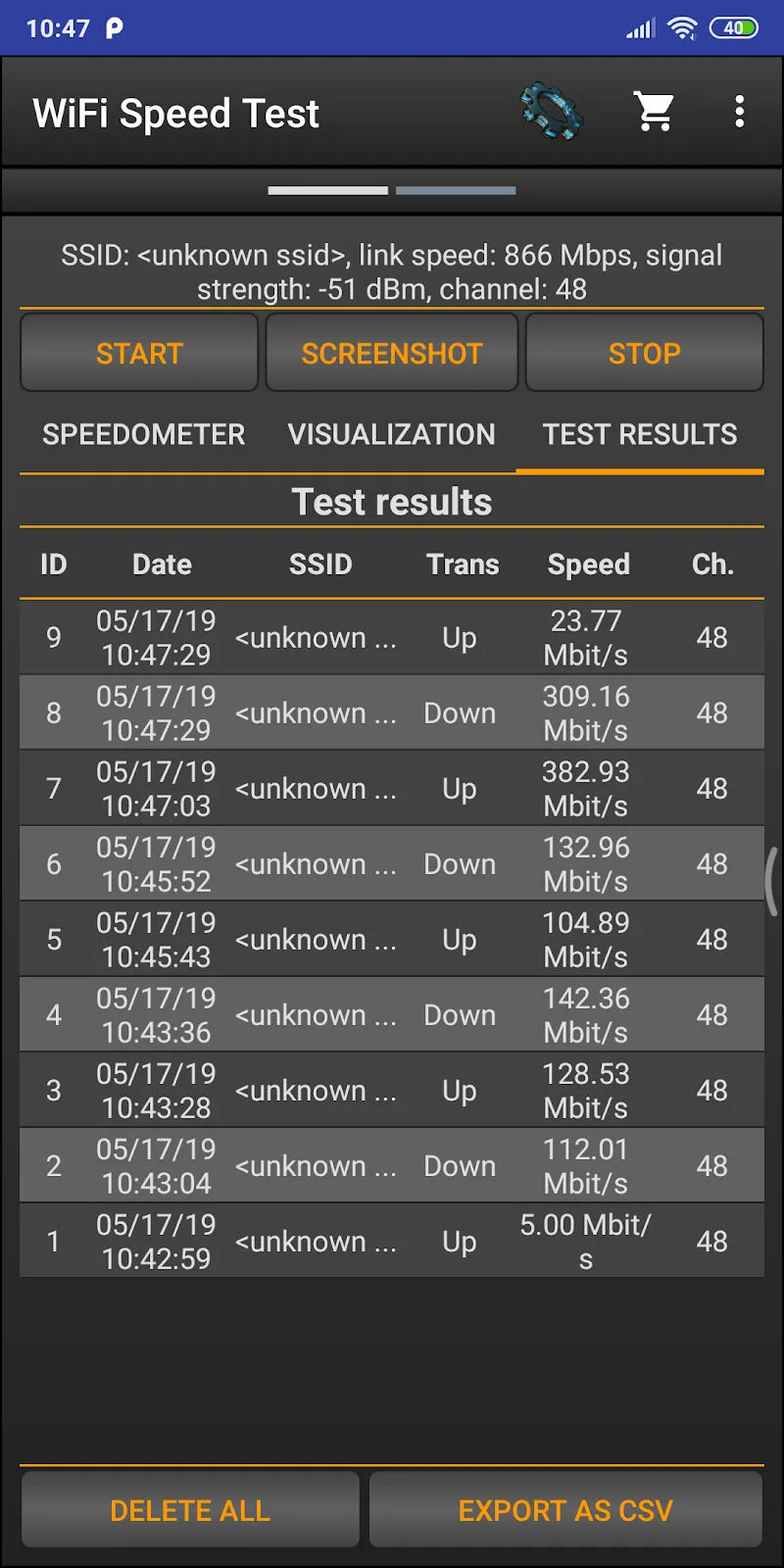
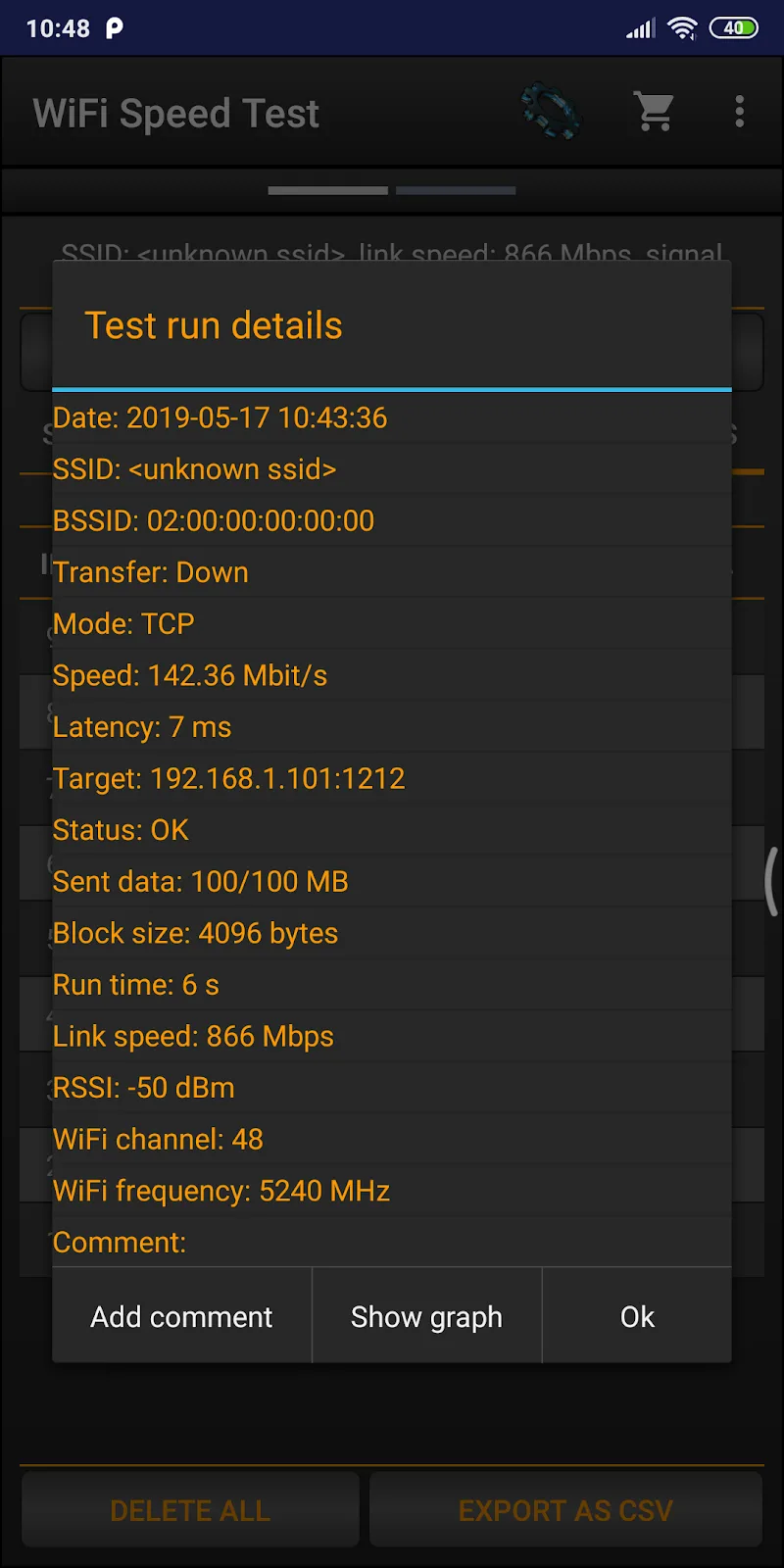
WiFi Speed Test Pro is a compact, professional tool for measuring wireless performance across networks, delivering clear download and upload speeds, latency, and packet loss statistics in a single tap. It supports historical logs, customizable test servers, and visual graphs to help users troubleshoot and optimize connections.
WiFi Speed Test Pro is designed for anyone who needs reliable, fast insight into their wireless network. Whether you maintain a home router, manage a small office, or simply want to verify ISP performance, the app provides precise measurements and actionable data. Results are presented with readable metrics and optional advanced telemetry for deeper analysis.
The app combines a clean interface with powerful diagnostic functions. Important features include:
Tests are executed by connecting to a selected server and transferring data in controlled bursts to estimate throughput. The app automatically negotiates a realistic payload size, times transfers with high-resolution timers, and calculates statistical metrics. For latency, small probe packets are measured repeatedly to produce median and percentile values rather than relying on a single sample.
Raw numbers can be misleading without context. WiFi Speed Test Pro helps interpret findings by labeling results with recommended thresholds and short explanations. For example, a low download speed might indicate ISP throttling, router congestion, or poor signal quality. High jitter and packet loss typically point to interference, overloaded access points, or distance-related degradation.
Use this step-by-step approach with the app to isolate network problems:
The user interface emphasizes clarity and speed. Main controls are instantly accessible, tests complete quickly, and results appear in a concise dashboard. Advanced pages expose raw metrics, graphs, and export buttons for power users. Tooltips and short help text guide less technical users without cluttering the primary workflow.
WiFi Speed Test Pro is optimized for minimal battery and CPU usage during measurements while maintaining timing precision. It supports a broad range of Android versions and typical Wi-Fi hardware. The app adapts tests to available network conditions and automatically retries transient failures to avoid false negatives.
All diagnostic data collected by WiFi Speed Test Pro stays local unless the user chooses to export or share logs. The app does not require unnecessary permissions; network access permission is used strictly for testing and server communication. Exported files are plain CSV for transparency and compatibility with common analysis tools.
To begin, install the app, grant the required network permission, and run a quick test near your router. Use the server list for geographically varied tests and save sessions when diagnosing intermittent issues. Regular checks with WiFi Speed Test Pro help establish expected performance levels so you can quickly spot anomalies.
WiFi Speed Test Pro balances simple, fast testing with deeper analytical capabilities, making it a useful addition to any toolkit for network troubleshooting and performance verification.
WiFi Speed Test Pro
Size:8.11M ToolsGG Mouse Pro 2
Size:45.82M ToolsResource Monitor Mini Pro
Size:3.19M ToolsSmart Keyboard Pro
Size:23.22M ToolsMyScript Math: Solve & Plot
Size:108.76M ToolsText Repeater
Size:11.73M Tools3Dcalc+
Size:12.59M ToolsMyScoreTracker
Size:80.28M ToolsPanda Touch Pro
Size:18.13M ToolsDual Space : Multi App
Size:7.23M ToolsSound Recorder Plus: Voice Rec
Size:20.50M ToolsVoice Notebook
Size:2.54M ToolsApril 2024 Clash of Clans Update: Unveiling a Fresh Companion, Enhanced Levels, Chat Tagging, and Be
2024-04-16Arrival of Genshin Impact 4.6 Update: 'Embers of Two Realms, Twilight of Crimson'
2024-04-16V2.2 of the Farlight 84 update introduces an overhauled Season structure, fresh in-game currency, an
2024-04-16Monster Never Cry is now accessible on both Android and iOS mobile devices.
2024-04-18PUBG Mobile Teams Up with Bentley Motors: Luxury Cars, Exclusive Collectibles, and Beyond
2024-04-18March 2024 Free Redemption Codes for Honkai: Star Rail
2024-04-18