English
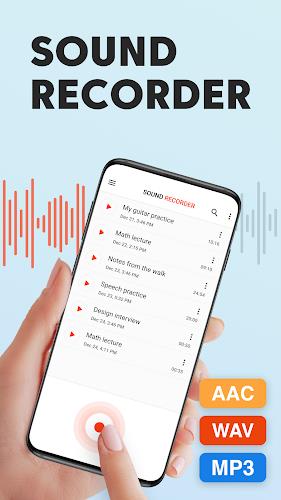
Sound Recorder Plus: Voice Rec is a compact yet powerful Android recording utility designed for clear audio capture across meetings, lectures, and field notes. The app combines high-quality codecs, flexible file management, and simple editing tools to make recording reliable and easy for everyday and professional use.
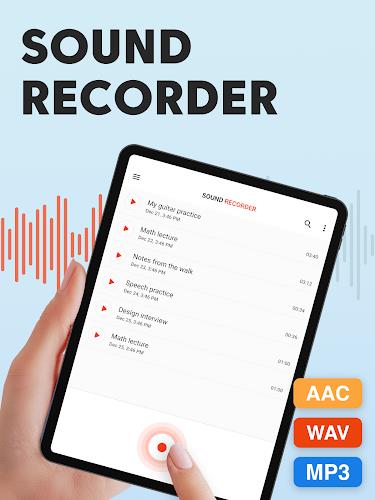
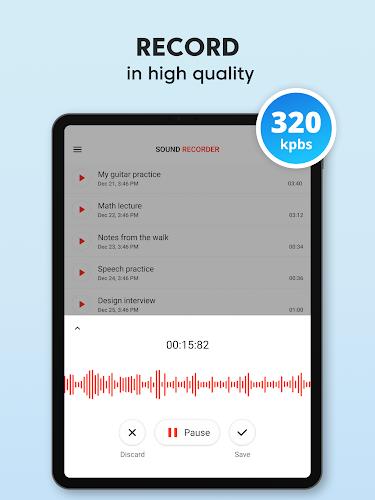
At its core, Sound Recorder Plus: Voice Rec records audio with minimal fuss. It supports common file formats, adjustable sample rates, and options for mono or stereo capture. Whether you want a short voice memo or a long conference recording, the app adapts to different needs while keeping the user interface uncluttered.
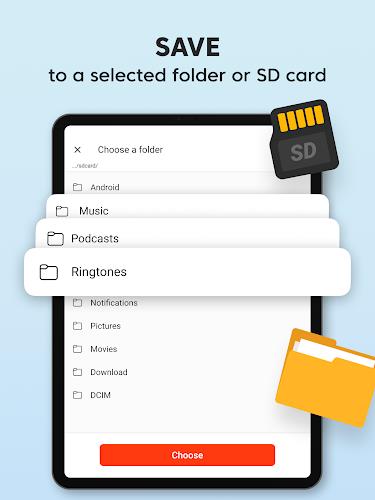
When you tap record, the app initializes the device microphone and displays a waveform meter to show input levels. You can set input gain manually or rely on automatic adjustment. Files are saved in a clearly labeled folder with timestamps and optional user-defined names, so locating a specific session is straightforward.
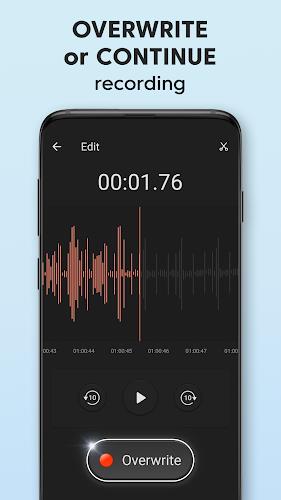
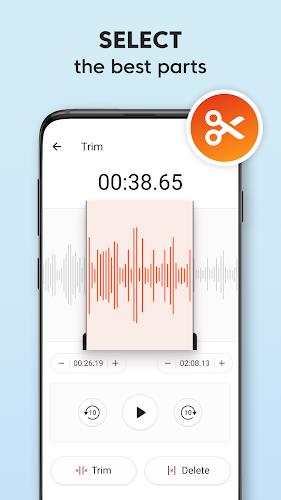
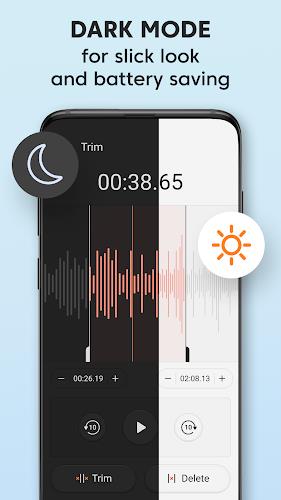
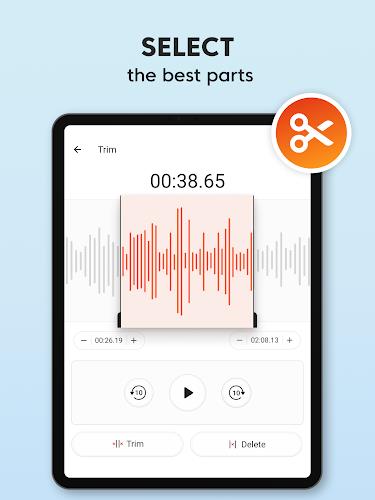
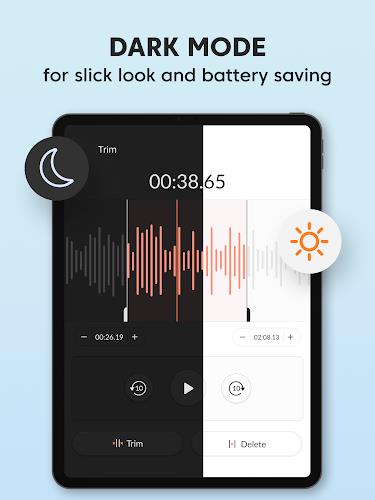
Sound Recorder Plus: Voice Rec includes basic trimming tools so you can remove unwanted sections at the start or end. For more extensive edits, files export cleanly to third-party editors. The app also offers simple normalization and metadata tagging to make long recordings easier to catalog.
The interface prioritizes clarity: large record and stop controls, a persistent status bar, and quick access to key settings. Resource use is optimized to minimize battery drain during long sessions. Developers focused on smooth performance across both older devices and modern phones, keeping background tasks efficient to avoid dropped audio when switching apps.
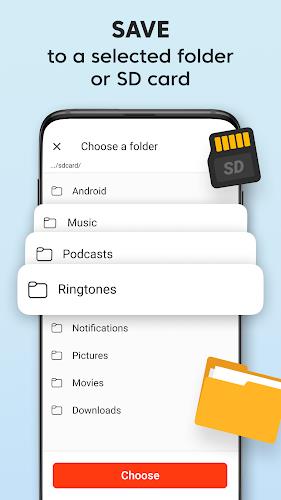
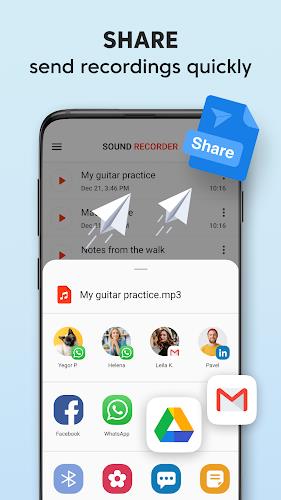
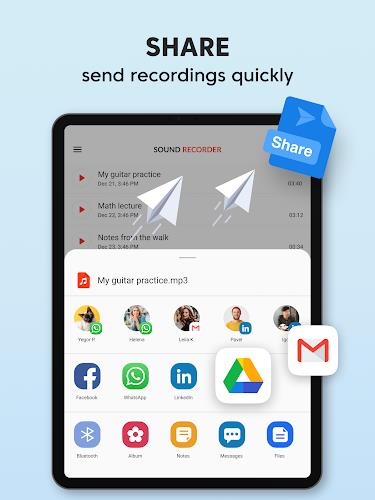
Sound Recorder Plus: Voice Rec requests the minimum permissions needed to operate: microphone access and optional storage access for managing files. Recorded data stays on the device unless you explicitly choose to upload or share it. The app provides an option to automatically back up recordings to selected cloud services for peace of mind.
This app suits a wide range of situations: recording classroom lectures, capturing interviews, creating podcast rough drafts, or simply keeping voice memos. Its scheduling feature can start recordings at a set time for unattended events, and bookmarks let you mark important moments during long sessions for later review.
Install the app, grant microphone permission, and try a quick test recording to adjust input levels. Explore the settings for format and bitrate, and create a sample folder to practice naming and organizing files. Regularly check the storage path so you know where files are saved for easy transfer to a PC or cloud storage.
Sound Recorder Plus: Voice Rec is a practical tool for anyone who needs dependable audio capture on Android. It balances straightforward controls with useful flexibility, making it suitable for students, journalists, content creators, and professionals who prioritize clear recordings and simple file management.

Smart Keyboard Pro
Size:23.22M ToolsMyScript Math: Solve & Plot
Size:108.76M ToolsText Repeater
Size:11.73M Tools3Dcalc+
Size:12.59M ToolsMyScoreTracker
Size:80.28M ToolsPanda Touch Pro
Size:18.13M ToolsDual Space : Multi App
Size:7.23M ToolsSound Recorder Plus: Voice Rec
Size:20.50M ToolsVoice Notebook
Size:2.54M ToolsVPN Australia
Size:18.00M ToolsMulti Parallel
Size:7.00M ToolsRemote for Smart Samsung TV
Size:53.60M ToolsApril 2024 Clash of Clans Update: Unveiling a Fresh Companion, Enhanced Levels, Chat Tagging, and Be
2024-04-16Arrival of Genshin Impact 4.6 Update: 'Embers of Two Realms, Twilight of Crimson'
2024-04-16V2.2 of the Farlight 84 update introduces an overhauled Season structure, fresh in-game currency, an
2024-04-16Monster Never Cry is now accessible on both Android and iOS mobile devices.
2024-04-18PUBG Mobile Teams Up with Bentley Motors: Luxury Cars, Exclusive Collectibles, and Beyond
2024-04-18March 2024 Free Redemption Codes for Honkai: Star Rail
2024-04-18