
English
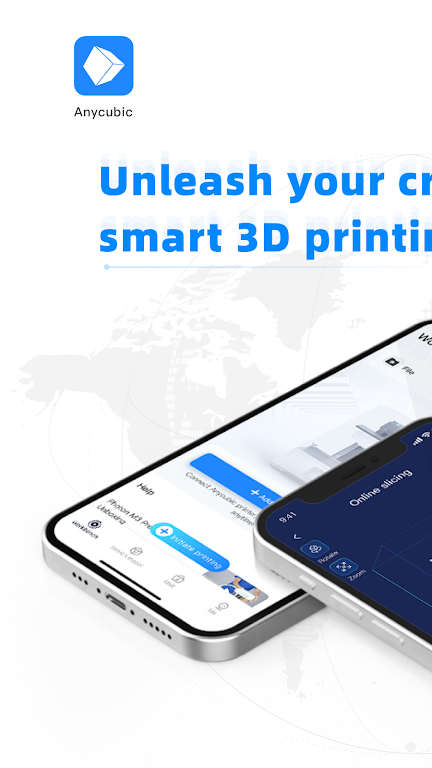
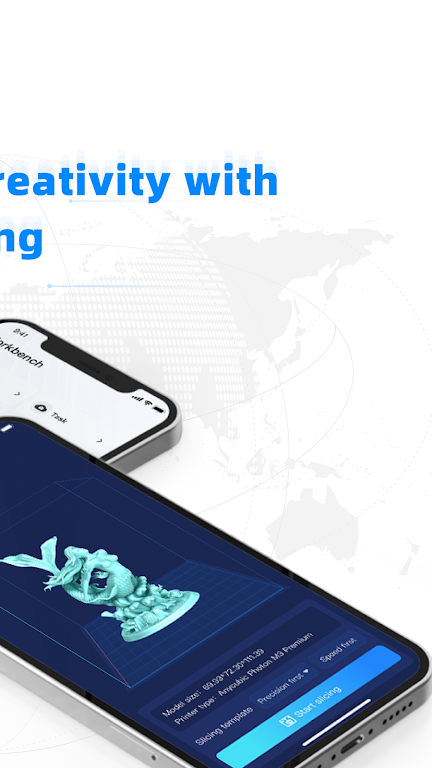
Experience the future of 3D printing with the Anycubic app. Our user-friendly platform offers a seamless "smart printing" experience, allowing you to bring your designs to life with ease. The Workbench feature lets you control your printer from your phone, manage tasks remotely, and receive detailed print analysis reports. Free cloud storage is also available for your convenience. Explore our vast model resources, including pre-sliced files for optimal results. We welcome creative individuals to join our community and showcase their designs. Plus, our Help Center is your go-to resource for troubleshooting and expert printing tips. Start your 3D printing journey with Anycubic today!
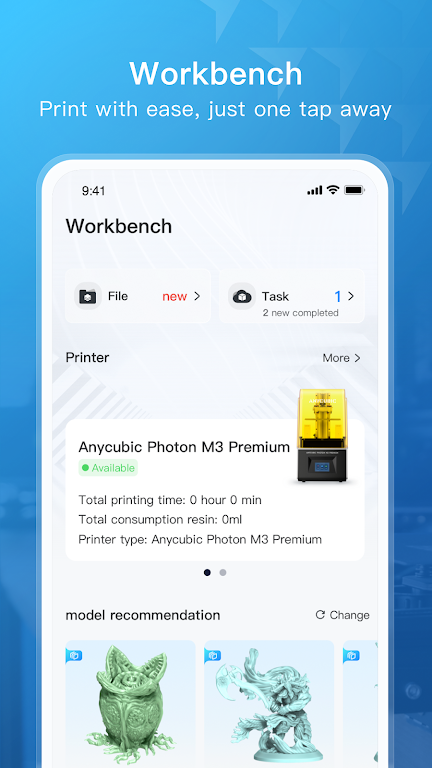
Workbench
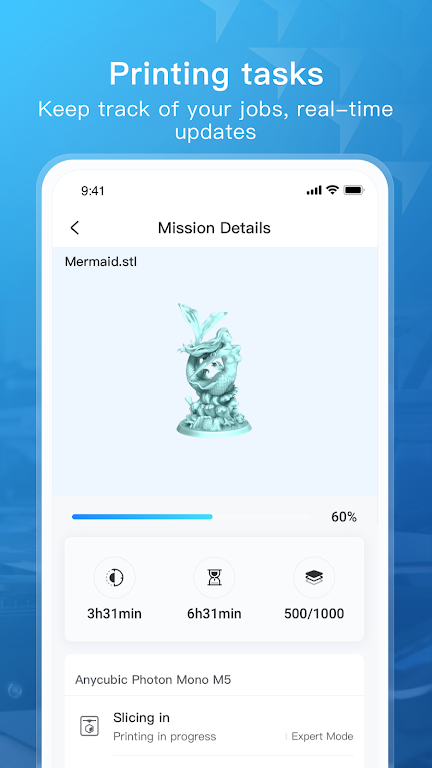
The Workbench feature allows you to connect your phone to your 3D printer and control it remotely. You can start, manage, and monitor your 3D printing jobs from anywhere using your phone. Easily adjust parameters during the printing process and receive a professional print analysis report once printing is complete. Enjoy free cloud storage space for your printing files.
Search Model
Find a wide array of model resources with ease through simple searches. Access sliced files for high-quality prints and showcase your original designs in the model library.
Help Center
Convenient access to use instructions and solutions for common printing problems. Comprehensive, illustrated instructions and professional tips for all users, from beginners to experts.
⭐ Keep your phone connected to your printer for easy remote control and monitoring.
⭐ Utilize the sliced files provided for optimal printing results.
⭐ Refer to the Help Center for instructions and troubleshooting during your printing process.
With the Anycubic app, 3D printing becomes more streamlined and user-friendly than ever before. Take advantage of the Workbench feature for remote control, easily search and find model resources with Search Model, and access helpful instructions and tips in the Help Center. Whether you're a beginner or experienced 3D printer, our app provides all the tools you need for successful and enjoyable printing. Download the Anycubic app now to revolutionize your 3D printing experience.
Car Horn
Size:8.82M ToolsAirFinder USB
Size:67.00M ToolsSystem Information Monitor
Size:9.48M ToolsAll Video Downloader
Size:6.13M ToolsQR Code Generator & Scanner
Size:26.70M ToolsAi NovaMind-gpt5.4 Gemini 3pro
Size:68.30M ToolsPower Clean - Files Cleaner
Size:23.00M ToolsX Videos - Video Downloader
Size:31.00M ToolsWiFi Connect Hub
Size:37.24M ToolsHermandades de Guadix
Size:20.82M ToolsSoliest VPN
Size:28.00M ToolsWalking Tracker
Size:32.30M ToolsApril 2024 Clash of Clans Update: Unveiling a Fresh Companion, Enhanced Levels, Chat Tagging, and Be
2024-04-16Arrival of Genshin Impact 4.6 Update: 'Embers of Two Realms, Twilight of Crimson'
2024-04-16V2.2 of the Farlight 84 update introduces an overhauled Season structure, fresh in-game currency, an
2024-04-16Monster Never Cry is now accessible on both Android and iOS mobile devices.
2024-04-18PUBG Mobile Teams Up with Bentley Motors: Luxury Cars, Exclusive Collectibles, and Beyond
2024-04-18March 2024 Free Redemption Codes for Honkai: Star Rail
2024-04-18














Comment
Yasin Dahlan
Doesn't send verification email of text
Jan 21, 2025 06:48:33
Jerry Sanders
It does not have the anycubic kobra Neo
Jan 21, 2025 06:43:42
Eric B
When are the Kobra 2 series printers getting added? If at all.
Jan 20, 2025 13:13:23
adam smith
Can't make an account or sign in to an account
Jan 20, 2025 12:11:17
Track Noob
Pro's: It worked once CONS: the app never worker again.
Jan 20, 2025 10:30:26
Ben Williams
Anycubic Kobra 2 Neo
Jan 20, 2025 09:35:14