
English
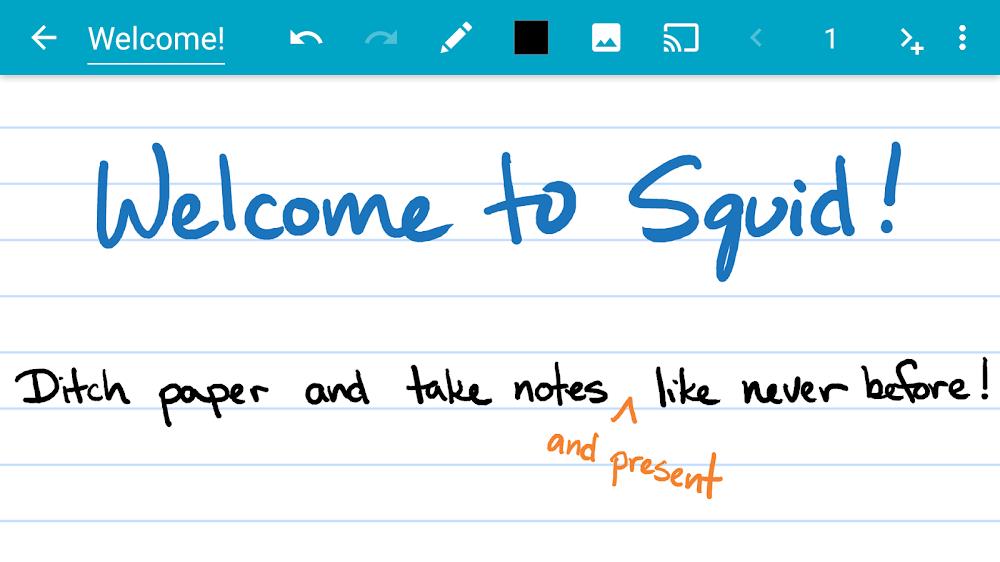
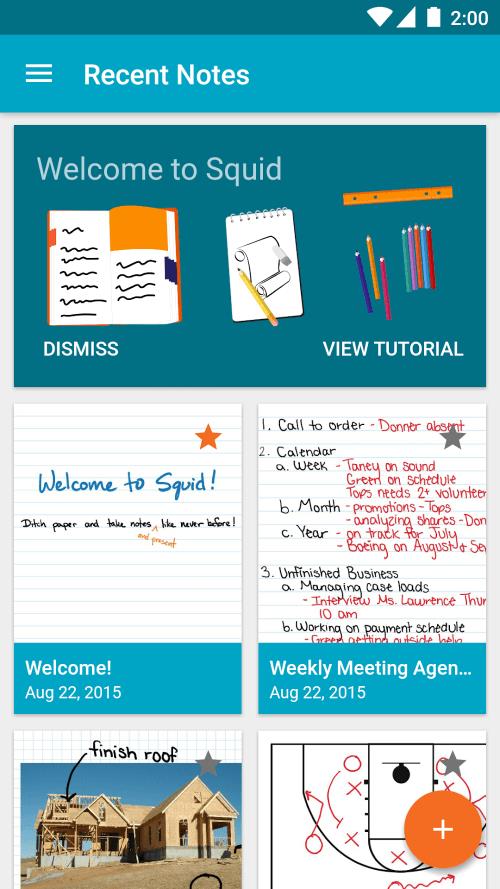
Enhance your note-taking experience with Squid! This versatile app allows you to write effortlessly on your Android tablet, phone, or Chromebook, just like you would on paper. With over 12 million installs and 12 years of trusted service, Squid offers natural writing with a pen or finger, low latency ink for a seamless experience, and privacy by storing notes on your device. Annotate PDFs, stay organized with versatile tools, and even turn your device into a virtual whiteboard for presentations. With Squid Premium, enjoy additional features like premium paper backgrounds and PDF markup. Say goodbye to paper waste and hello to eco-friendly note-taking with Squid! Try it for FREE today and boost your productivity.
* Natural Writing Experience:
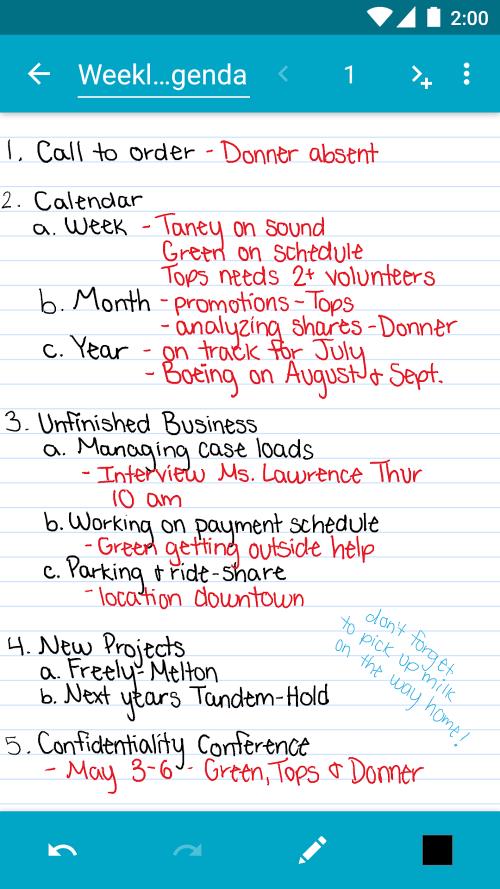
Enjoy a seamless writing experience that mimics writing on real paper. Write with a pen and erase with your finger on active pen enabled devices, or use your finger or capacitive stylus on other devices.
* Privacy:
Rest assured that your notes are stored on your device and are completely private. No account or sign-in is required, and you can backup your notes to your desired location for added security.
* Versatile Tools:
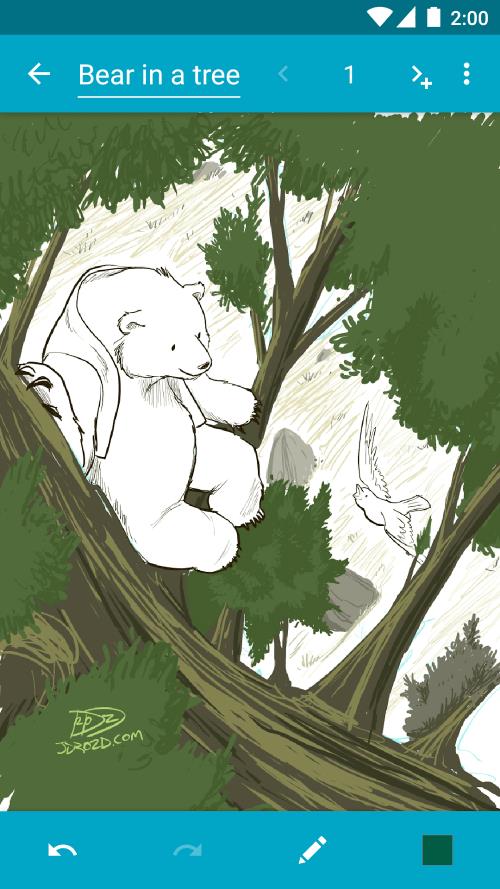
From using any color pen or highlighter to importing images, drawing shapes, and adding typed text, Squid offers a wide range of tools to enhance your note-taking experience.
* PDF Markup and Export:
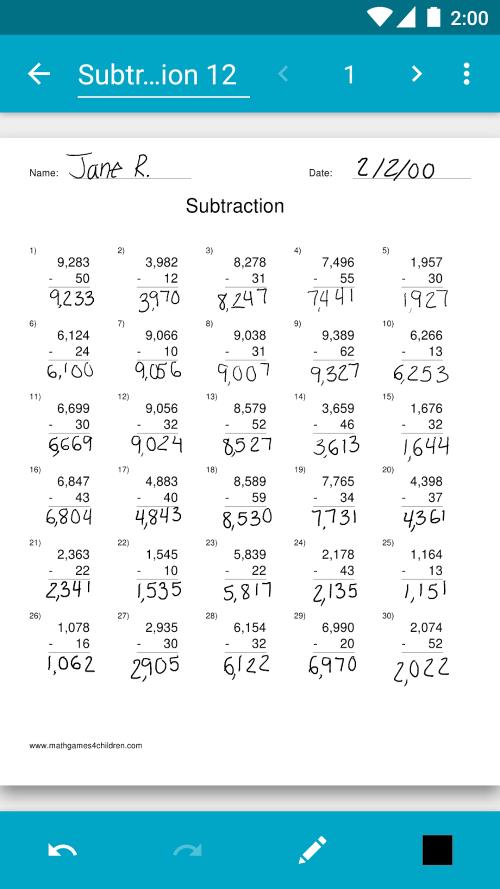
Easily annotate PDFs, fill out forms, edit papers, and sign documents within the app. You can also export your notes as PDFs, images, or Squid Note format to share or store in the cloud.
* Is Squid free to use?
Yes, Squid offers a free version with base features. However, users can upgrade to Squid Premium for additional tools and features.
* Can I use Squid on my Android device?
Yes, Squid is compatible with Android tablets, phones, and Chromebooks. It also supports low latency ink for a more responsive writing experience.
* How secure are my notes on Squid?
Your notes are stored on your device and are completely private. You can also backup your notes to your desired location for added security and peace of mind.
Transform your note-taking experience with Squid: Take Notes, Markup PDFs and enjoy a natural writing experience, versatile tools, and secure storage of your notes. Whether you're annotating PDFs or organizing your notes in folders, Squid has everything you need to enhance your productivity and creativity. Try Squid: Take Notes, Markup PDFs for free today and discover a new way to take digital handwritten notes!
MEK Zeiterfassung
Size:53.00M ProductivityPython Tutorial (Simplified)
Size:19.00M ProductivityDealerPromoter
Size:152.00M ProductivityV2Text
Size:13.48M ProductivityBrainSpark: Science Quiz
Size:22.58M ProductivityKelgué ia
Size:21.42M ProductivityGoalDigger
Size:9216.00M ProductivityNSB Merchant Etawah
Size:72.00M ProductivityOlhar Quarteira
Size:29.20M ProductivityNöbetÇi
Size:37.76M ProductivityPassport
Size:39.00M ProductivityUrl Shortner & Qr Code
Size:12.18M ProductivityApril 2024 Clash of Clans Update: Unveiling a Fresh Companion, Enhanced Levels, Chat Tagging, and Be
2024-04-16Arrival of Genshin Impact 4.6 Update: 'Embers of Two Realms, Twilight of Crimson'
2024-04-16V2.2 of the Farlight 84 update introduces an overhauled Season structure, fresh in-game currency, an
2024-04-16Monster Never Cry is now accessible on both Android and iOS mobile devices.
2024-04-18PUBG Mobile Teams Up with Bentley Motors: Luxury Cars, Exclusive Collectibles, and Beyond
2024-04-18March 2024 Free Redemption Codes for Honkai: Star Rail
2024-04-18















Comment
Justin Evans
App used to be great. Could have used some more general drawing features (shapes, object rotation, not covering the screen with the keyboard, etc) but app is now unusable. Crashes immediately on opening. Worked fine before new updates.
Jan 27, 2025 14:09:48
Kathryn Monterosso
I'm really enjoying this app! I downloaded it in an effort to stay organized at work. I love that I can upload PDFs and edit them. I really like that I can duplicate pages and have an ongoing book of the same PDF. It's nice since I use the same template to take notes. I do wish there was a way to hide or disable the navigation bar when taking notes though. I keep hitting the home and page swap buttons with my hand. Overall though this app is exactly what I need it to be! (I'm using this on a Galaxy Tab S6 Lite w/ S Pen)
Jan 26, 2025 12:05:40
GLAUCO DAMAS
Using the free version and liking it (but it lacks more pens, brushes...). Good to use with my S Pen (Note 10+). Finally I can choose paper size in an app like this and share perfectly as PDF. I was ready to upgrade to premium and abandon Samsung Notes... BUT... only then I found that I have to use Dropbox or Box to sync my notes. Unacceptable. Sorry.
Jan 25, 2025 15:33:55
No Reply
I have been using Squid for years and I can't imagine life without it. There are two improvements I would like to see. The biggest one for me would be native syncing between devices. Usually I try to take notes on my tablet whenever possible but sometimes I just don't have time to get it out or can carry it with me so I use my phone. There is backup/restore which can kind of work as synching but you have to manually do it on both devices before and after. The 2nd is a checkmark shape for lists.
Jan 25, 2025 05:52:57
A Google user
I enjoyed using the app initially, but over time the lack of google drive support and the intermittent syncing to Dropbox became a deal breaker. Even lost work because of that. Existing sync option further unsatisfactory because they use their own file format. One is not able to save annotations to PDFs and keep them organized in any pre-existing structure without lots of manual steps. Shame, stylus support is great but everything else unacceptable these days.
Jan 25, 2025 03:44:55
Michael R
Useful. It's useful for writing onto PDF documents without having to use a printer... and that is awesome.
Jan 24, 2025 13:00:39