
English
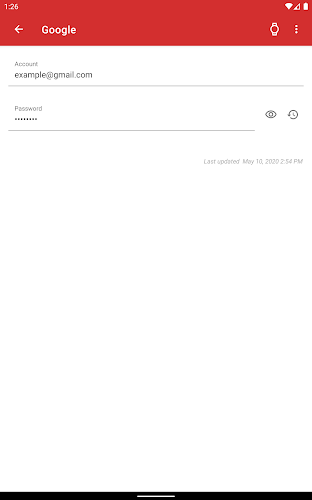
My Passwords Manager is a local password manager built to store your login credentials, account notes and links securely on your Android device without requiring an internet connection. My Passwords Manager uses strong AES-256 encryption and supports optional biometric or numeric PIN access so you can generate, save and retrieve passwords with minimal exposure to networks. The application is designed to lock automatically when the screen turns off and to keep data offline by default while providing practical tools such as a password generator, CSV/PDF export, printable backups and customizable folders and labels to simplify daily credential management.
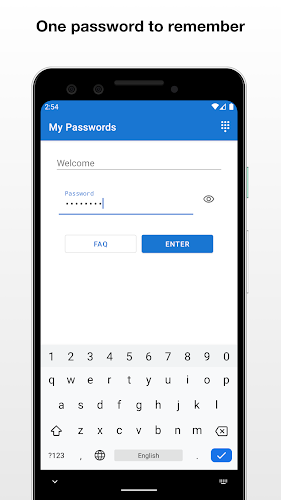
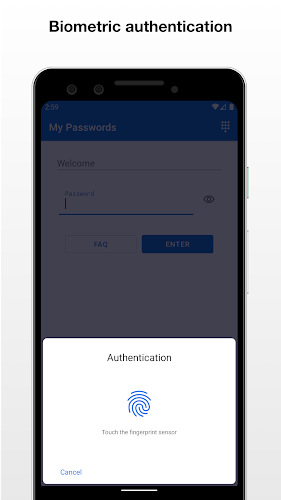
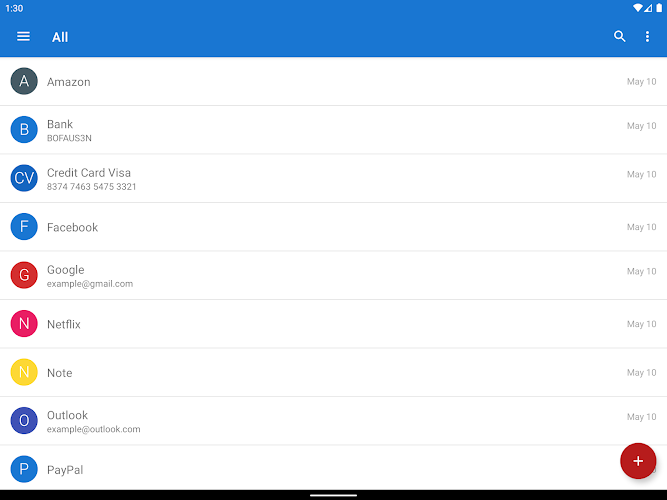
The app offers end-to-end local encryption for each stored item and an adjustable access flow that includes a master key, numeric transaction code and biometric unlock where the device supports it. A built-in password generator helps create strong random passwords with configurable length and character sets. You can attach notes and quick links to individual entries and organize entries into nested folders and labeled categories. Export options include CSV and PDF formats as well as user-authorized bulk printing for offline archival, while backup and restore operate via local files kept under encryption to preserve control of your data.
On first use you set a master key and an optional recovery procedure; the app walks you through creating an initial vault, generating or importing a first set of entries and setting up biometric unlock if desired. Controls are straightforward: tap to open an entry, long-press to edit or move items between folders, and swipe gestures can be used to reveal quick actions depending on your device. Progression is simple and user-driven — you start by adding essential accounts, then add labels and subfolders as your collection grows so your organization evolves with your needs rather than requiring complex configuration up front.
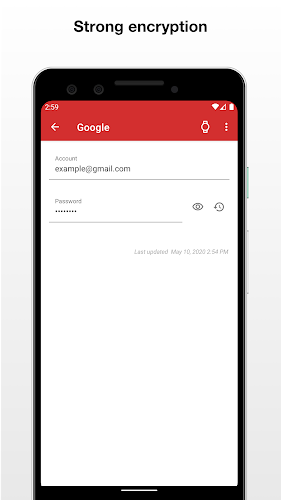
Security is a primary focus: AES-256 encryption is applied locally and the vault remains on the device unless you explicitly export it. The app provides configurable auto-lock settings and an option that clears stored data if the master key is irretrievably lost, which is a protective but irreversible safeguard designed to prevent unauthorized access. There is no automatic cloud synchronization, reducing the surface area for remote attacks; instead, the app favors local backups and manual export so you retain full control of where your credentials are stored.
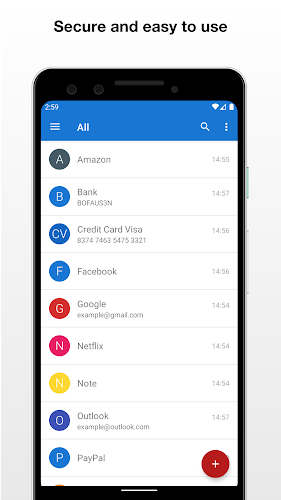
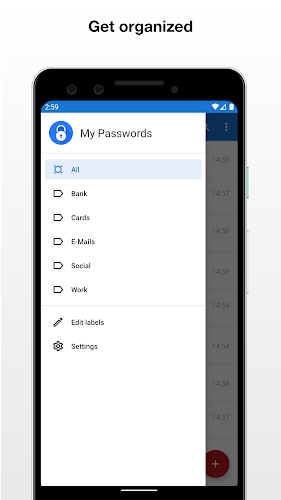
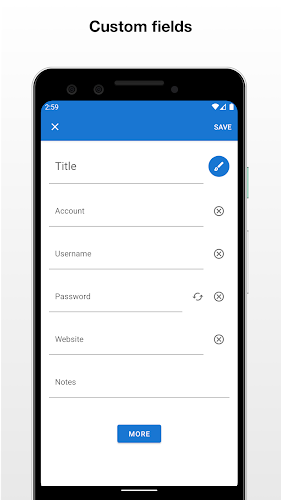
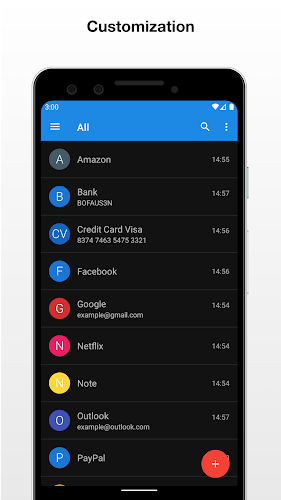
My Passwords Manager supports customizable folders, labels and multiple custom fields per entry so you can tailor the structure to your workflow, whether you track personal accounts, work logins or device serials. Visual options include adjustable list layouts and a compact view for quicker scanning of large libraries. The folder and label system acts like levels within your vault: top-level folders hold categories, subfolders refine organization and labels let you cross-reference items across groups for fast discovery.
The interface emphasizes clarity and low friction: large touch targets, high-contrast text, and simple editing screens make entry management quick on phones and tablets. Accessibility settings respect Android font scaling and basic screen reader behavior so users who rely on assistive technologies can interact with entries and security controls. Offline-first operation also improves responsiveness because the app does not depend on network latency for core functions.
Export features let you create CSV or PDF snapshots of selected folders or your entire vault; these operations require explicit user permission and are intended for local archival or secure printing. Backup and restore are handled through encrypted files you save to local storage or a removable drive. Because the app avoids automatic syncing, backups are a manual but transparent step that gives you direct control over where copies are stored and how they are protected.
My Passwords Manager intentionally does not provide automatic cross-device synchronization, so if you need cross-device access you will need to export and import backups manually. Another important consideration is that if the master key is forgotten and the irreversible destruction option is enabled, stored data cannot be recovered, so periodic secure backups are recommended. These design choices favor maximum local control and reduced exposure to online threats at the cost of convenience for multi-device users.
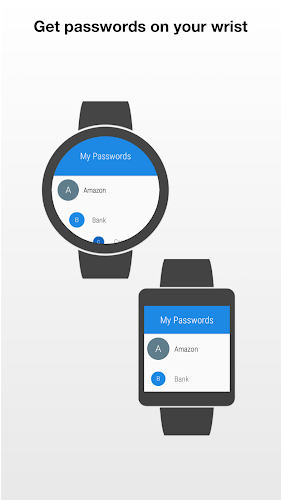
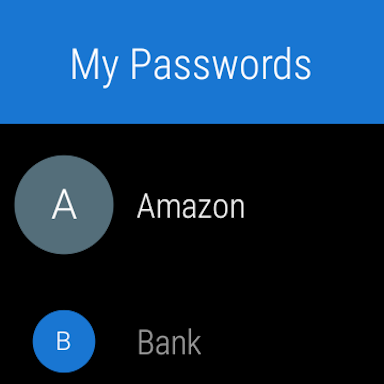
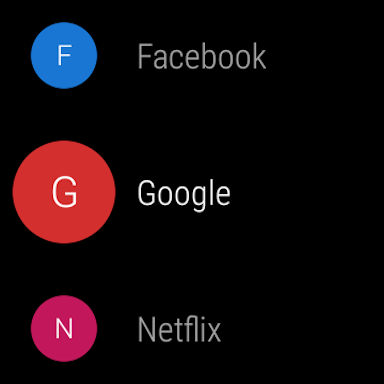
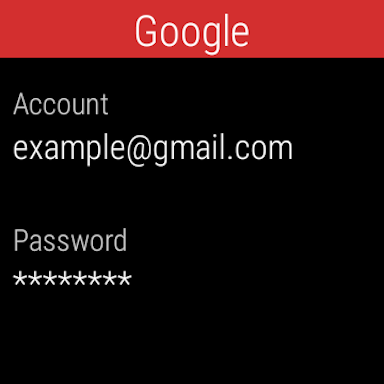
The latest update improves compatibility with Android 13 and addresses stability issues previously reported on smartwatch devices, enhancing reliability across supported hardware. Ongoing maintenance focuses on improving biometric integrations, fixing device-specific bugs and preserving the app's offline-first model while refining accessibility and export tools to match user feedback.
LifeUp: Gamified To Do List
Size:17.35M ProductivityVPN Proxy Speed
Size:53.00M ProductivityAI Logo Generator (LogoWiz)
Size:41.50M Productivity3D Logo Maker
Size:39.30M ProductivityAI Chat: Ask AI Chat Anything
Size:42.20M ProductivityStars and Planets
Size:116.42M ProductivityImageMeter
Size:119.22M ProductivityHabitKit
Size:56.87M ProductivityMy Passwords Manager
Size:10.60M ProductivitymiMind
Size:48.30M ProductivityCute Note DDay Todo
Size:15.31M ProductivityCleverType AI Keyboard
Size:33.83M ProductivityApril 2024 Clash of Clans Update: Unveiling a Fresh Companion, Enhanced Levels, Chat Tagging, and Be
2024-04-16Arrival of Genshin Impact 4.6 Update: 'Embers of Two Realms, Twilight of Crimson'
2024-04-16V2.2 of the Farlight 84 update introduces an overhauled Season structure, fresh in-game currency, an
2024-04-16Monster Never Cry is now accessible on both Android and iOS mobile devices.
2024-04-18PUBG Mobile Teams Up with Bentley Motors: Luxury Cars, Exclusive Collectibles, and Beyond
2024-04-18March 2024 Free Redemption Codes for Honkai: Star Rail
2024-04-18

















