
English
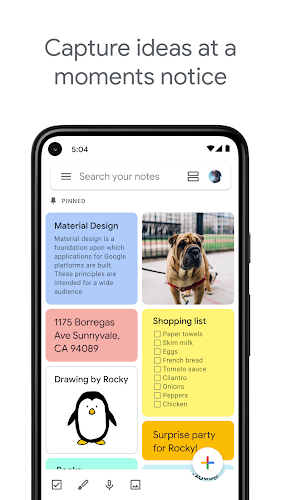
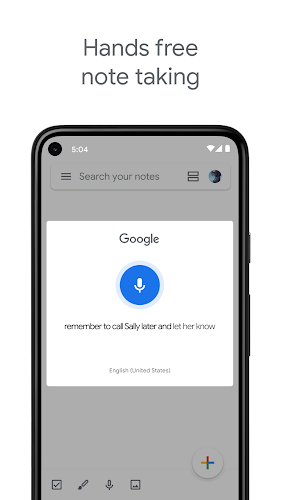
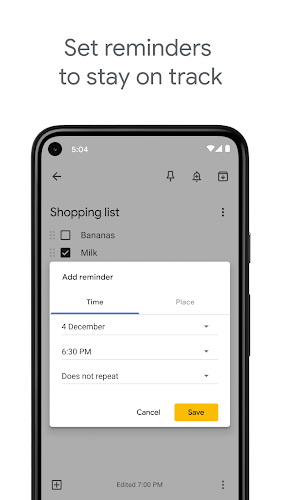
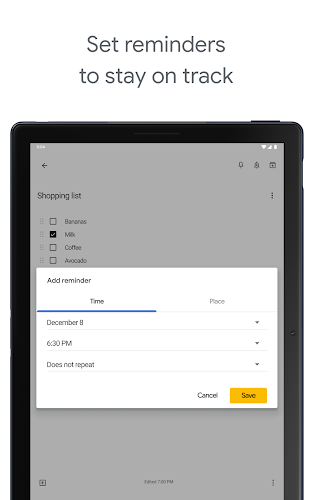
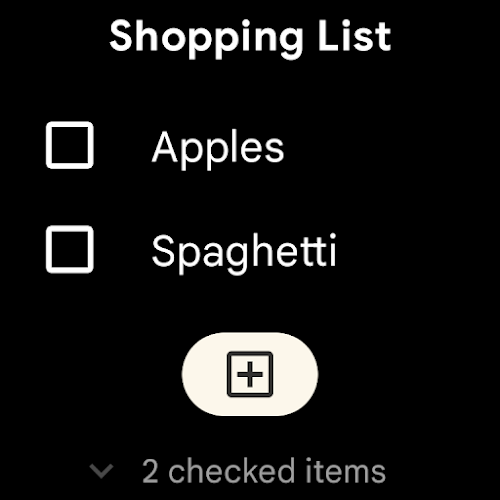
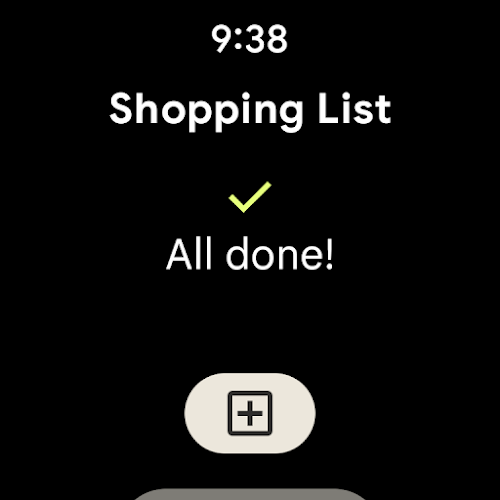
Google Keep - Notes and Lists is the ultimate organizational tool for capturing ideas, reminders, and to-do lists. Whether you prefer typing, speaking, or snapping a photo, Keep can transcribe voice memos and scan documents for easy access. Share notes with friends and family for seamless collaboration, color code and label notes for quick organization, and search for items effortlessly. With widgets on your phone and tablet, plus compatibility with Wear OS devices, your thoughts are always within reach. Set location-based reminders, access Keep across multiple devices, and never forget a detail again. Stay on top of your tasks with Google Keep for seamless productivity.
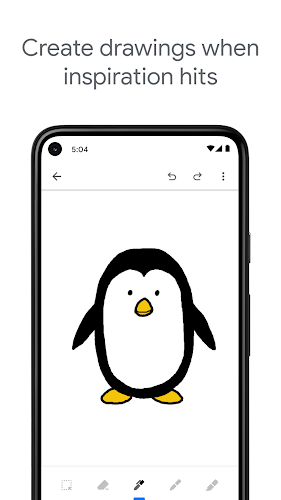
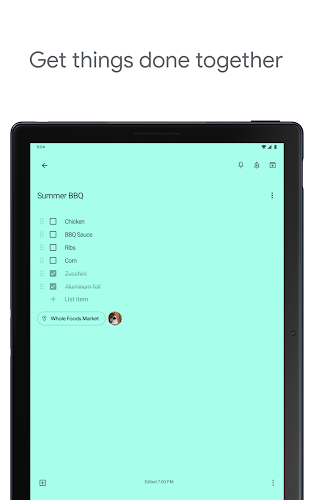
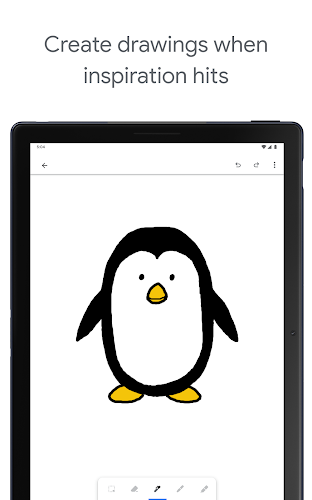
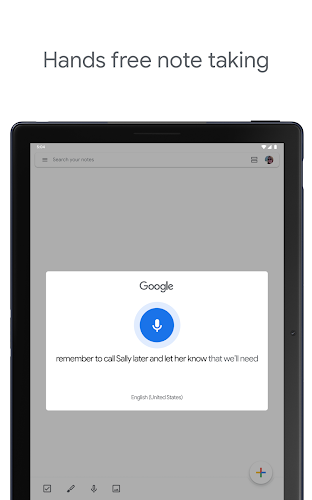
- Easy note-taking: Google Keep allows users to quickly jot down notes, create lists, and snap photos all in one convenient app. With the option to record voice memos, users can capture their thoughts on the go without any hassle.
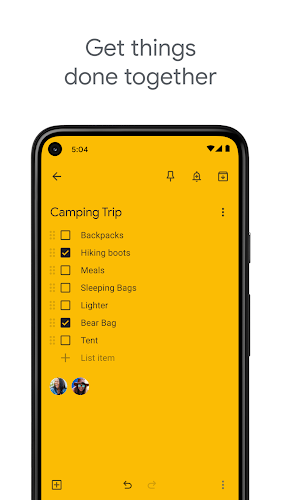
- Share and collaborate: Planning events or projects with friends and family is a breeze with Google Keep. Users can easily share their notes and collaborate in real-time, making it simple to stay organized and on track.
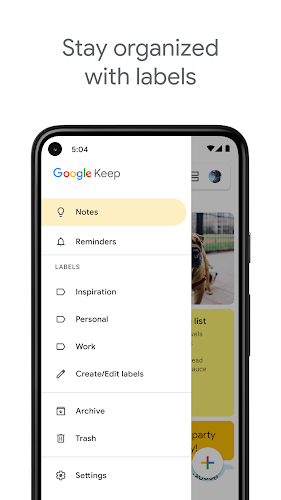
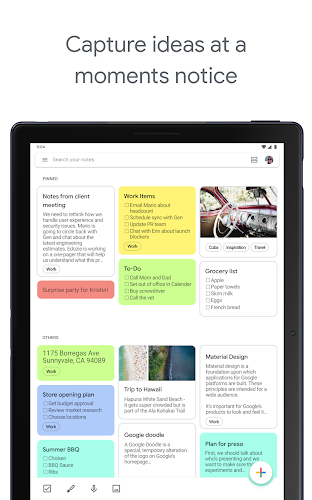
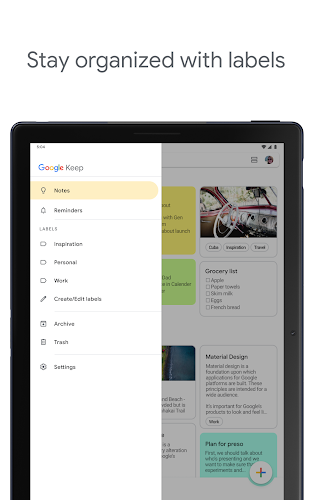
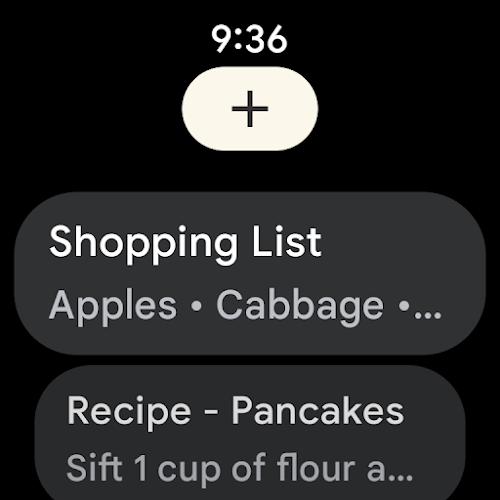
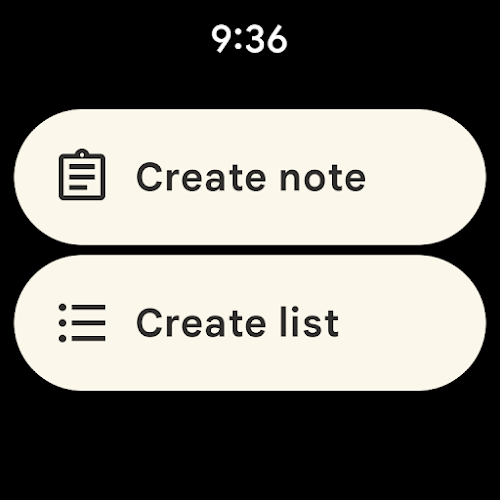
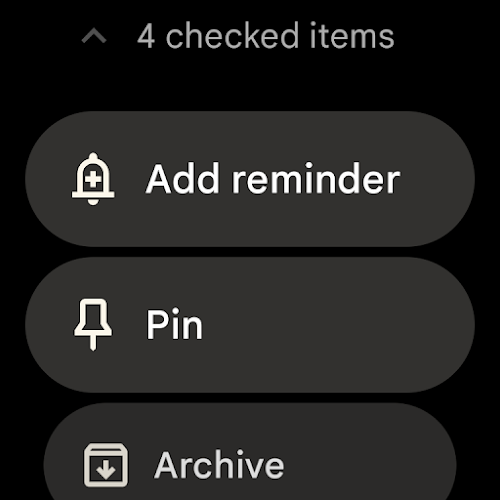
- Organization made simple: With the ability to color code and add labels to notes, users can quickly organize and find what they need with a simple search. Pinning notes to home screens and adding shortcuts on Wear OS devices makes accessing important information even easier.
- Seamless syncing across devices: Google Keep syncs all data across phones, tablets, computers, and Wear OS devices, ensuring that users can access their notes anytime, anywhere. This feature guarantees that important information is always within reach.
- Is Google Keep free to use?
Yes, Google Keep is completely free to use and is accessible on a variety of devices.
- Can I access Google Keep offline?
Yes, Google Keep allows users to access and edit notes offline, and any changes made will sync once an internet connection is established.
- Are my notes secure on Google Keep?
Google Keep utilizes secure cloud storage to keep user data safe and protected from unauthorized access.
In conclusion, Google Keep - Notes and Lists is the ultimate note-taking app that offers convenience, organization, and seamless syncing across all devices. Whether you need to quickly jot down a thought, collaborate with others, or stay organized, Google Keep has you covered. With its user-friendly interface and versatile features, Google Keep is a must-have app for anyone looking to streamline their note-taking process and stay on top of their tasks and projects. Download Google Keep today and experience the simplicity and efficiency of this innovative app.
Coinpal: Earn Cash Reward
Size:10.00M ProductivityOptical Emotions
Size:18.98M ProductivityRepioK TV
Size:17.67M ProductivityPodix Speech
Size:55.55M ProductivityJornadas FCCN 2025
Size:26.03M ProductivityContentHub
Size:58.76M ProductivityHueflow
Size:31.49M ProductivityJust Do Something: Daily Ideas
Size:16.30M ProductivityMy Bookshelf - Book Inventory
Size:38.00M ProductivityToyJoy Box – My Toy Collection
Size:27.00M ProductivityBonix AI
Size:14.00M ProductivityBetnation
Size:20.00M ProductivityApril 2024 Clash of Clans Update: Unveiling a Fresh Companion, Enhanced Levels, Chat Tagging, and Be
2024-04-16Arrival of Genshin Impact 4.6 Update: 'Embers of Two Realms, Twilight of Crimson'
2024-04-16V2.2 of the Farlight 84 update introduces an overhauled Season structure, fresh in-game currency, an
2024-04-16Monster Never Cry is now accessible on both Android and iOS mobile devices.
2024-04-18PUBG Mobile Teams Up with Bentley Motors: Luxury Cars, Exclusive Collectibles, and Beyond
2024-04-18March 2024 Free Redemption Codes for Honkai: Star Rail
2024-04-18














Comment
Vanshika
This app is great to take notes. Not too sophisticated and perfect for just taking notes. However I find it annoying that drawings and images just sit at the top of the page. It would be nice if it were incorporated it with the text. Also, the recording quality is very poor, plus it tries to capture each and every word we say, instead of focusing on the sound, which I find quite odd. One more suggestion: I would like to import an image and be able to use it as a background to my notes.
Jan 31, 2025 07:40:41
Leon Johnson
This app has been great in the past. The issue I've noticed recently is that the compatibility with Google Assistant isn't working properly. I'll ask Google to add something to my shopping list, and it'll confirm it's been added, but when I actually open the list, it hasn't been added! Google Assistant has been confirming items all week, but when I went shopping today,none of the stuff was actually added to my list it was frustrating to try to remember everything when I was counting on this app.
Jan 31, 2025 00:05:04
Angela Parrish
It's indispensable. An extremely simple interface. I was relieved and thrilled to find a Google app that I can sync across devices. While I do hope more formatting features are being developed, it is thus far outstanding. My only concern is how long Google will keep it on before discarding the app I have come to rely on containing vital notes, as well as long term maintenance. The Microsoft OneNote app I heavily depended on every day for nearly 10 years erased everything.
Jan 30, 2025 04:16:00
Faris “Caici” Amelia
Exceptional app mostly. I mean you have the options to take notes as intended, but you have to be careful as the delete button is rather touchy/ sensitive. This is also one of the things that is difficult to remember to back up when doing a factory reset. It doesn't give the options to have a cute little notepad or much more than just basic notes which is required for most of the things that I can use. The only suggestion is that different categories be added, like being able to supply the price
Jan 29, 2025 10:54:39
Leeanne Laughlin
I had a grocery list. I liked it because I could add items on the fly and share it with family members. Unfortunately Google keeps moving it from app to app and every time it becomes less useful. First they removed pictures. Now it can't be alphabetized, which makes it a lot more difficult to find the items I need to shop for. I'm about to delete the whole thing and find some third party app.
Jan 29, 2025 10:19:47
Immanuel Raj
I've been using this app for years. It's decent up to an extend only. One of the downside for now is that the search options is not effective. It's hard to search for a word in a note I made via the given search options. It should be designed to specifically shows me the searched word that I made and not show generally which in which note it's located in.
Jan 28, 2025 19:58:15