English
Gallery: Photo Editor, Collage is the ultimate all-in-one solution for managing and editing images on your Android device. With a built-in gallery feature, users can easily organize their photos into albums, including a secret collection for private images. Gallery: Photo Editor, Collage also offers a powerful photo editing tool with a variety of effects and filters to enhance your images, as well as the option to create stunning photo collages with customizable frame templates. Whether you're a photography enthusiast or just looking to spruce up your social media feed, Gallery: Photo Editor, Collage has everything you need to showcase your creativity and style.
* Comprehensive Image Management: Gallery: Photo Editor, Collage allows users to conveniently view and manage their entire media library in one place.
* Built-in Photo Editing Tools: Users can edit any image quickly with the built-in photo editor that offers both basic and advanced editing functions.
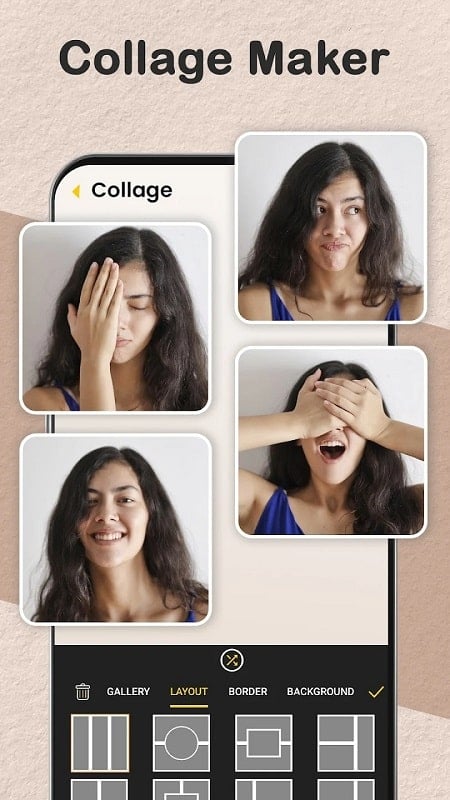
* Customizable Collage Creation: The app provides various frame templates and editing options for users to create unique and impressive photo collages.
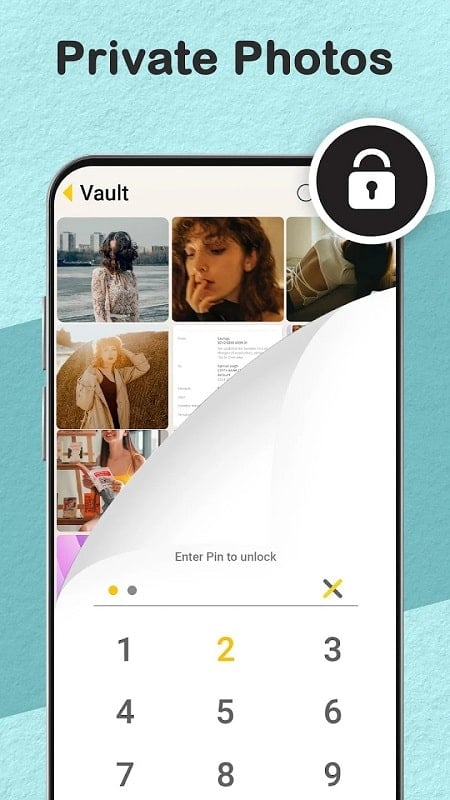
* Privacy Protection: Users can create secret collections with multiple layers of passwords to keep their private images secure.
* Utilize the categorization feature to organize images into different albums for efficient management.
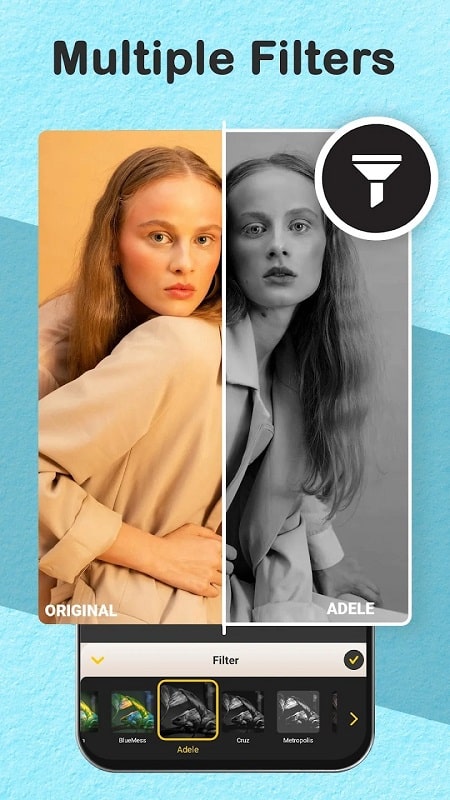
* Experiment with different effects and filters to enhance the appearance of your photos.
* Take advantage of the collage tools to create visually stunning compositions.
Gallery: Photo Editor, Collage is a versatile app that combines image management, photo editing, and collage creation features into one convenient platform. With a user-friendly interface and a wide range of customization options, users can easily enhance and personalize their images. Whether you're looking to organize your photo library, edit images, or create beautiful collages, this app has everything you need to unleash your creativity and make your photos stand out. Download Gallery: Photo Editor, Collage now and unlock the full potential of your image editing experience.

Colorimeter
Size:5.45M ToolsChatBoost
Size:19.33M ToolsRemote Fire TV
Size:48.04M ToolsgetConf - Hidden Settings
Size:16.66M ToolsTracker Detect Pro
Size:10.39M ToolsWiFi Speed Test Pro
Size:8.11M ToolsGG Mouse Pro 2
Size:45.82M ToolsResource Monitor Mini Pro
Size:3.19M ToolsSmart Keyboard Pro
Size:23.22M ToolsMyScript Math: Solve & Plot
Size:108.76M ToolsText Repeater
Size:11.73M Tools3Dcalc+
Size:12.59M ToolsApril 2024 Clash of Clans Update: Unveiling a Fresh Companion, Enhanced Levels, Chat Tagging, and Be
2024-04-16Arrival of Genshin Impact 4.6 Update: 'Embers of Two Realms, Twilight of Crimson'
2024-04-16V2.2 of the Farlight 84 update introduces an overhauled Season structure, fresh in-game currency, an
2024-04-16Monster Never Cry is now accessible on both Android and iOS mobile devices.
2024-04-18PUBG Mobile Teams Up with Bentley Motors: Luxury Cars, Exclusive Collectibles, and Beyond
2024-04-18March 2024 Free Redemption Codes for Honkai: Star Rail
2024-04-18