
English
Looking for a lightweight office app that still packs a punch? Look no further than WPS Office Lite! This beta version allows you to preview the latest features and provide feedback to help improve the app. If you prefer stability and more language and tablet support, you can always switch to the final version of WPS Office. With WPS Office Lite, you can enjoy all the essential tools you need for work and productivity on your mobile device without any unnecessary bulk. Download it now and experience a better way to create, edit, and share documents on the go!
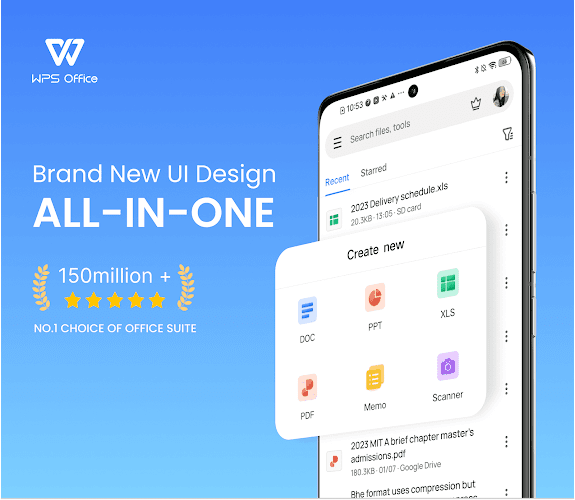
⭐ Sleek and User-Friendly Interface: The interface of 【WPS Office Lite】 is sleek, modern, and very intuitive, making it easy for users to navigate through the different features and tools of the app.
⭐ Lightweight and Fast Performance: Unlike the official version of WPS Office, the lite version is lighter and faster, ensuring smooth performance even on devices with lower specifications.
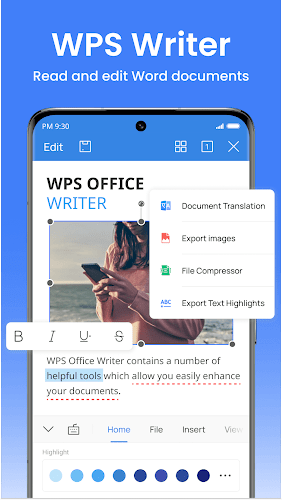
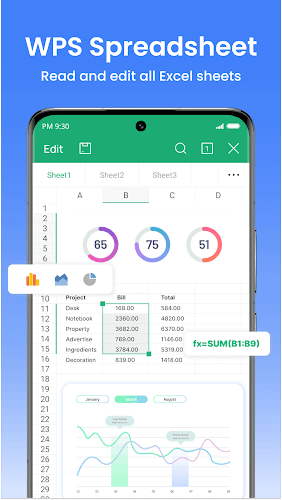
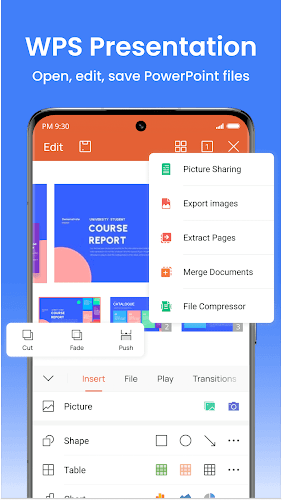
⭐ Essential Office Tools: 【WPS Office Lite】 comes packed with essential office tools like Writer, Presentation, and Spreadsheets, allowing users to create, edit, and view documents on the go.
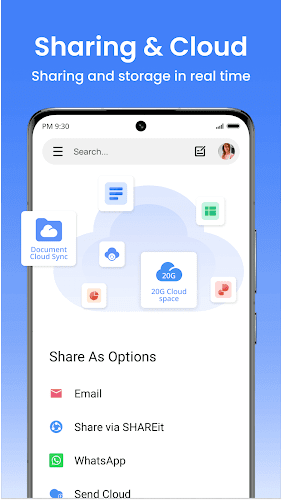
⭐ Cloud Support: With cloud support integration, users can access their documents from anywhere, anytime, and easily collaborate with others.
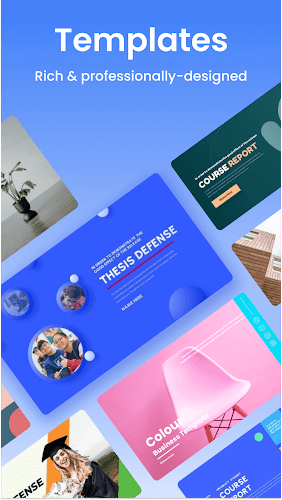
⭐ Explore Templates: Take advantage of the wide variety of templates available in 【WPS Office Lite】 to create professional-looking documents with ease.
⭐ Customize Settings: Tailor the app to your needs by exploring and customizing the settings to enhance your overall experience.
⭐ Utilize Collaboration Tools: Make use of the collaboration tools such as comments, track changes, and real-time editing to work seamlessly with colleagues or friends.
In conclusion, 【WPS Office Lite】 is the perfect solution for users looking for a lightweight, fast, and feature-rich office suite on their mobile devices. With its sleek interface, essential tools, and cloud support, this app offers everything you need to stay productive on the go. Download 【WPS Office Lite】 now and experience the convenience of having a powerful office suite in the palm of your hands.
Hook AI
Size:61.69M ProductivityAgroCat
Size:14.00M ProductivitySeedling
Size:38.32M ProductivityGoIQ CRM
Size:146.00M ProductivityFunny Ringtone
Size:12.00M ProductivityKawaii Animes
Size:52.00M ProductivityClay Art Step By Step Gallery
Size:10.01M ProductivityHumans
Size:32.00M ProductivityNS Track
Size:58.00M ProductivityKalkulator MbakToto
Size:18.00M ProductivityTrueSquare
Size:65.61M ProductivitySimple PDF Scanner
Size:19.00M ProductivityApril 2024 Clash of Clans Update: Unveiling a Fresh Companion, Enhanced Levels, Chat Tagging, and Be
2024-04-16Arrival of Genshin Impact 4.6 Update: 'Embers of Two Realms, Twilight of Crimson'
2024-04-16V2.2 of the Farlight 84 update introduces an overhauled Season structure, fresh in-game currency, an
2024-04-16Monster Never Cry is now accessible on both Android and iOS mobile devices.
2024-04-18PUBG Mobile Teams Up with Bentley Motors: Luxury Cars, Exclusive Collectibles, and Beyond
2024-04-18March 2024 Free Redemption Codes for Honkai: Star Rail
2024-04-18













Comment
O.Y.O
Excellent. Though it's slow while opening
Jun 29, 2025 21:28:56
AHMOD ROFIAT
Couldn't convert word document to pdf and vice versa.
Jun 29, 2025 04:09:21
Nontuthuzelo Mildred Ngutshana
Very simple even old school are able to use
Jun 29, 2025 00:31:31
Martha Schwan
Good to open, save and attach in my e-mails and WhatsApp messages
Jun 28, 2025 22:27:42
Jasper Kreh (Jay)
Used to be one of my favorite writing apps but with the page jumping bug, it's nearly impossible to use for longer docs. Also it will randomly refuse to upload a document to the cloud, which defeats the entire purpose of cloud saving.
Jun 27, 2025 06:59:44
Ebere pius
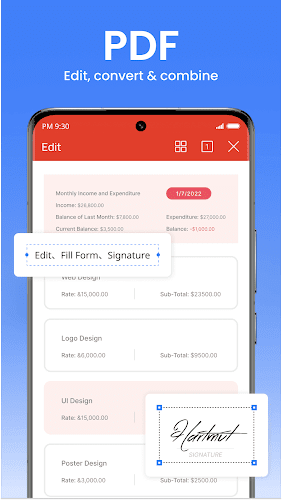
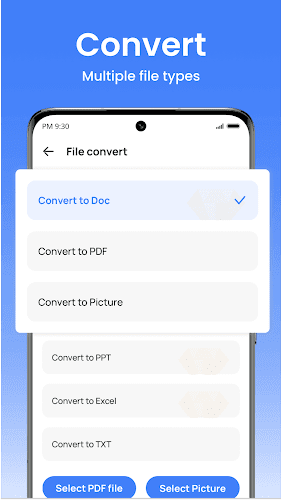
The fact that I can create my document,copy and paste text is really exciting and of essence to me. Also,I can easily convert to PDF even on free mode
Jun 26, 2025 19:01:11