English
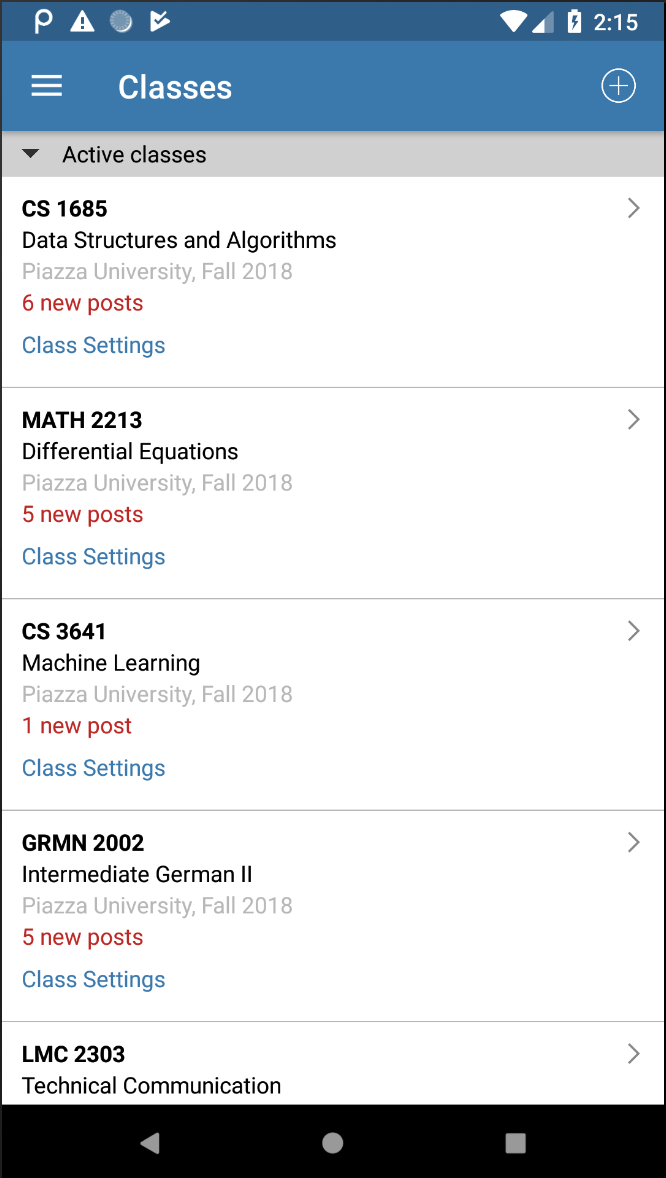
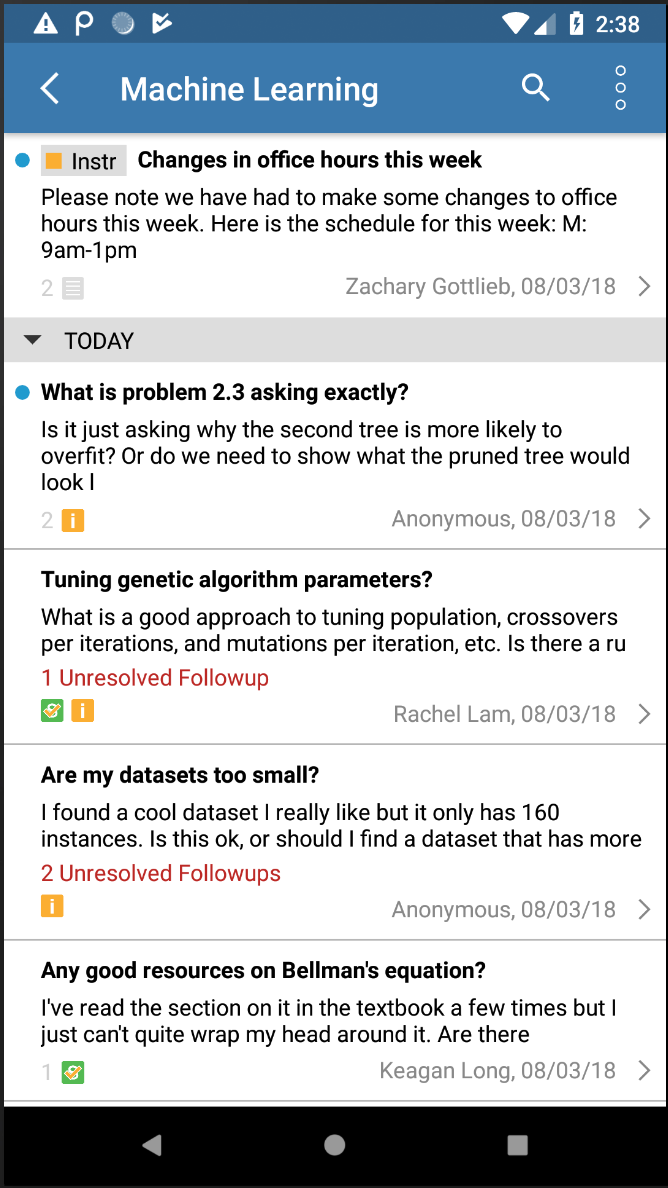
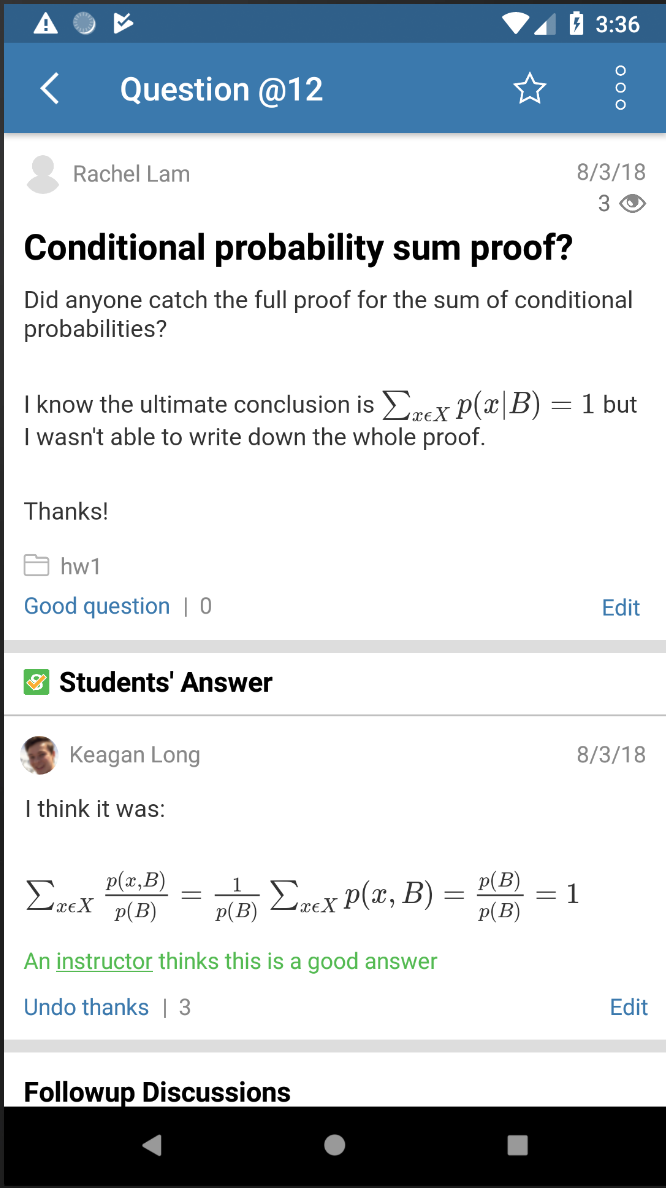
Easily create a dynamic and engaging learning environment for your students by following a few simple steps on Piazza. The platform allows instructors to add or create a class by entering class information and joining as a professor or teaching assistant. Once your class is active, you can access a wealth of statistics to track student participation, usage trends, and response times. With the ability to download reports, view graphs, and analyze individual student statistics, Piazza provides valuable insights to help enhance the learning experience for both educators and learners alike. Get started today and revolutionize the way you teach and learn!
Easy Class Creation: Piazza allows instructors to easily create a class in a few simple steps, making it convenient for educators to set up and manage their courses efficiently.
Detailed Class Statistics: The platform provides comprehensive class statistics, giving instructors valuable insights into student participation, usage trends, and response times. This data helps educators track student engagement and progress effectively.
Graphical Representation: Piazza offers graphical representations of usage trends, allowing instructors to visualize student activity and engagement over time. This feature enhances the understanding of class dynamics and helps in making informed decisions.
Top Student Contributors: Instructors can identify and acknowledge the top student contributors in the class, recognizing their valuable contributions to discussions and interactions. This fosters a sense of community and encourages active participation among students.
Can students access the class statistics?
No, students will only have access to their own individual statistics in their Statistics tab. Class statistics are only visible to instructors and teaching assistants.
How can instructors download class statistics?
Instructors can download class statistics as a CSV file, view a class report, or bulk download poll results through the app. Additionally, they can request JSON/XML and CSV files of class data for further analysis.
What information is included in individual student statistics?
Individual student statistics include the number of questions posted, questions marked as "good" by instructors, questions answered, student answers endorsed by an instructor, and posts viewed by the student.
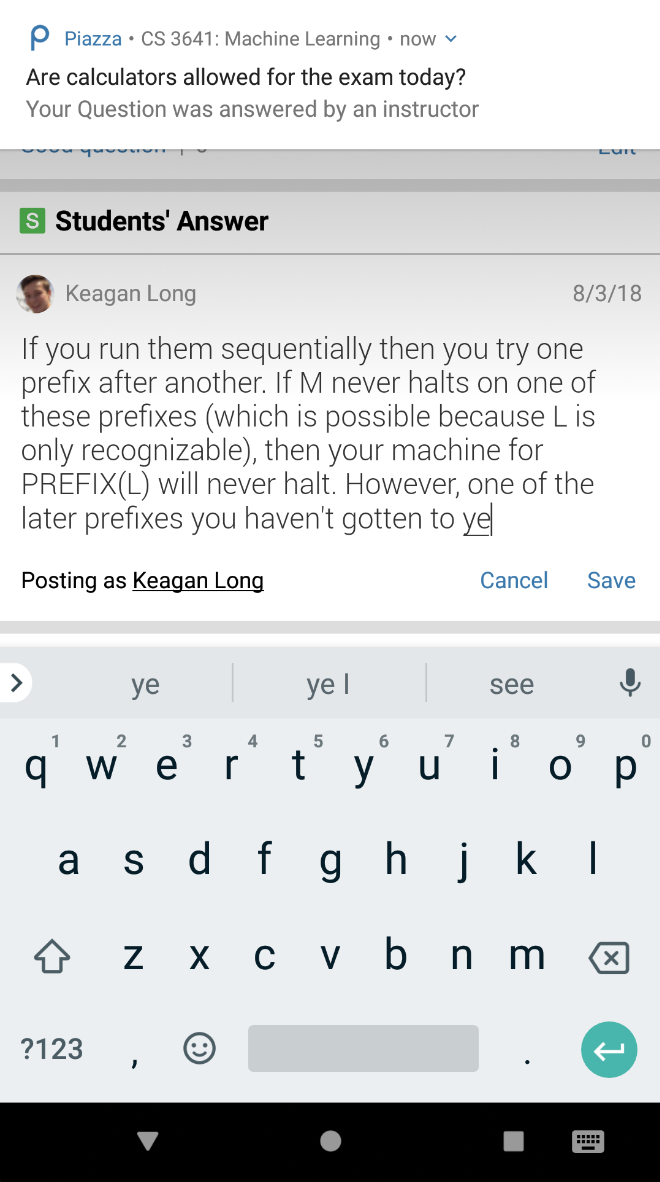
With its user-friendly interface, detailed class statistics, graphical representations, and recognition of student contributors, the app offers a comprehensive and engaging learning experience for both instructors and students. By facilitating efficient class creation and providing valuable insights into student engagement, the app empowers educators to enhance the learning environment and drive academic success. Download the app today and revolutionize your teaching and learning experience!
Dropbox: Cloud Storage Drive
Size:112.39M ProductivitySamsung Notes
Size:86.40M ProductivityMicrosoft Excel: Spreadsheets
Size:215.07M ProductivityTodoist: to-do list & planner
Size:56.40M ProductivityLuna
Size:11.00M ProductivityMyTVs
Size:28.11M ProductivityBlinkist
Size:19.40M ProductivityPermata QR Merchant
Size:13.73M ProductivityEspaço do Estudante SESI SENAI
Size:4.74M ProductivityTkReels
Size:68.40M ProductivityID Card Wallet: Digital Holder
Size:9.30M ProductivityPolish Driving Test IMAGE
Size:35.72M ProductivityApril 2024 Clash of Clans Update: Unveiling a Fresh Companion, Enhanced Levels, Chat Tagging, and Be
2024-04-16Arrival of Genshin Impact 4.6 Update: 'Embers of Two Realms, Twilight of Crimson'
2024-04-16V2.2 of the Farlight 84 update introduces an overhauled Season structure, fresh in-game currency, an
2024-04-16Monster Never Cry is now accessible on both Android and iOS mobile devices.
2024-04-18PUBG Mobile Teams Up with Bentley Motors: Luxury Cars, Exclusive Collectibles, and Beyond
2024-04-18March 2024 Free Redemption Codes for Honkai: Star Rail
2024-04-18