English
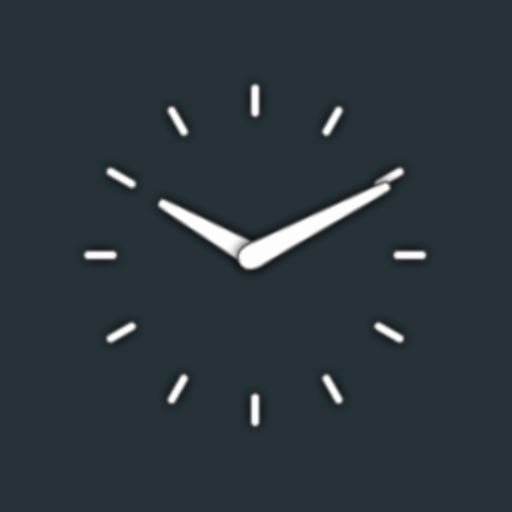
Enhance your phone's aesthetic with Clean Clock Widget, a sleek and minimalist timepiece that adds a touch of elegance to your daily digital interactions. With customizable colors for the date, the ability to hide the date, and the option to access your alarm or calendar with a simple tap, this widget seamlessly integrates into your home screen while maintaining a light footprint on your device's performance. Experience the power of elegant simplicity with Clean Clock Widget, where style meets functionality in a beautifully designed package that enhances your overall phone theme, making it a must-have for anyone seeking a clean and efficient user experience.
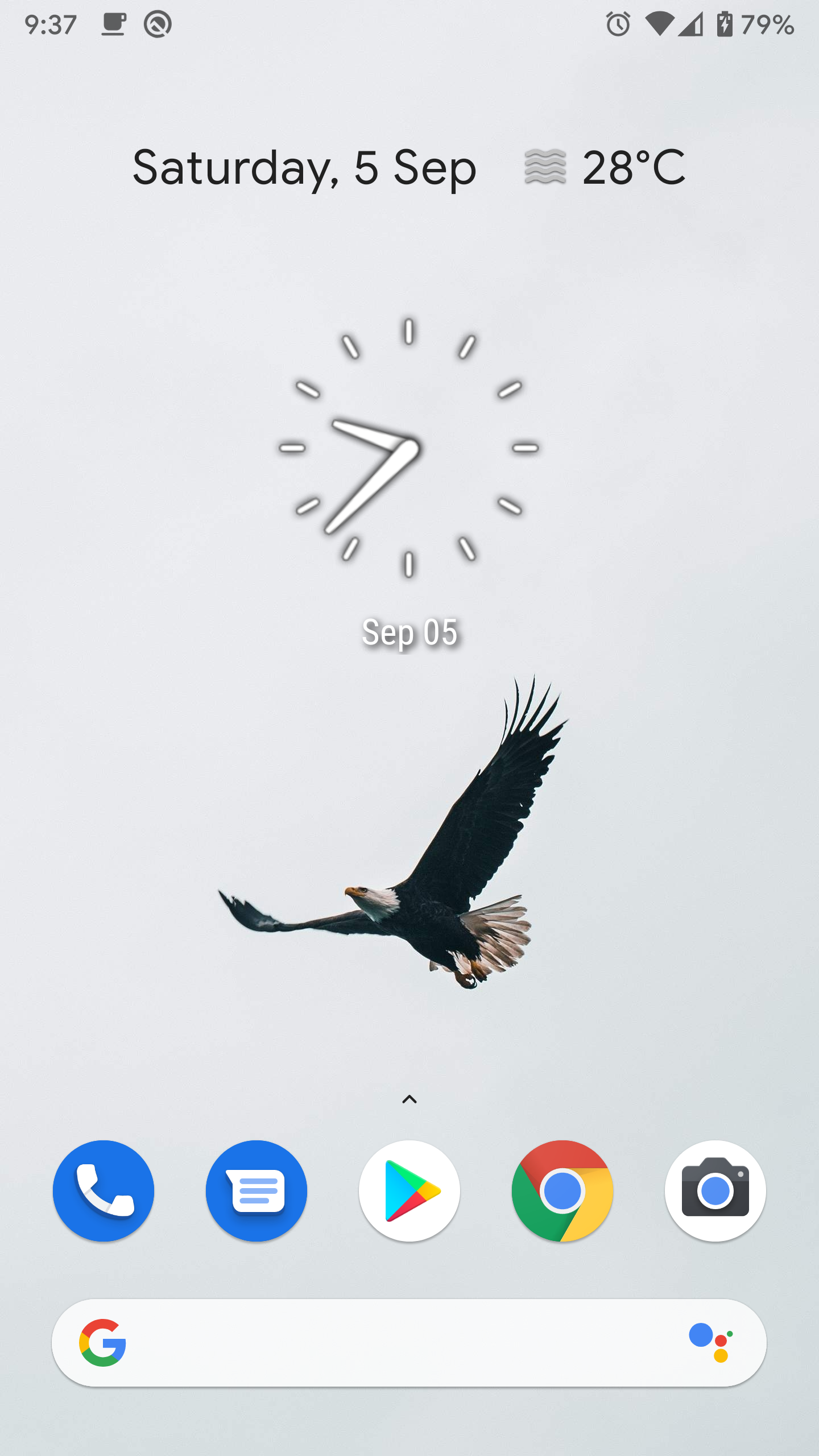
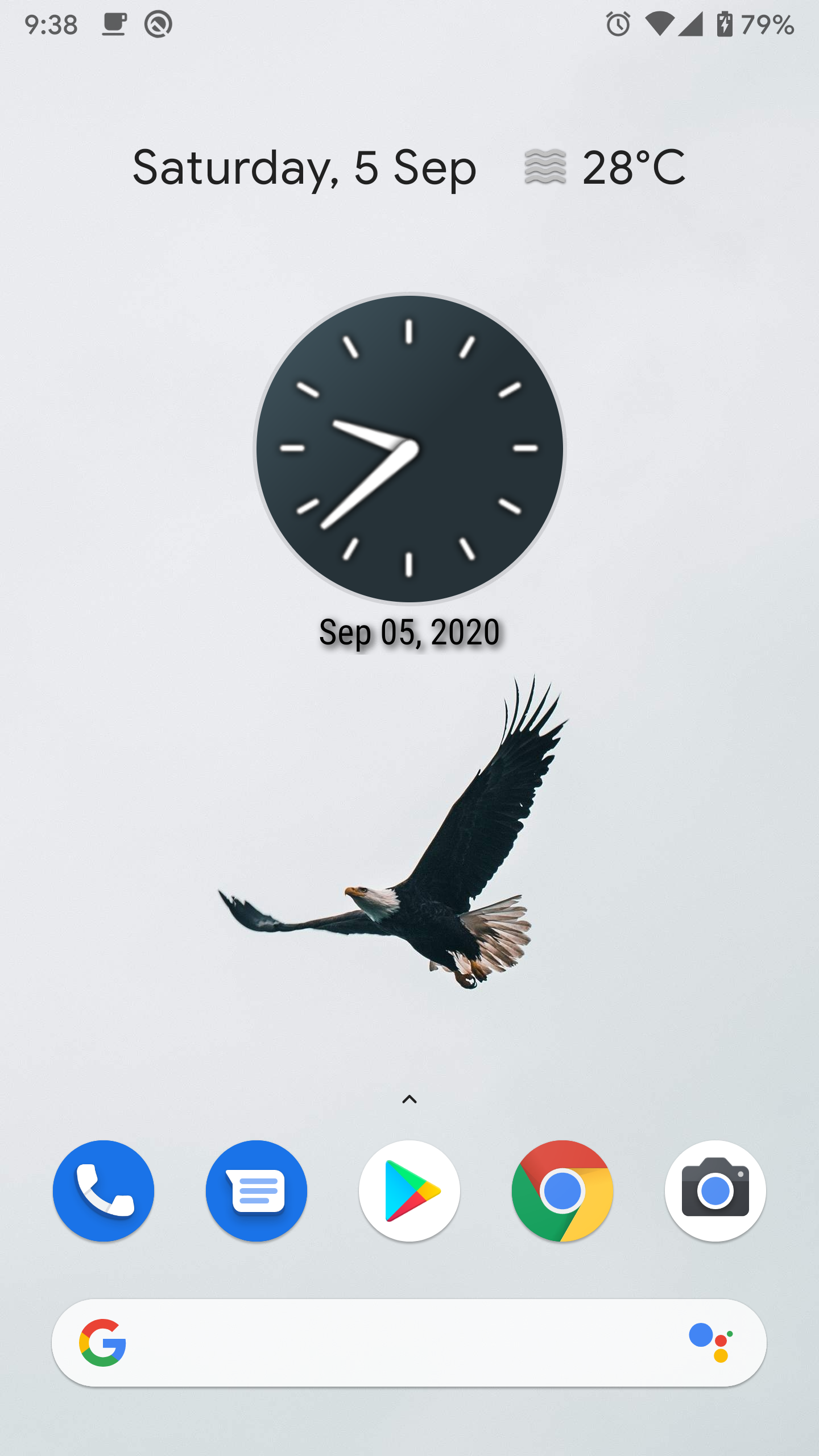
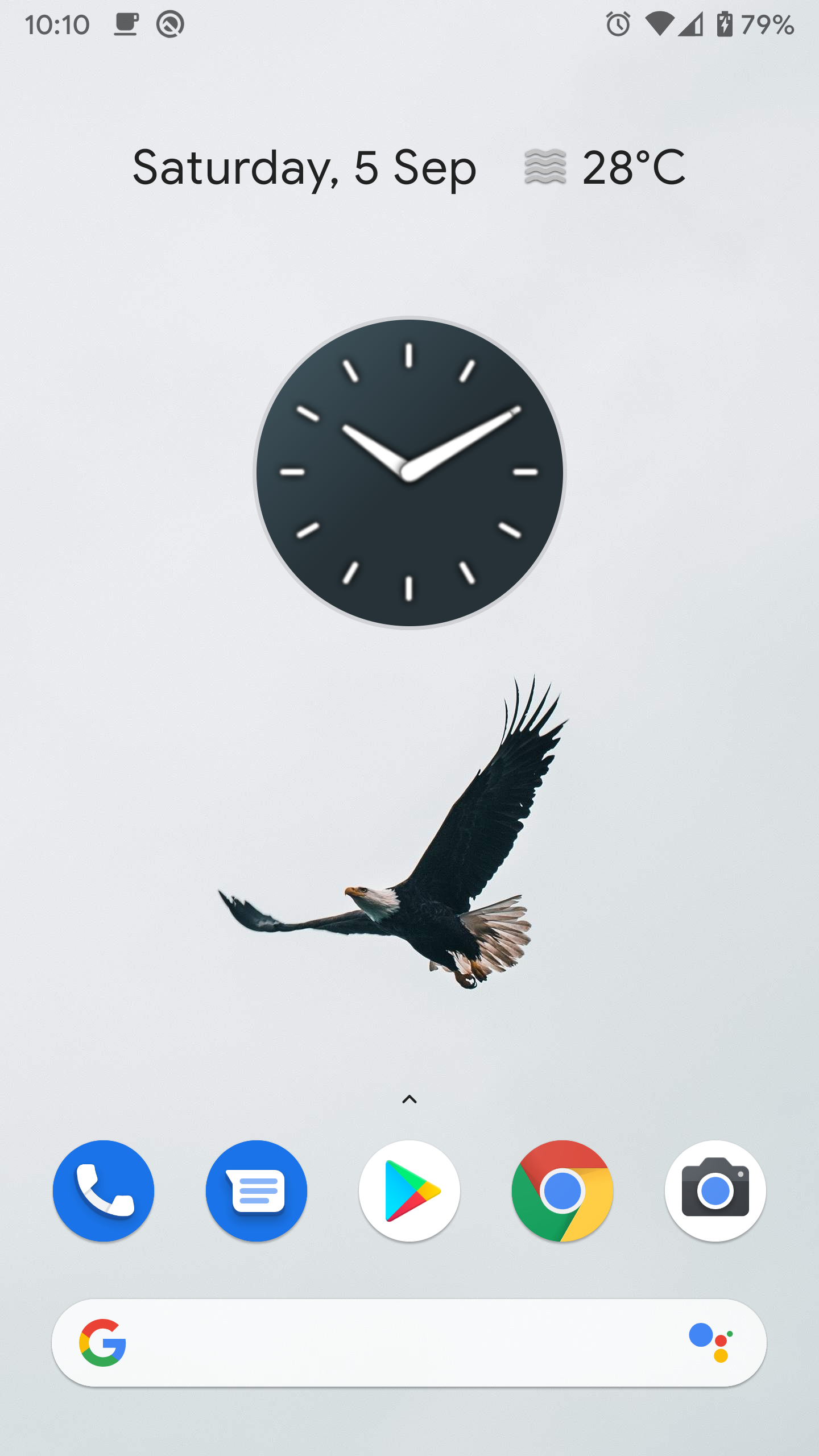
Elegant Minimalist Design: Clean Clock Widget boasts a sleek and minimalist design that enhances the visual appeal of your home screen without overwhelming it with clutter.
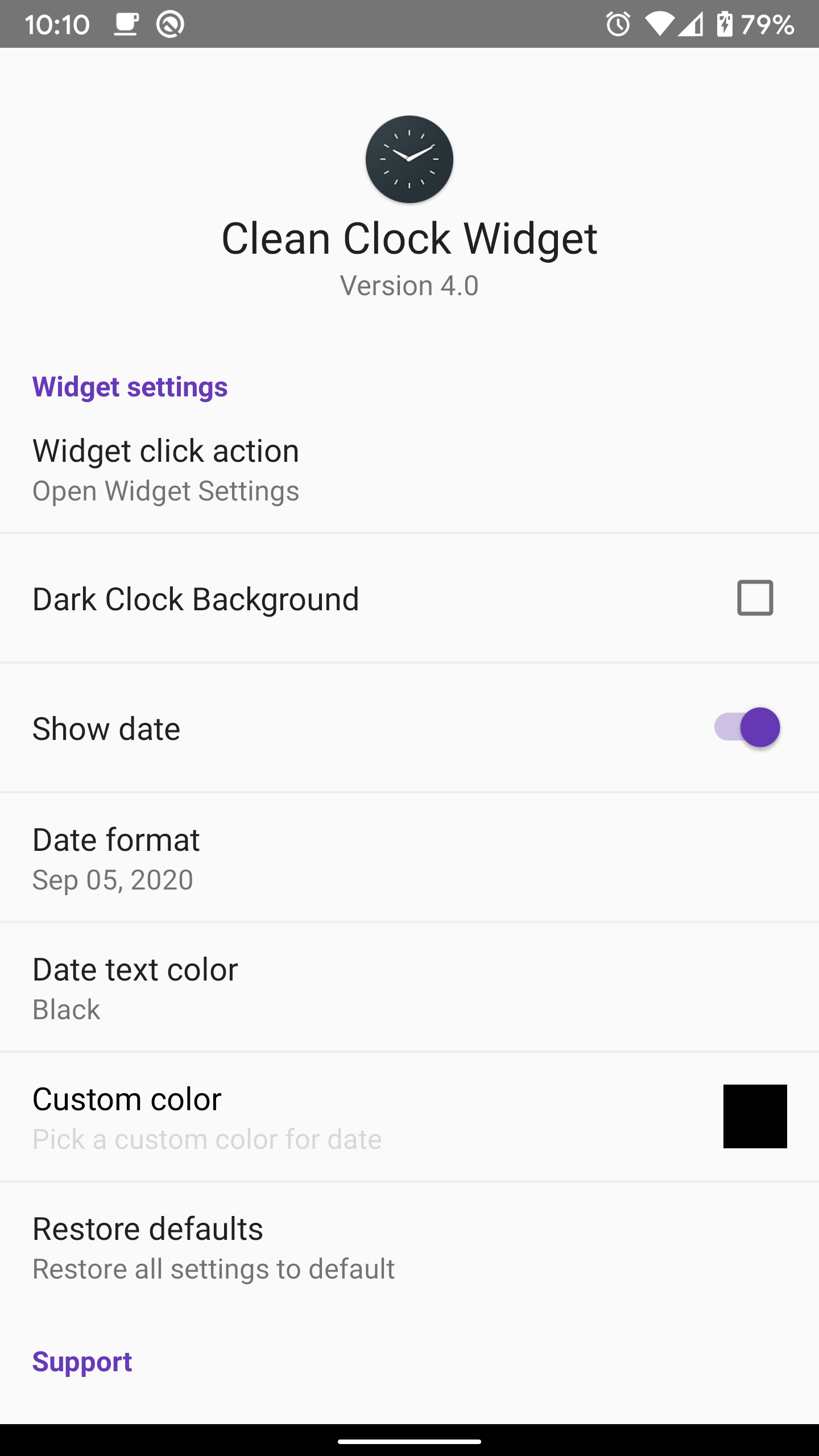
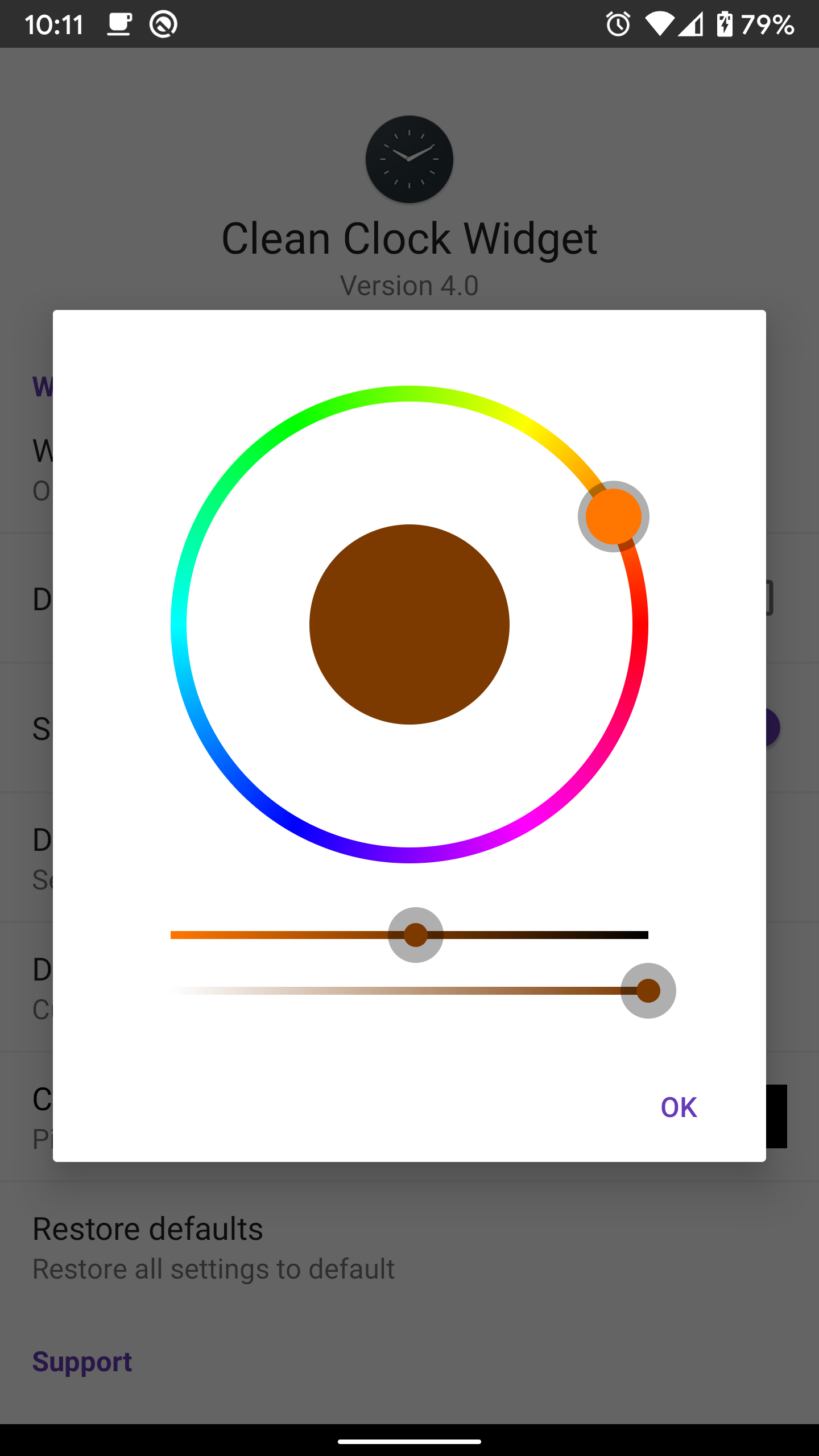
Customization Options: With a variety of color choices for the date display, including the option for a custom color, you can easily tailor the widget to match your preferred aesthetic.
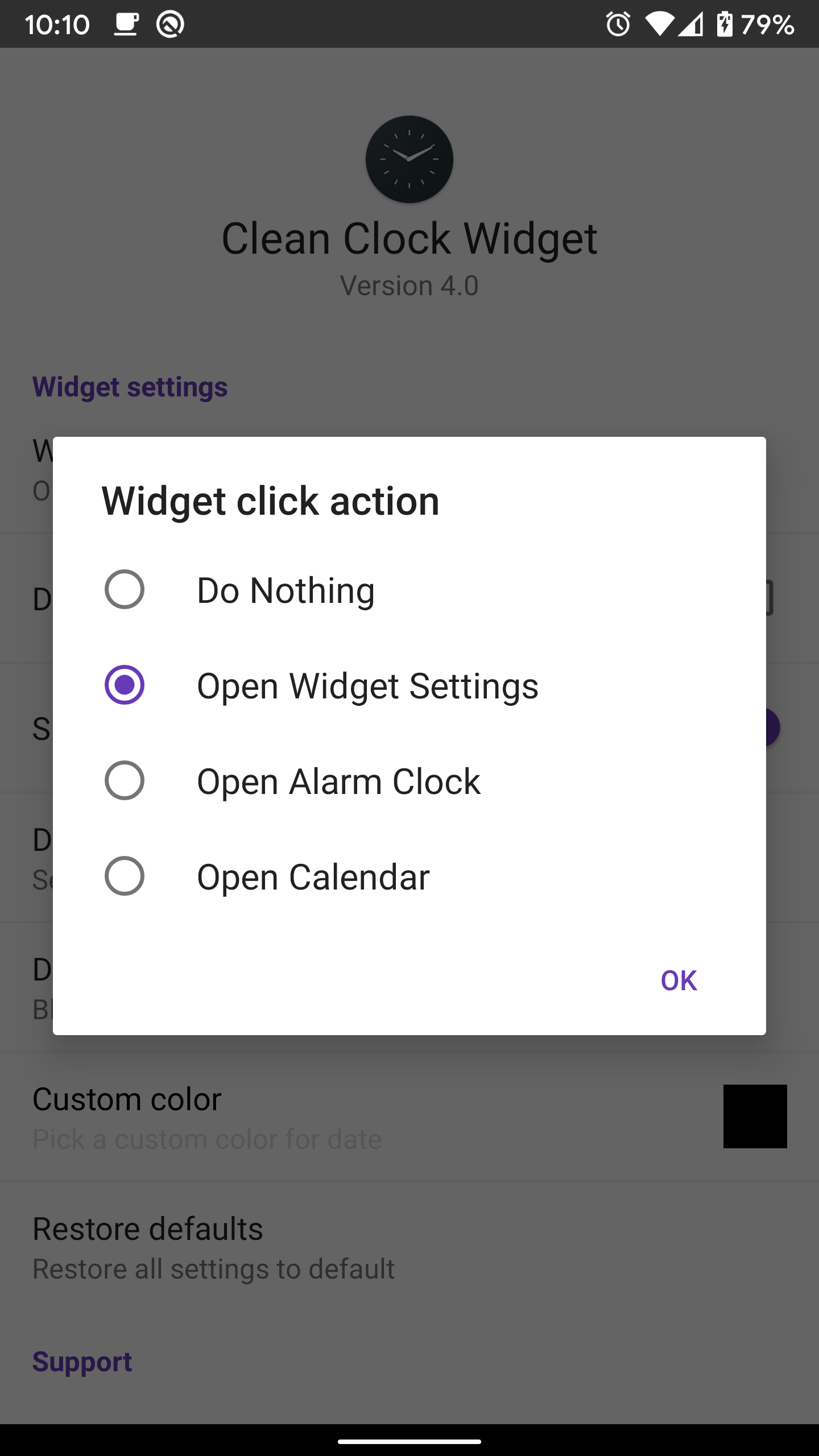
Functional Accessibility: The ability to tap on the widget and access widget settings, the alarm clock, or calendar directly adds a layer of convenience to your daily interactions with your device.
Lightweight and Efficient: Unlike some widgets that can slow down your device, Clean Clock Widget is designed to be lightweight and energy-efficient, ensuring smooth performance without draining your battery.
Experiment with Different Color Combinations: Play around with the color options available for the date display to find the perfect match for your home screen wallpaper and overall theme.
Utilize the Tap Feature: Make use of the tap functionality to quickly access important applications like the alarm clock or calendar, streamlining your daily routine.
Customize Date Display: For the 2x2 widget size, explore the various date formats offered to find the one that best suits your preferences.
In conclusion, Clean Clock Widget is a must-have tool for users looking to enhance their daily digital interactions with a touch of elegance and simplicity. Its sleek design, customization options, functional accessibility, and efficient performance make it a standout choice among widget options. By seamlessly integrating with your home screen and offering practical features, this widget proves that sometimes less is truly more when it comes to enhancing your smartphone experience. Experience the beauty of minimalist design with Clean Clock Widget today.
MIUl Circle - Icon Pack
Size:134.98M PersonalizationLines Gold Pro - Icon Pack
Size:65.13M PersonalizationFlight Dark Pro - Icon Pack
Size:48.36M PersonalizationAres Light: Pastel Icon Pack
Size:79.87M PersonalizationDots Live Wallpaper - Battery
Size:8.44M PersonalizationChroma - Icon Pack
Size:51.41M PersonalizationOne UI Fluffy Icon Pack
Size:79.19M PersonalizationPixly Limitless Fluo Icon Pack
Size:110.46M PersonalizationPixly Professional Dark
Size:77.11M PersonalizationPixly Paint - Icon Pack
Size:125.78M PersonalizationWatch Faces by Watch Base
Size:9.40M PersonalizationPixly Dark 3D - Icon Pack
Size:106.58M PersonalizationApril 2024 Clash of Clans Update: Unveiling a Fresh Companion, Enhanced Levels, Chat Tagging, and Be
2024-04-16Arrival of Genshin Impact 4.6 Update: 'Embers of Two Realms, Twilight of Crimson'
2024-04-16V2.2 of the Farlight 84 update introduces an overhauled Season structure, fresh in-game currency, an
2024-04-16Monster Never Cry is now accessible on both Android and iOS mobile devices.
2024-04-18PUBG Mobile Teams Up with Bentley Motors: Luxury Cars, Exclusive Collectibles, and Beyond
2024-04-18March 2024 Free Redemption Codes for Honkai: Star Rail
2024-04-18