English
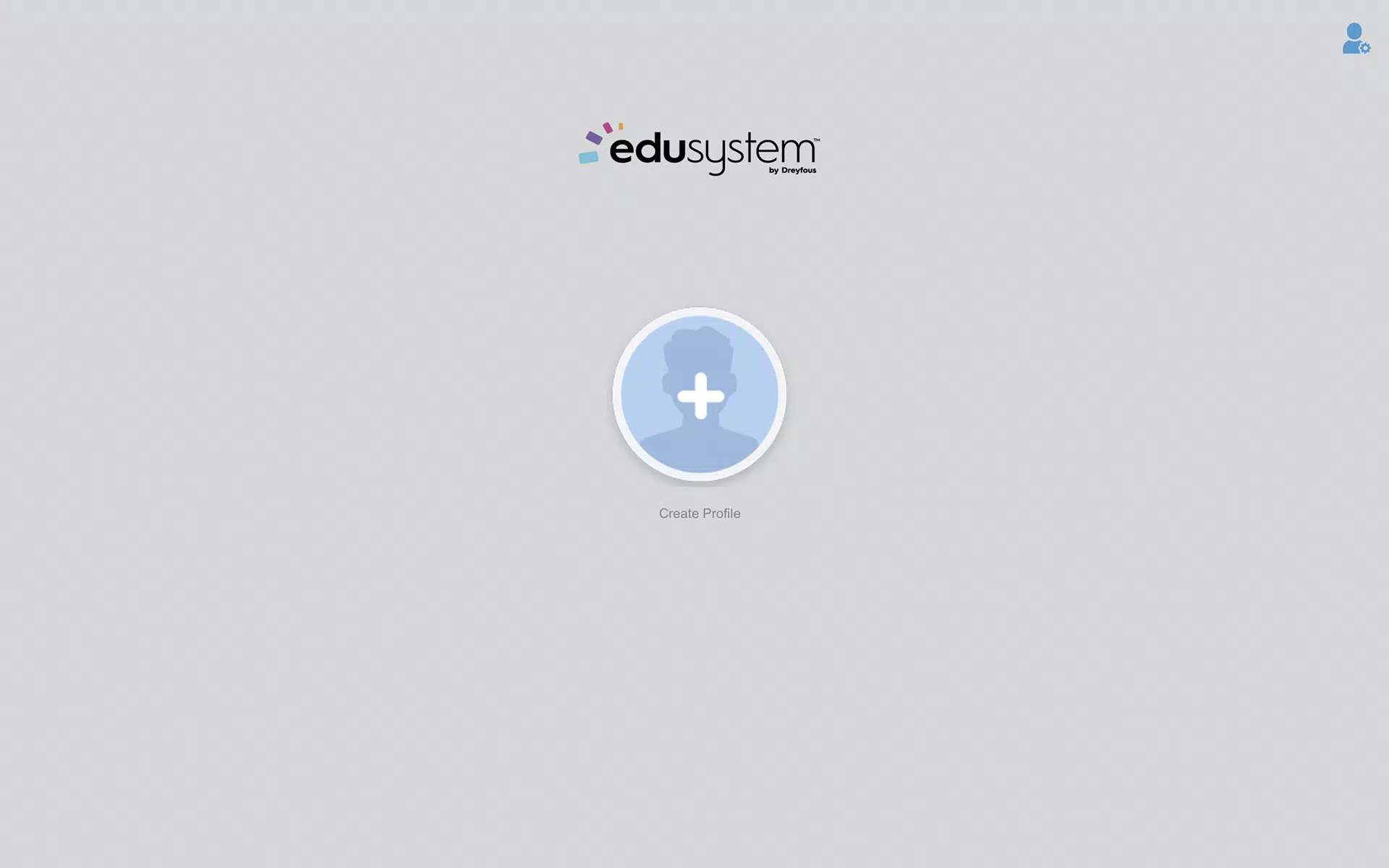
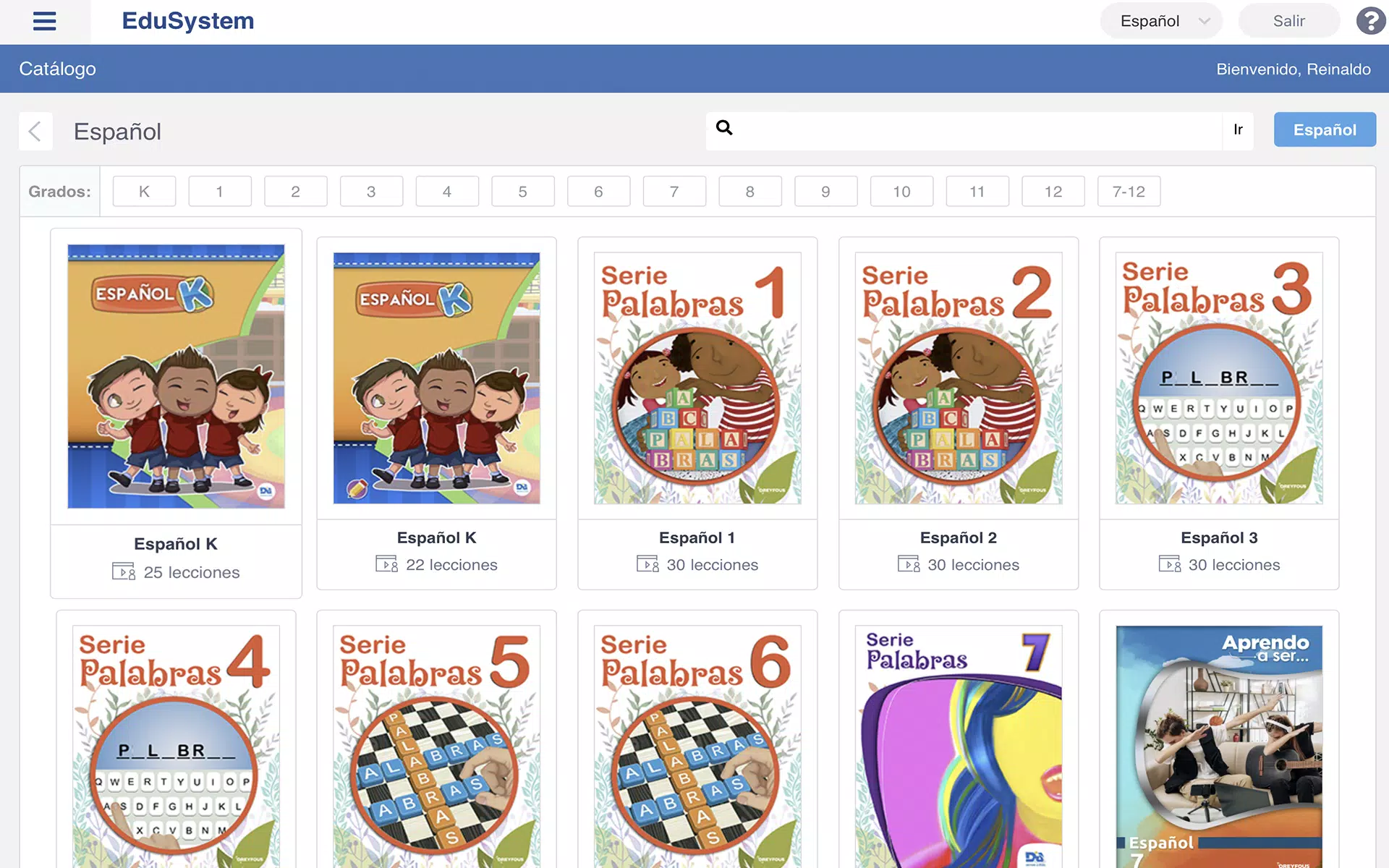
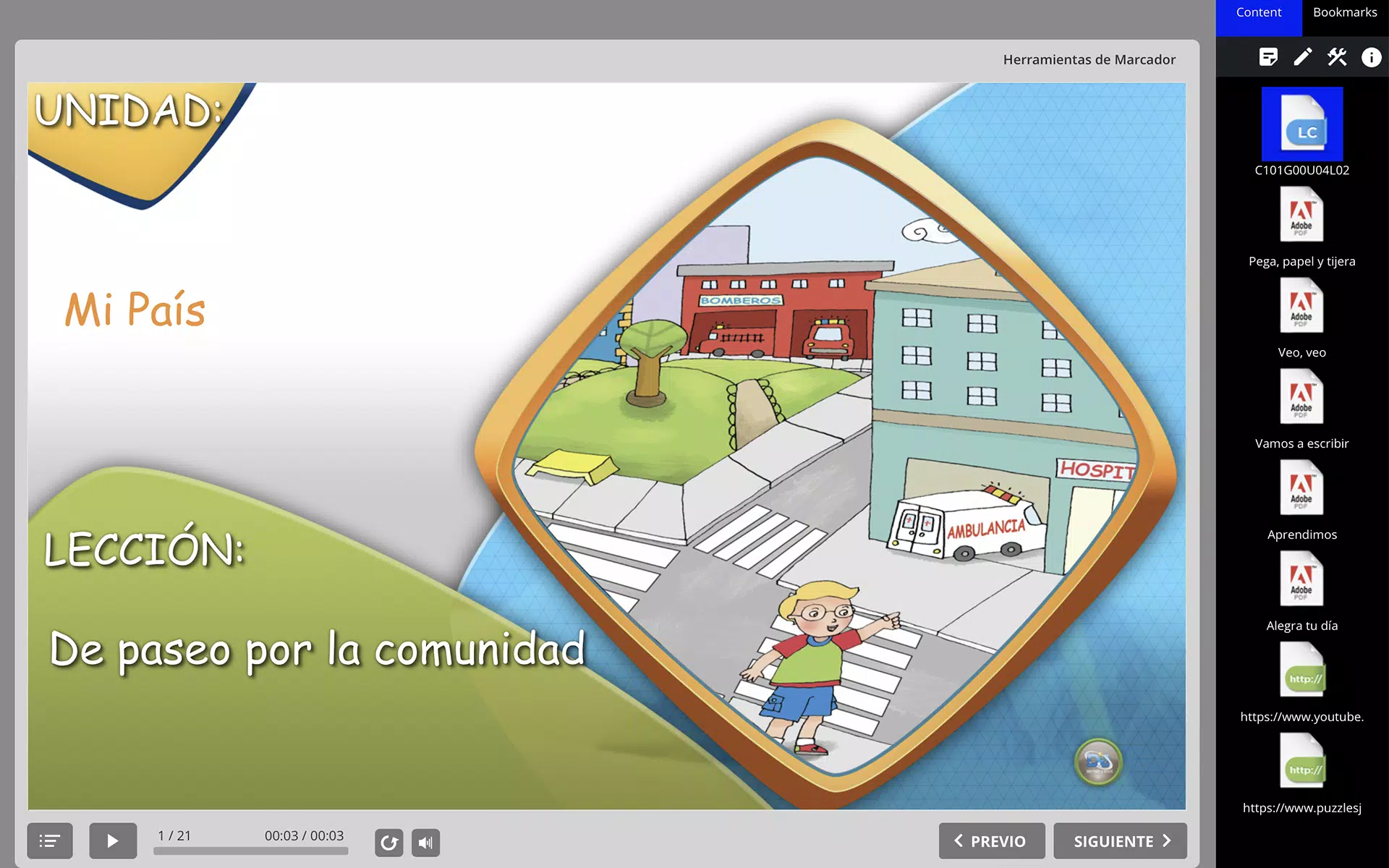
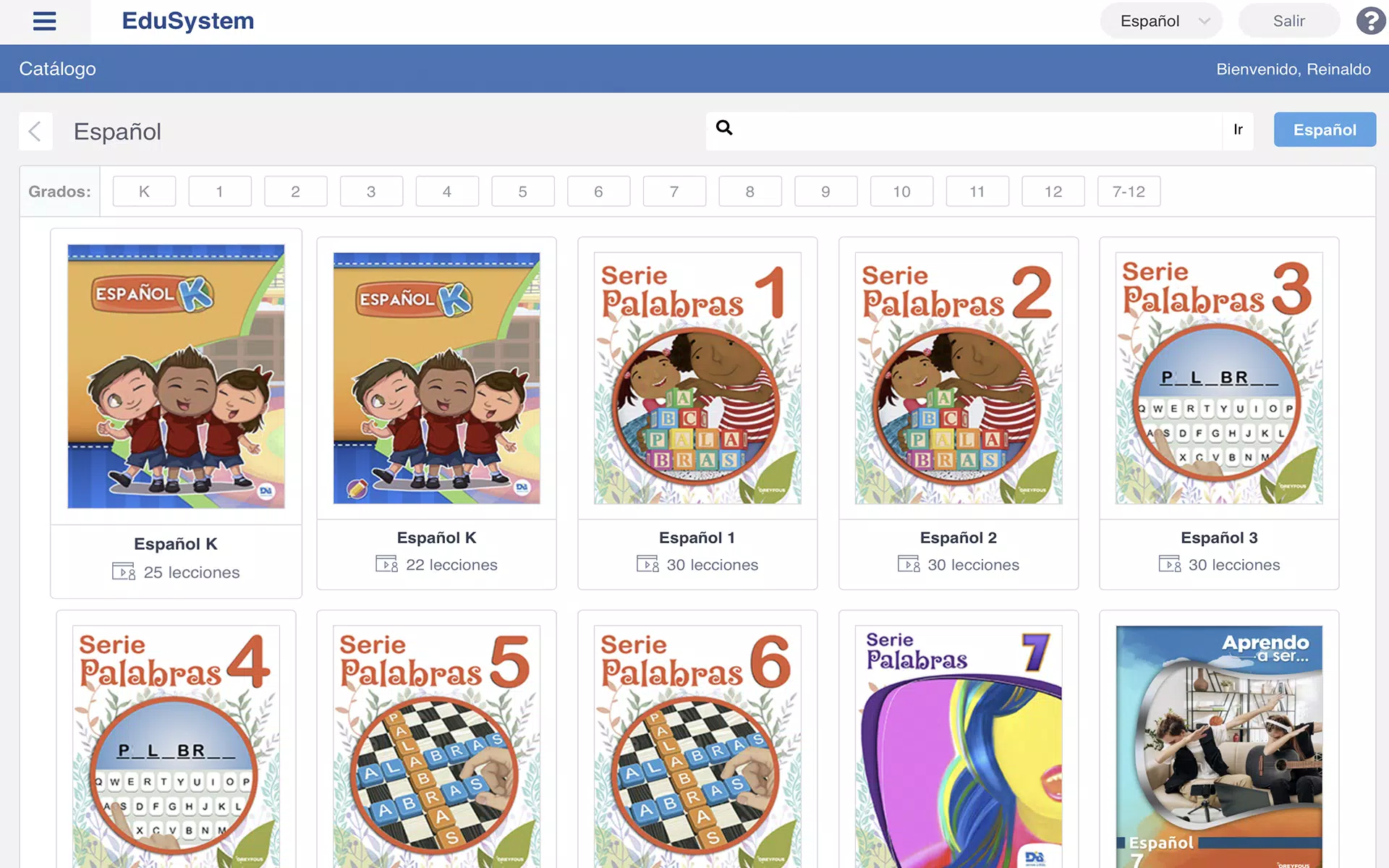
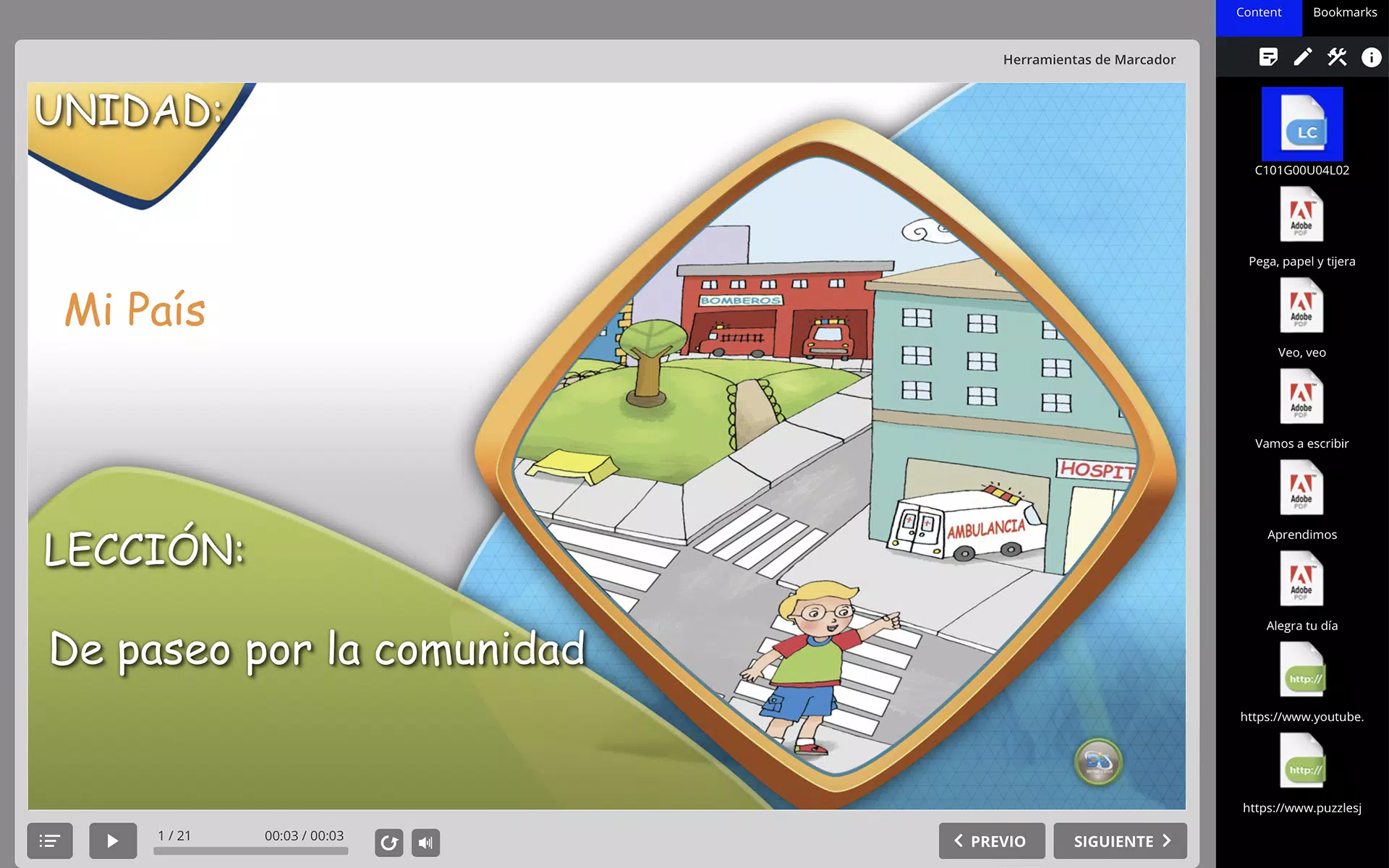
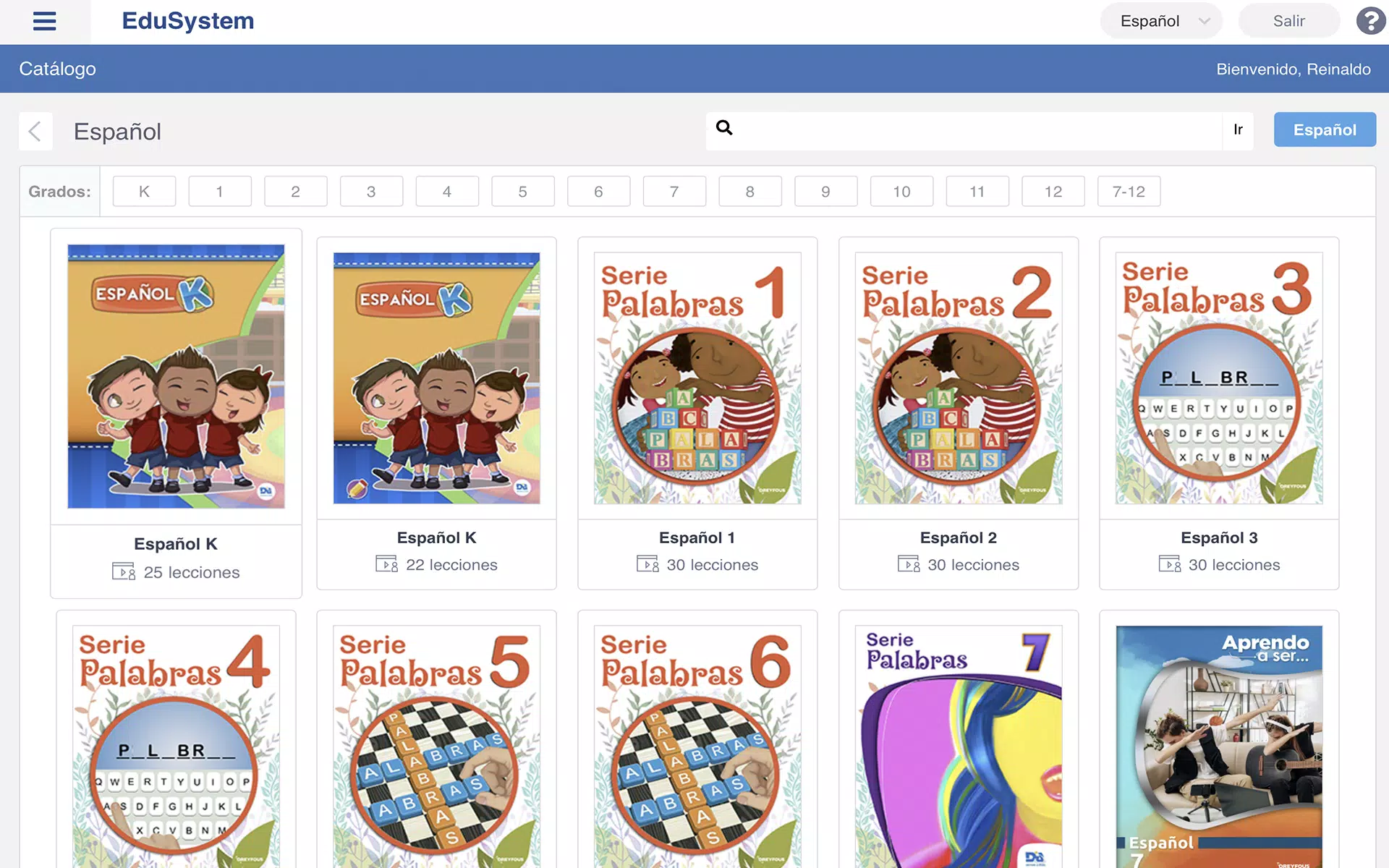
EduSystem Viewer is the ultimate app for seamless access to and interaction with EduFiles on your Android device. With its user-friendly interface and robust capabilities, users can effortlessly view, manage, and edit their EduFiles anywhere, anytime. Whether you're a student, educator, or professional, EduSystem Viewer streamlines your workflow and enhances productivity. Stay on top of your academic or professional tasks with this essential tool that ensures easy navigation and organization of all your EduFiles. Download EduSystem Viewer now and revolutionize the way you work with educational materials on your mobile device.
User-Friendly Interface: The EduSystem Viewer boasts a clean and intuitive interface that makes navigating through your EduFiles a breeze.
File Compatibility: This app supports various file formats, ensuring that you can easily access and work with all your EduSystem documents.
Annotation Tools: With built-in annotation tools, you can mark up your files, add comments, and highlight important information directly within the app.
Cloud Integration: Seamlessly sync your files with popular cloud storage services like Google Drive or Dropbox for easy access across all your devices.
Use the Search Feature: Quickly locate specific EduFiles by utilizing the app's search feature. Simply enter keywords or phrases to find what you need in seconds.
Customize Your Viewing Experience: Adjust the font size, background color, and viewing mode to suit your preferences and make reading EduFiles more comfortable.
Utilize the Annotation Tools: Take advantage of the built-in annotation tools to make notes, highlight text, or draw diagrams directly on your EduFiles.
Stay Organized: Create folders, categorize your files, and use tags to stay organized and easily locate specific EduFiles when you need them.
In conclusion, EduSystem Viewer is a must-have tool for anyone who works with EduFiles on their Android device. With its user-friendly interface, file compatibility, annotation tools, and cloud integration, this app streamlines the process of viewing and working with EduSystem documents. By following the playing tips provided, users can optimize their experience and make the most out of this powerful tool. Download EduSystem Viewer today and take your document management to the next level.
LifeUp: Gamified To Do List
Size:17.35M ProductivityVPN Proxy Speed
Size:53.00M ProductivityAI Logo Generator (LogoWiz)
Size:41.50M Productivity3D Logo Maker
Size:39.30M ProductivityAI Chat: Ask AI Chat Anything
Size:42.20M ProductivityStars and Planets
Size:116.42M ProductivityImageMeter
Size:119.22M ProductivityHabitKit
Size:56.87M ProductivityMy Passwords Manager
Size:10.60M ProductivitymiMind
Size:48.30M ProductivityCute Note DDay Todo
Size:15.31M ProductivityCleverType AI Keyboard
Size:33.83M ProductivityApril 2024 Clash of Clans Update: Unveiling a Fresh Companion, Enhanced Levels, Chat Tagging, and Be
2024-04-16Arrival of Genshin Impact 4.6 Update: 'Embers of Two Realms, Twilight of Crimson'
2024-04-16V2.2 of the Farlight 84 update introduces an overhauled Season structure, fresh in-game currency, an
2024-04-16Monster Never Cry is now accessible on both Android and iOS mobile devices.
2024-04-18PUBG Mobile Teams Up with Bentley Motors: Luxury Cars, Exclusive Collectibles, and Beyond
2024-04-18March 2024 Free Redemption Codes for Honkai: Star Rail
2024-04-18