English
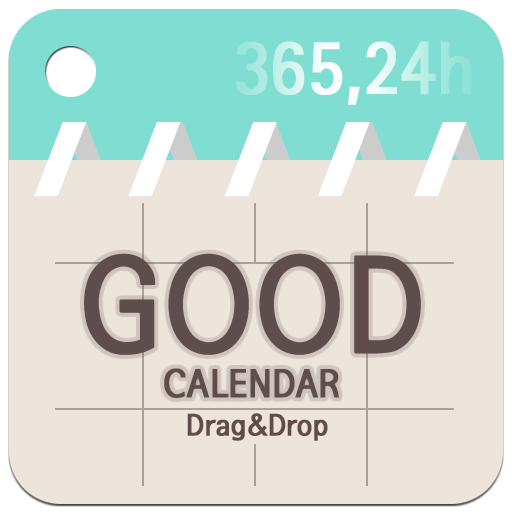
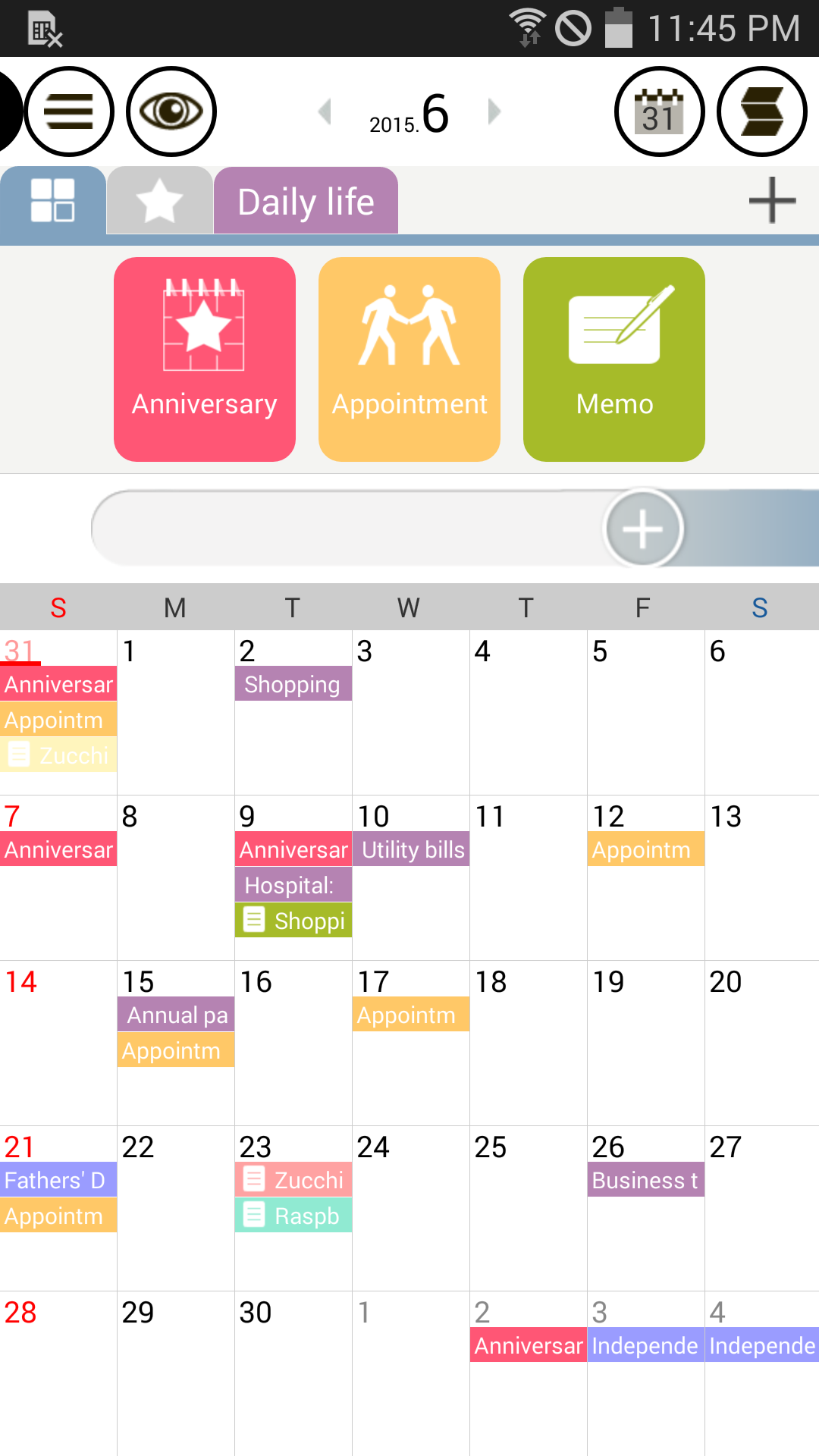
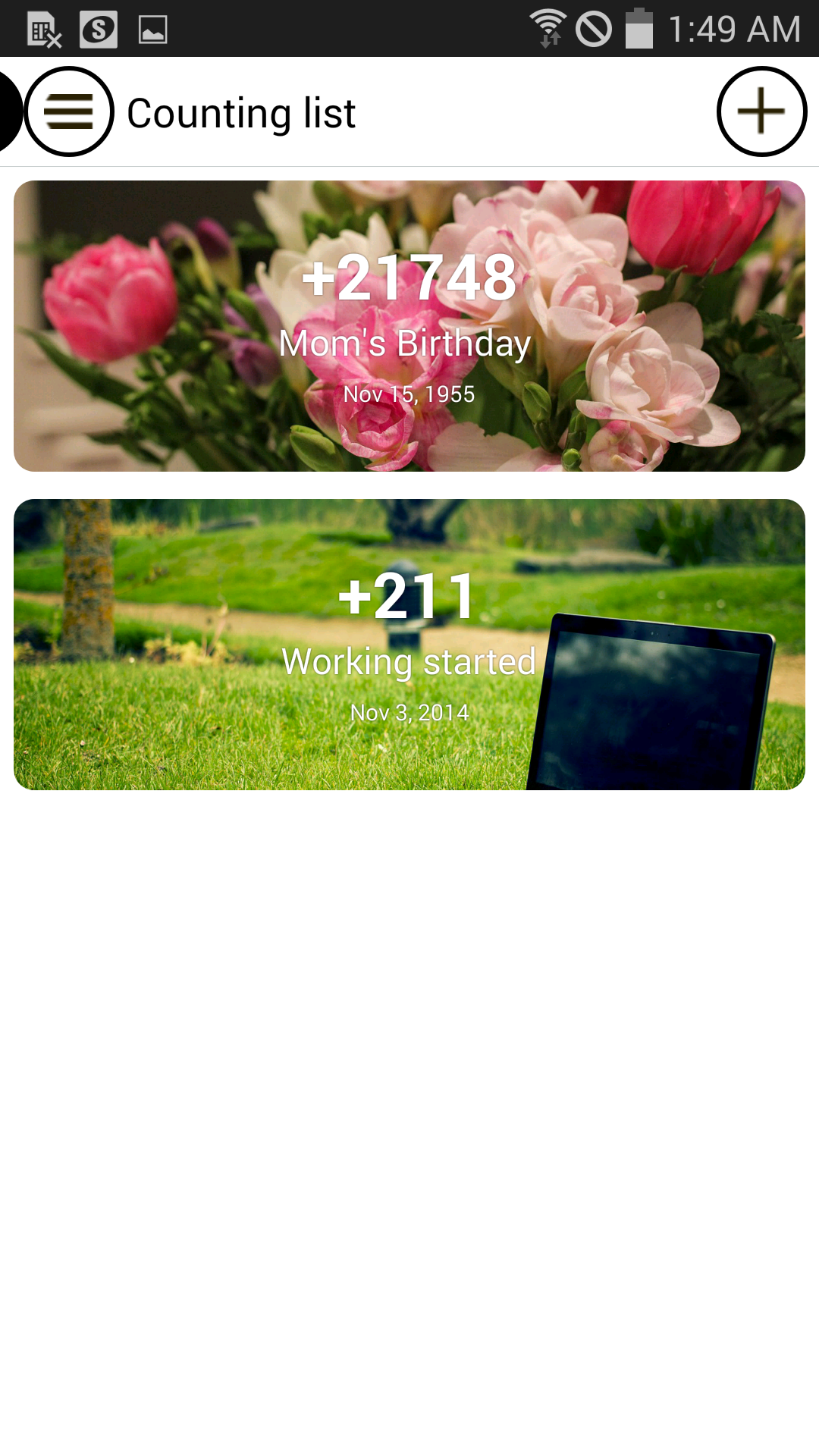
Good Calendar – Schedule, Memo is a versatile and intuitive mobile app designed to help users efficiently manage their time, appointments, and to-do lists. With its clean interface and user-friendly features, the app allows you to schedule events, set reminders, jot down quick memos, and organize your day-to-day activities with ease. Whether you need a calendar to track important dates, a memo pad for quick notes, or both, Good Calendar offers a seamless experience that ensures you stay organized and on top of your tasks. It's a great tool for anyone looking to streamline their personal or professional schedules.
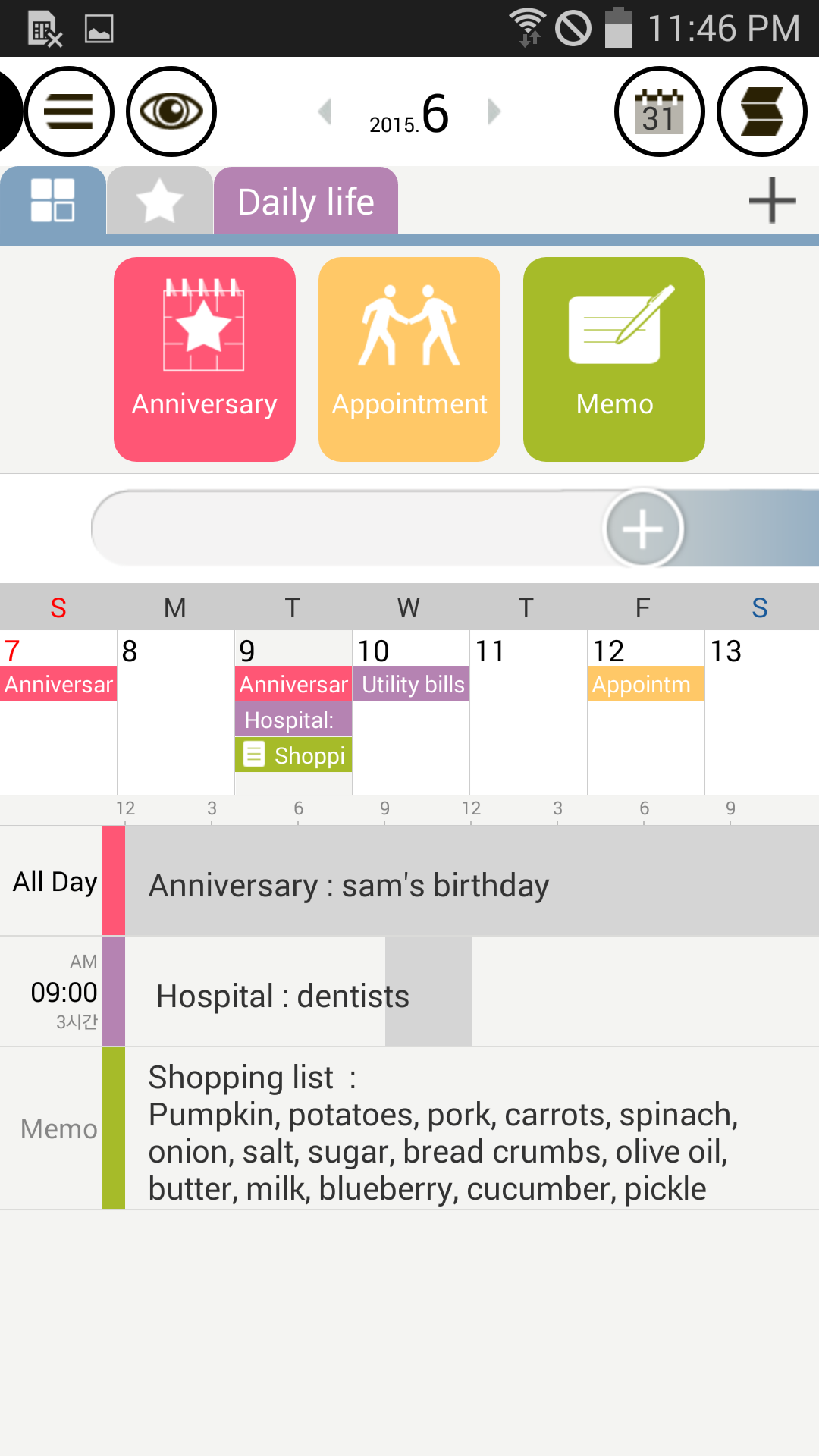
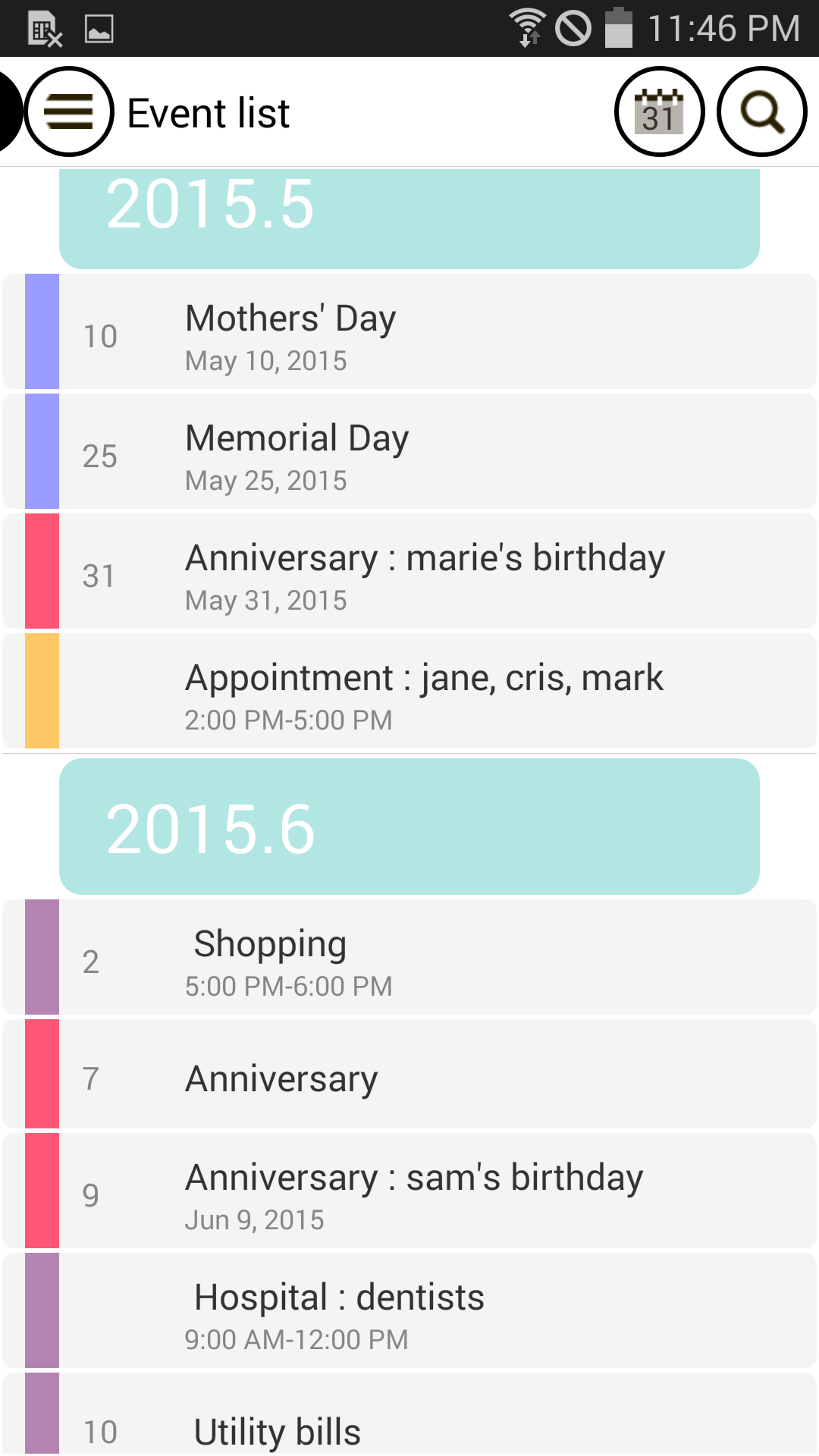
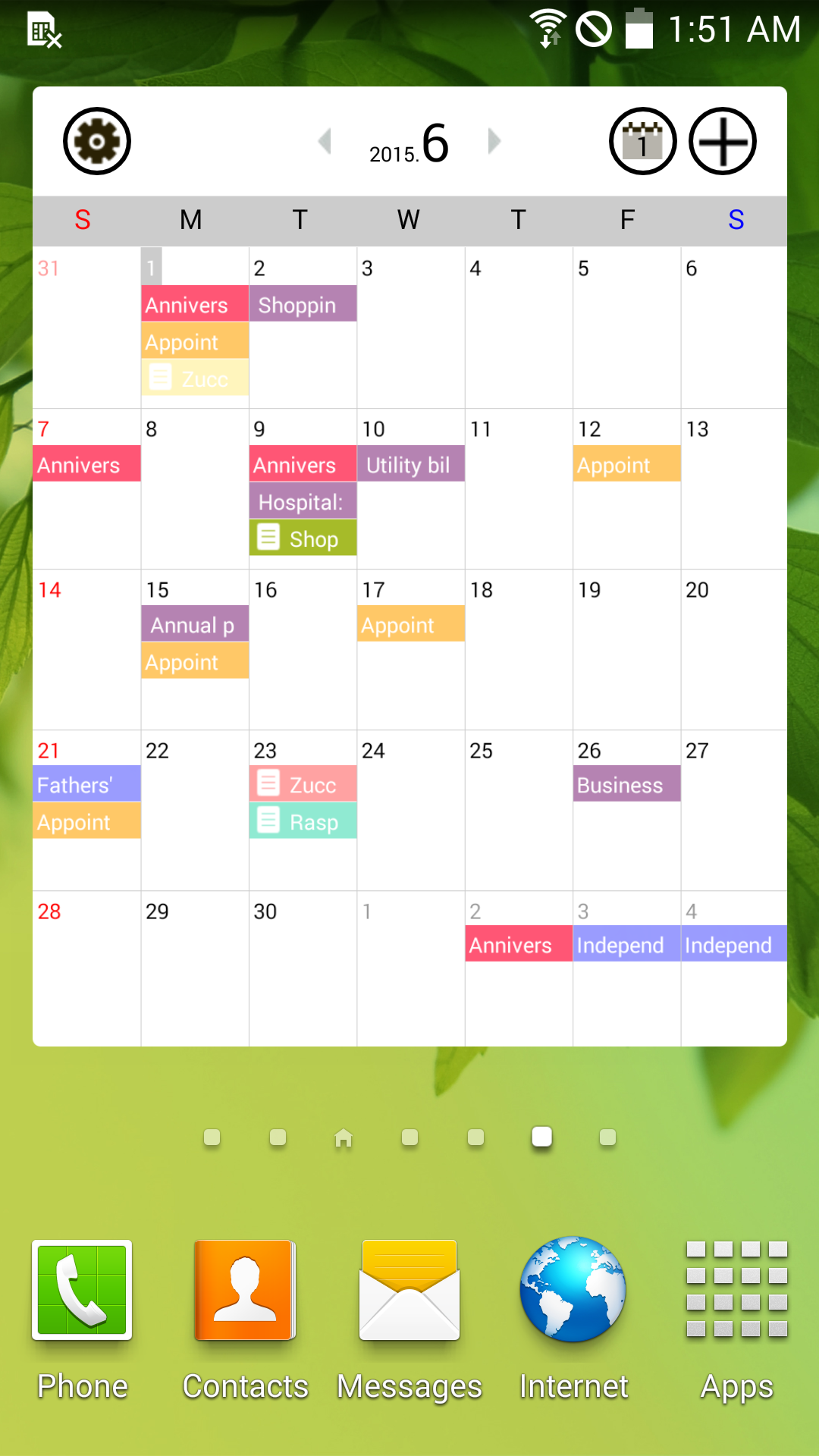
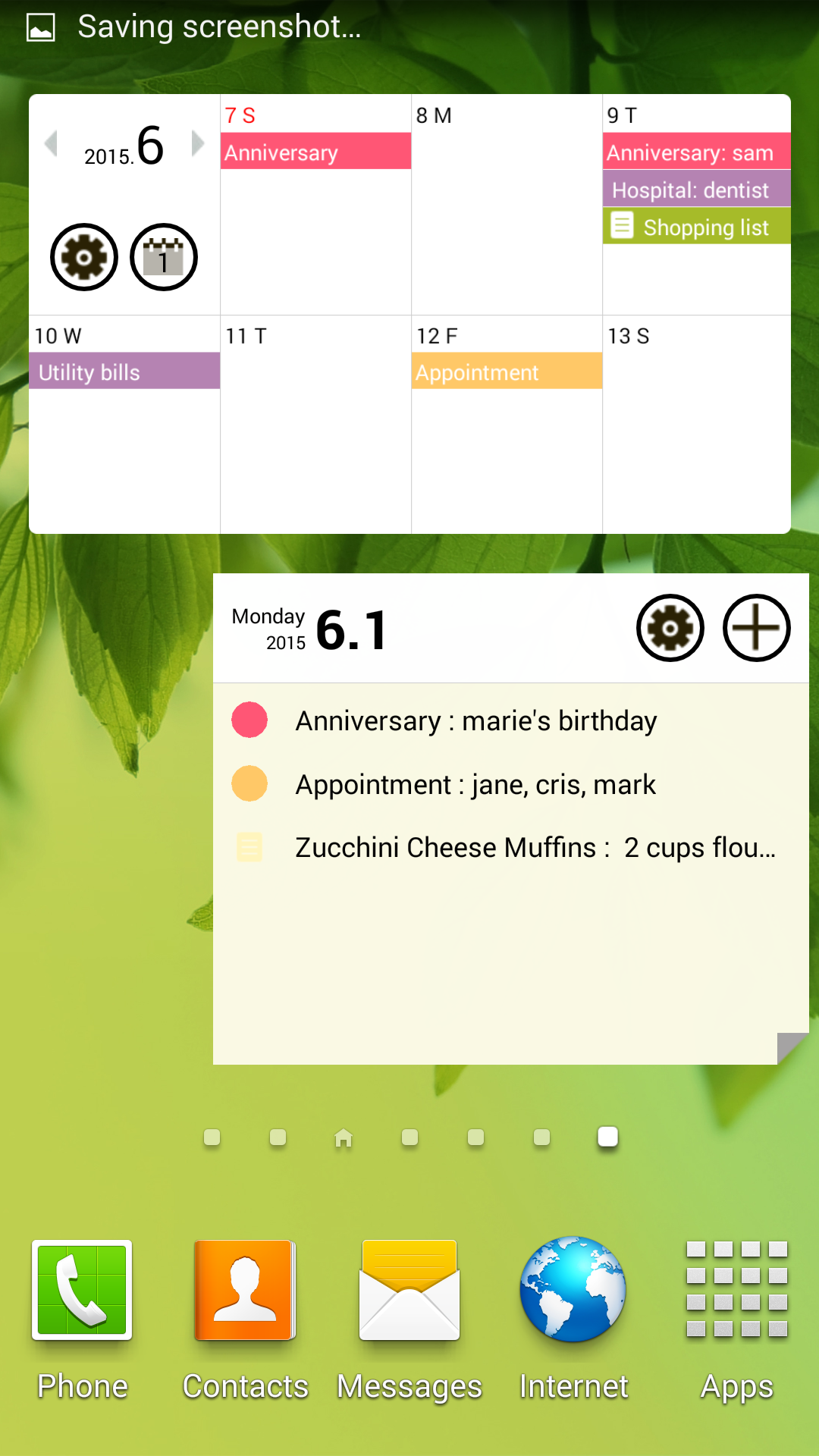
1. Intuitive Calendar: The app offers a simple yet powerful calendar view, allowing you to easily add, edit, and view events, appointments, and reminders for any day.
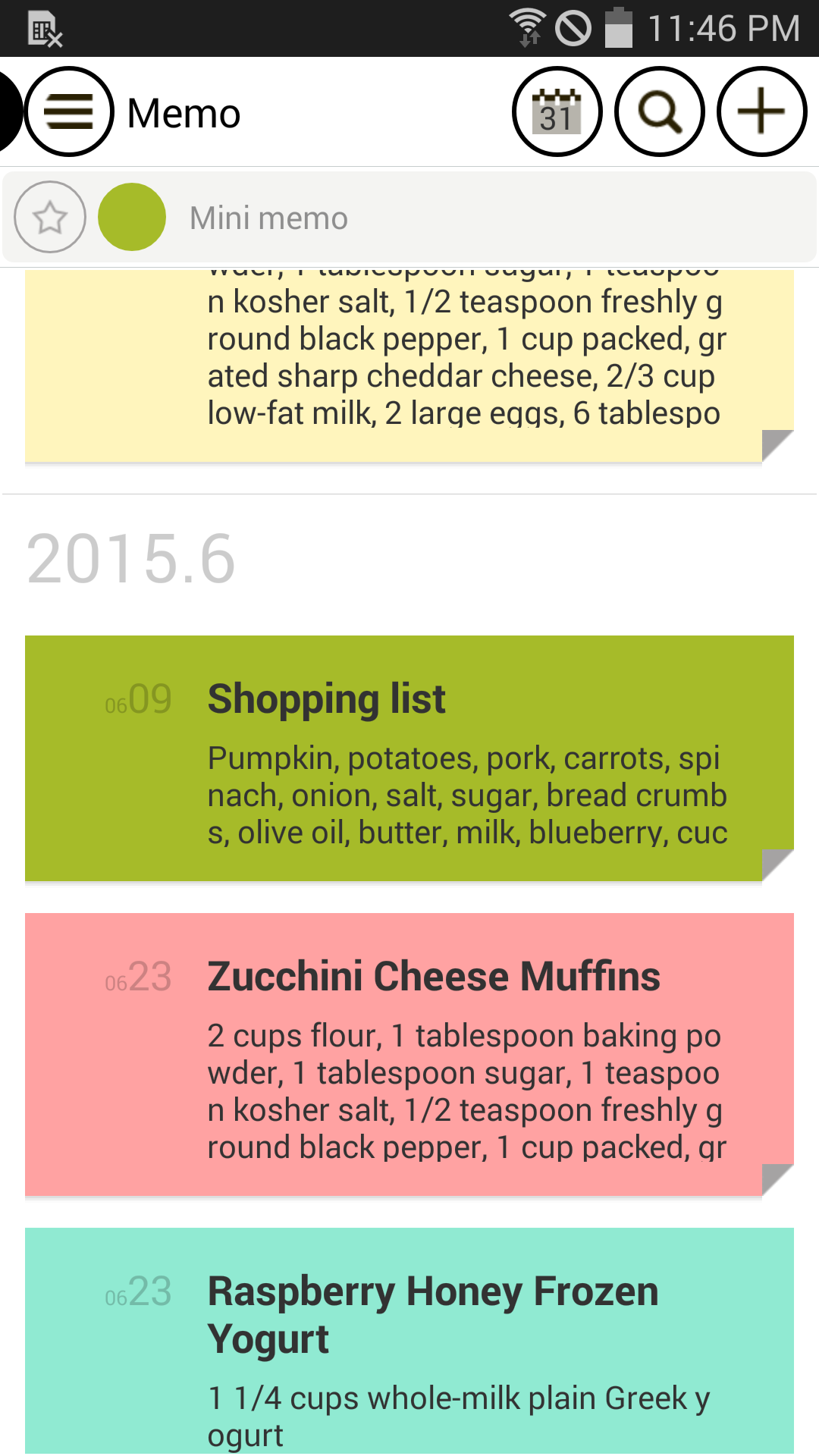
2. Memo and Note Taking: Quickly jot down notes, ideas, and to-dos, which can be linked to specific dates for easy reference and organization.
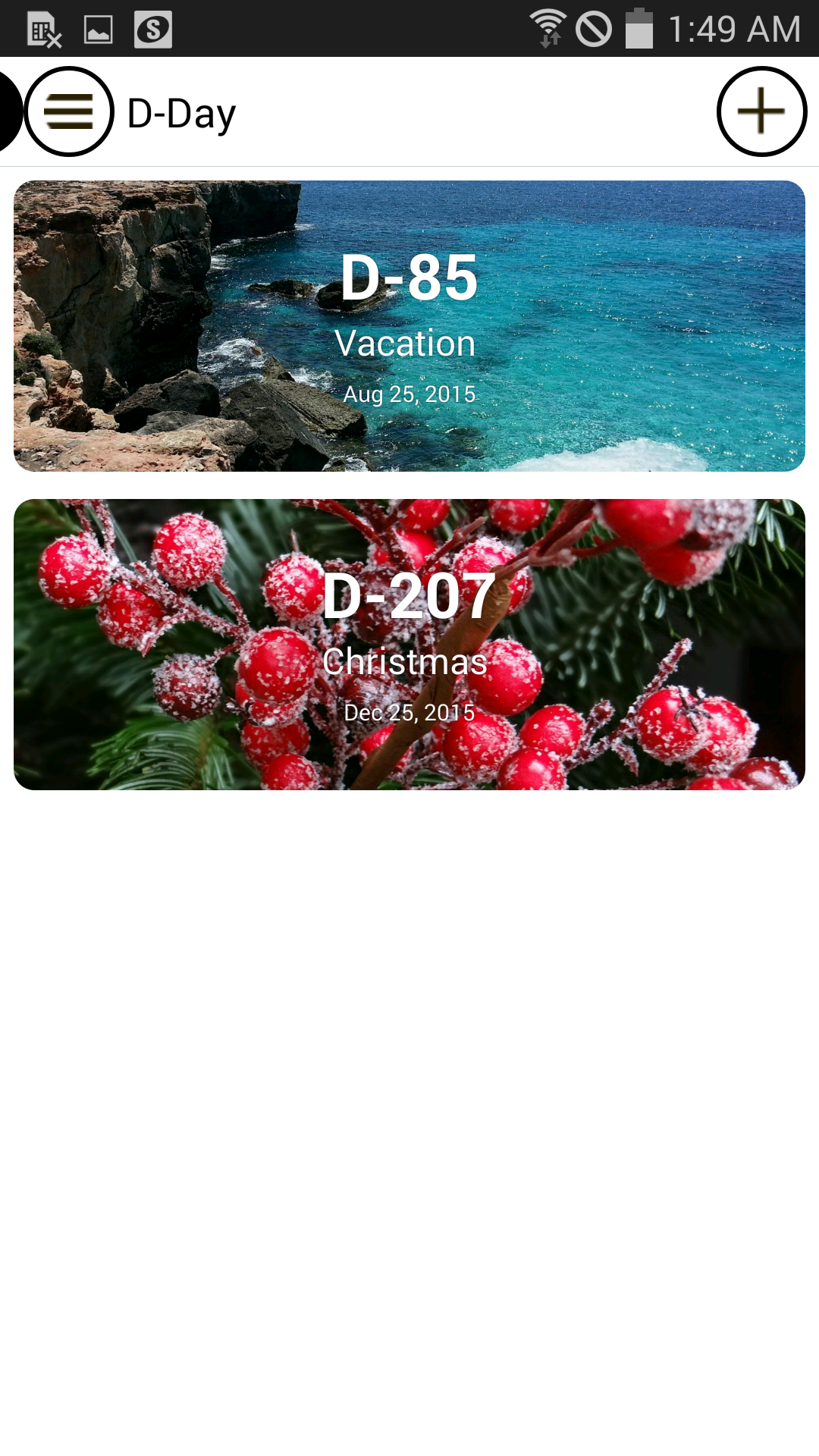
3. Customizable Reminders: Set personalized reminders for each event or memo, so you’ll never miss an important task or deadline.
4. Sync Across Devices: Keep your calendar and memos synced across all your devices, ensuring that your schedule and notes are always accessible.
5. Color-Coded Categories: Organize events, tasks, and memos by color-coding them according to category (work, personal, meetings, etc.) to visually distinguish between different activities.
1. Use Multiple Reminders: Set multiple reminders for important tasks or appointments to give yourself enough time to prepare and stay on top of things.
2. Organize by Categories: Color-code your events and memos to easily separate work-related tasks from personal ones, making it easier to manage your day.
3. Sync with Other Apps: If you use other productivity apps, like Google Calendar or Evernote, sync them with Good Calendar to keep all your information in one place.
4. Set Recurring Events: For regular tasks or appointments, take advantage of the recurring event feature to automate reminders and avoid having to manually add them each time.
5. Review Your Calendar at the End of the Day: Spend a few minutes each evening reviewing your schedule for the next day, ensuring you’re prepared and organized for what lies ahead.
Good Calendar – Schedule, Memo is an all-in-one solution for anyone looking to stay organized and productive. With its clean interface, flexible scheduling options, and memo features, the app makes it easy to manage your daily tasks and appointments. The customizable reminders and color-coding help you prioritize tasks, while cross-device syncing ensures your schedule is always up-to-date. Whether for personal or professional use, Good Calendar helps you streamline your life, stay on track, and make the most of your time.
Achei Advocacia
Size:50.28M ProductivityEmploiRapide
Size:22.86M Productivityotto.notespese
Size:35.00M ProductivityQuillo: Voice to Tasks
Size:63.90M ProductivityTransamerica Pyramid
Size:143.00M ProductivityLaundry POS
Size:42.00M ProductivityPDF Editor & Sign – VeloPDF
Size:75.30M ProductivityRimbo
Size:89.00M ProductivityNudge – ADHD Planner & Focus
Size:69.00M ProductivityBgGPT
Size:32.90M ProductivityMy Mummy Australia
Size:17.00M ProductivityVibeTime
Size:7.00M ProductivityApril 2024 Clash of Clans Update: Unveiling a Fresh Companion, Enhanced Levels, Chat Tagging, and Be
2024-04-16Arrival of Genshin Impact 4.6 Update: 'Embers of Two Realms, Twilight of Crimson'
2024-04-16V2.2 of the Farlight 84 update introduces an overhauled Season structure, fresh in-game currency, an
2024-04-16Monster Never Cry is now accessible on both Android and iOS mobile devices.
2024-04-18PUBG Mobile Teams Up with Bentley Motors: Luxury Cars, Exclusive Collectibles, and Beyond
2024-04-18March 2024 Free Redemption Codes for Honkai: Star Rail
2024-04-18