English
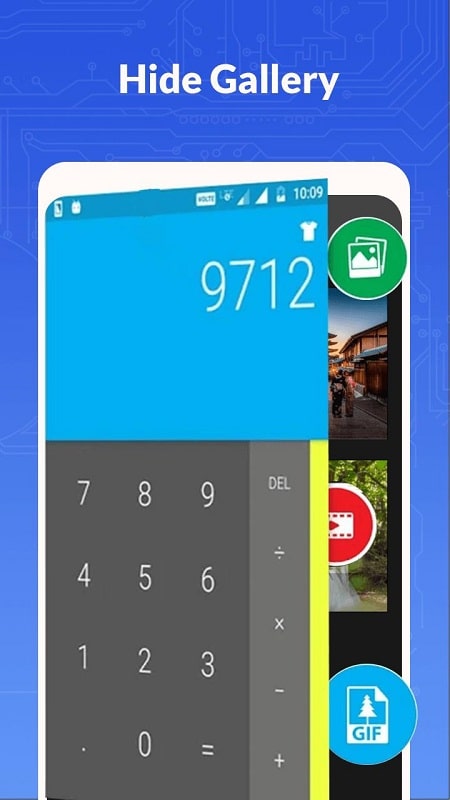
Calculator Lock is a practical and discreet app designed to provide enhanced privacy by hiding sensitive files, photos, and apps behind a fake calculator interface. This app gives the illusion of a regular calculator while secretly acting as a secure vault to store private content. With its easy-to-use interface and hidden features, Calculator Lock ensures that your personal information stays safe and protected from prying eyes. It’s the perfect solution for those looking for a quick, effective way to protect their privacy without the need for complicated setups or third-party encryption tools.
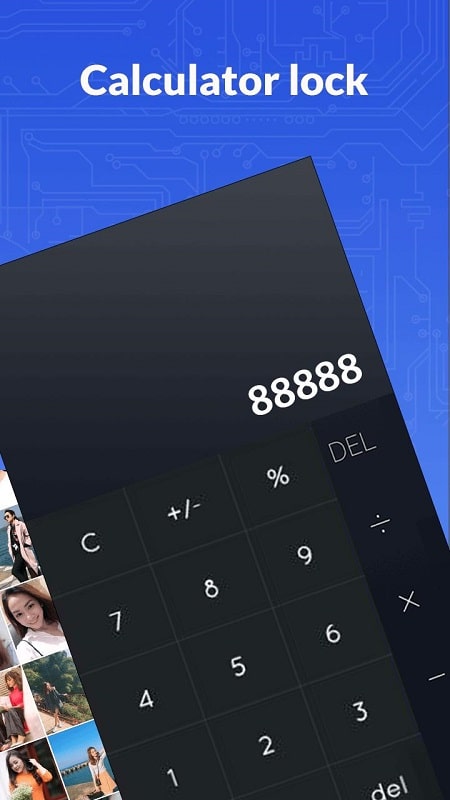
1. Discreet Interface: The app looks like a regular calculator, making it easy to disguise and store sensitive content without others noticing.
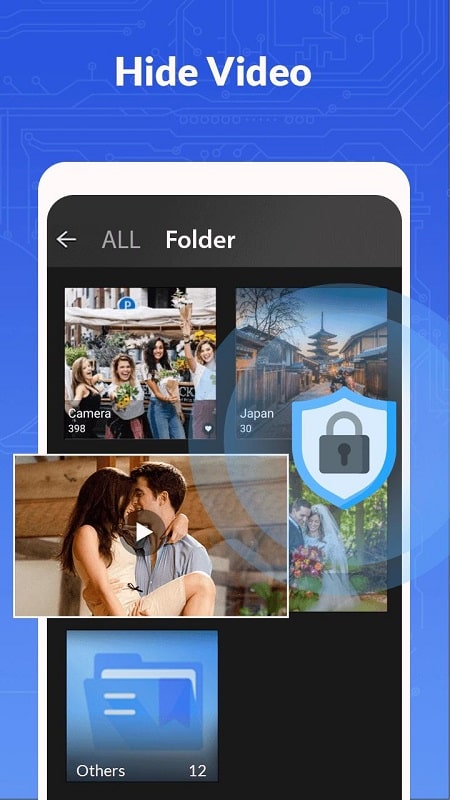
2. Secure Vault: Calculator Lock allows you to hide photos, videos, documents, and other files securely within its encrypted vault, ensuring your data stays private.
3. Password Protection: You can set a password or PIN to access the hidden vault, preventing unauthorized access to your private content.
4. Easy File Management: The app provides a user-friendly interface for managing your hidden files, allowing you to easily add, view, and delete content.
5. Fake Login: In case someone attempts to access the app without your permission, Calculator Lock offers a fake login screen to prevent them from discovering your hidden files.
6. Stealth Mode: The app can be set to operate in stealth mode, making it invisible from the app drawer and ensuring that no one knows it’s installed on your device.
1. Use a Strong Password: Make sure to set a strong, unique password to access the vault, ensuring your data remains secure from anyone attempting to access your files.
2. Organize Files Regularly: Keep your hidden files organized by sorting them into folders inside the app, making it easier to find and manage your content later.
3. Enable Stealth Mode: Activate stealth mode to hide the app from your home screen or app drawer, adding an extra layer of security if someone borrows your phone.
4. Backup Your Files: Regularly back up your hidden files to a cloud service or external storage to ensure they’re not lost if your device is ever damaged or lost.
5. Use the Fake Calculator Feature: If someone tries to access your calculator, the app will show a fake screen to keep your data safe and buy you time to prevent any unwanted access.
6. Close the App After Use: Once you’ve finished managing your private content, make sure to close the app fully to ensure no one can access it accidentally.
Calculator Lock is an excellent app for anyone who values their privacy and wants a simple, effective way to protect sensitive content on their mobile device. With its stealthy interface, secure vault, and password protection features, it offers an added layer of security without drawing attention. Whether you need to hide photos, videos, documents, or other private files, Calculator Lock provides an easy-to-use solution that keeps your information safe from prying eyes. For anyone looking for privacy and peace of mind, this app is a must-have.
포케챔스
Size:43.15M ToolsModoo File Converter
Size:14.00M ToolsPawDoo
Size:43.49M ToolsNaam Jap Counter
Size:47.41M ToolsKoala Swift Pass Ignite
Size:16.00M ToolsKoi Mend Idle Slow
Size:16.00M ToolsUltimate VPN
Size:15.43M ToolsAlarm Clock: Timer & Stopwatch
Size:15.00M ToolsSmart Call & Message Hub
Size:51.00M ToolsPusula İstanbul
Size:100.24M ToolsYeuProxy
Size:27.38M ToolsSimple PDF Reader
Size:5.38M ToolsApril 2024 Clash of Clans Update: Unveiling a Fresh Companion, Enhanced Levels, Chat Tagging, and Be
2024-04-16Arrival of Genshin Impact 4.6 Update: 'Embers of Two Realms, Twilight of Crimson'
2024-04-16V2.2 of the Farlight 84 update introduces an overhauled Season structure, fresh in-game currency, an
2024-04-16Monster Never Cry is now accessible on both Android and iOS mobile devices.
2024-04-18PUBG Mobile Teams Up with Bentley Motors: Luxury Cars, Exclusive Collectibles, and Beyond
2024-04-18March 2024 Free Redemption Codes for Honkai: Star Rail
2024-04-18