English
File Transfer is a lightweight Android utility for moving files between devices without cables or cloud uploads. File Transfer supports local Wi-Fi, Wi-Fi Direct and Bluetooth to send photos, videos, documents and APKs, and File Transfer shows progress to help you manage active transfers.
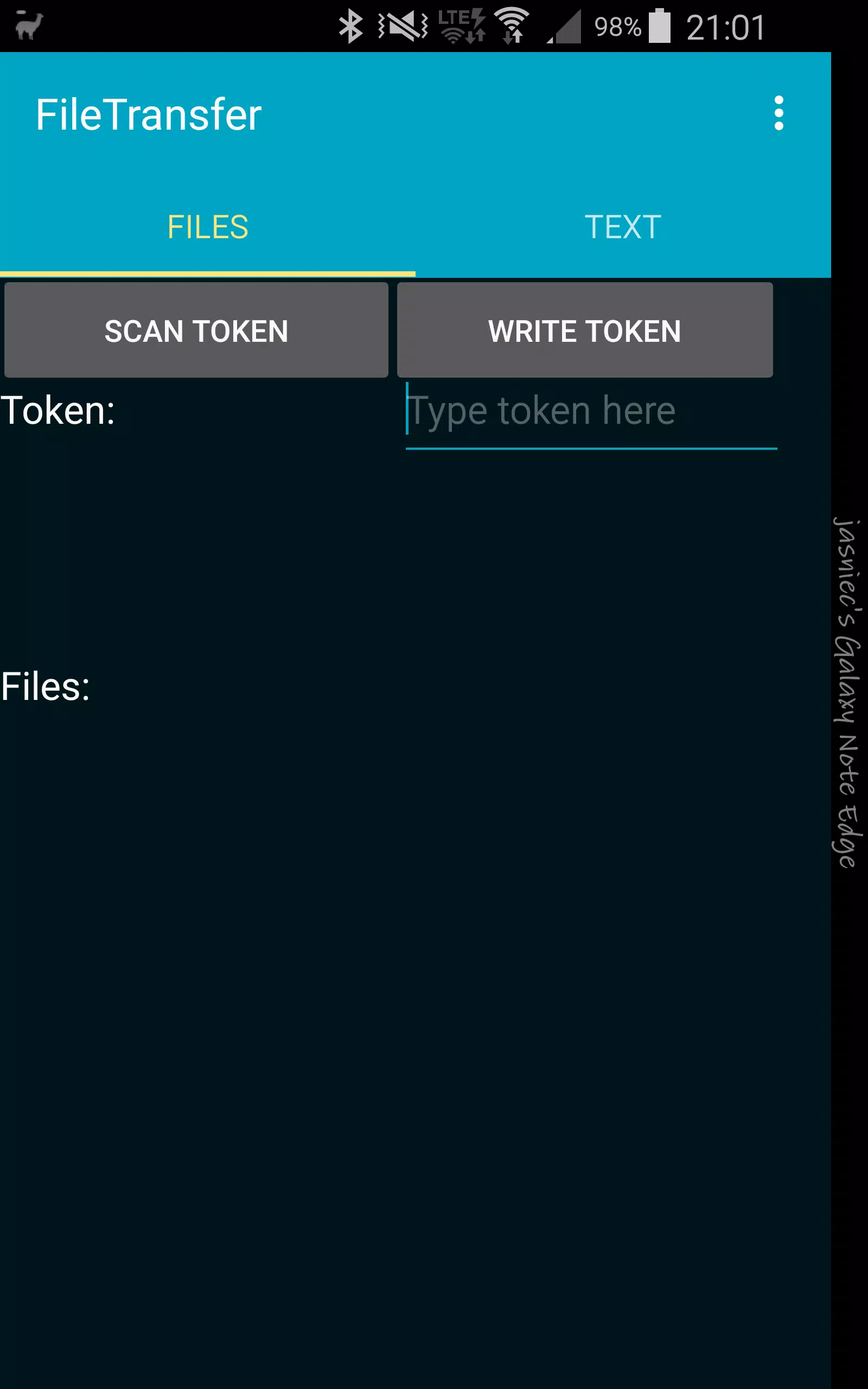
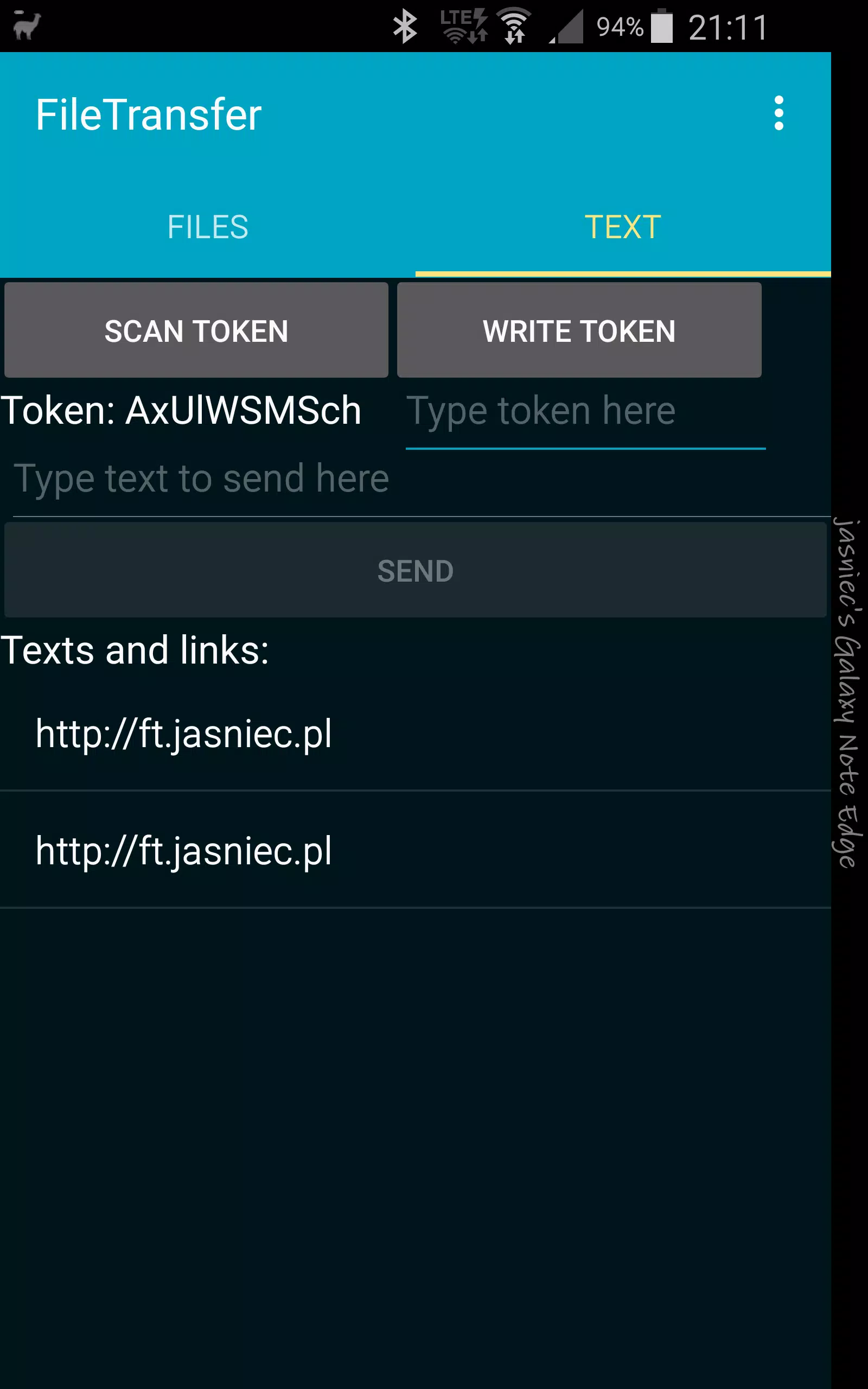
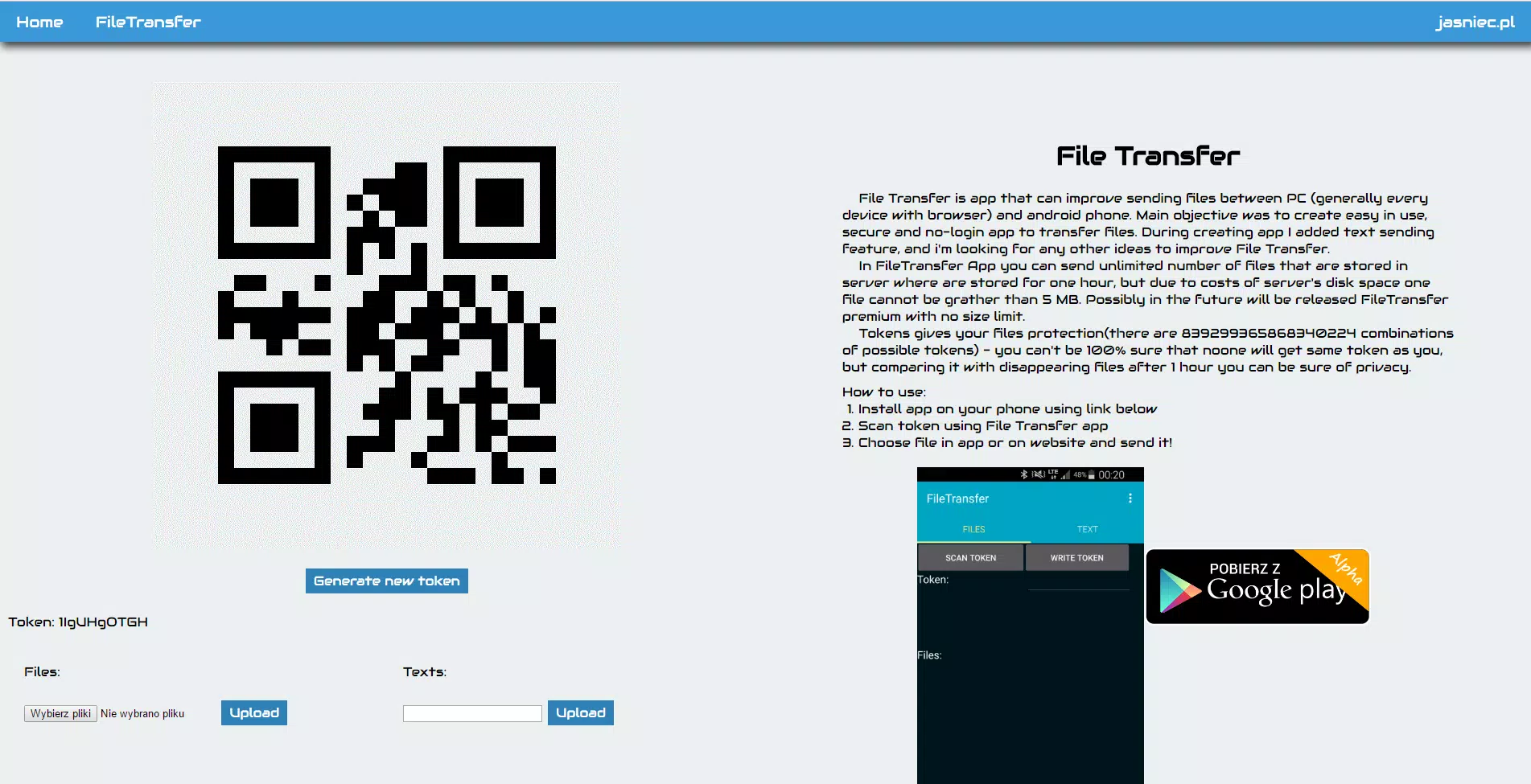
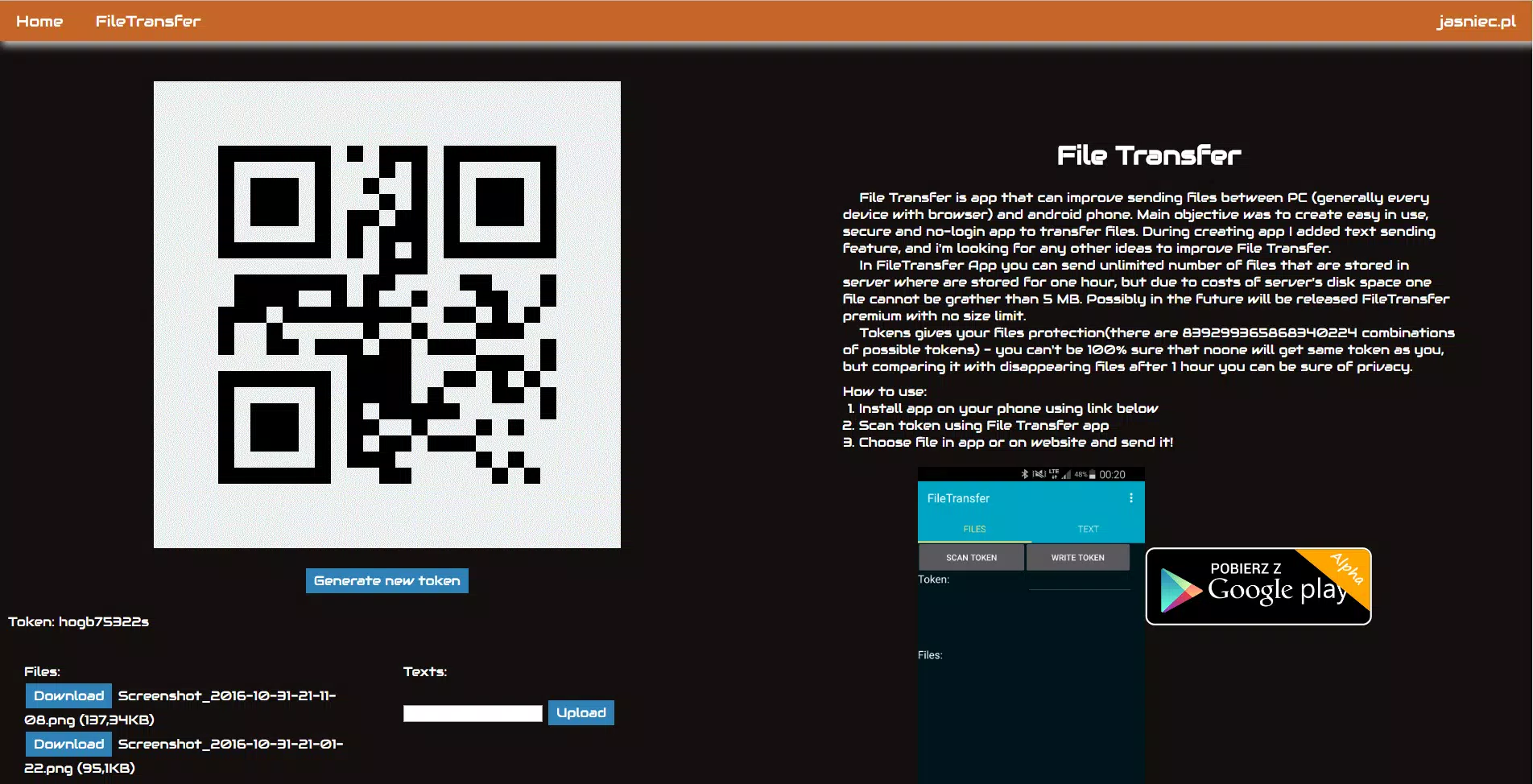
Open File Transfer, choose Send or Receive, select files and follow the on-screen pairing steps or scan the displayed QR code. To move files to a computer, open the provided web address in a browser and drag files to upload or download.
Transfers occur over local connections and do not require cloud storage. Grant storage and network permissions when prompted. File Transfer is designed for common Android versions; check device compatibility and network settings before use.
AVO TV
Size:10.00M ToolsSafeOS
Size:22.35M ToolsBattery Pulse: Status Monitor
Size:20.00M Toolsشوارعنا
Size:69.65M ToolsVoixa
Size:34.20M ToolsCardVault: Card Manager
Size:53.00M ToolsSimple Note
Size:20.00M ToolsWaveBoost
Size:61.00M ToolsHUB Financiero
Size:34.28M Tools安心舍
Size:50.60M ToolsRing Locator
Size:56.93M ToolsLiQ
Size:18.15M ToolsApril 2024 Clash of Clans Update: Unveiling a Fresh Companion, Enhanced Levels, Chat Tagging, and Be
2024-04-16Arrival of Genshin Impact 4.6 Update: 'Embers of Two Realms, Twilight of Crimson'
2024-04-16V2.2 of the Farlight 84 update introduces an overhauled Season structure, fresh in-game currency, an
2024-04-16Monster Never Cry is now accessible on both Android and iOS mobile devices.
2024-04-18PUBG Mobile Teams Up with Bentley Motors: Luxury Cars, Exclusive Collectibles, and Beyond
2024-04-18March 2024 Free Redemption Codes for Honkai: Star Rail
2024-04-18