English
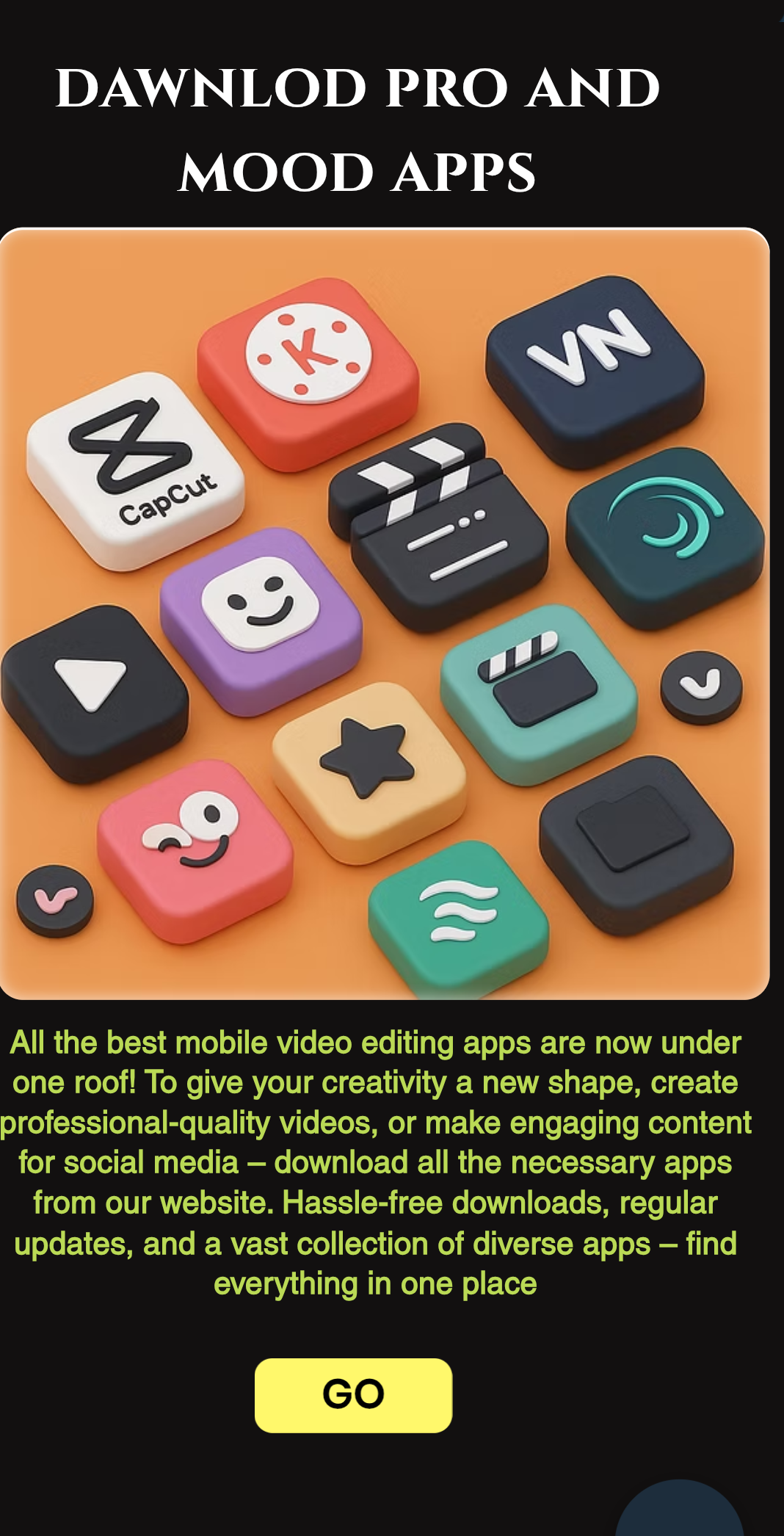
Editz Hub is an all-in-one mobile toolkit for creators who need fast access to pro-grade editing assets and streamlined on-device workflows. Editz Hub bundles Alight Motion CC XML color-correction presets, high-resolution 4K gaming logo PNGs with transparent backgrounds, and a range of unlocked editing APKs designed to remove common export limits and watermarks; everything is packaged with Android performance in mind so you can import, apply, and export while working on the phone or tablet. The app targets video editors, streamers, channel designers, and mobile creators who want ready-made building blocks to speed up color grading, branding, and final exports without switching to desktop tools.
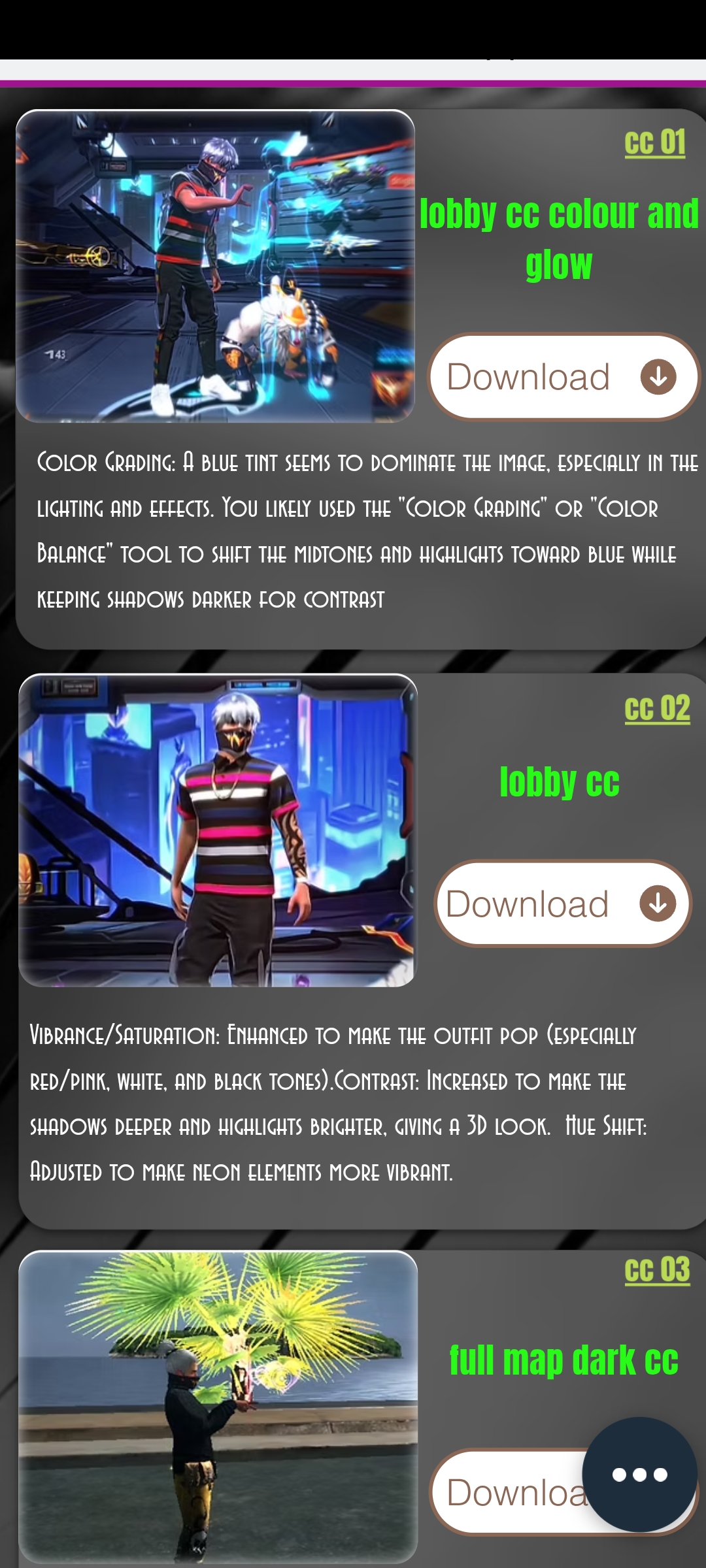
The collection of Alight Motion CC XML files in Editz Hub is organized by visual style and use case, from cinematic teal-and-orange grades to punchy gaming overlays. Each preset includes a short description and recommended use cases so you can preview which correction fits your footage. Importing a preset is a few taps: select the XML, open it in a compatible editor, and fine-tune sliders or layer order; presets are provided as starting points to reduce repetitive setup time rather than fixed, unchangeable filters.
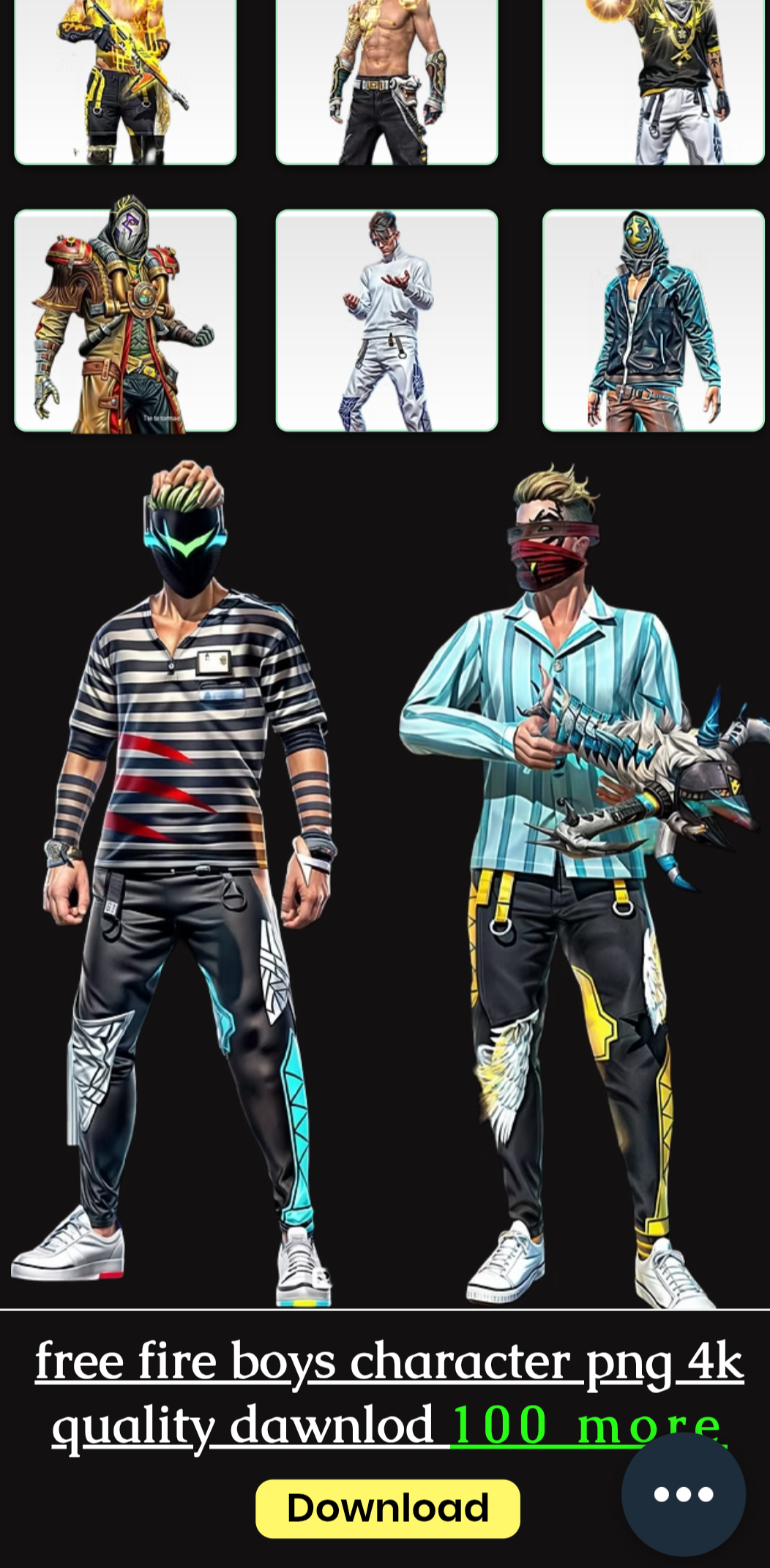
Editz Hub also provides high-resolution 4K gaming logo PNGs with transparent backgrounds that are optimized for overlays, channel art, and thumbnails. Logos are offered in several aspect ratios and include simple naming conventions so you can quickly place them in a timeline or image editor. Files are delivered in PNG format to preserve alpha channels and color fidelity, and you can scale or recolor assets in-app or in your editor to match your branding guidelines.
The unlocked pro editing APKs packaged alongside assets are intended to give creators access to tools that remove export watermarks or unlock advanced codecs for local, offline editing. Each APK entry includes version notes, compatibility hints, and basic installation guidance so you can decide whether it fits your device. Editz Hub emphasizes mobile optimization and lightweight packaging to help keep installs small and responsive on a range of Android hardware.
Editz Hub focuses on simple, touch-friendly controls to fit typical Android editing patterns: browse categories using thumbnail previews, tap to download an asset to local storage, and use context menus to open files in compatible editors. For customization, presets are editable after import; you can tweak color wheels, exposure, and curve adjustments within your chosen editor, and save modified XMLs back to a personal folder for reuse. Logo PNGs can be recolored, resized, and layered directly in most mobile editors, which makes consistent branding across videos and thumbnails straightforward.
Instead of a game-like progression system, Editz Hub provides a practical progression for creators: the more assets you add and customize, the faster your production pipeline becomes. Start with basic presets and logos for quick thumbnails, then progressively introduce more complex grades and layered overlays as you refine your style. Project structure is left to the editing app you use, but Editz Hub encourages saving variant presets and organized asset folders so recurring projects become templates you can reuse; that repeatability is the primary source of long-term replay value for creators who publish regularly.
The overall visual style of assets in Editz Hub spans minimal branding pieces to cinematic grading templates. Each asset lists intended difficulty and suggested experience level: beginner-friendly logos and simple grade presets for fast edits, and more advanced XMLs for users who understand layer stacking and masks. This graded approach helps creators pick assets that match their skill level and learn new techniques incrementally rather than being overwhelmed.
Editz Hub is designed to be lightweight and usable on lower-end hardware: previews are low-overhead, downloads are optional, and core assets can be stored for offline use so you can work without a steady connection. The interface follows common Android navigation patterns so screen readers and gesture controls remain compatible with many accessibility tools. File sizes and performance notes are provided for each asset to help you estimate storage and CPU impact before installing or applying large presets.
The app receives regular content updates to add new presets and logos; each update includes compatibility notes so you know which Android versions and editor builds were tested. Because Editz Hub concentrates on mobile workflows, it is not a substitute for a full desktop editing suite and some XML files may require specific editor versions to behave identically. Be prepared to test presets on a copy of your project and to adjust settings when moving assets between different editors.
Editz Hub includes brief installation guidance, suggested workflows, and troubleshooting tips for common issues like wrong color profiles or missing alpha channels. For stable results, keep backups of original projects before applying new presets, and maintain a small library of your favorite customizations so you can iterate consistently across future videos and streams.
Colorimeter
Size:5.45M ToolsChatBoost
Size:19.33M ToolsRemote Fire TV
Size:48.04M ToolsgetConf - Hidden Settings
Size:16.66M ToolsTracker Detect Pro
Size:10.39M ToolsWiFi Speed Test Pro
Size:8.11M ToolsGG Mouse Pro 2
Size:45.82M ToolsResource Monitor Mini Pro
Size:3.19M ToolsSmart Keyboard Pro
Size:23.22M ToolsMyScript Math: Solve & Plot
Size:108.76M ToolsText Repeater
Size:11.73M Tools3Dcalc+
Size:12.59M ToolsApril 2024 Clash of Clans Update: Unveiling a Fresh Companion, Enhanced Levels, Chat Tagging, and Be
2024-04-16Arrival of Genshin Impact 4.6 Update: 'Embers of Two Realms, Twilight of Crimson'
2024-04-16V2.2 of the Farlight 84 update introduces an overhauled Season structure, fresh in-game currency, an
2024-04-16Monster Never Cry is now accessible on both Android and iOS mobile devices.
2024-04-18PUBG Mobile Teams Up with Bentley Motors: Luxury Cars, Exclusive Collectibles, and Beyond
2024-04-18March 2024 Free Redemption Codes for Honkai: Star Rail
2024-04-18