
English
Color Block is a focused color-selection tool that helps designers, creatives, and hobbyists build harmonious palettes quickly and confidently. Color Block streamlines the early stages of visual decision-making whether you are designing a website, crafting an app interface, styling interiors, or planning a fashion look. The app combines automatic palette generation with precise color input and template-driven suggestions so you can explore combinations without guesswork and spend more time refining composition and typography.
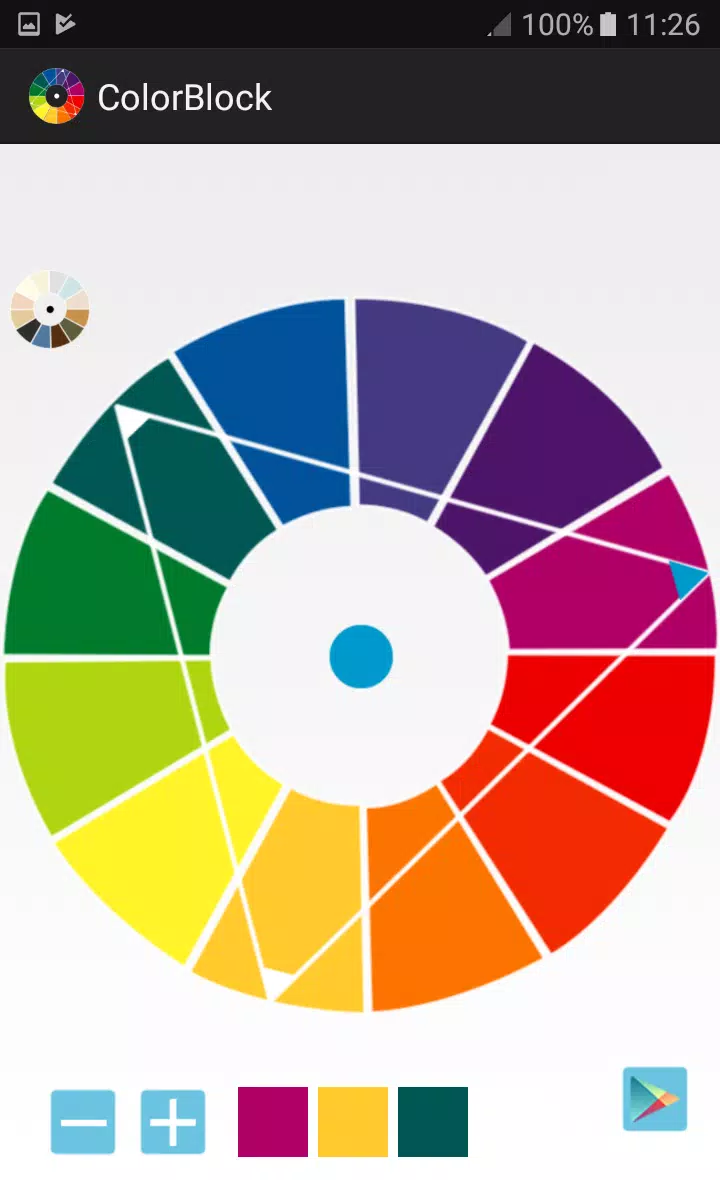
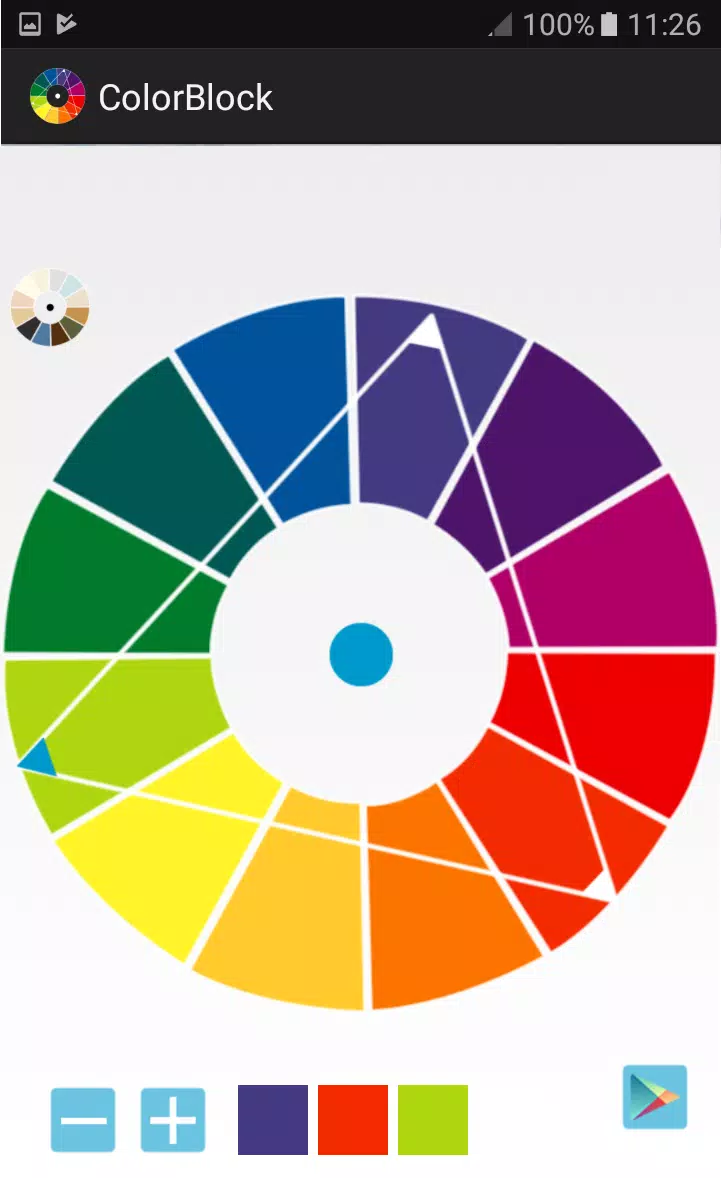
The core of Color Block is a generator that proposes harmonious assortments based on color theory rules and adjustable constraints; choose a base hue and the tool suggests complementary, analogous, triadic, or monochrome variants that play well together. Each suggested palette is presented with clear color values and simple previews so you can evaluate contrasts and balance at a glance. Templates are grouped by use case, for example interface-friendly sets, high-contrast accessibility-focused palettes, or mood-driven collections, which makes it faster to jump from inspiration to a working set of tones.
Interaction is built around direct manipulation: tap or click a swatch to reveal its numeric values, nudge hue and saturation sliders to fine-tune tones, and use a swapping control to replace one color with another across a whole palette. The interface keeps frequent actions close at hand so you can iterate without interruption, and previews update in real time so adjustments read the same way they will appear in actual layouts. Color Block uses large touch targets and keyboard-friendly controls to accommodate both mobile and desktop workflows.
To manage multiple ideas, Color Block supports creating project stacks and named palette sets so you can compare directions side by side. A lightweight history lets you step backward through recent adjustments, making exploration less risky and encouraging experimentation. Over time you can build a personal library of favorite palettes and templates to accelerate future projects, and each palette is presented with an explanatory label and context notes so returning to an earlier choice is straightforward.
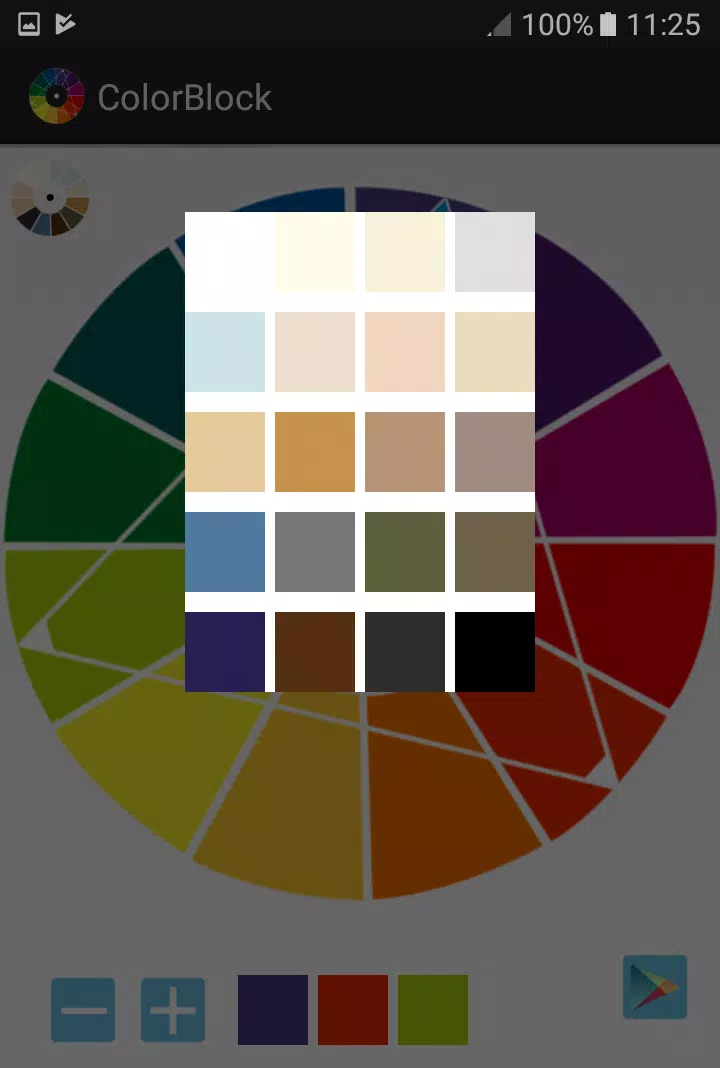
The app presents palettes using clean, minimalist chrome so colors remain the visual focus; preview modes allow you to view swatches as flat chips, as UI elements like buttons and cards, or applied to mock layouts to judge hierarchy and legibility. Contrast indicators and simulated grayscale views help you verify whether combinations will perform across devices and contexts. These visual checks reduce surprises when colors move from concept to production and help you assess accessibility and brand consistency early in the process.
Color Block makes customization simple while paying attention to accessibility: you can lock a brand color to preserve identity, adjust weight and contrast of supporting tones, and review combinations against contrast ratio guidance so text remains readable. The app's colorblind-friendly preview mode simulates common vision conditions to surface potential problems, and adjustable text sizes and high-contrast UI options improve usability for a wide range of users.
Designed for fast iteration, Color Block runs smoothly without a constant network connection so you can sketch palettes on the go and return later to refine them. The lightweight engine focuses on responsiveness, updating suggestions and previews instantly as you tweak settings, which keeps creative momentum and reduces time spent waiting on heavy renders or cloud sync operations.
Beyond utility, Color Block encourages repeated use through small creative prompts and template challenges that invite you to remix a palette for a different purpose, such as turning a website scheme into a print-friendly option or adapting a daytime palette for night mode. These guided exercises sharpen color judgment and make the app useful both as a production aid and a learning tool for developing a stronger eye for color relationships.
Color Block focuses on color selection rather than acting as a full design suite: it is optimized for discovering and testing palettes rather than producing finished assets, and you may need additional tools to directly apply palettes inside a larger production workflow or to export complex design files. Still, the app excels at removing friction around color choice so you can concentrate on composition, typography, and overall style with confidence.
Colorimeter
Size:5.45M ToolsChatBoost
Size:19.33M ToolsRemote Fire TV
Size:48.04M ToolsgetConf - Hidden Settings
Size:16.66M ToolsTracker Detect Pro
Size:10.39M ToolsWiFi Speed Test Pro
Size:8.11M ToolsGG Mouse Pro 2
Size:45.82M ToolsResource Monitor Mini Pro
Size:3.19M ToolsSmart Keyboard Pro
Size:23.22M ToolsMyScript Math: Solve & Plot
Size:108.76M ToolsText Repeater
Size:11.73M Tools3Dcalc+
Size:12.59M ToolsApril 2024 Clash of Clans Update: Unveiling a Fresh Companion, Enhanced Levels, Chat Tagging, and Be
2024-04-16Arrival of Genshin Impact 4.6 Update: 'Embers of Two Realms, Twilight of Crimson'
2024-04-16V2.2 of the Farlight 84 update introduces an overhauled Season structure, fresh in-game currency, an
2024-04-16Monster Never Cry is now accessible on both Android and iOS mobile devices.
2024-04-18PUBG Mobile Teams Up with Bentley Motors: Luxury Cars, Exclusive Collectibles, and Beyond
2024-04-18March 2024 Free Redemption Codes for Honkai: Star Rail
2024-04-18


















