
English
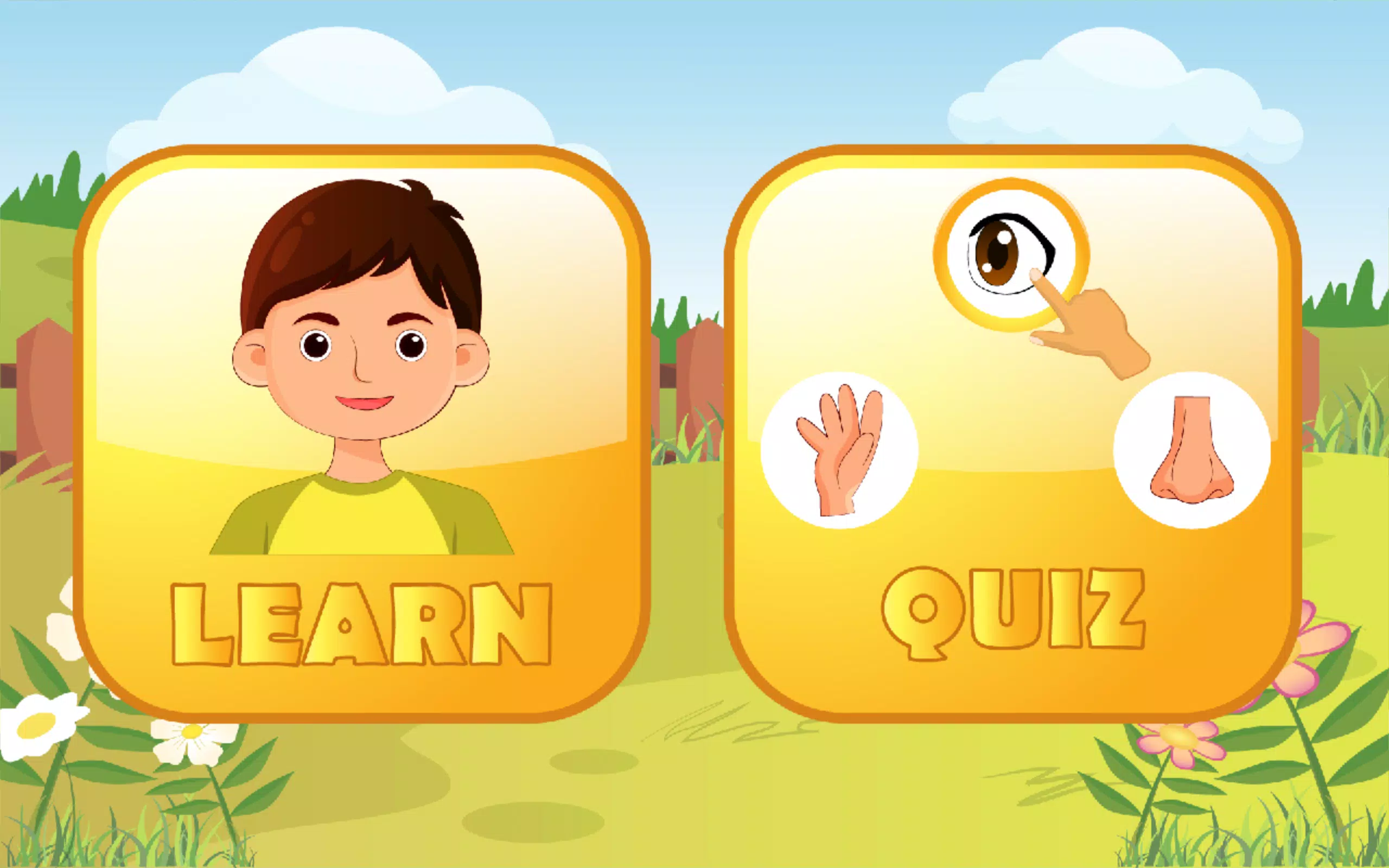
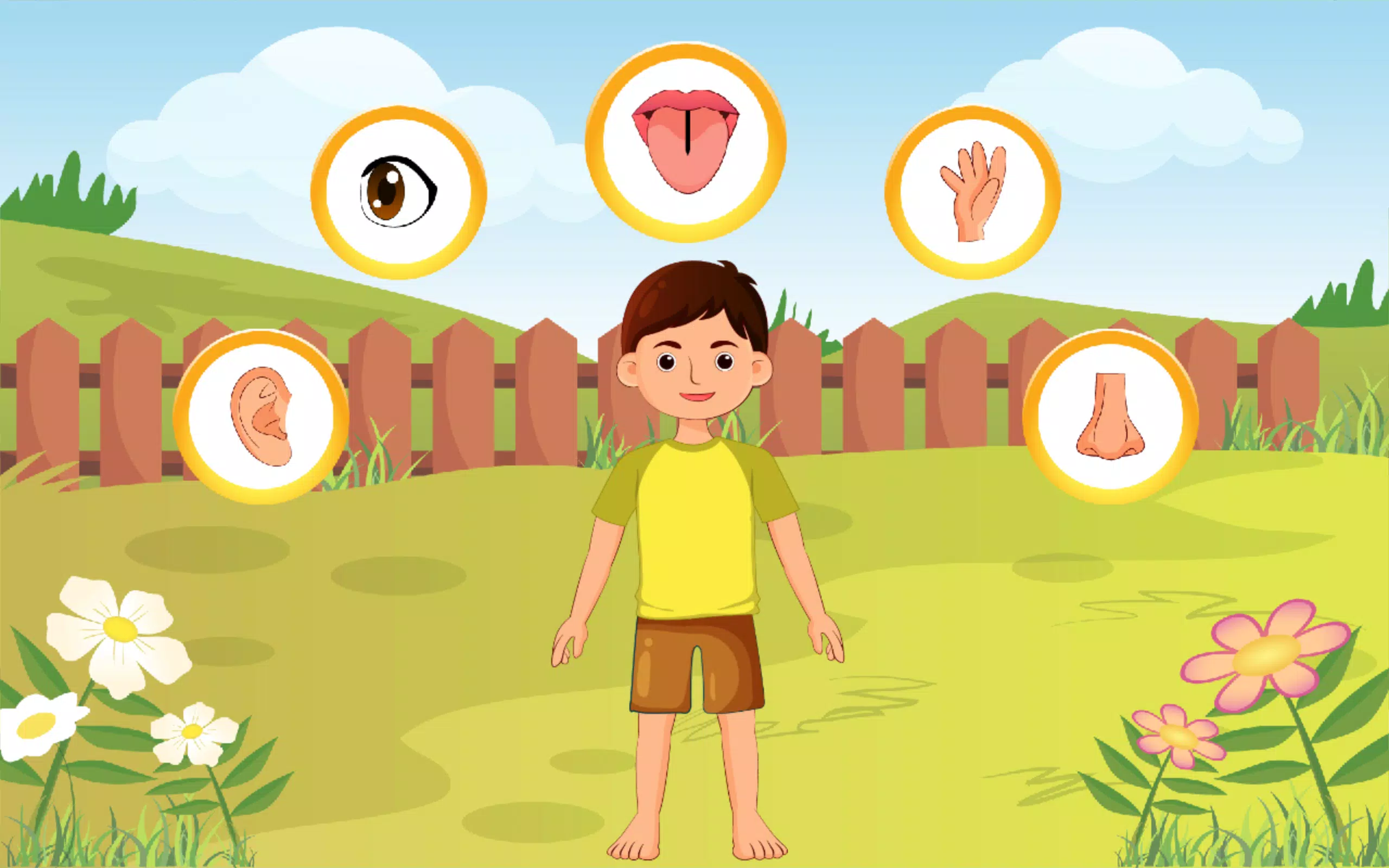
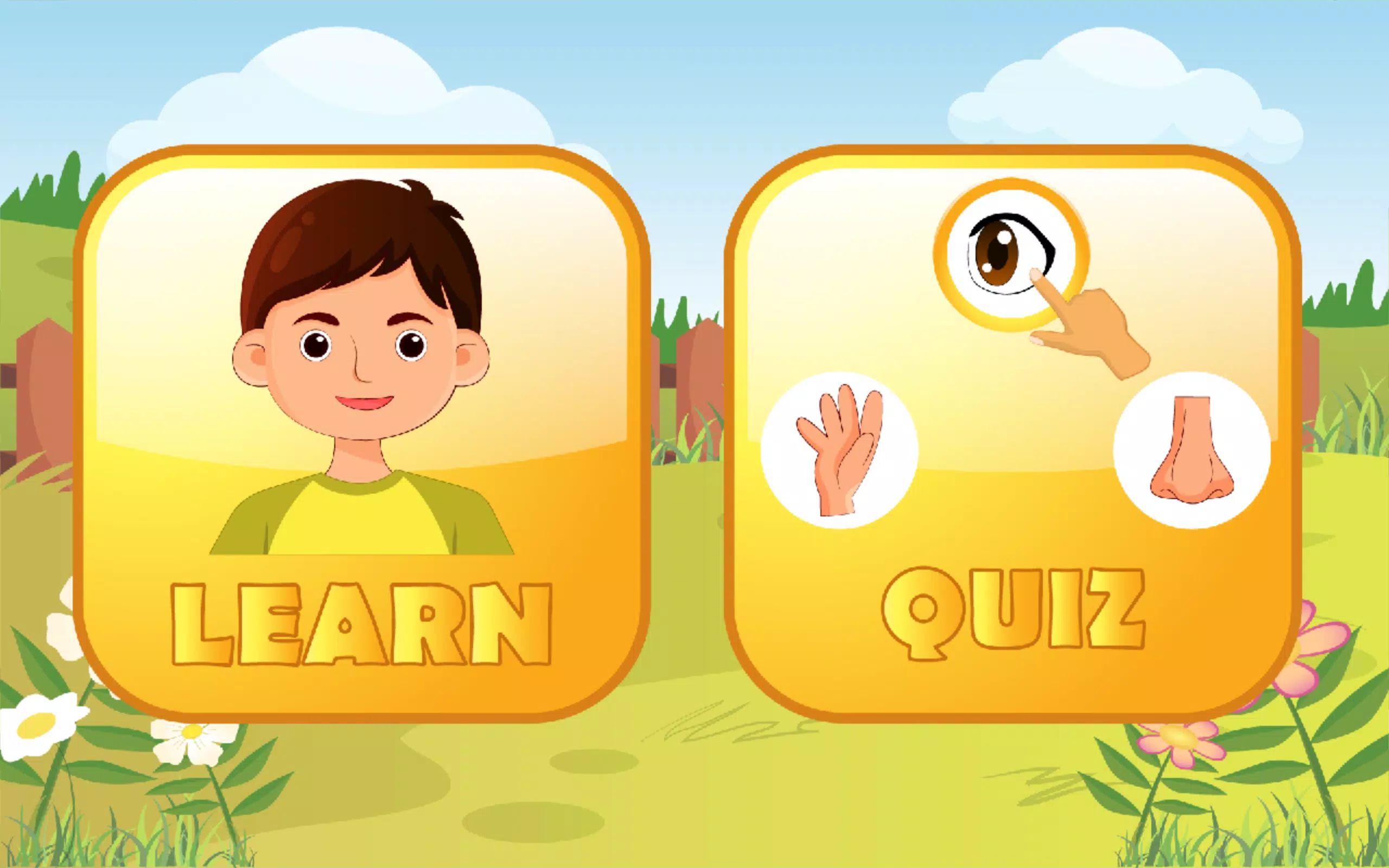
5 Senses is an interactive educational app designed for young children to explore sight, hearing, touch, taste and smell through simple explanations and hands-on activities. The 5 Senses app combines a guided Learning Mode with playful animations, a low-pressure Quiz Mode to reinforce lessons, and a Photobook area where children can capture or import images to document discoveries. With clear navigation and age-appropriate content, 5 Senses helps caregivers and educators turn everyday moments into teachable experiences while supporting early observational and critical-thinking skills.
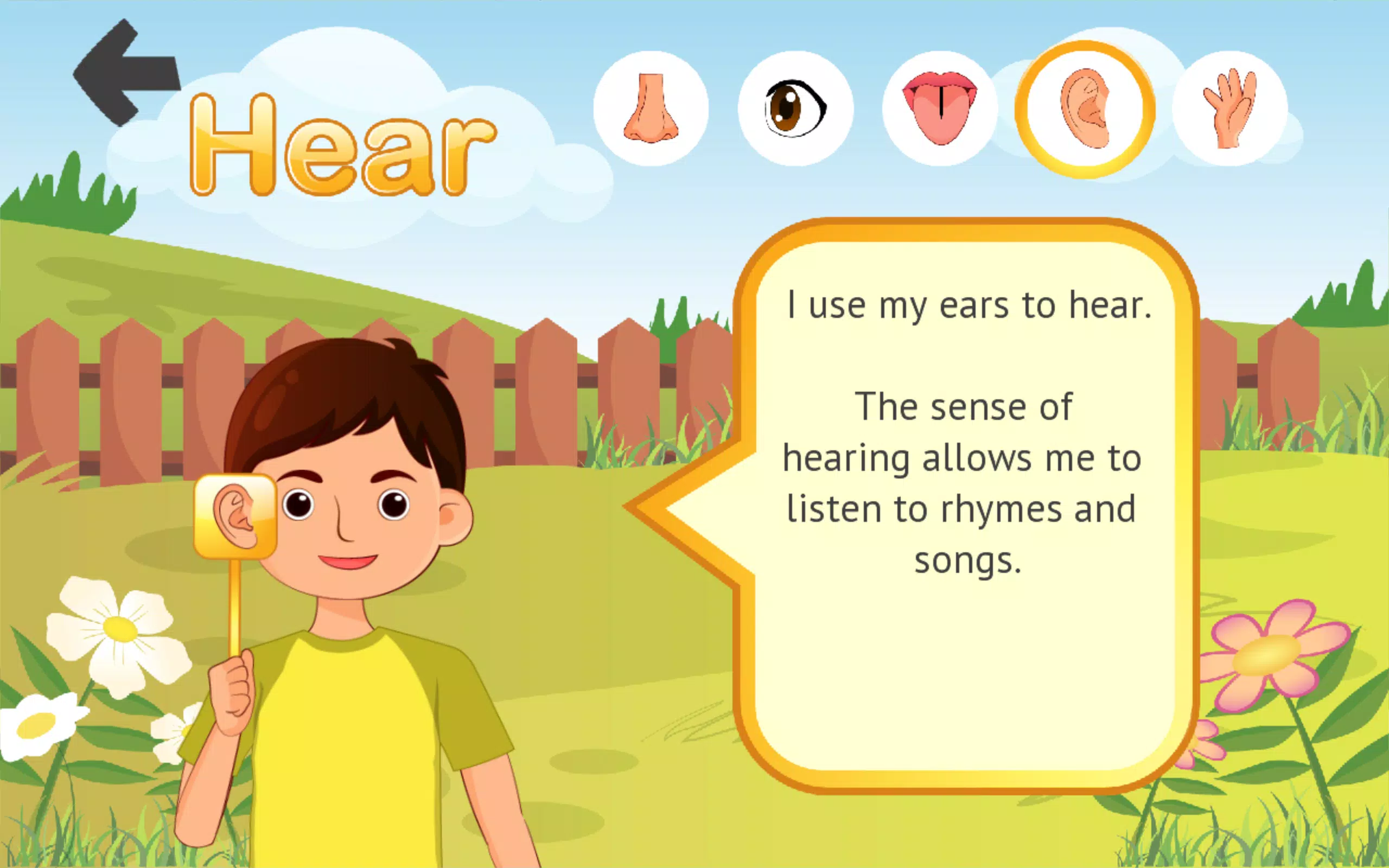
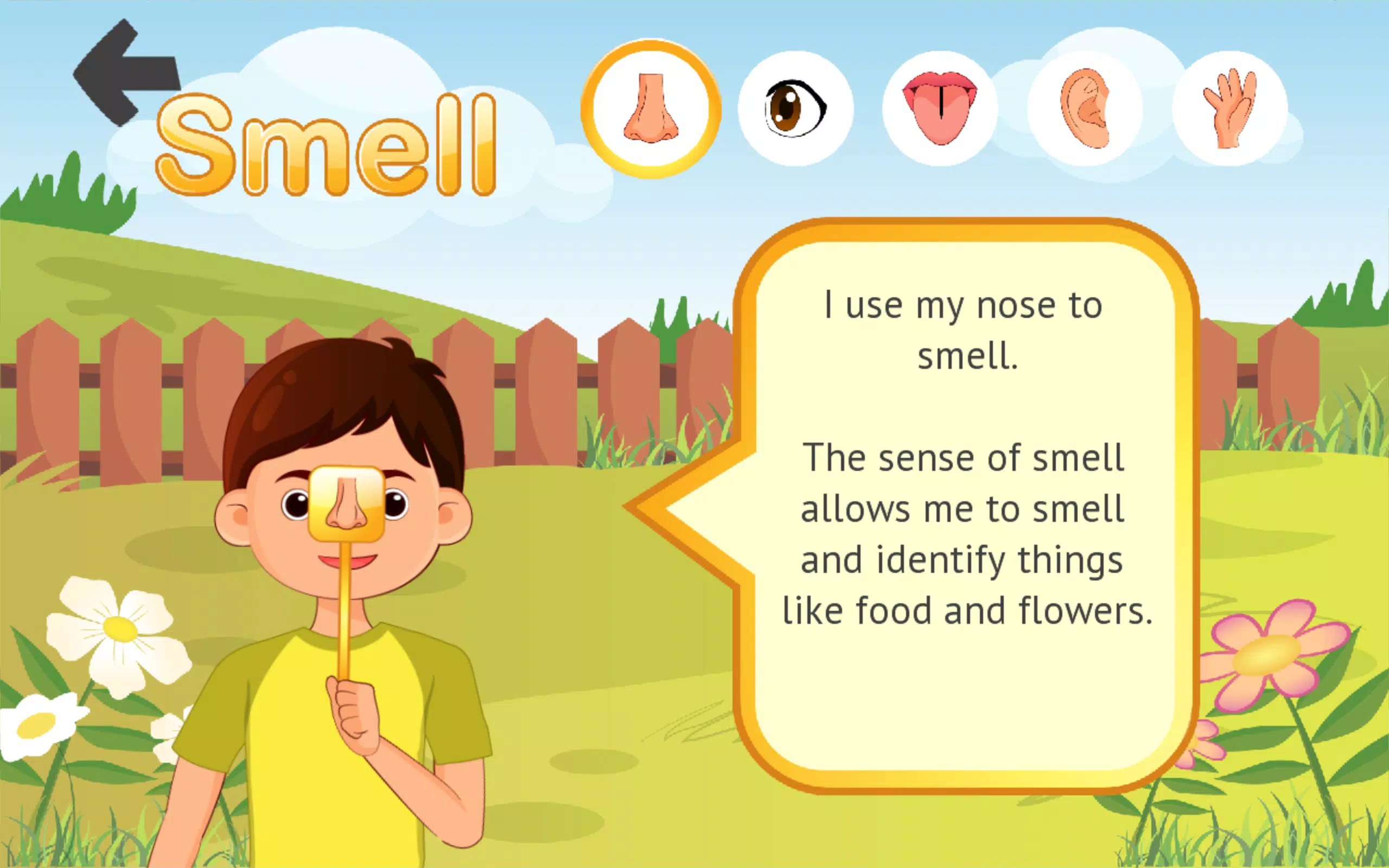
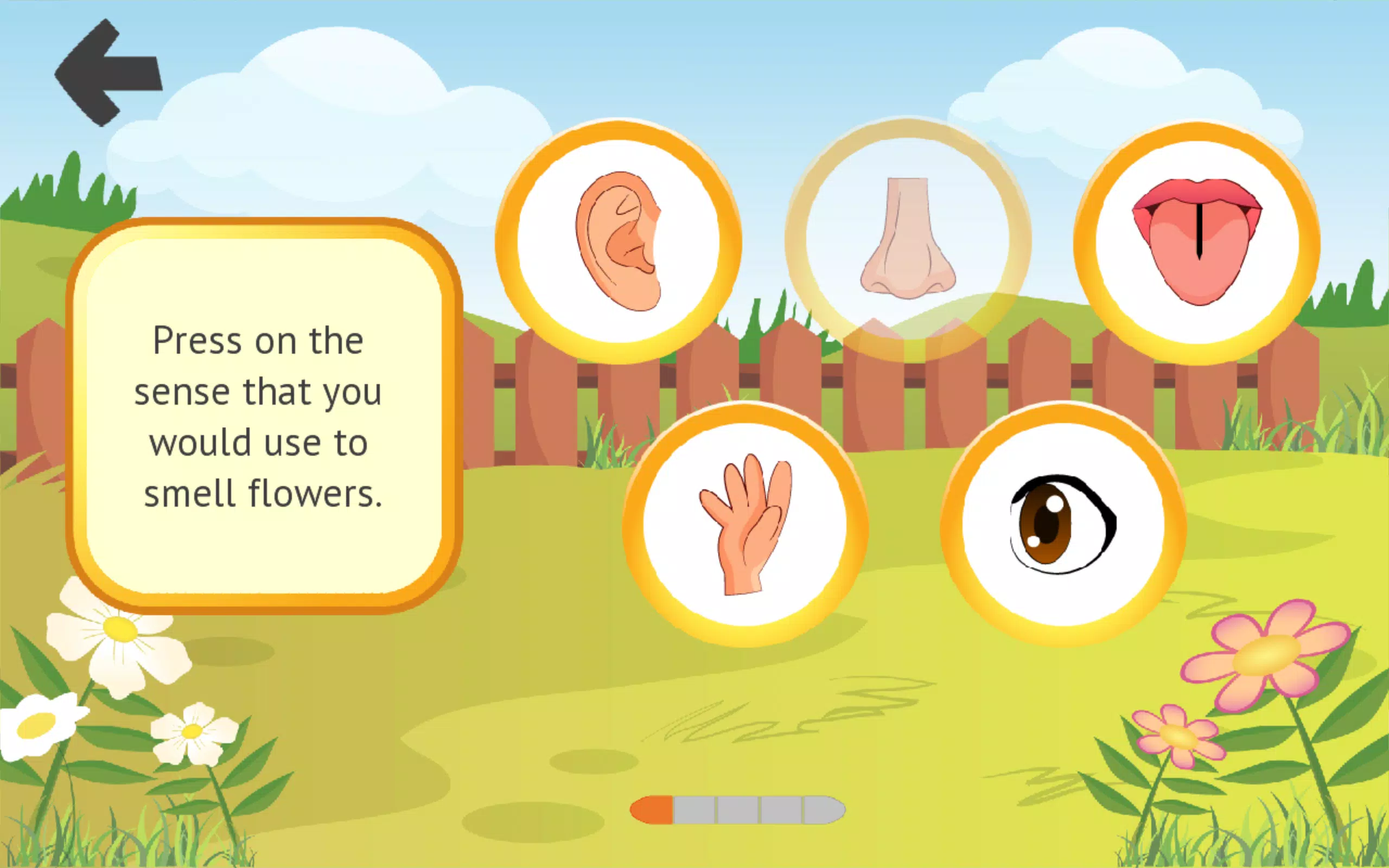
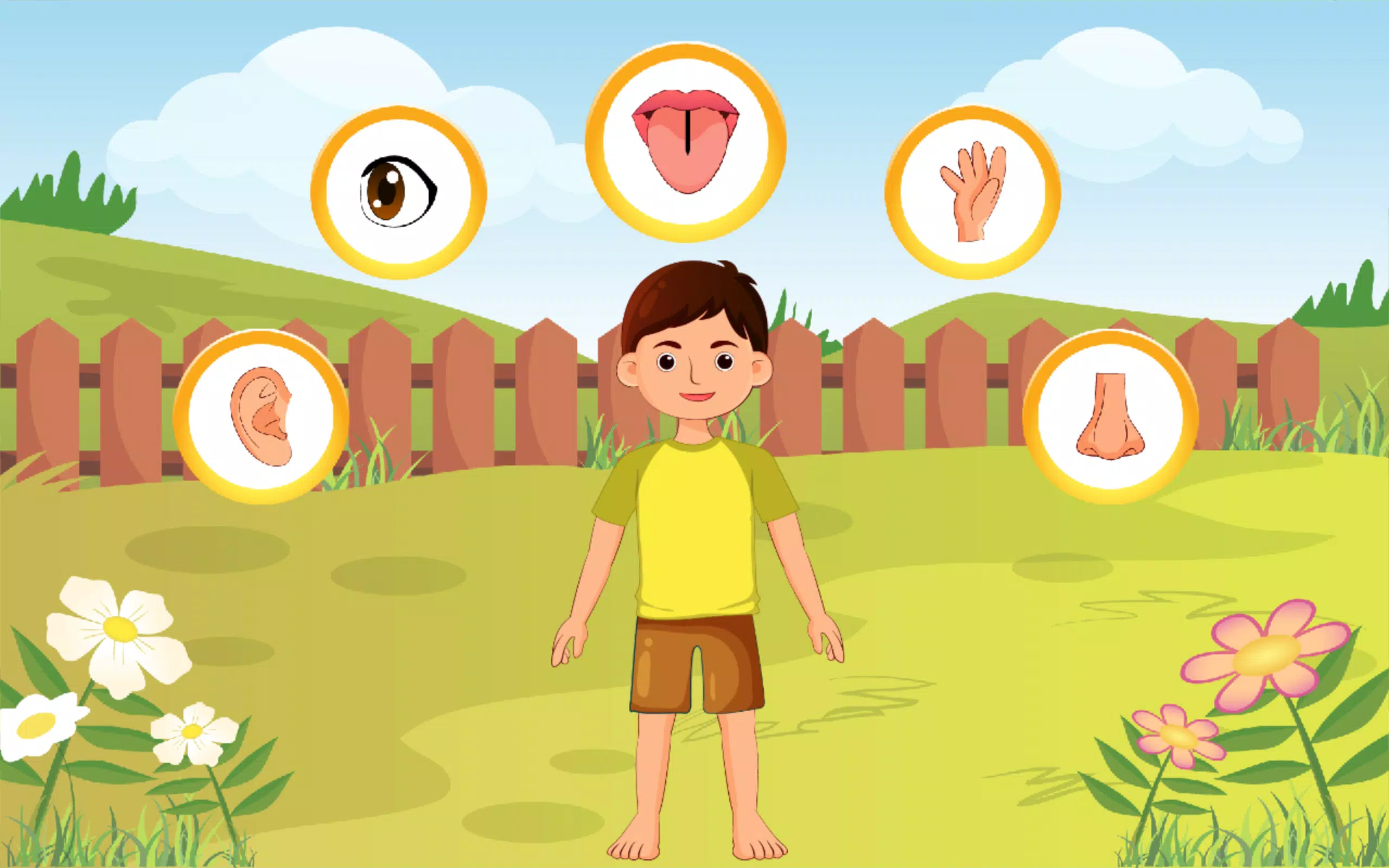
Learning Mode breaks each sense into short, focused modules that use touch-driven interactions—tap to reveal labels, drag-and-drop to match pictures and sounds, and swipe to progress through illustrated micro-lessons. The app pairs concise textual explanations with narrated audio so pre-readers can follow along. Quiz Mode offers multiple-choice and matching activities that adapt questions to the child’s responses, providing immediate, gentle feedback rather than harsh scoring. The Photobook lets children create custom albums tied to lessons, so a session about smell might include photos of flowers or food the child has observed. The interface is intentionally simple: large icons, readable fonts, and clear progress markers make it easy for young users to navigate independently or with minimal adult help.
Interactions are built around basic touchscreen gestures common to tablets and phones. Tapping reveals information, long-pressing can play an audio example, dragging matches items to senses, and simple sliders show concepts like loudness or brightness. Sound examples and visualizations are paired—short clips for hearing and animated overlays for sight—that explain abstract ideas in plain language. Each activity is brief and focused to match young attention spans, with optional repeat buttons and narrated hints for children who need more time. Parental settings allow control over sound, autoplay, and whether photos may be saved to the device.
Progression in 5 Senses is modular: children complete short modules for each sense and unlock slightly more complex variations as they demonstrate understanding. Instead of competitive scoring, the app uses gentle milestones and visual badges to mark progress, encouraging repeated play to reinforce learning. Quizzes are randomized from a pool of child-friendly prompts so each playthrough feels fresh, and many activities include multiple difficulty tiers that increase the amount of detail or the number of items to match. These design choices extend replay value while keeping the learning experience supportive rather than pressure-filled.
The app is structured into themed sections—Home, Nature, Food, and Classroom examples—so children encounter sensory concepts in different contexts. Within each section kids can select to explore a single sense or a mixed set that compares two senses (for example, sight vs. hearing). Customization options let families choose avatar colors, audio narration speed, and text size; the Photobook supports multiple albums so children can organize discoveries by topic. These settings help teachers tailor activities to classroom goals or allow parents to match the app to a child’s individual pace.
5 Senses uses bright but soft illustrations and understated animations to focus attention on the concept rather than flashy effects. Characters and diagrams are drawn with high-contrast edges and clear labels to support visual learners. Accessibility features include read-aloud narration, optional captions, large interactive targets, and adjustable audio levels to accommodate different sensory needs. The app design emphasizes calm transitions, predictable layouts, and short interaction loops so children can form a routine and gain confidence with controls.
Once downloaded, the core Learning Mode, quizzes, and Photobook functionality work offline so activities are available during travel or limited-connectivity situations. Photobook images are stored locally unless parents choose to export them; there are no online social features or external sharing enabled by default. Recommended settings let caregivers disable camera access or set content limits. These choices make the app suitable for at-home exploration, quiet classroom stations, or supervised group learning while keeping privacy and simplicity in focus.
Educators and parents looking for an entry-level introduction to human perception will find 5 Senses useful as a supplement to hands-on lessons and storytime. It is designed for early learners and pre-readers rather than advanced science students, and its structure supports repeated short sessions that build familiarity over time. The combination of interactive demonstrations, gentle quizzes, and a creative Photobook encourages curiosity and helps children connect classroom concepts to their everyday observations.
LifeUp: Gamified To Do List
Size:17.35M ProductivityVPN Proxy Speed
Size:53.00M ProductivityAI Logo Generator (LogoWiz)
Size:41.50M Productivity3D Logo Maker
Size:39.30M ProductivityAI Chat: Ask AI Chat Anything
Size:42.20M ProductivityStars and Planets
Size:116.42M ProductivityImageMeter
Size:119.22M ProductivityHabitKit
Size:56.87M ProductivityMy Passwords Manager
Size:10.60M ProductivitymiMind
Size:48.30M ProductivityCute Note DDay Todo
Size:15.31M ProductivityCleverType AI Keyboard
Size:33.83M ProductivityApril 2024 Clash of Clans Update: Unveiling a Fresh Companion, Enhanced Levels, Chat Tagging, and Be
2024-04-16Arrival of Genshin Impact 4.6 Update: 'Embers of Two Realms, Twilight of Crimson'
2024-04-16V2.2 of the Farlight 84 update introduces an overhauled Season structure, fresh in-game currency, an
2024-04-16Monster Never Cry is now accessible on both Android and iOS mobile devices.
2024-04-18PUBG Mobile Teams Up with Bentley Motors: Luxury Cars, Exclusive Collectibles, and Beyond
2024-04-18March 2024 Free Redemption Codes for Honkai: Star Rail
2024-04-18


















