English
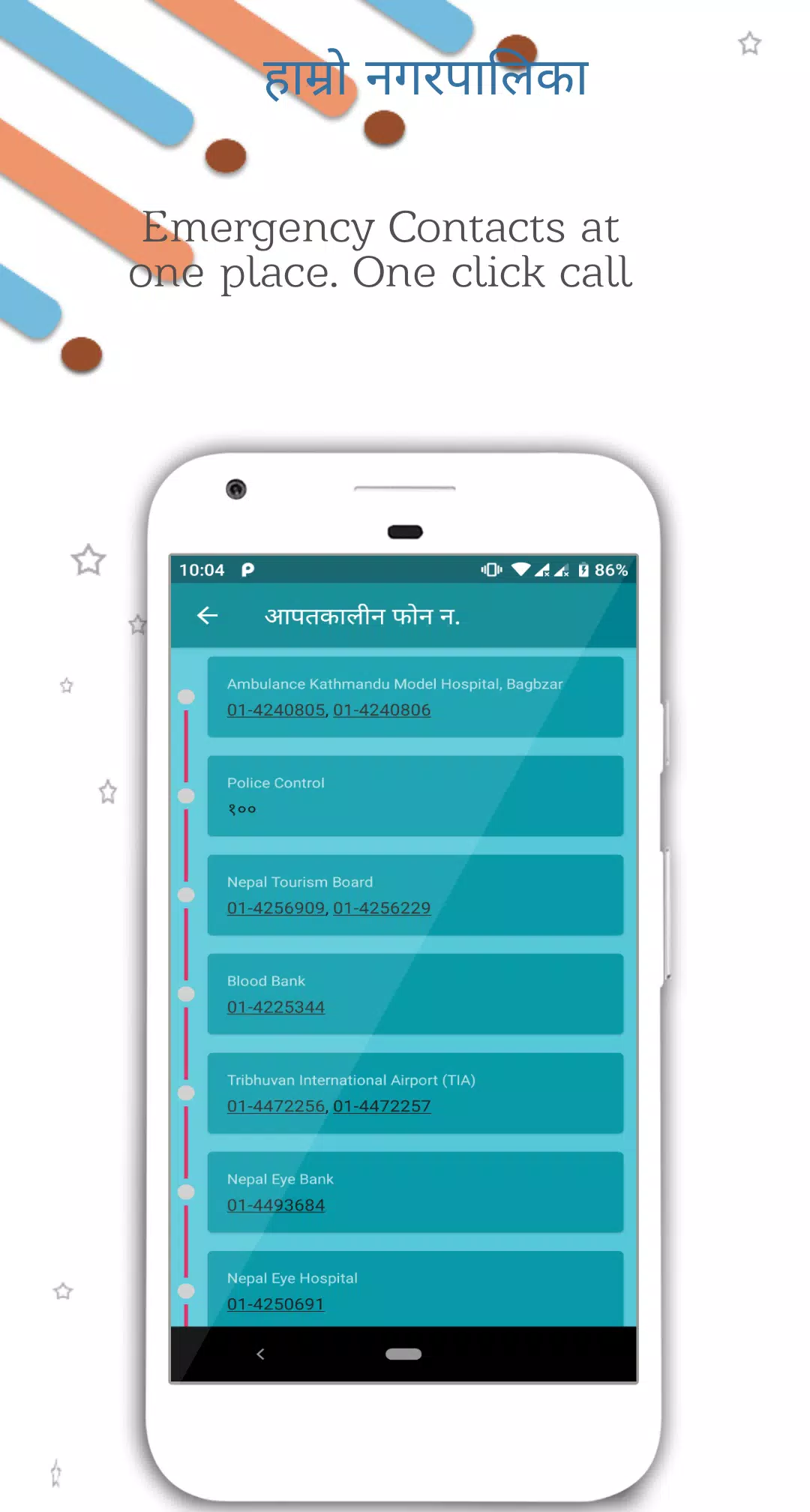
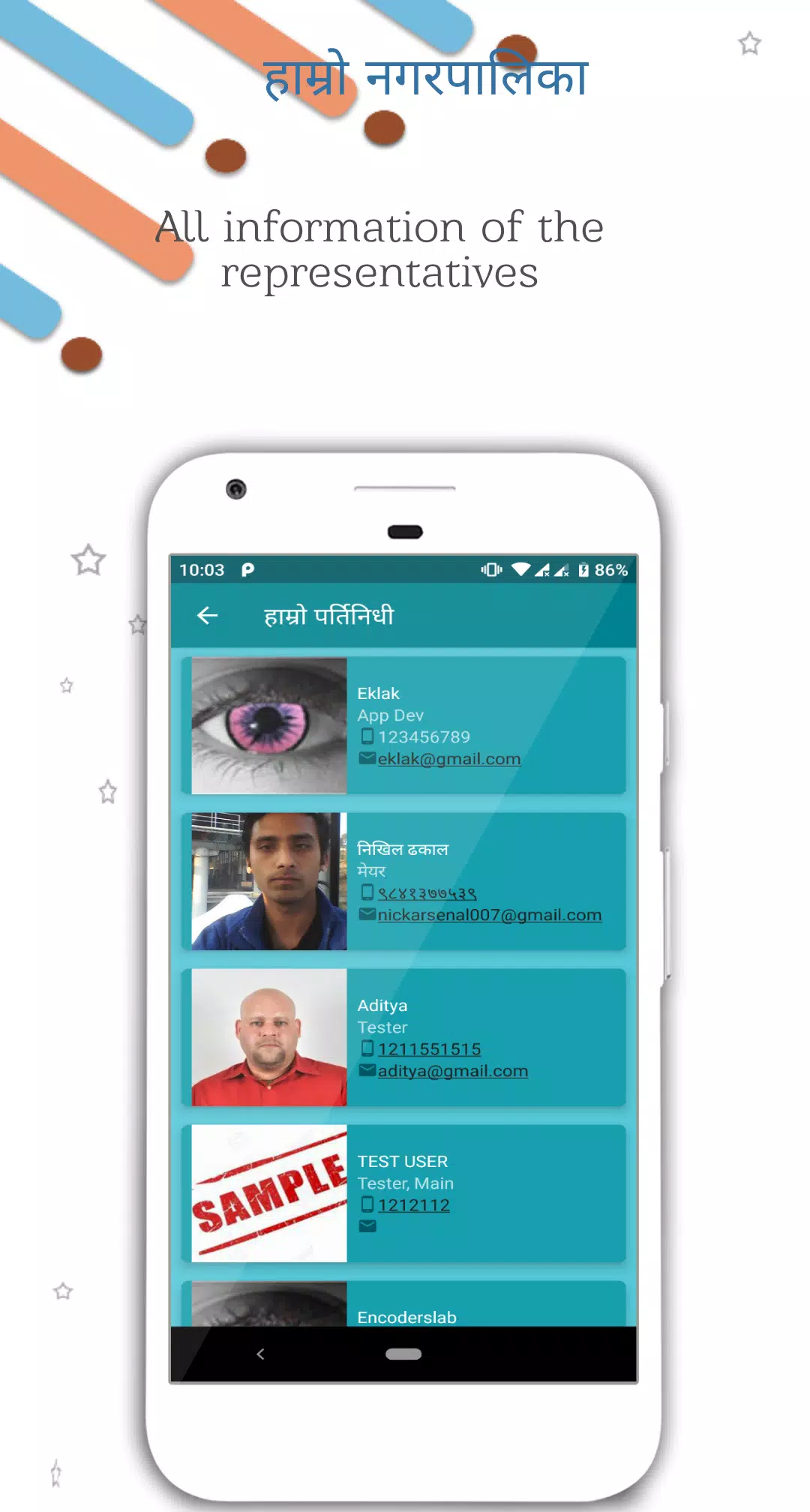
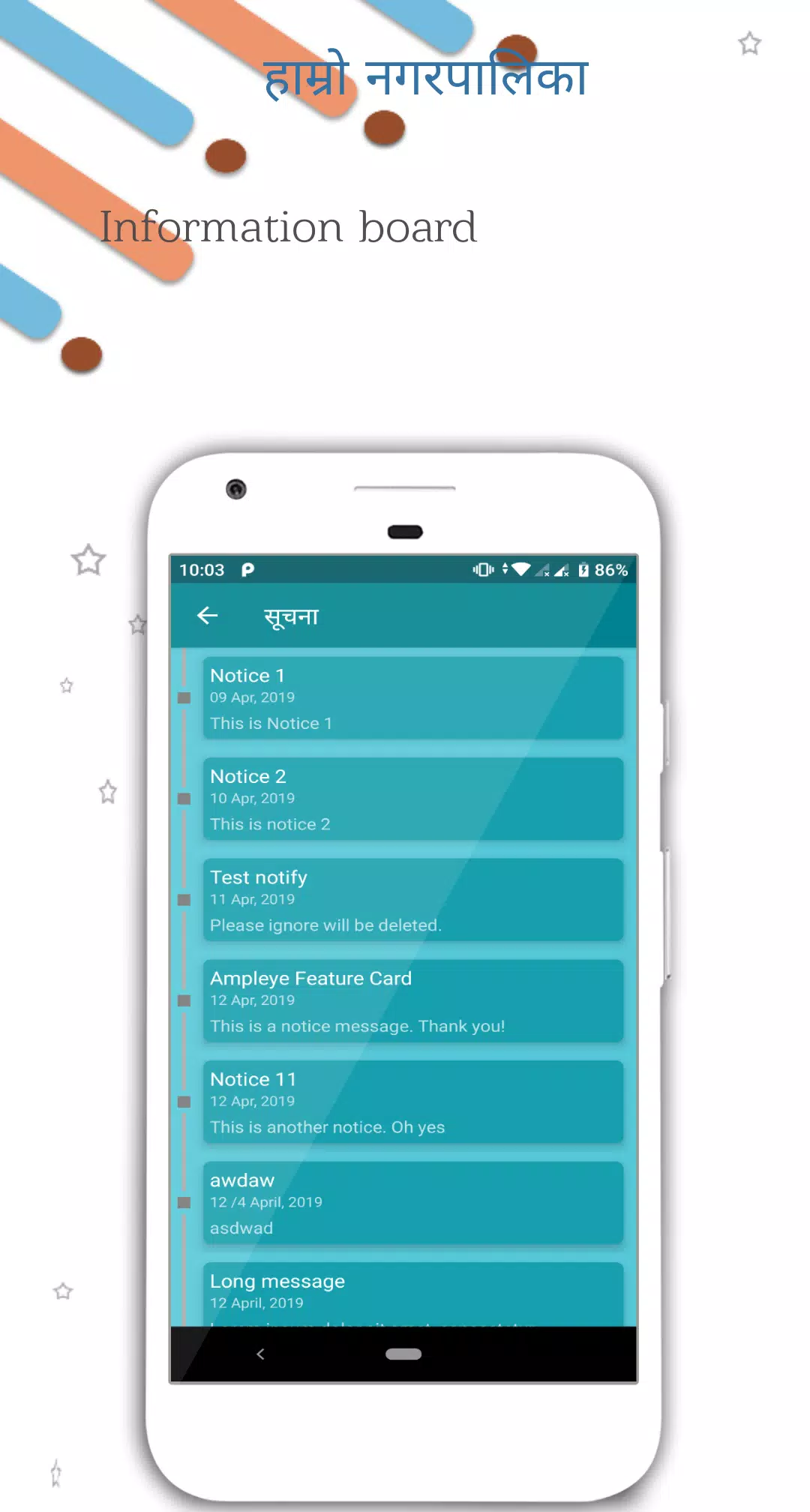
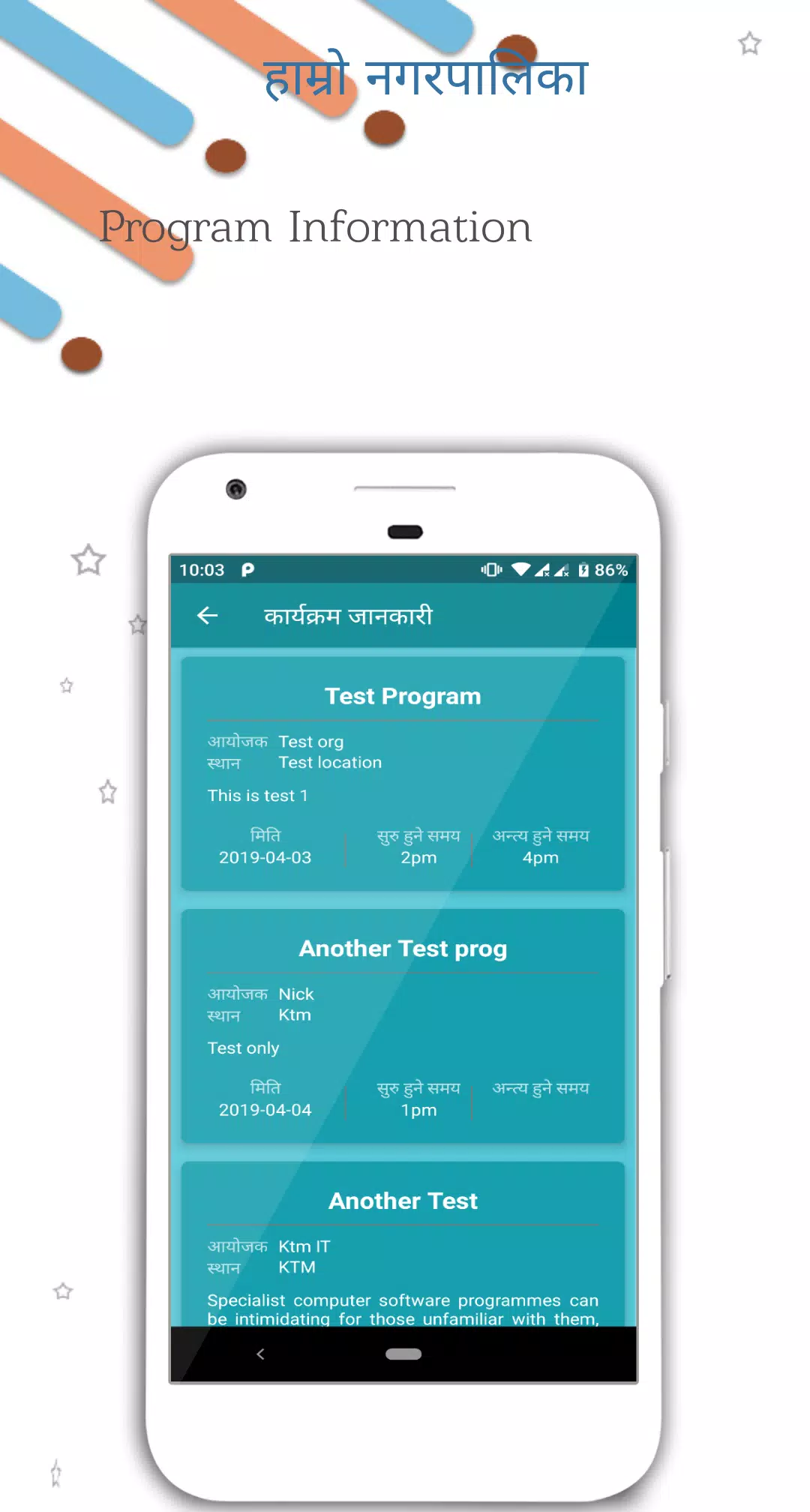
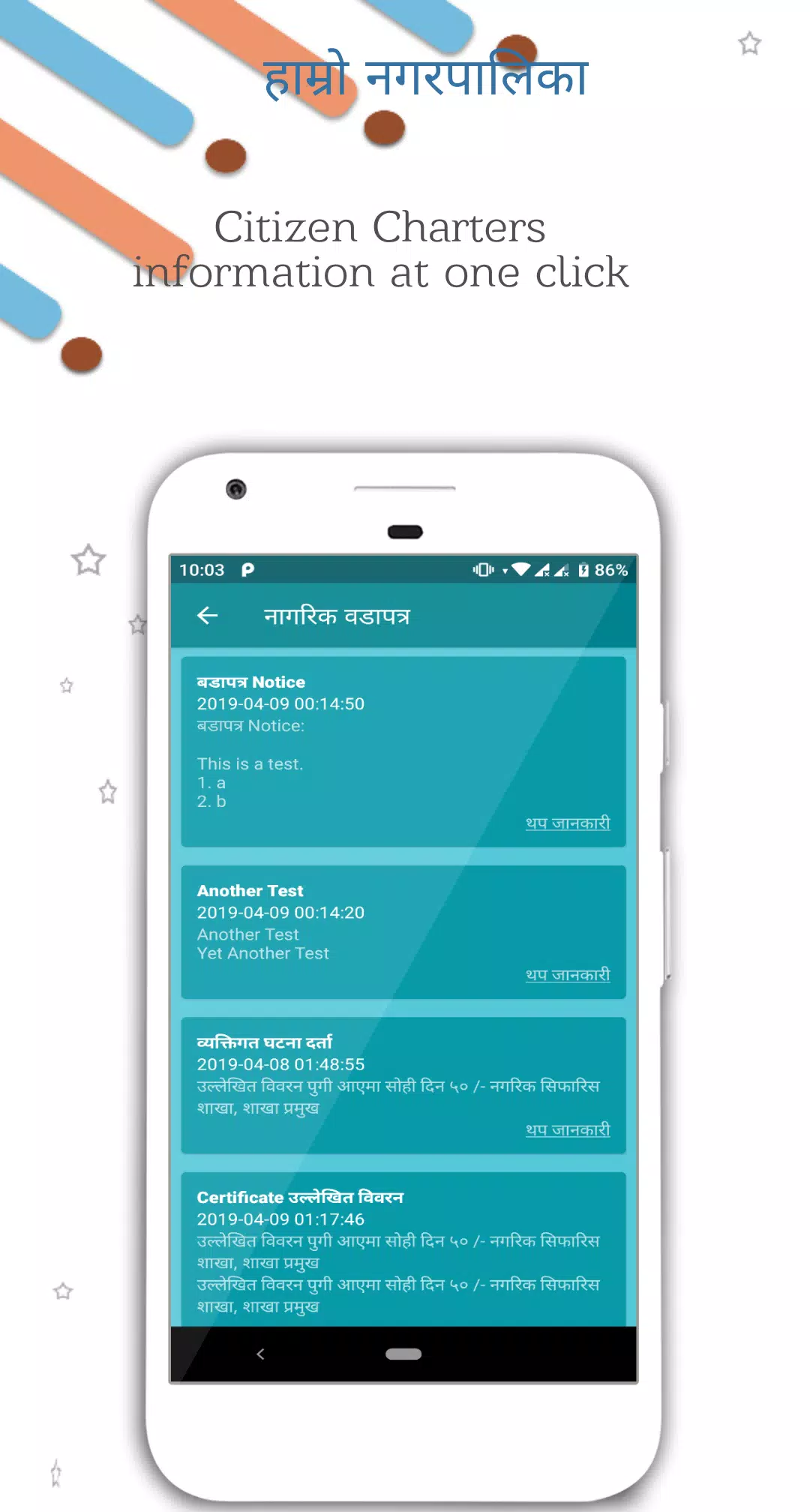
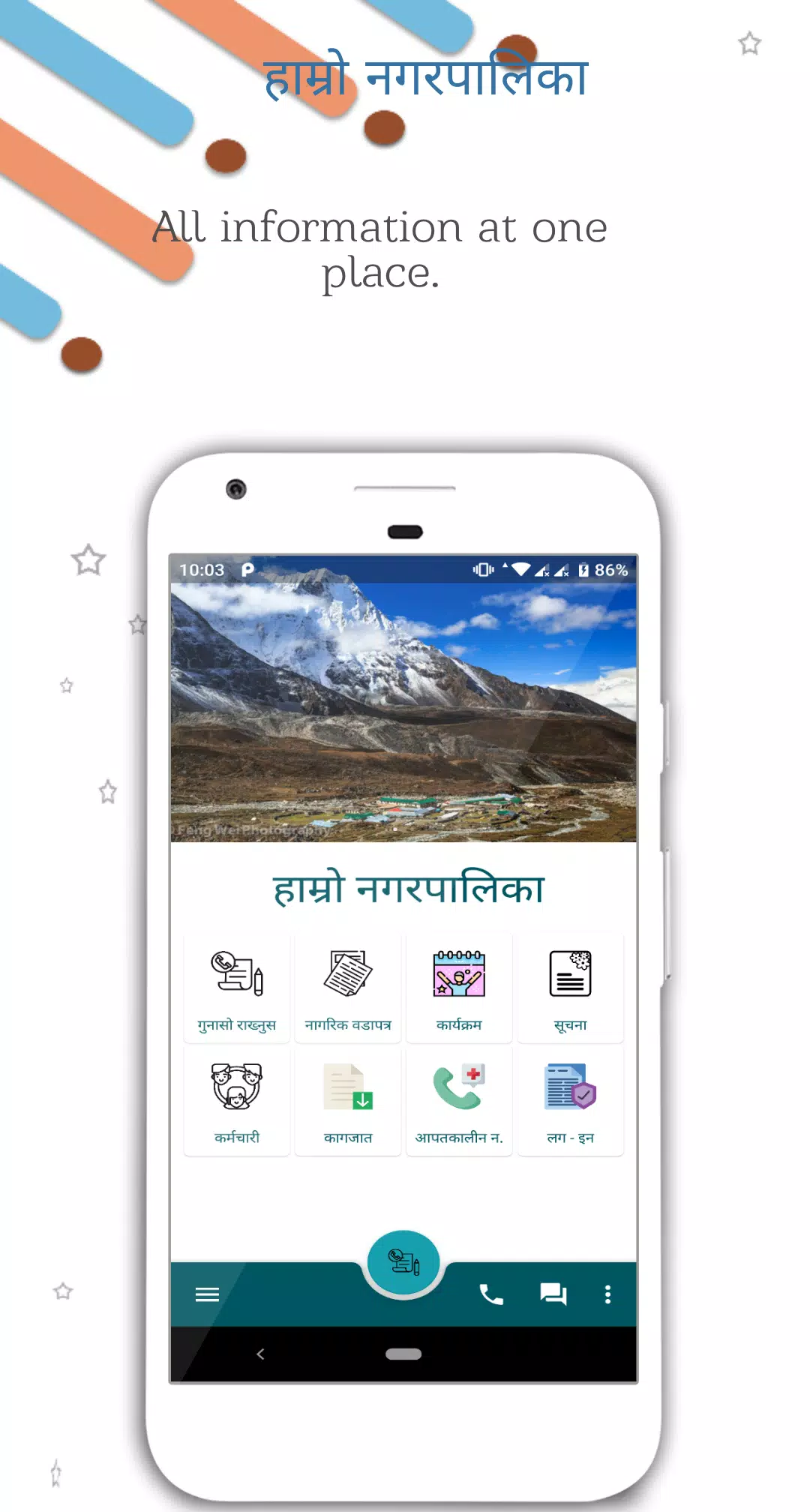
iPalika is an Android application designed to bridge communication between local governments and residents by making municipal information, announcements and basic services easy to access from a phone. The app centralizes notices, event details and official documents while providing a straightforward one-tap complaint reporting interface, emergency contact listings and a searchable directory of municipal representatives and staff. iPalika supports Nepali and English, sends push updates for timely announcements, and caches recently downloaded files so citizens can refer to important material without reloading everything every time they open the app.
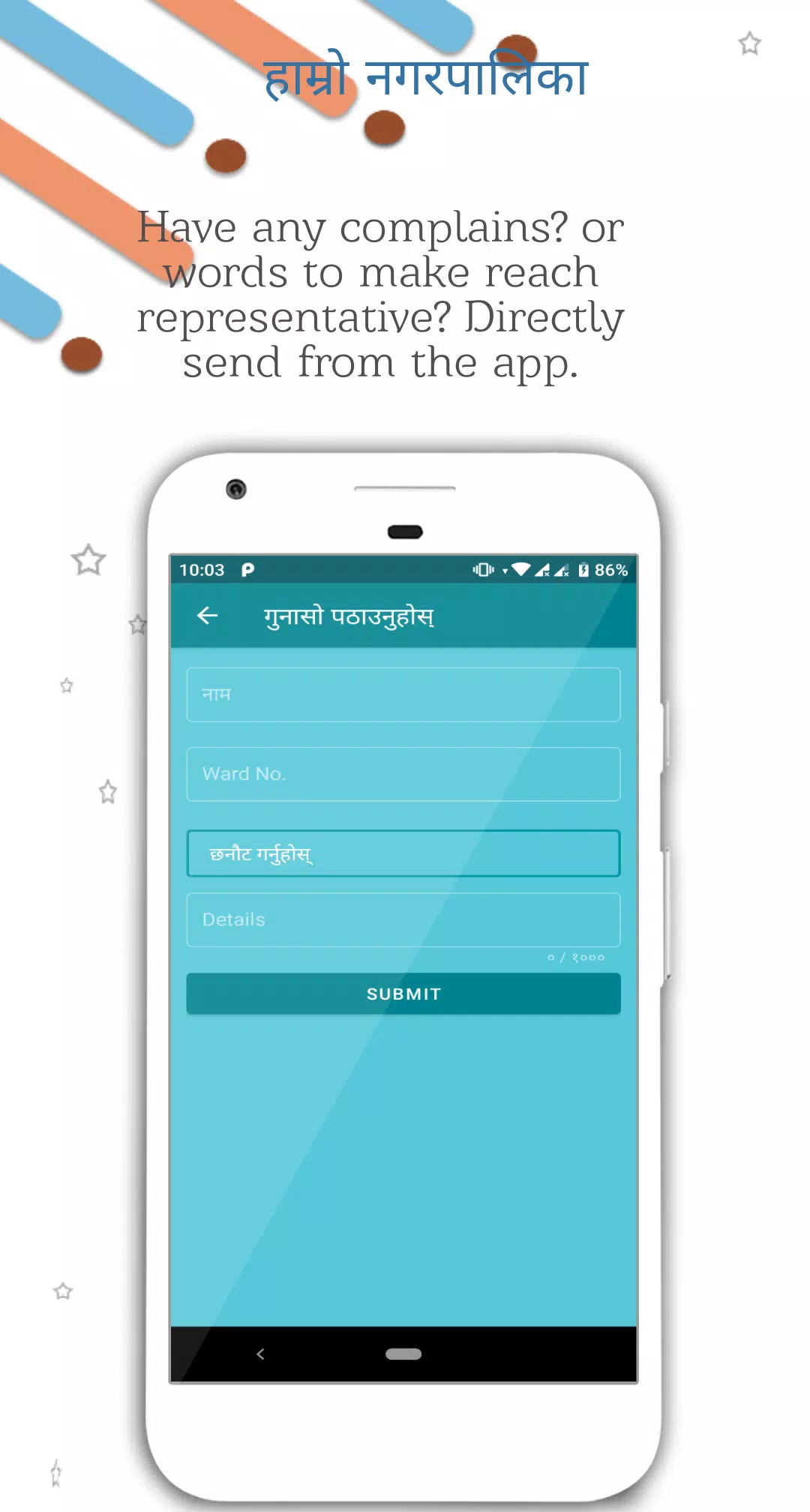
The interface is organized into clear modules such as Notices, Complaints, Documents, Emergency Contacts and Staff Directory, plus a dedicated Employee Dashboard for authenticated municipal users. Navigation relies on familiar mobile controls: tap to open content, swipe to move between items, and back navigation to return to the previous screen. Complaint registration is intentionally simple — users can submit a report with description, optional photo and a location tag in just a few taps. Push notifications keep users aware of new items in modules they follow, and notification preferences allow granular control over what types of updates are received.
Progression in iPalika is based on practical, real-world workflows rather than game-like mechanics. For citizens, progression means becoming an informed participant: they can file complaints, monitor the status of those reports if the local government supports status updates, and download official documents for reference. For municipal staff, progression happens through the employee tools — authenticated staff access a dashboard to assign tasks, update complaint status, manage notices and collect simple data. Where municipalities enable tracking, citizens receive status updates on their submissions so the process is transparent and measurable.
The controls emphasize accessibility and low friction. Text is readable, buttons are labeled clearly, and actions use direct language (for example, "Report Issue", "Download", "Contact"). Image attachments for complaints use the phone’s camera or gallery with an intuitive upload flow. For less tech-savvy users, the app keeps forms short and uses descriptive prompts; for power users the Documents section supports browsing and downloading multiple file formats. The design minimizes steps between opening the app and completing common tasks like checking notices or filing a complaint.
Visually iPalika adopts a clean, utilitarian design that prioritizes legibility and quick scanning of content: high-contrast text, clear headings and consistent spacing. Customization options include language selection between Nepali and English and adjustable text size to improve readability. Accessibility features are considered throughout: text scaling works with system font size settings and UI elements are structured to be compatible with screen readers. These choices help broaden the app’s usability across age groups and ability levels.
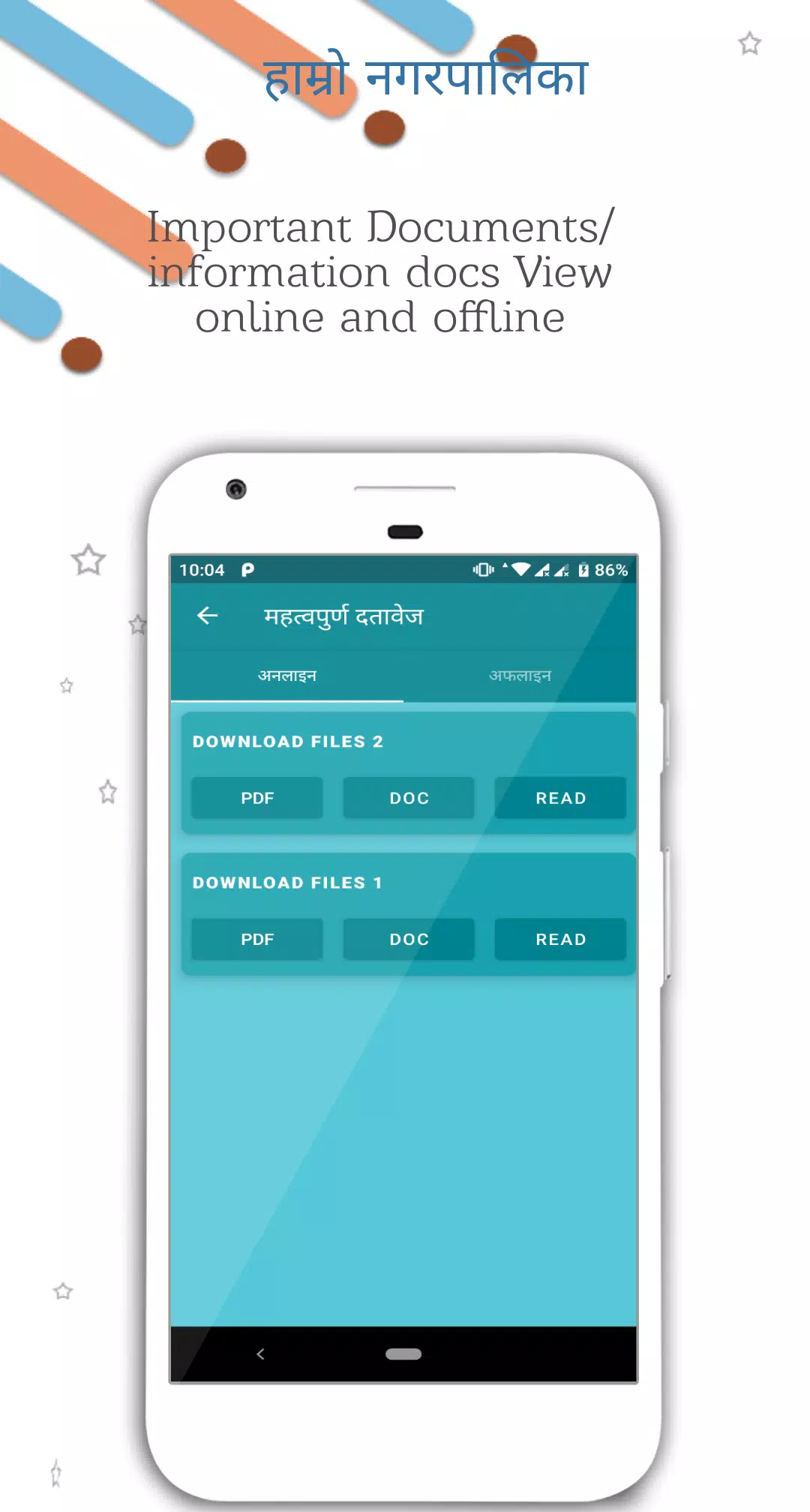
While many features require an active internet connection for the latest updates and push notifications, iPalika caches recently viewed notices and downloaded documents for offline reference. This allows users to access essential documents and previously received announcements in areas with intermittent connectivity. Uploads, such as complaint submissions or form data, are queued and sent when a connection becomes available. The app’s data handling is purpose-driven: it stores only the information necessary to manage complaints and display public records, and employee tools require authenticated access to prevent unauthorized use.
The app’s structure is modular rather than hierarchical: users move between topical modules that each serve a specific community function. Replay value comes from real-world activity — new notices, changing schedules, updates to complaint status and fresh documents encourage repeated visits. For municipal staff, routine administrative tasks and data collection extend the app’s usefulness over time, making it a daily tool for operations rather than a one-off download.
Effectiveness depends on municipal participation: some features, such as complaint tracking and timely status updates, are only as useful as the local government’s adoption and configuration. Employee-specific tools are gated behind secure logins, so citizens cannot access internal management functions. Additionally, push notifications and initial content downloads require internet access; however, cached materials mitigate this for basic reference. These constraints are part of the operational realities of civic apps rather than technical shortcomings.
iPalika is intended to be a transparent conduit for official information and citizen feedback. Personal data collected for complaint handling is used only for processing reports and communicating status, and staff functions are protected by authentication to restrict access. For best results, users should enable notifications selectively and keep the app updated so municipalities can deliver current content and features. Where possible, municipalities should promote iPalika locally to increase adoption and ensure that the app reflects the most useful community services and contacts.
LifeUp: Gamified To Do List
Size:17.35M ProductivityVPN Proxy Speed
Size:53.00M ProductivityAI Logo Generator (LogoWiz)
Size:41.50M Productivity3D Logo Maker
Size:39.30M ProductivityAI Chat: Ask AI Chat Anything
Size:42.20M ProductivityStars and Planets
Size:116.42M ProductivityImageMeter
Size:119.22M ProductivityHabitKit
Size:56.87M ProductivityMy Passwords Manager
Size:10.60M ProductivitymiMind
Size:48.30M ProductivityCute Note DDay Todo
Size:15.31M ProductivityCleverType AI Keyboard
Size:33.83M ProductivityApril 2024 Clash of Clans Update: Unveiling a Fresh Companion, Enhanced Levels, Chat Tagging, and Be
2024-04-16Arrival of Genshin Impact 4.6 Update: 'Embers of Two Realms, Twilight of Crimson'
2024-04-16V2.2 of the Farlight 84 update introduces an overhauled Season structure, fresh in-game currency, an
2024-04-16Monster Never Cry is now accessible on both Android and iOS mobile devices.
2024-04-18PUBG Mobile Teams Up with Bentley Motors: Luxury Cars, Exclusive Collectibles, and Beyond
2024-04-18March 2024 Free Redemption Codes for Honkai: Star Rail
2024-04-18