English
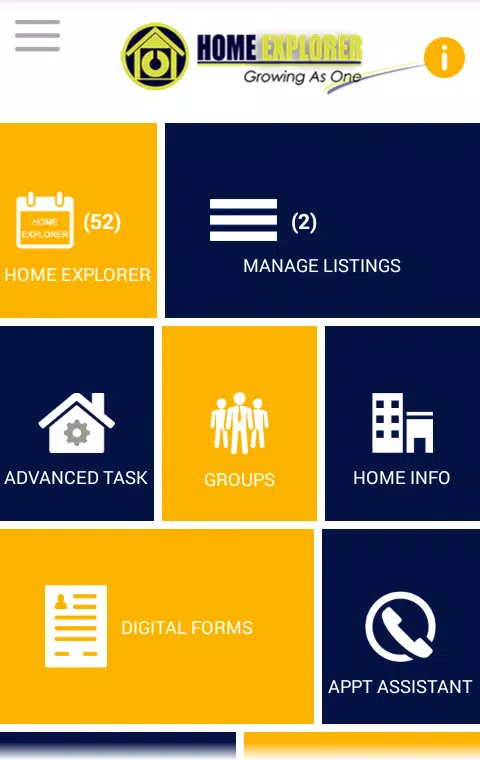
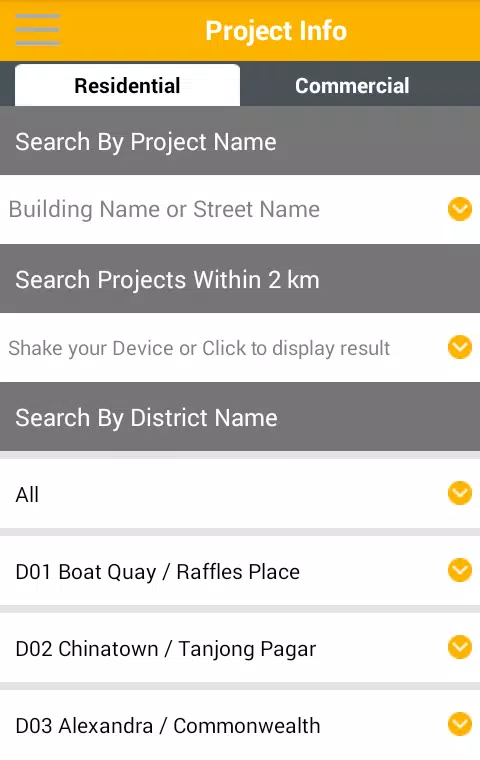
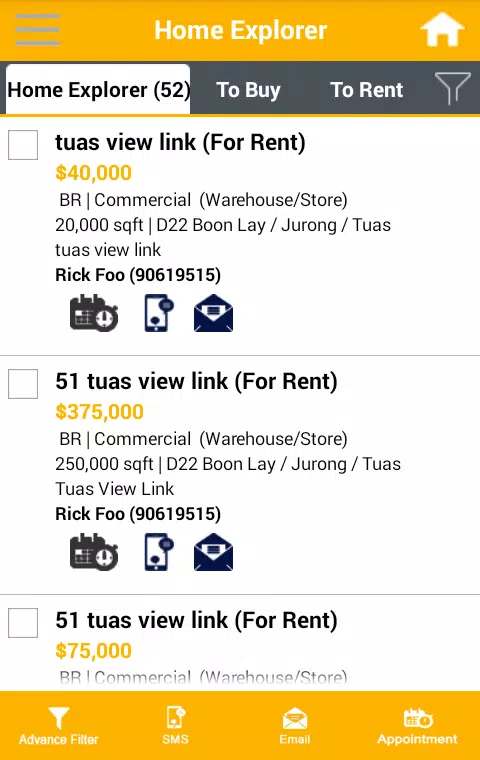
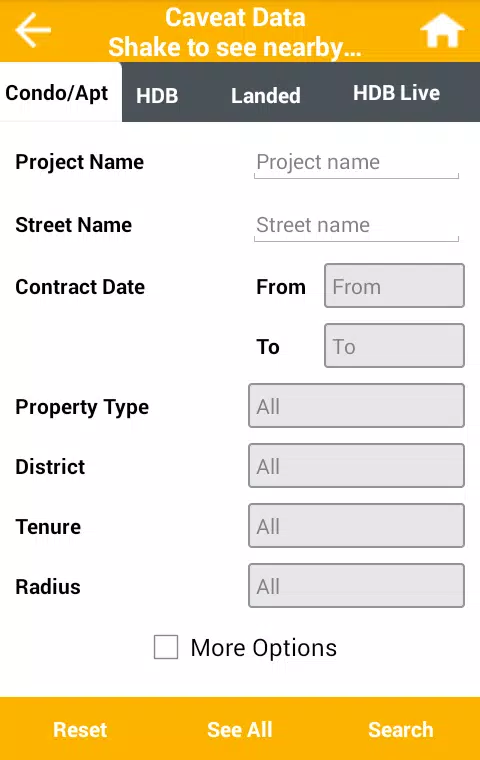
Home Explorer is a smart home planning and management app that helps homeowners visualize layouts, track improvements, and organize household inventories. It combines intuitive 2D/3D floor mapping, task scheduling, and searchable records into a single workspace for planning renovations, cataloging possessions, and coordinating maintenance.
Home Explorer provides a unified toolkit for handling everyday home projects and long-term property planning. Use it to sketch rooms, drop in furniture placeholders, record serial numbers and warranties, and keep a running list of jobs for contractors or family members. The app aims to reduce clutter by centralizing photos, notes, and receipts linked to specific rooms or items.
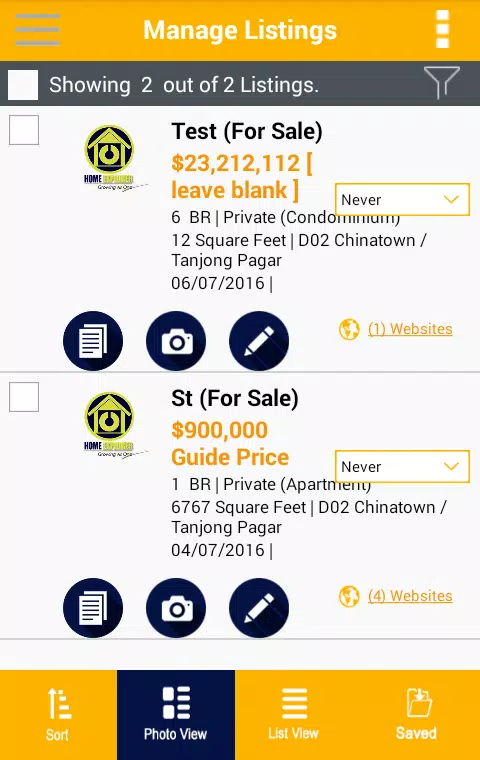
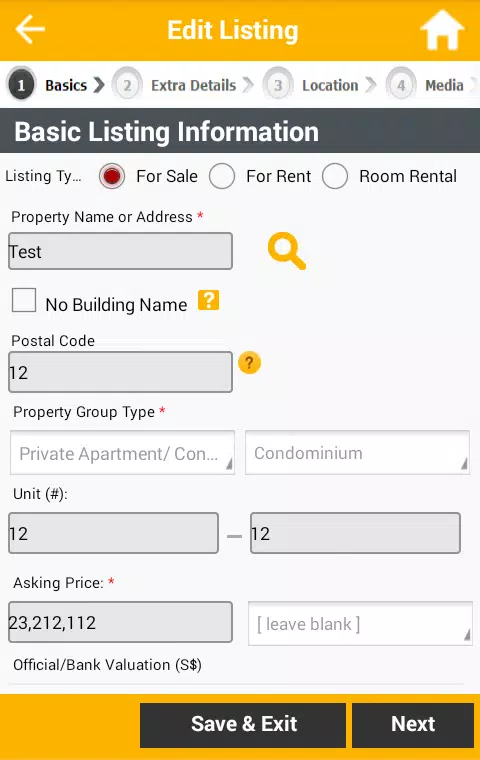
Home Explorer groups work by property, then subdivides into rooms and item entries. Start by adding a property, then create rooms using quick dimension presets or manual measurements. Items and tasks attach to rooms so context is preserved. Notifications and calendar integrations help you remember deadlines and follow-up tasks without digging through notes.
Personalize your workspace with color-coded rooms, custom icons for furniture and appliances, and template projects for common renovations like kitchen updates or landscaping. Preset material and appliance lists speed entry, while tag systems let you create your own categories such as warranty status, urgency level, or disposal instructions.
The interface focuses on clarity: prominent room thumbnails, collapsible detail panels, and swipe gestures for quick editing. Pinch-to-zoom and snap assist in the plan editor; long-press offers context menus for move, copy, or delete actions. Menus are designed so new users can complete basic tasks quickly while power users access deeper options through nested controls.
Home Explorer is built to run smoothly on a range of Android devices. Lightweight caching keeps maps responsive, while background sync conserves battery by batching uploads. The app supports offline editing and will merge changes when connectivity returns. Compatibility options include export/import formats that work with common spreadsheet and CAD tools for handoff to contractors.
Local storage and optional cloud backup provide flexibility: you can keep sensitive records on-device or enable encrypted backups for peace of mind. Exported reports strip sensitive fields if you need to share summaries without revealing private details. Permissions are limited to required features such as camera and storage for media capture and file access.
Home Explorer works well for homeowners preparing for resale, managing rental units, or organizing a renovation. Keep a running inventory for insurance claims, use the task scheduler to coordinate contractors, and export checklists when you need to hand off responsibilities. Regularly updating item scans and receipts improves accuracy and speeds future planning.
With a focus on practical organization, Home Explorer helps turn scattered home information into a searchable, manageable resource that supports planning, maintenance, and value tracking across any property.
Cover Letter
Size:11.77M FinanceCV Engineer
Size:16.85M FinanceSimple Invoice Manager
Size:25.30M Finance华融融达期货
Size:109.18M FinanceChurchNest
Size:83.00M FinanceYnotOne
Size:0.00M FinanceMoohan Taekwondo
Size:10.80M FinanceIBOIX
Size:76.00M FinanceMargin Guard: Risk Calculator
Size:69.00M FinanceLP Protidin
Size:47.00M FinanceMON 3
Size:47.00M FinanceExpo Wallet - Consumer
Size:29.10M FinanceApril 2024 Clash of Clans Update: Unveiling a Fresh Companion, Enhanced Levels, Chat Tagging, and Be
2024-04-16Arrival of Genshin Impact 4.6 Update: 'Embers of Two Realms, Twilight of Crimson'
2024-04-16V2.2 of the Farlight 84 update introduces an overhauled Season structure, fresh in-game currency, an
2024-04-16Monster Never Cry is now accessible on both Android and iOS mobile devices.
2024-04-18PUBG Mobile Teams Up with Bentley Motors: Luxury Cars, Exclusive Collectibles, and Beyond
2024-04-18March 2024 Free Redemption Codes for Honkai: Star Rail
2024-04-18