English
CV Engineer is a polished resume-building app that streamlines CV creation with smart templates, ATS-friendly formatting, and export options. Ideal for job seekers and professionals, it helps craft concise, tailored resumes quickly while preserving design control and delivering outputs suitable for online applications and printing.
CV Engineer is designed for users who want a fast, reliable way to produce professional resumes without wrestling with layout software. The app focuses on helping you present experience, skills, and achievements clearly. It balances automated assistance with manual customization so you retain full control over how your profile appears to recruiters.
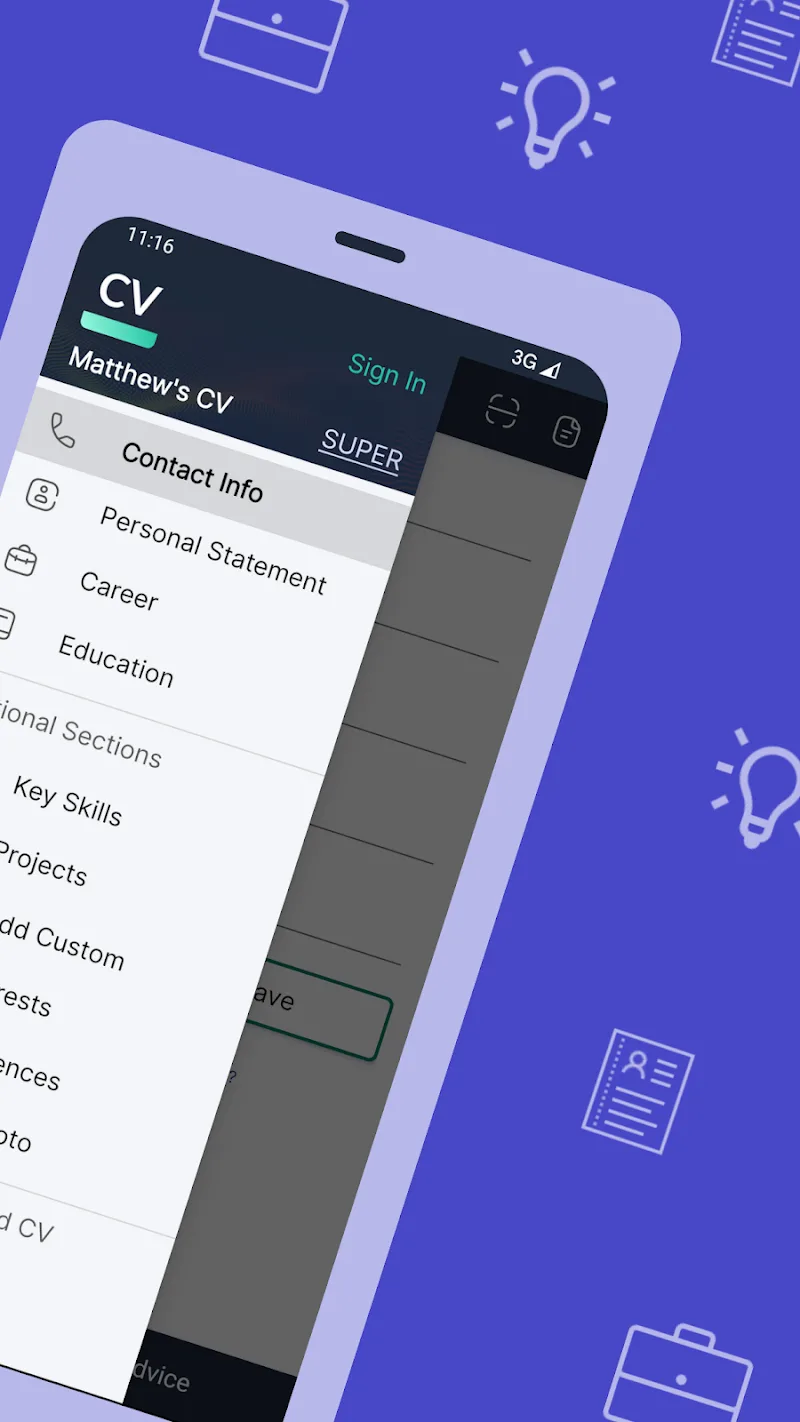
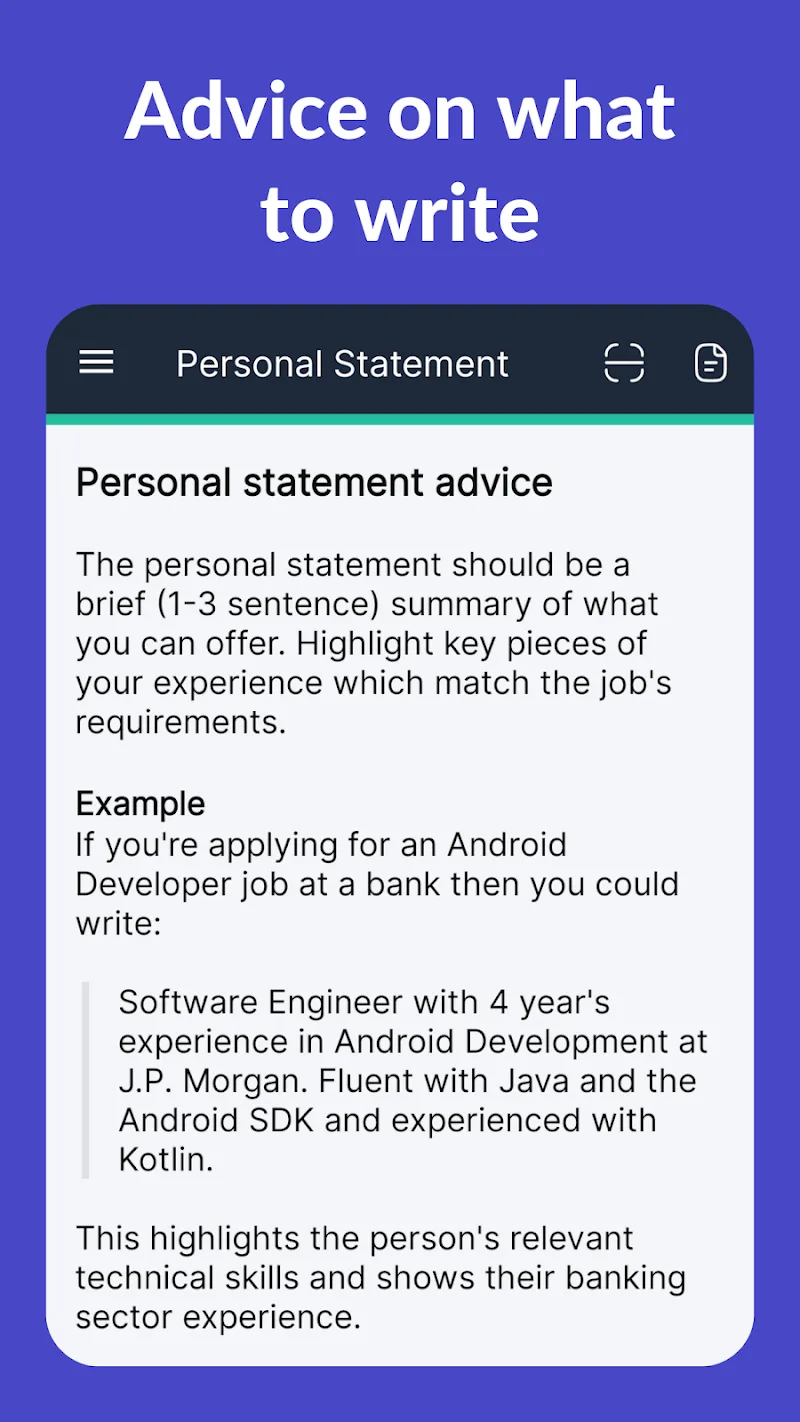
At its heart, CV Engineer provides a set of tools aimed at improving the efficiency of resume creation. The app includes structured sections for work history, education, certifications, projects, and skills. Built-in prompts guide you to write concise bullet points, while keyword suggestions optimize content for applicant tracking systems (ATS).
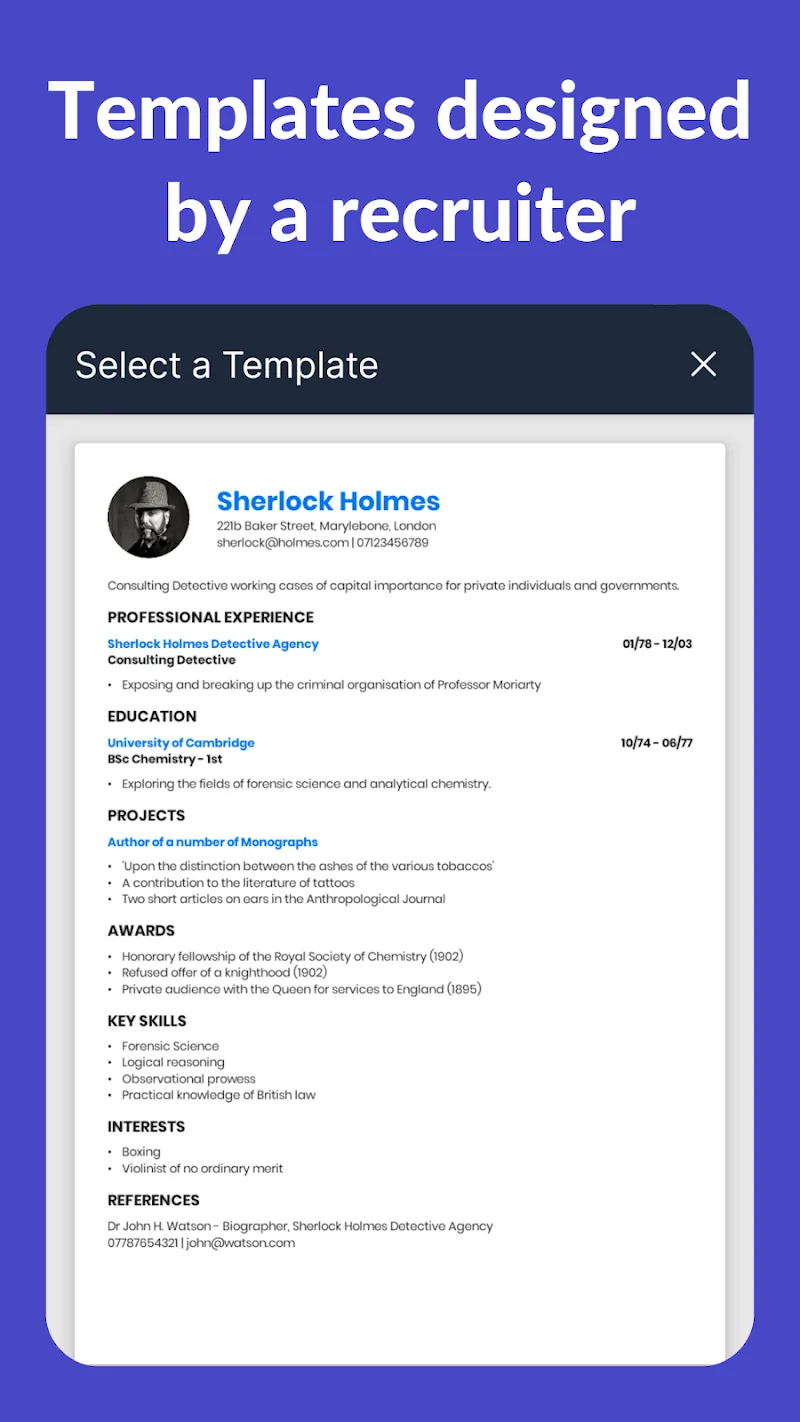
CV Engineer uses a step-by-step workflow. Start by picking a template, then fill in guided sections that enforce consistent formatting. The editor highlights long sentences, dates that could be ambiguous, and gaps in employment history. You can reorder sections by drag-and-drop and preview how the final document will look on desktop or mobile.
Design flexibility is a strength. CV Engineer lets you adjust typography, margin sizes, and color accents while keeping the core layout ATS-friendly. Icons and section dividers are optional, and profile photos can be toggled off for roles where they’re not recommended. For creative professionals, there are options to add portfolio links or embedded media.
The user interface prioritizes clarity. Clean menus and a distraction-free editor reduce cognitive overhead, helping you focus on content. CV Engineer loads templates quickly and saves drafts automatically, which is useful when updating resumes on the fly. The app performs smoothly on mid-range devices and has offline editing capabilities for times when you don’t have internet access.
Once the resume is ready, CV Engineer offers multiple ways to share your work. Export to high-quality PDF for printing, create an editable DOCX for recruiters, or publish a private web link to send with applications. Integration with LinkedIn lets you import profile data to speed up the first draft and sync key details.
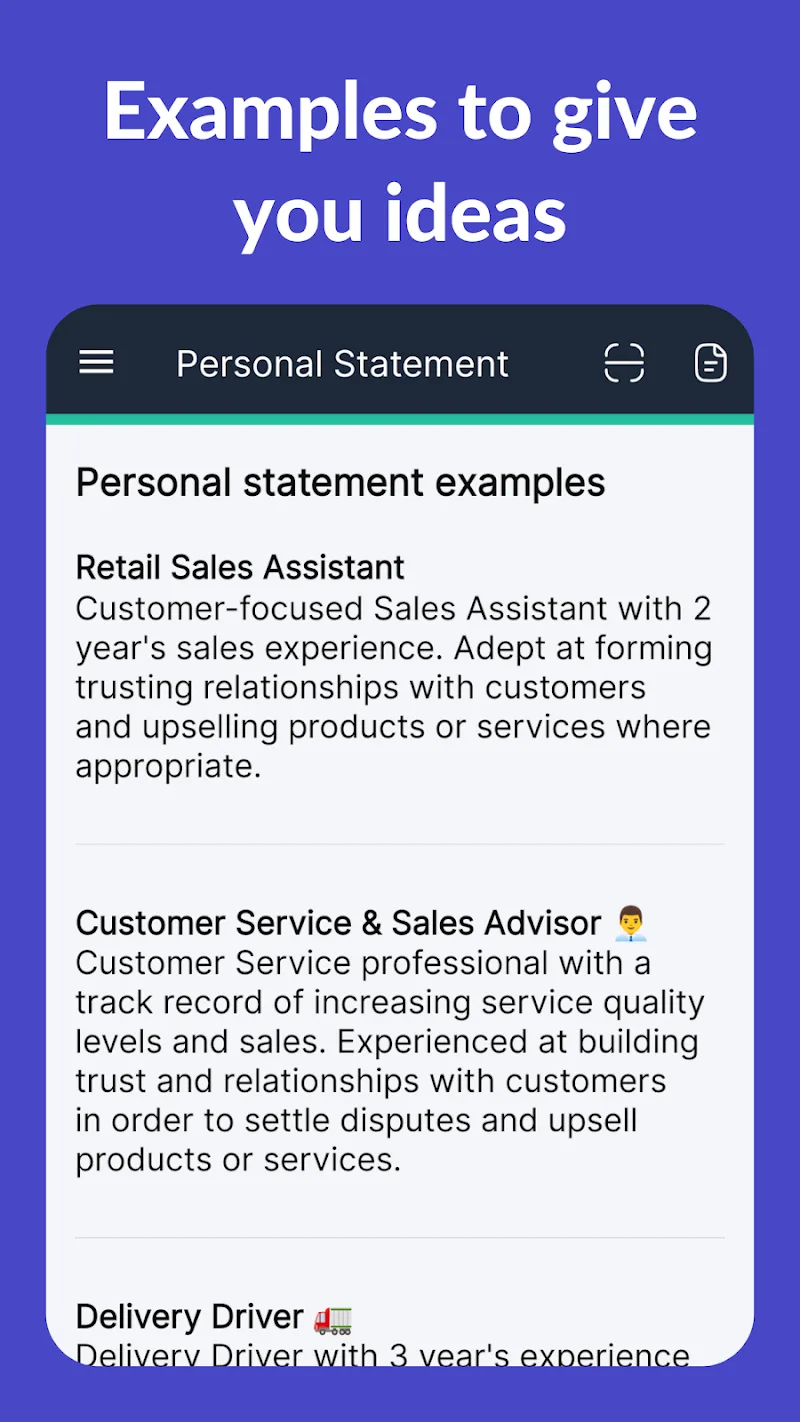
CV Engineer also offers sample phrases and a quick checklist to review formatting, contact details, and spelling before exporting. These small steps raise the overall polish of your submission.
The app is appreciated for its balance of automation and control. Recruiters notice well-structured resumes; hiring managers value clarity. For freelancers and contractors, the ability to switch templates and update portfolios quickly makes CV Engineer a practical tool for continuous career marketing.
Installing CV Engineer is straightforward. Download the app from your device store, create an account, and choose a template to begin. Many features are available in the free tier, with premium options unlocking additional templates, export formats, and cloud backup. Regular updates add new templates and template-specific optimizations.
Whether you are applying for your first role or updating a senior-level CV, CV Engineer helps streamline the writing and layout process. Its combination of guided content creation, customization options, and export flexibility makes it a solid choice for anyone serious about their job search.
CV Engineer
Size:16.85M FinanceSimple Invoice Manager
Size:25.30M Finance华融融达期货
Size:109.18M FinanceChurchNest
Size:83.00M FinanceYnotOne
Size:0.00M FinanceMoohan Taekwondo
Size:10.80M FinanceIBOIX
Size:76.00M FinanceMargin Guard: Risk Calculator
Size:69.00M FinanceLP Protidin
Size:47.00M FinanceMON 3
Size:47.00M FinanceExpo Wallet - Consumer
Size:29.10M FinanceKassly POS
Size:59.00M FinanceApril 2024 Clash of Clans Update: Unveiling a Fresh Companion, Enhanced Levels, Chat Tagging, and Be
2024-04-16Arrival of Genshin Impact 4.6 Update: 'Embers of Two Realms, Twilight of Crimson'
2024-04-16V2.2 of the Farlight 84 update introduces an overhauled Season structure, fresh in-game currency, an
2024-04-16Monster Never Cry is now accessible on both Android and iOS mobile devices.
2024-04-18PUBG Mobile Teams Up with Bentley Motors: Luxury Cars, Exclusive Collectibles, and Beyond
2024-04-18March 2024 Free Redemption Codes for Honkai: Star Rail
2024-04-18