English
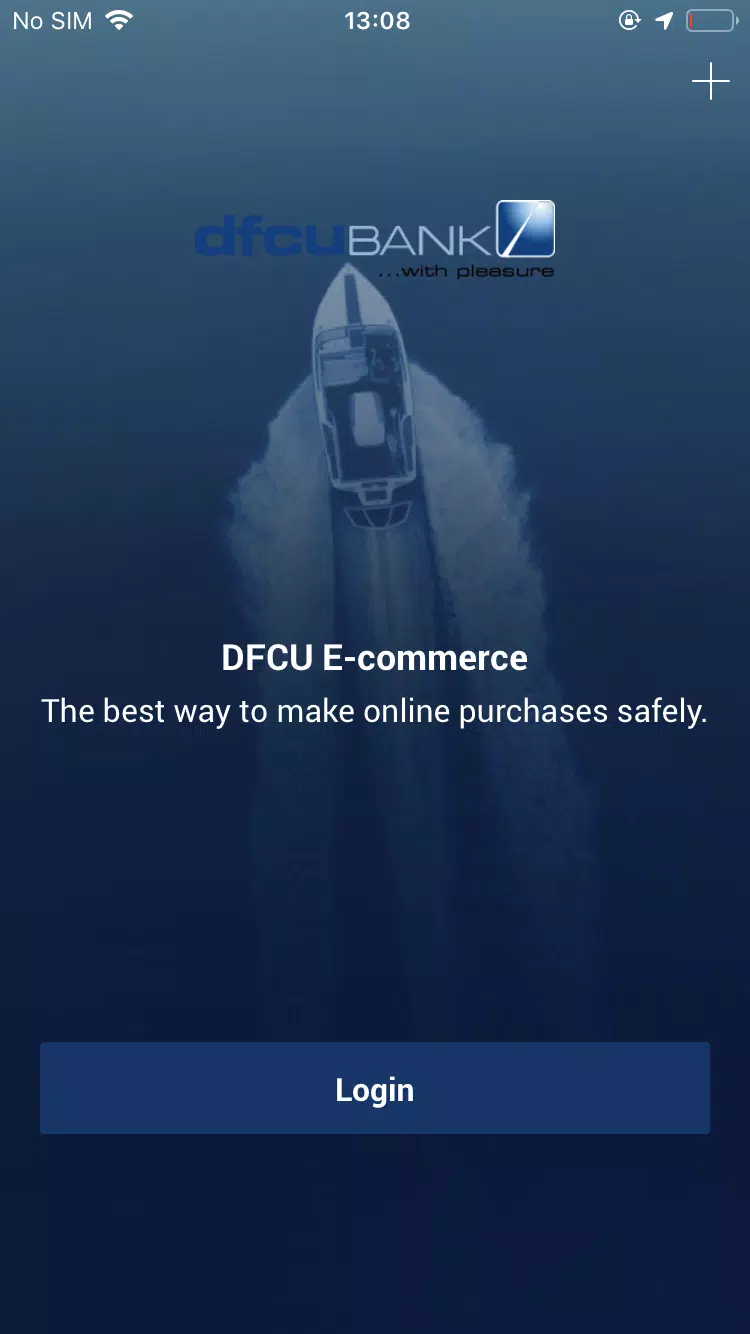
dfcu QuickApp is a mobile banking companion designed to streamline everyday finances, bill payments, transfers and account management from your Android device. It combines intuitive menus with fast transaction flow, secure authentication and quick access to essential services so users can handle routine banking tasks without visiting a branch.
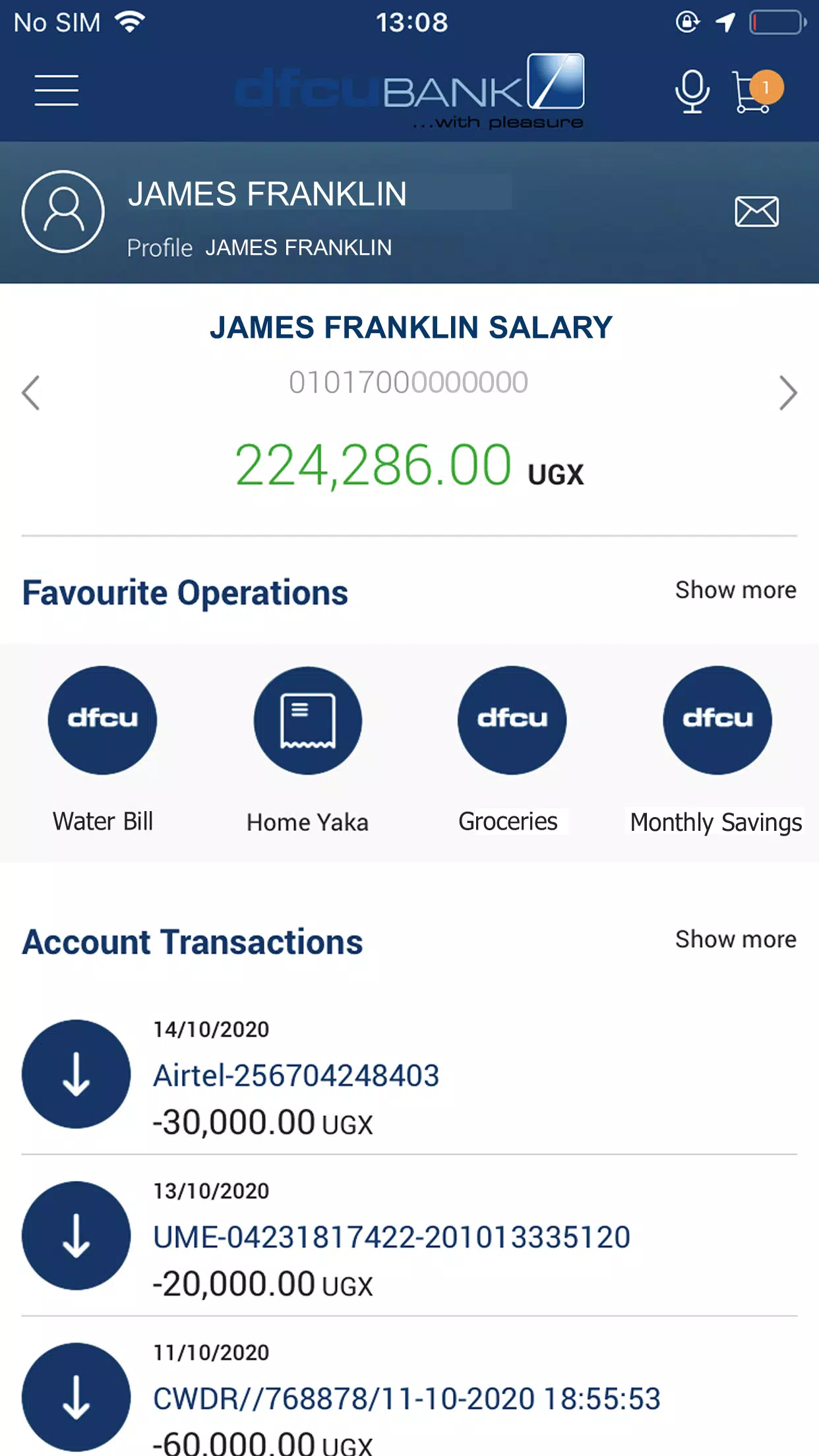
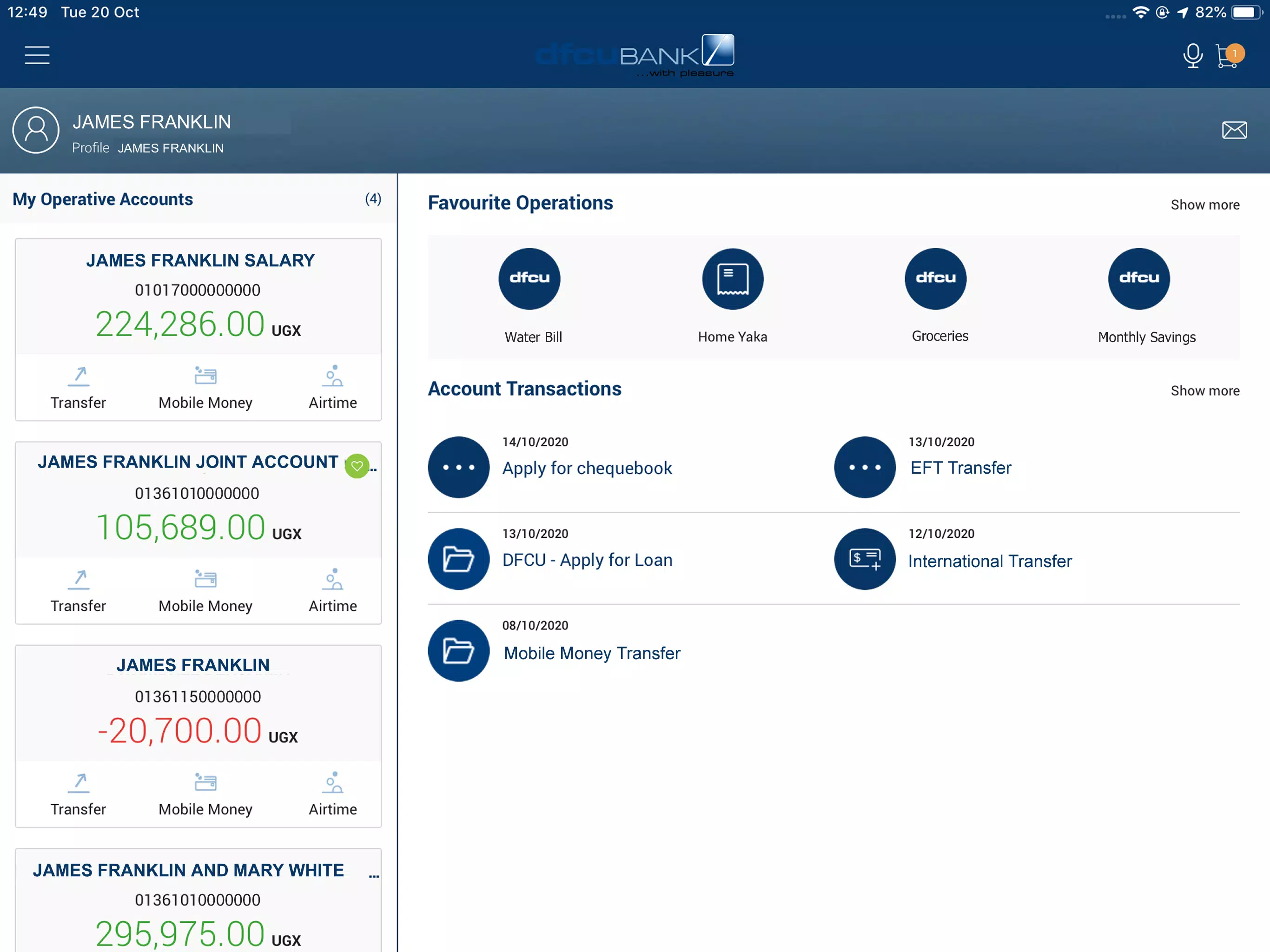
At its core, dfcu QuickApp offers a focused set of functions that cover the most common banking needs. Users can view real-time balances, review recent transactions, initiate local transfers and schedule payments. The app also provides e-statements, beneficiary management and instant notifications for account activity. These core features reduce friction for customers who need to manage money on the go.
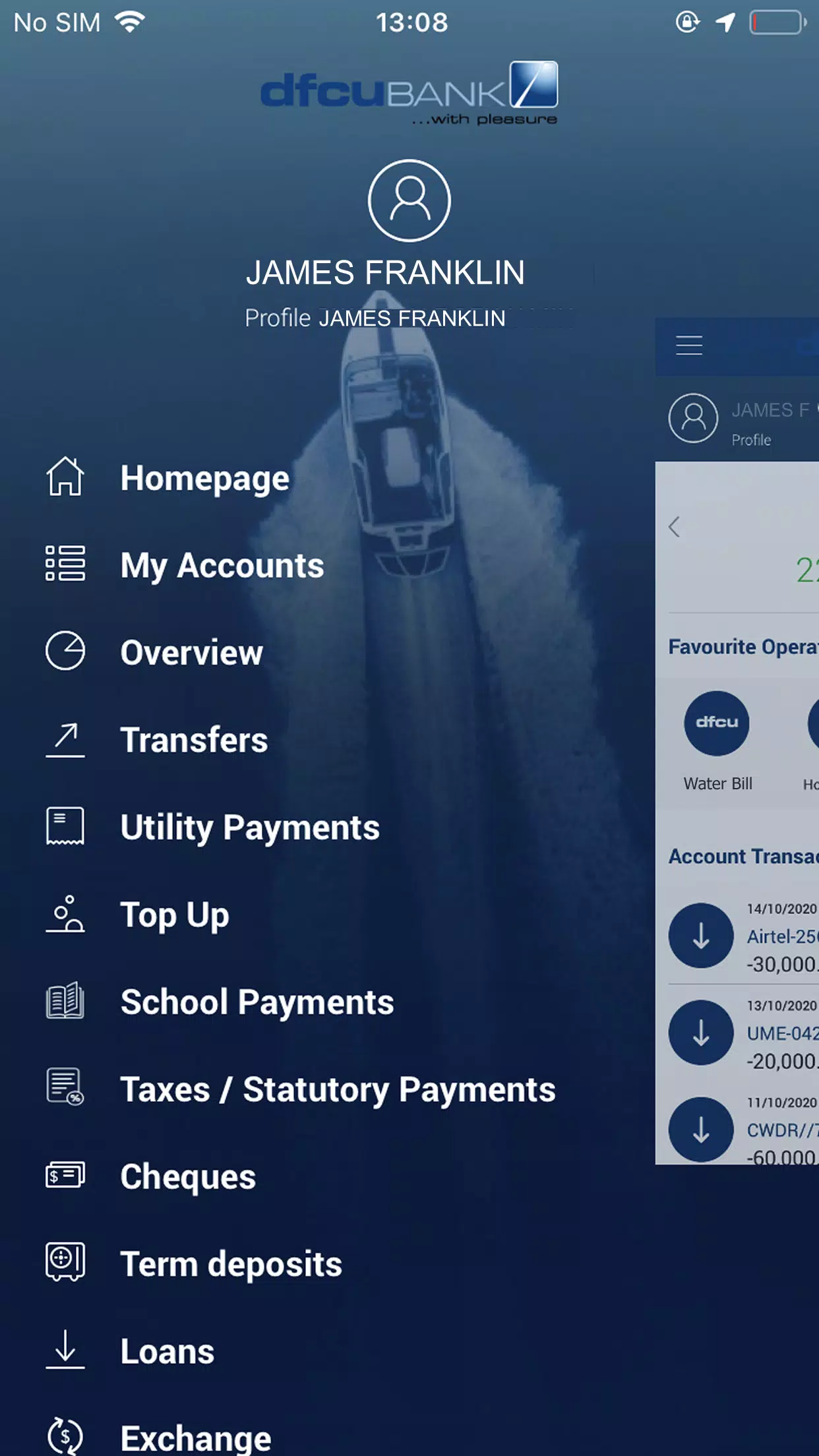
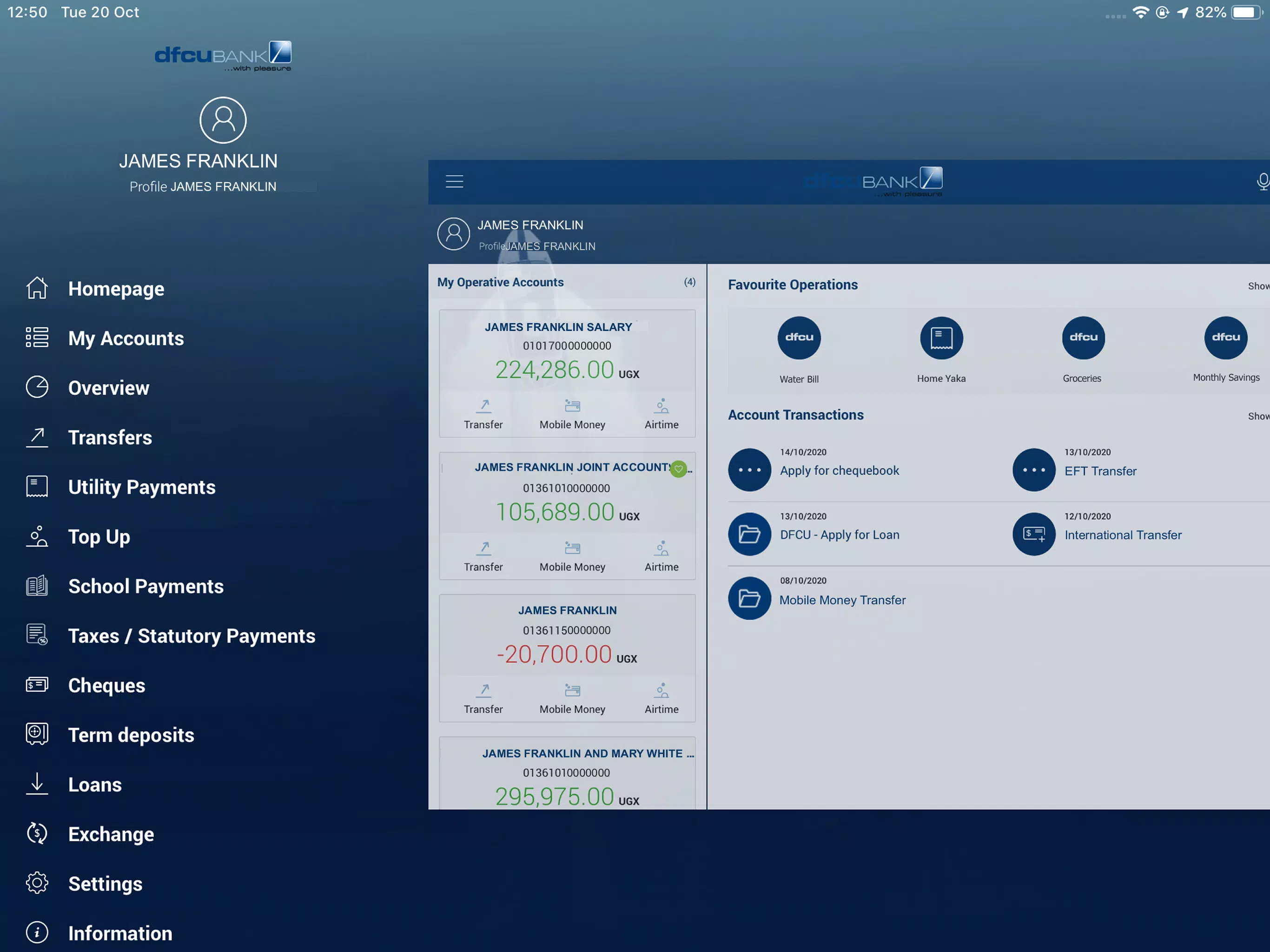
The layout prioritizes clarity: a dashboard presents critical account information at a glance while action buttons lead to transfers, bill payment and support. Navigation is organized into clear sections with consistent iconography and concise labels. For someone who values speed, the app minimizes taps required to complete everyday tasks and supports a persistent search bar for quickly locating payees or transactions.
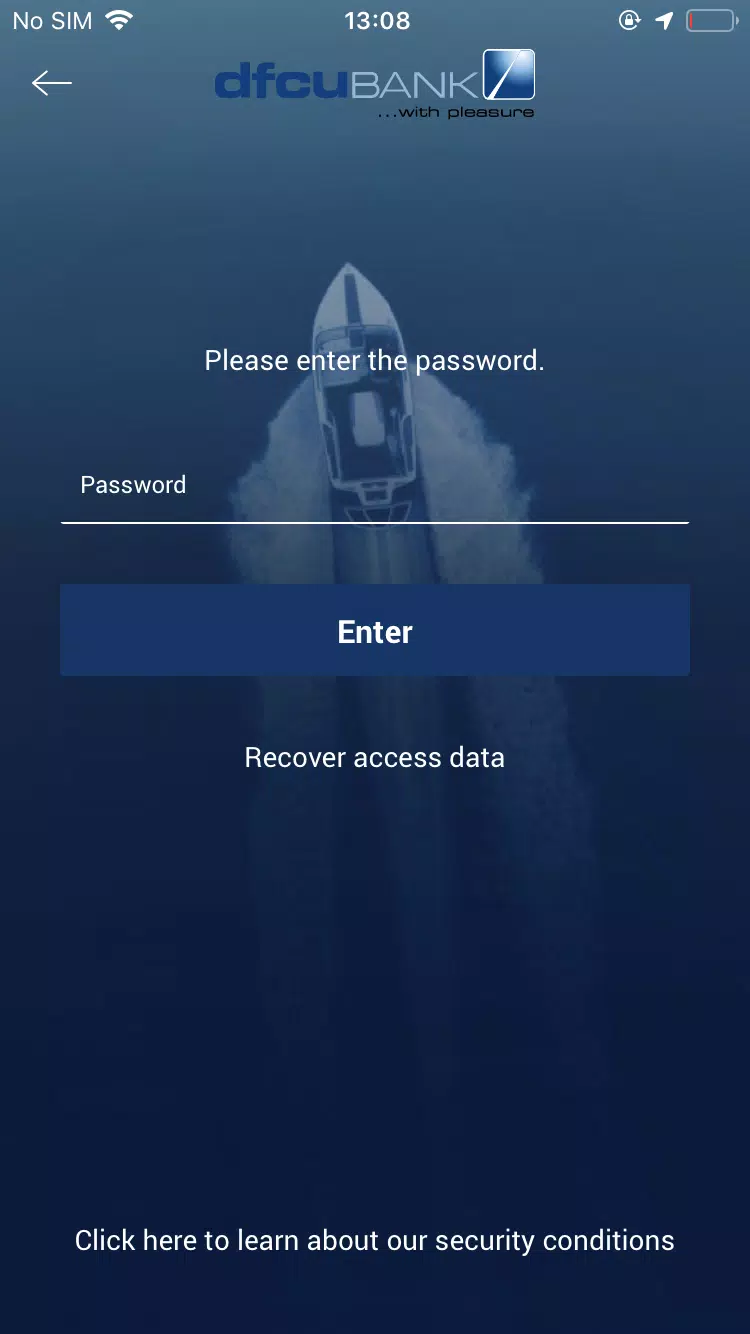
Security is built into every layer of dfcu QuickApp. The app supports biometric login where device hardware allows, PIN protection and session timeouts to prevent unauthorized access. Sensitive operations such as adding payees or initiating large transfers typically require an extra confirmation step. Data transmission uses encrypted channels, and the app provides an audit trail so users can track changes and review their authentication history.
dfcu QuickApp streamlines outbound payments with templates and saved beneficiaries to cut down repetitive entry. Scheduled payments help manage recurring bills while on-screen reminders prevent missed due dates. For transfers, the app supports both same-bank and interbank transfers with clear fee and processing time indicators. A built-in biller directory simplifies adding utilities, telecoms and service providers.
Real-time alerts and customizable push notifications keep users informed without requiring them to open the app repeatedly. Notifications can be configured for low balances, large transactions, bill due dates and login attempts. The transaction history viewer includes filters and export options, enabling users to produce monthly overviews or compile records for budgeting and accounting purposes.
The app is optimized for a wide range of Android devices and aims to deliver smooth performance on both modern handsets and older models. Load times are reduced with efficient caching and selective data synchronization. While most features require an internet connection, key functions such as viewing recent transactions and accessing saved payment templates remain available offline until connectivity is restored.
dfcu QuickApp packages help resources directly inside the interface, including FAQs, guided walkthroughs and a secure messaging channel to reach customer support. Troubleshooting tools guide users through common issues like password resets, beneficiary confirmation and disputed transactions. Built-in contact options allow for quick escalation to phone or email support when needed.
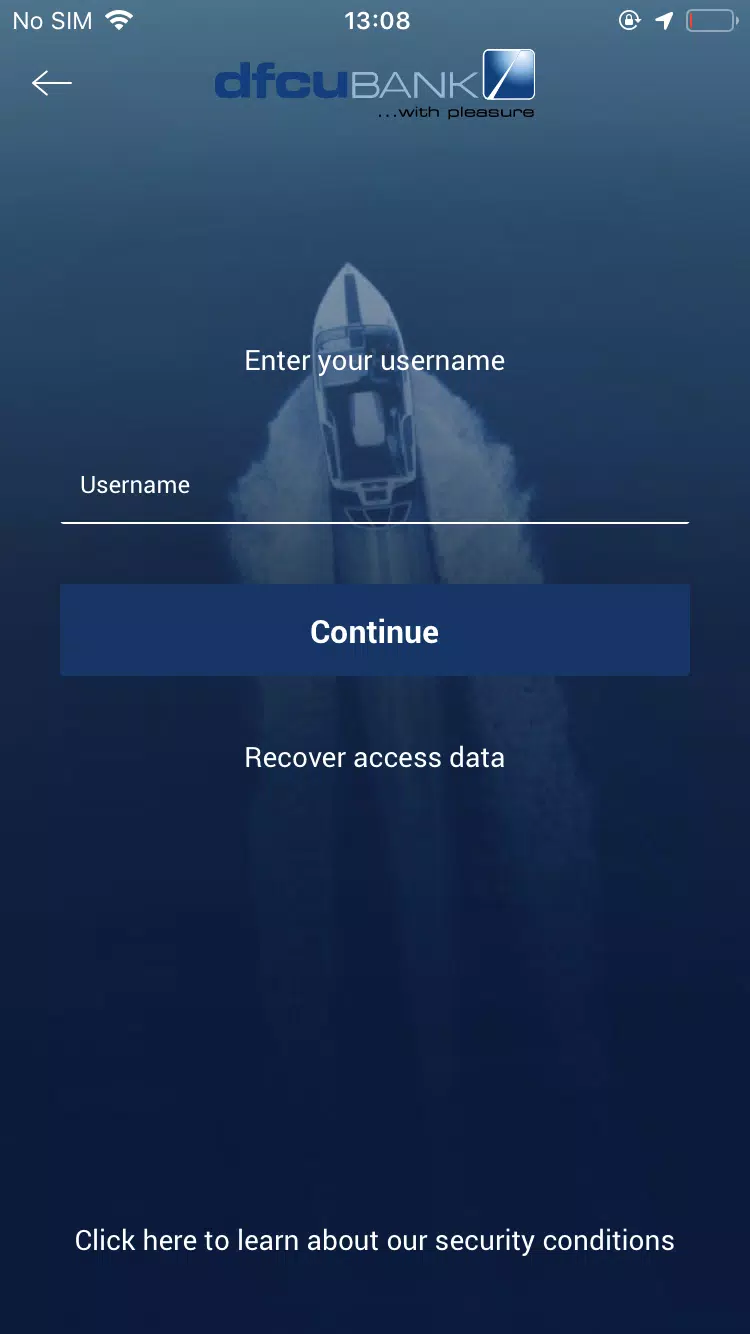
Getting started with dfcu QuickApp is straightforward: download the app, verify your identity using a secure OTP or in-branch registration method, then set up a login PIN and optional biometric authentication. Users are encouraged to review notification preferences and link preferred accounts during initial setup to create a tailored experience from day one.
dfcu QuickApp balances practicality with security to deliver a mobile banking experience aimed at reducing the need for branch visits while keeping core services readily available. With clear navigation, helpful automation and built-in protections, it is designed to support daily financial tasks reliably on Android devices.

Cover Letter
Size:11.77M FinanceCV Engineer
Size:16.85M FinanceSimple Invoice Manager
Size:25.30M Finance华融融达期货
Size:109.18M FinanceChurchNest
Size:83.00M FinanceYnotOne
Size:0.00M FinanceMoohan Taekwondo
Size:10.80M FinanceIBOIX
Size:76.00M FinanceMargin Guard: Risk Calculator
Size:69.00M FinanceLP Protidin
Size:47.00M FinanceMON 3
Size:47.00M FinanceExpo Wallet - Consumer
Size:29.10M FinanceApril 2024 Clash of Clans Update: Unveiling a Fresh Companion, Enhanced Levels, Chat Tagging, and Be
2024-04-16Arrival of Genshin Impact 4.6 Update: 'Embers of Two Realms, Twilight of Crimson'
2024-04-16V2.2 of the Farlight 84 update introduces an overhauled Season structure, fresh in-game currency, an
2024-04-16Monster Never Cry is now accessible on both Android and iOS mobile devices.
2024-04-18PUBG Mobile Teams Up with Bentley Motors: Luxury Cars, Exclusive Collectibles, and Beyond
2024-04-18March 2024 Free Redemption Codes for Honkai: Star Rail
2024-04-18