English
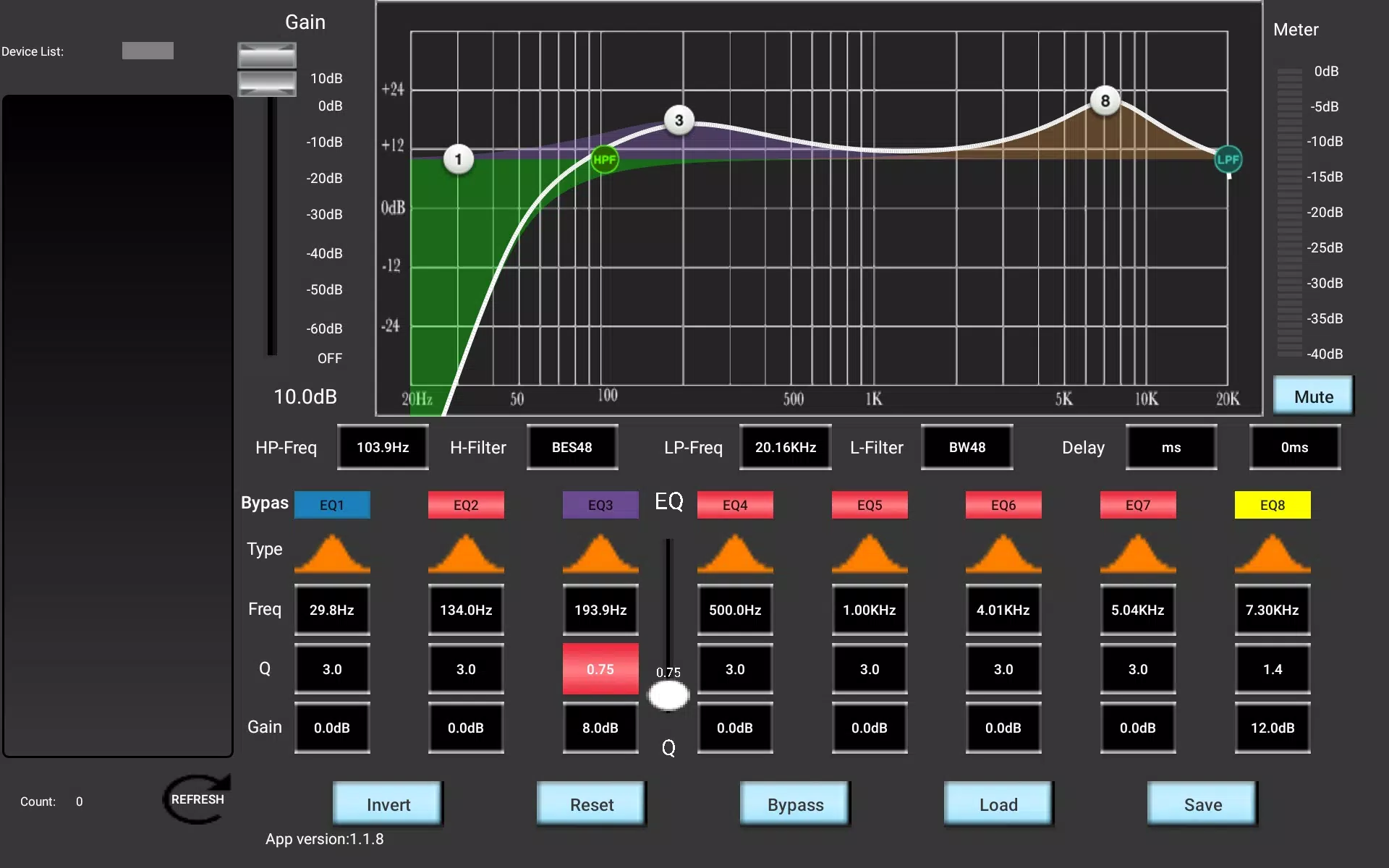
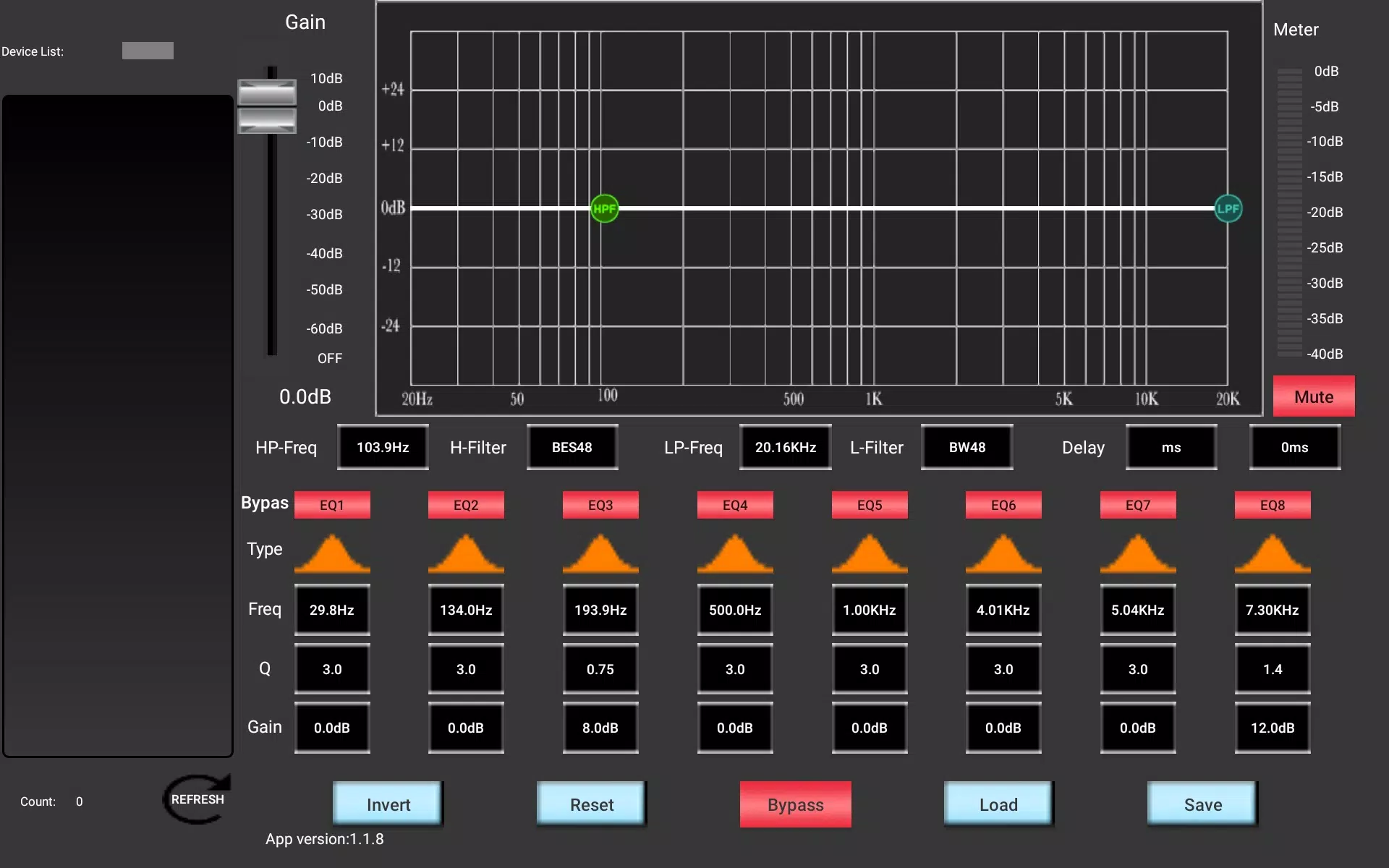
FB-P12B-EB is a lightweight control and monitoring app designed to streamline smart-device management across home and office networks. It centralizes device status, schedules, and firmware updates while offering quick diagnostics and remote control features and reporting.
FB-P12B-EB puts a compact set of tools inside a single dashboard so you can manage multiple connected devices without switching apps. The app focuses on practical operations: live status views, one-tap actions, and automated routines. It supports groups, scenes, and conditional triggers so common tasks such as power cycles and environment adjustments run automatically.
The app combines monitoring, automation, and maintenance features in a minimal interface that stays responsive on most Android devices. Notable capabilities include:
Every element in FB-P12B-EB emphasizes clarity and speed. The home view groups devices by location or type, and touchscreen gestures reveal detailed controls without clutter. Setup flows use guided prompts: scan or enter device IDs, assign names and rooms, and apply initial profiles. Widgets provide one-touch control from the Android home screen, and notifications include actionable buttons for common responses.
Designed for efficient operation, FB-P12B-EB minimizes background battery usage while keeping communication channels responsive. Local control is preferred when devices are on the same network, reducing latency and dependency on cloud services. The app works across a wide range of Android versions and optimizes performance for both phones and tablets, with adaptive layouts for different screen sizes.
Security is built into the connection and update processes. FB-P12B-EB uses encrypted communication for both local and remote sessions and enforces permission controls to limit what each user account can access. Optional two-step authentication and activity logs help administrators track changes, while data export tools let you maintain offline records of configurations and firmware histories.
Getting started with FB-P12B-EB is straightforward. First, install and grant basic permissions such as local network and storage access. Next, create an account or continue in guest mode for temporary use. Pair devices by scanning a QR code or entering a device ID, then assign them to rooms and apply a basic profile. Finally, test a schedule and run a quick diagnostics pass to confirm connectivity.
Maximize efficiency by grouping similar devices and using scene templates for common routines. Keep firmware updates on a staggered cycle to avoid mass reboots, and use the app's logging feature to diagnose intermittent issues. For shared environments, create role-based accounts so guests and admins have different levels of control.
FB-P12B-EB is well suited to small business owners, IT managers in compact office environments, and homeowners who prefer a single app for multiple device brands. Its mix of automated routines and manual overrides provides flexibility for proactive maintenance as well as on-the-fly adjustments.
Regular backups of configuration profiles and scheduled maintenance checks will keep operations smooth. FB-P12B-EB balances simplicity with depth, offering enough advanced options for power users while remaining accessible to those who want straightforward device control without complexity.
LifeUp: Gamified To Do List
Size:17.35M ProductivityVPN Proxy Speed
Size:53.00M ProductivityAI Logo Generator (LogoWiz)
Size:41.50M Productivity3D Logo Maker
Size:39.30M ProductivityAI Chat: Ask AI Chat Anything
Size:42.20M ProductivityStars and Planets
Size:116.42M ProductivityImageMeter
Size:119.22M ProductivityHabitKit
Size:56.87M ProductivityMy Passwords Manager
Size:10.60M ProductivitymiMind
Size:48.30M ProductivityCute Note DDay Todo
Size:15.31M ProductivityCleverType AI Keyboard
Size:33.83M ProductivityApril 2024 Clash of Clans Update: Unveiling a Fresh Companion, Enhanced Levels, Chat Tagging, and Be
2024-04-16Arrival of Genshin Impact 4.6 Update: 'Embers of Two Realms, Twilight of Crimson'
2024-04-16V2.2 of the Farlight 84 update introduces an overhauled Season structure, fresh in-game currency, an
2024-04-16Monster Never Cry is now accessible on both Android and iOS mobile devices.
2024-04-18PUBG Mobile Teams Up with Bentley Motors: Luxury Cars, Exclusive Collectibles, and Beyond
2024-04-18March 2024 Free Redemption Codes for Honkai: Star Rail
2024-04-18