English
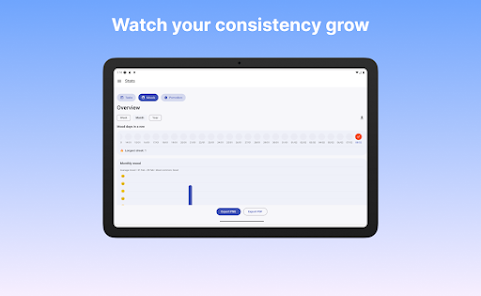
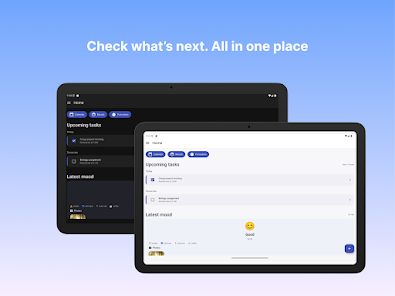
Tik - Study Planner helps students organize study time with customizable schedules, timed sessions, and progress tracking. The app streamlines planning, sets reminders, and adapts to shifting priorities so you can balance coursework and revision efficiently. Ideal for focused study routines and goal-oriented learning.
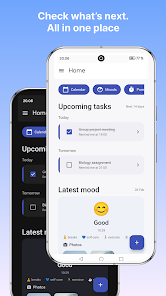
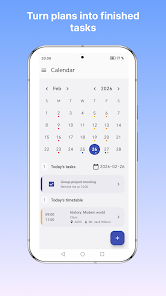
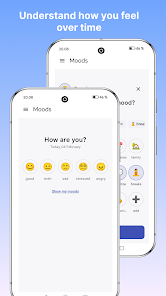
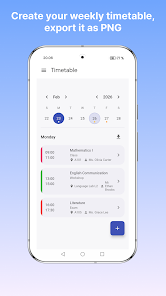
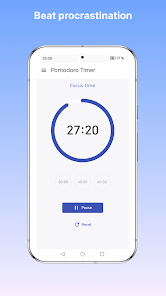
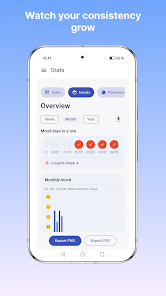
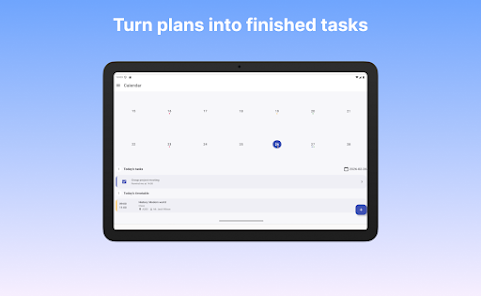
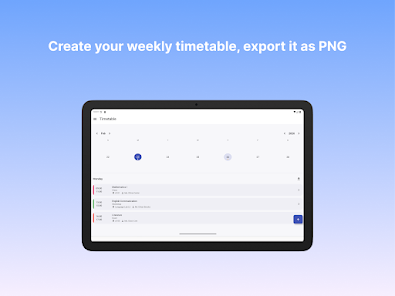
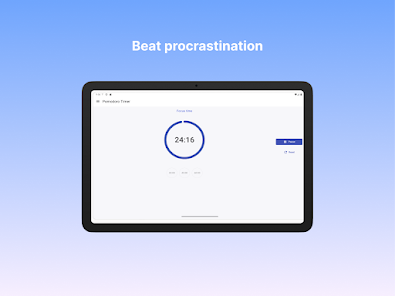
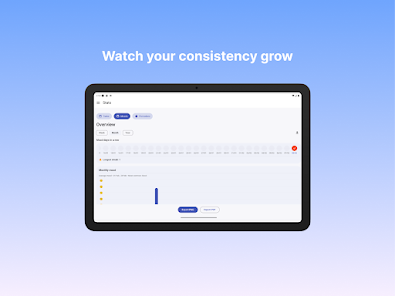
Tik - Study Planner is built to replace scattered notes, alarm clocks, and paper timetables with a single, consistent workflow. It combines a calendar-based planner, a focus timer, and analytics to show how study time is spent. You can create subject-specific plans, schedule recurring sessions, and set smart notifications that respect your priorities and daily rhythms.
The feature set addresses both short-term tasks and long-term goals. Highlights include:
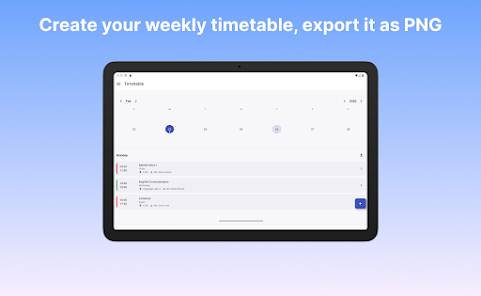
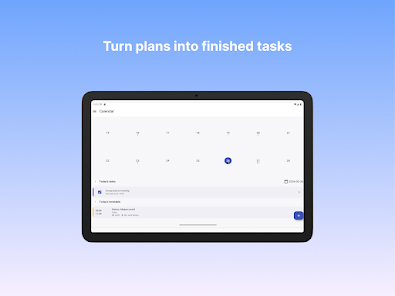
Start by mapping your fixed commitments—classes, work shifts, or appointments—then tuck study sessions into available gaps. Tik - Study Planner suggests session lengths based on your goals and recent performance, which helps prevent overload. Drag-and-drop rescheduling keeps the interface intuitive; a missed session can be deferred to a new slot without losing progress data.
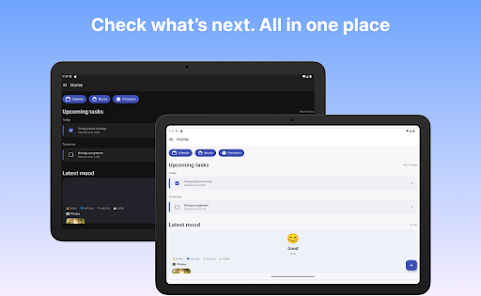
Customization helps the planner match different learning styles. Choose session templates for deep work or quick reviews, label subjects with colors, and set priority levels to ensure critical tasks surface first. The app supports dark mode and a compact widget for quick access to today’s plan.
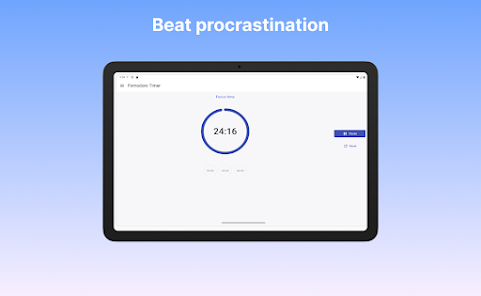
Beyond timers, Tik - Study Planner reduces friction around starting and stopping study blocks. A built-in focus lock can silence notifications while a session runs, and short guided breaks promote recovery without derailing momentum. Session histories allow you to replay what worked: which durations, times of day, and sequences produced the best retention.
For group projects or study partners, share schedules or export session summaries. The app can generate printable lists and CSV exports for grade tracking or tutor reviews. Shared plans keep everyone aligned on deadlines and meeting times without emailing spreadsheets back and forth.
Tik - Study Planner is optimized for smooth performance on a wide range of Android devices. Background timers are energy-efficient, and local caching ensures your plan remains available offline. Sync options include cloud backup so schedules and progress are preserved across device changes. The app integrates with standard calendar apps for two-way sync and supports common notification channels.
Data privacy is treated as a priority. Study data and user preferences are stored locally with optional encrypted backups. You control what gets shared or exported. Notifications are configurable so sensitive information isn’t displayed on locked screens.
Begin by adding your main subjects and a few upcoming deadlines. Use a template to populate a week of sessions, then run a 25–50 minute focus block to test the flow. Tweaking session length and break frequency during the first week helps the app tailor future recommendations. Tik - Study Planner’s onboarding tips guide you through these steps so setup is efficient.
Students preparing for exams, professionals returning to study, and lifelong learners who need structured time will find the app useful. It scales from casual revision plans to intensive multi-month prep, supporting steady improvement through measurable habits.
With clear planning tools and smart suggestions, Tik - Study Planner helps create reliable study habits and keeps your goals visible. Try a few sessions, refine your routine, and let the planner handle scheduling so you can concentrate on learning.
LifeUp: Gamified To Do List
Size:17.35M ProductivityVPN Proxy Speed
Size:53.00M ProductivityAI Logo Generator (LogoWiz)
Size:41.50M Productivity3D Logo Maker
Size:39.30M ProductivityAI Chat: Ask AI Chat Anything
Size:42.20M ProductivityStars and Planets
Size:116.42M ProductivityImageMeter
Size:119.22M ProductivityHabitKit
Size:56.87M ProductivityMy Passwords Manager
Size:10.60M ProductivitymiMind
Size:48.30M ProductivityCute Note DDay Todo
Size:15.31M ProductivityCleverType AI Keyboard
Size:33.83M ProductivityApril 2024 Clash of Clans Update: Unveiling a Fresh Companion, Enhanced Levels, Chat Tagging, and Be
2024-04-16Arrival of Genshin Impact 4.6 Update: 'Embers of Two Realms, Twilight of Crimson'
2024-04-16V2.2 of the Farlight 84 update introduces an overhauled Season structure, fresh in-game currency, an
2024-04-16Monster Never Cry is now accessible on both Android and iOS mobile devices.
2024-04-18PUBG Mobile Teams Up with Bentley Motors: Luxury Cars, Exclusive Collectibles, and Beyond
2024-04-18March 2024 Free Redemption Codes for Honkai: Star Rail
2024-04-18