English
PopupTube is a lightweight Android utility that keeps video playback flexible by creating resizable floating players overlaying other apps. It streamlines multitasking with persistent pop-up windows so you can watch, browse, or take notes without interrupting your main workflow—designed for users who need constant, movable video access.
PopupTube turns video content into a detachable window that stays on top of other applications. Instead of toggling between apps, the floatable player remains visible while you navigate email, chat, or productivity tools. The app supports local files and many streaming formats, adapting to common Android workflows.
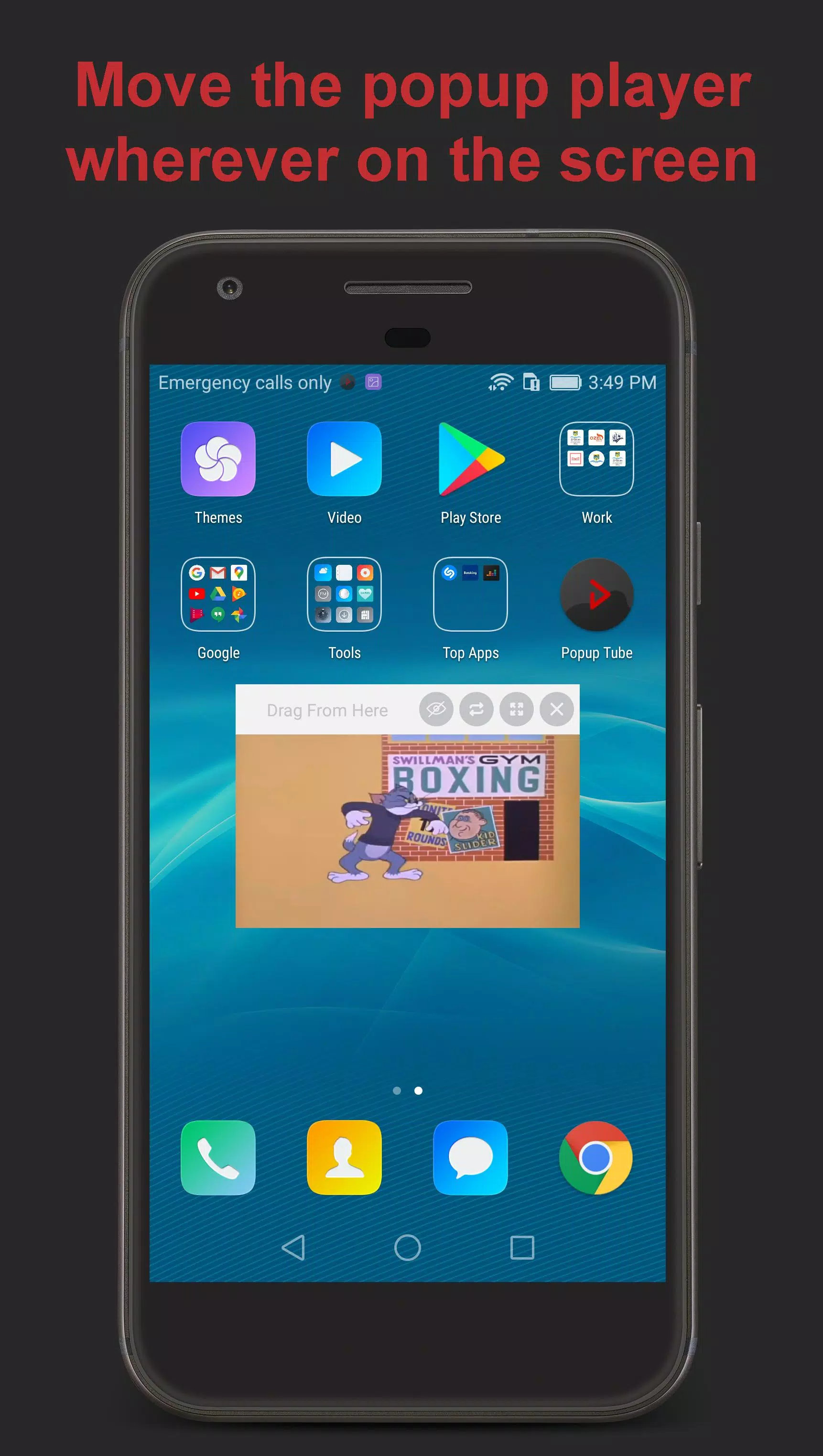
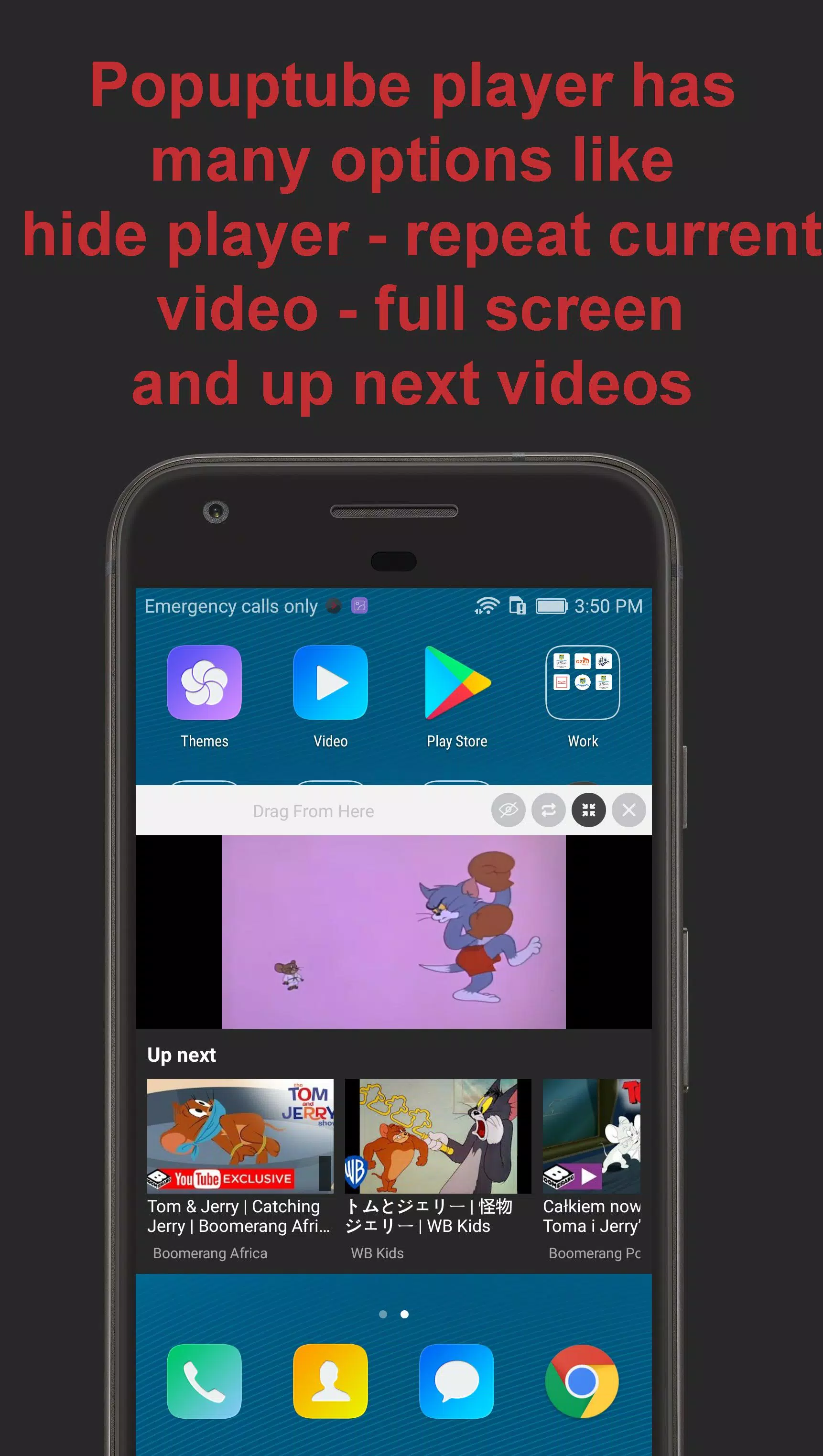
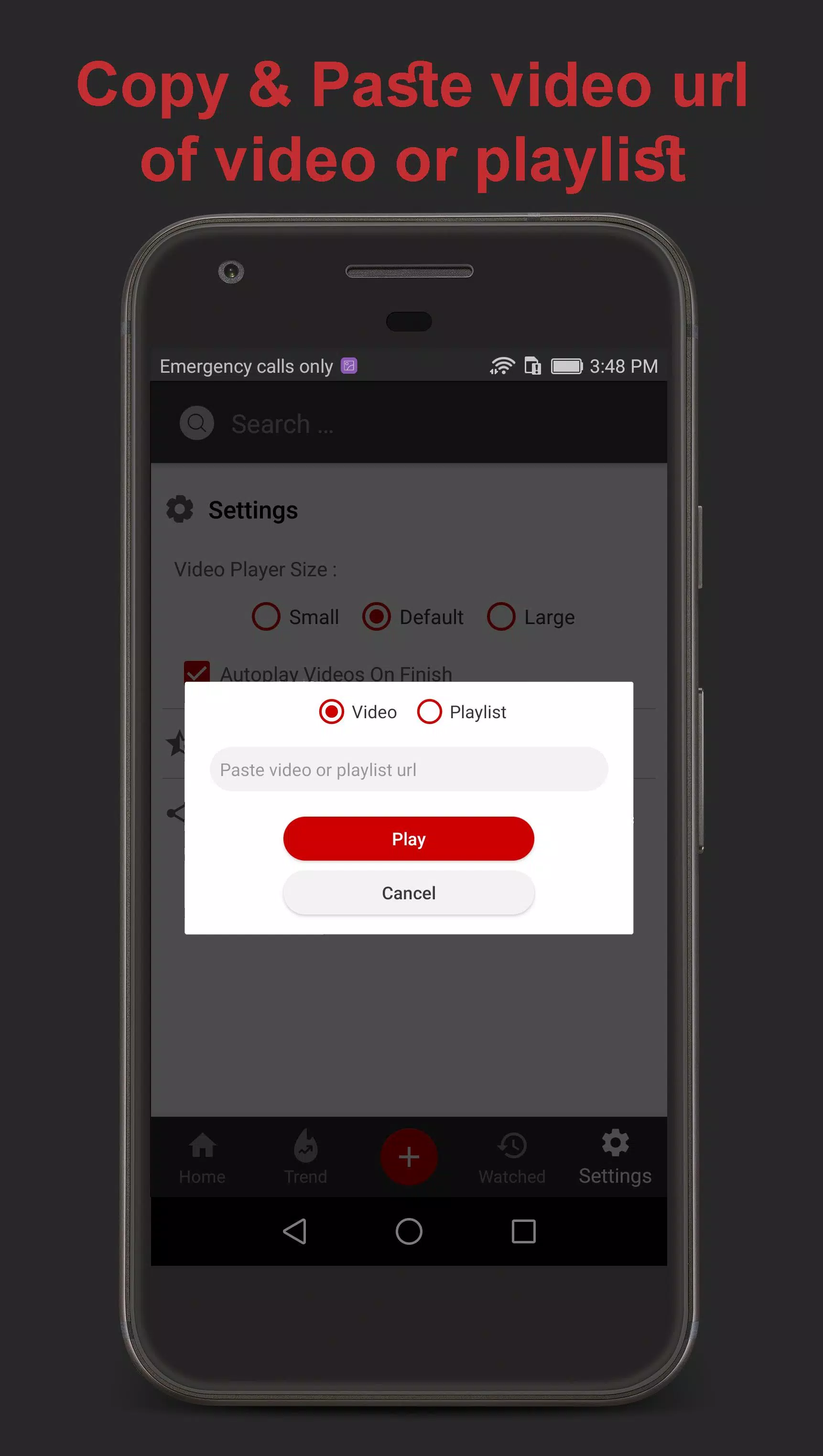
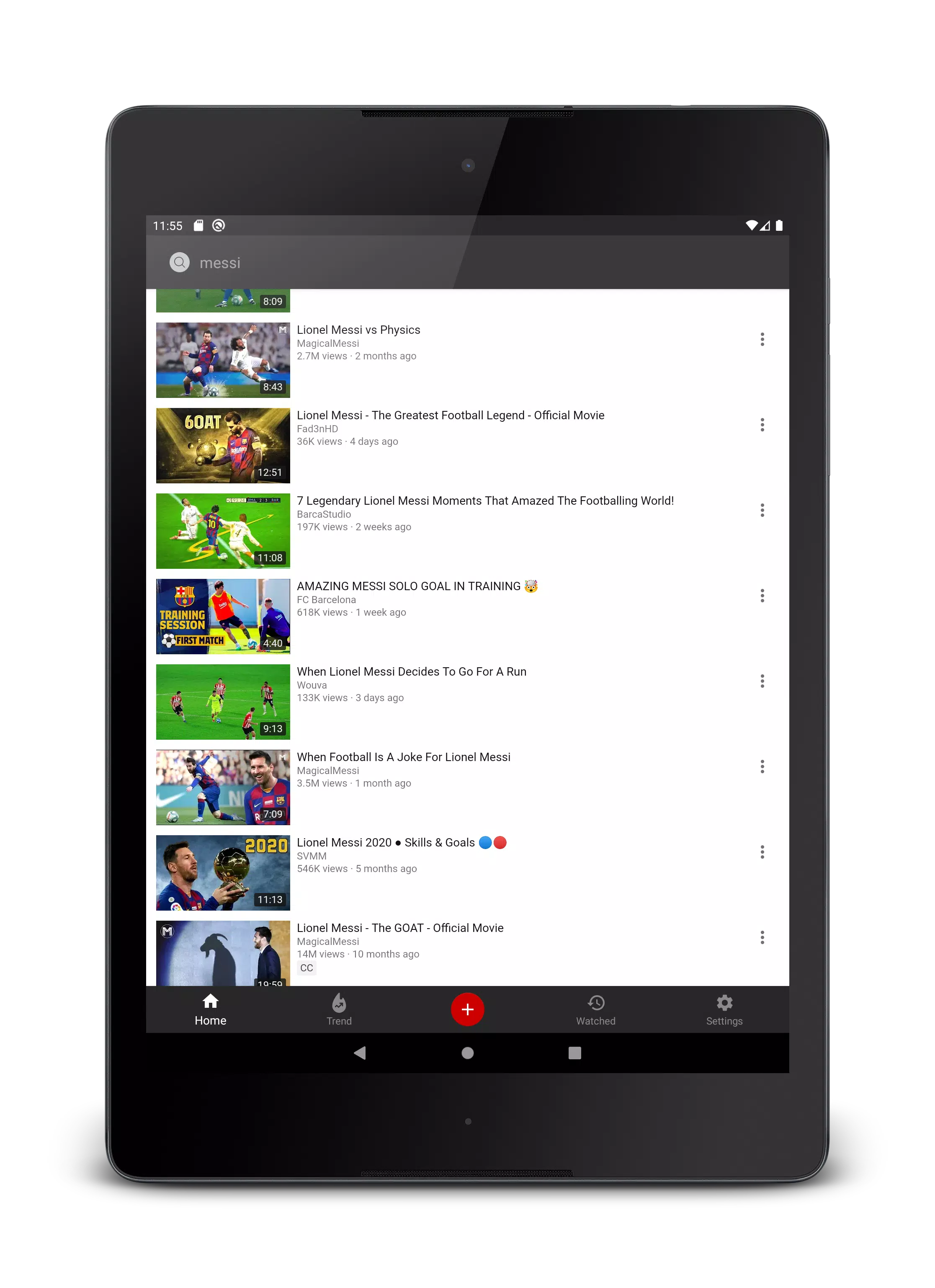
After launching PopupTube, select a video from your device or paste a compatible URL. The player opens as a compact overlay that you can drag to any screen corner. Tap to expand controls, swipe to dismiss, or pin the window to keep it visible across apps. The interface is built to minimize interruptions while maintaining essential playback functionality.
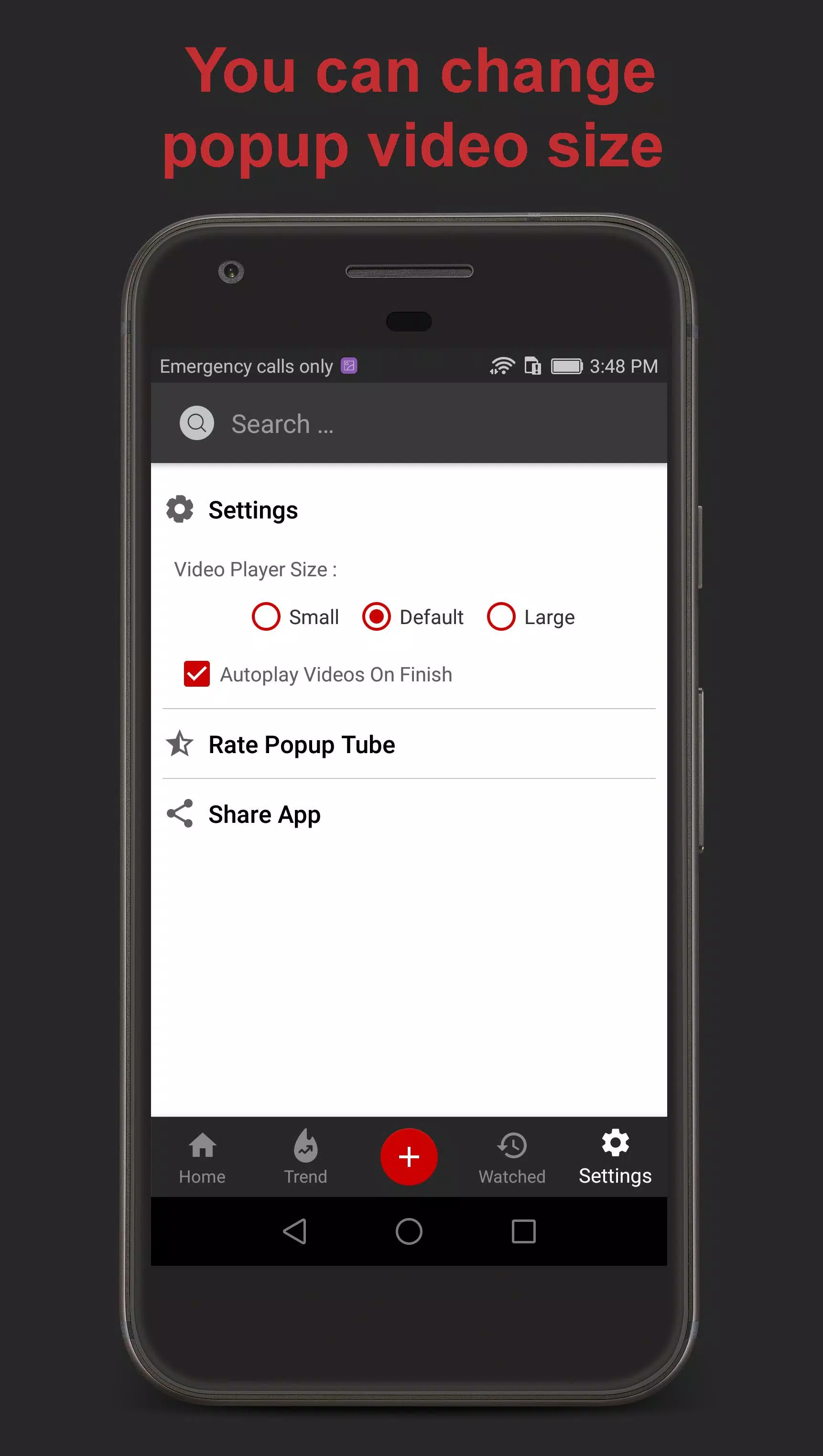
The design emphasizes clarity: large playback buttons, a minimalist timeline, and readable icons make quick interactions simple. Settings are organized so you can customize default sizes, transparency, and whether the player auto-hides during input fields. The minimal learning curve helps users adopt PopupTube quickly.
PopupTube's configuration choices let you tailor the floating window to your needs. You can set a default aspect ratio, lock the player in place, or enable snap-to-edge behavior for tidy layouts. For users who prefer unobtrusive playback, adjustable opacity and auto-dim options reduce visual distraction while watching videos.
PopupTube prioritizes resource efficiency so the floating player consumes minimal CPU and battery. It uses native playback components when available and falls back to a robust internal player for broader format support. Compatibility extends across a wide range of Android versions and devices, with optimizations for modern chipsets.
Running a persistent overlay naturally uses extra power, but PopupTube reduces overhead through adaptive frame rates and optional hardware acceleration. Users who require long background audio sessions can enable power-conserving modes that dim the player while preserving sound.
Installing and setting up PopupTube takes only a few steps. Grant the overlay permission when prompted, select a source, and tweak the initial size. Clear tooltips and a short onboarding guide help first-time users configure controls and privacy settings to match their expectations.
People choose PopupTube for its straightforward approach to multitasking and stable floating playback. The app removes the friction of switching contexts, which is particularly helpful for students, professionals, and anyone who consumes tutorials or lectures while taking notes. Its design strikes a balance between functionality and simplicity.
Whether you want to follow a tutorial while coding or keep a playlist running during emails, PopupTube makes continuous video access both practical and unobtrusive.



Compress Video - Resize Video
Size:48.75M Media & VideoMEME Maker: MEME Creator
Size:49.65M Media & VideoInstory Story Video Maker
Size:31.79M Media & VideoDrum Pads 24 - Beats and Music
Size:31.00M Media & VideoRadioTunes
Size:25.30M Media & VideoWiseplay
Size:38.13M Media & VideojetAudio HD Music Player Plus
Size:22.60M Media & VideoTABLA: India Mystical Drums
Size:27.35M Media & VideoOnePlayer
Size:128.00M Media & VideoDeep Bass Booster & Subwoofer
Size:4.30M Media & Videoedjing Mix
Size:70.40M Media & VideoWorld Radio FM Online
Size:24.00M Media & VideoApril 2024 Clash of Clans Update: Unveiling a Fresh Companion, Enhanced Levels, Chat Tagging, and Be
2024-04-16Arrival of Genshin Impact 4.6 Update: 'Embers of Two Realms, Twilight of Crimson'
2024-04-16V2.2 of the Farlight 84 update introduces an overhauled Season structure, fresh in-game currency, an
2024-04-16Monster Never Cry is now accessible on both Android and iOS mobile devices.
2024-04-18PUBG Mobile Teams Up with Bentley Motors: Luxury Cars, Exclusive Collectibles, and Beyond
2024-04-18March 2024 Free Redemption Codes for Honkai: Star Rail
2024-04-18