
English
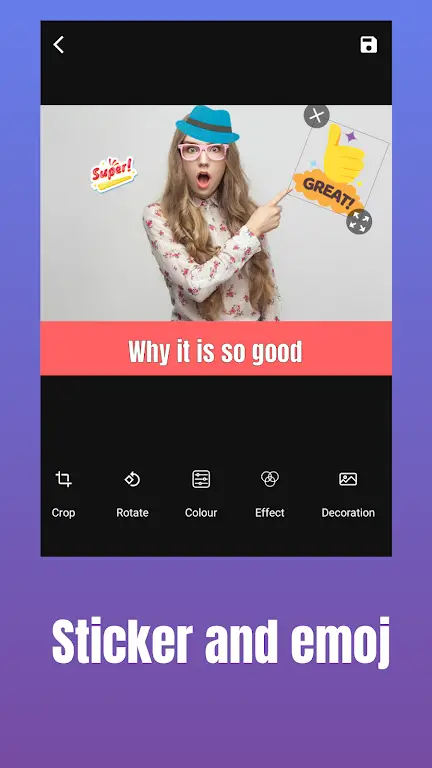
MEME Maker: MEME Creator puts a compact, practical editor on your Android device so you can turn photos into shareable images quickly. MEME Maker: MEME Creator is designed for speed and clarity, with a touch-first interface that helps newcomers caption, layer and export content in minutes while still offering depth for frequent creators. This introduction explains the main editing surface, controls, progression tools and accessibility supports so you can judge how the app fits into your creative routine.
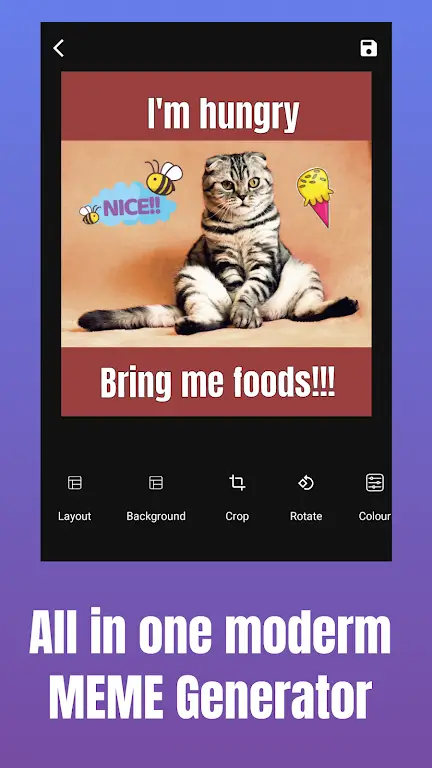
The main editing surface balances a lightweight layout with the tools people need to produce consistent visuals. Templates and an organized asset library are available from the start, and editable text boxes, sticker placement and basic masking work with single-finger gestures. Canvas size and aspect ratio options align with common social formats, and export presets for PNG and JPG keep file size and quality under control. Background rendering and selective caching help maintain responsiveness on mid-range devices while still allowing deliberate adjustments when you need them.
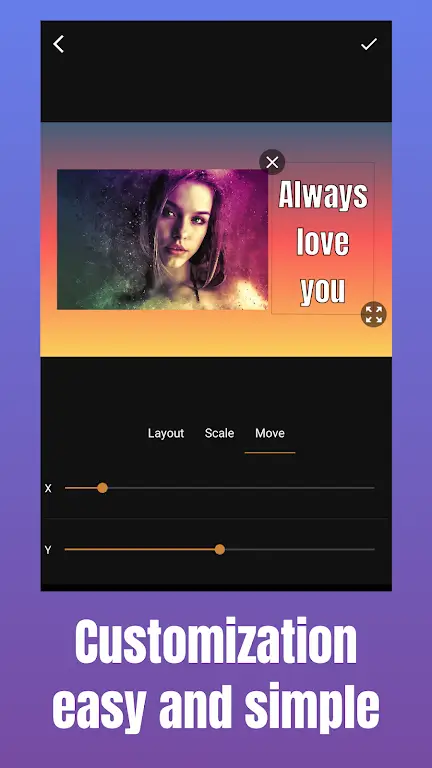
Controls are tailored for touch interaction: drag to reposition elements, pinch to resize, and rotate gestures to angle captions or stickers. Contextual toolbars appear when you select an element, presenting font, color, outline and alignment options without crowding the workspace. Persistent undo and redo within a session preserve a non-destructive approach, and simple drag-and-drop layer reordering makes multi-part compositions approachable. The typical workflow encourages rapid iteration—start from a template, tweak text and assets, preview, then export or save your setup as a new template.
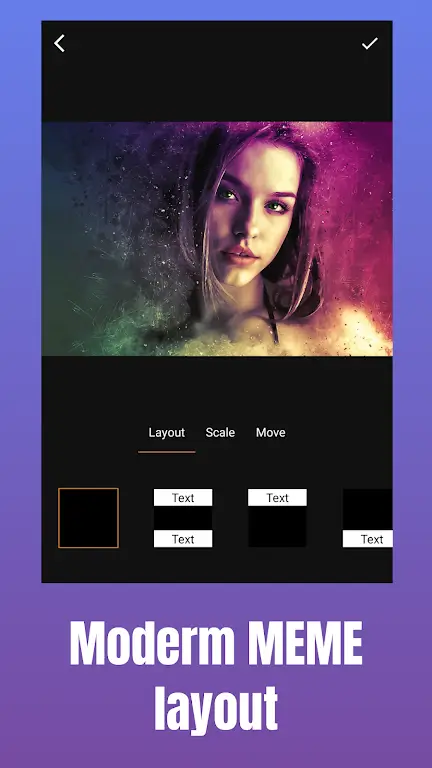
Templates are organized by format and complexity so users can progress naturally from simple to more elaborate projects. Entry-level templates focus on single-image captions and clear reading hierarchy, while higher-complexity layouts offer multi-panel, vertical story and split-screen formats. As you save and refine personal templates, you build a library that shortens future editing sessions and supports a consistent publishing cadence. Regular template updates reflect social trends so creators can maintain freshness without rebuilding layouts from scratch.
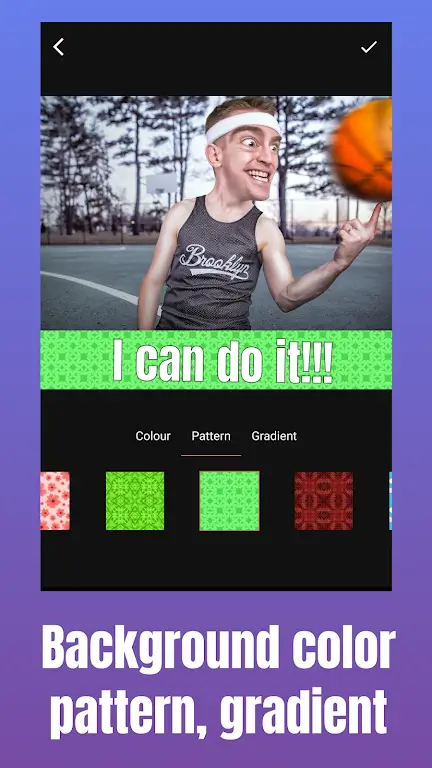
Typography controls are comprehensive while remaining accessible. A curated selection of readable fonts is provided, with adjustments for letter spacing, line height, case transforms and outline strength to ensure legibility on busy backgrounds. Visual style tools include color grading presets, vignette and selective blur to unify a series of images, and the ability to save custom color palettes and font pairings for brand consistency. Import tools let you bring in your own stickers or overlays to match a personal visual voice.
Beyond basic captioning, the editor includes smart cutout tools for isolating subjects and layering them over new backgrounds, plus selective filters for mood and tone. These features support challenge-style projects where you remix a single subject across themes or apply batch presets to a series of images for a unified look. Layer masks and opacity controls let you create subtle composites without complex workflows, so experimentation and replay value remain high for regular projects.
Export settings are built for modern social workflows: choose common aspect ratios for feeds and stories, select transparent-background PNGs for sticker creation, or compress to JPG for quick sharing. A built-in share sheet connects to installed apps so you can post without leaving the editor, and high-resolution copies can be saved locally. For creators who occasionally move work between devices, an optional cloud sync keeps projects available without introducing mandatory online features.
Efficiency is central to the design: optimized rendering and compressed assets reduce memory footprint and help the app run smoothly on a wide range of Android devices. Drafts are preserved locally so you can work offline, and background saving reduces the risk of data loss when switching tasks. A compact cache and clear storage controls let you manage device space, while regular updates maintain compatibility with newer Android releases and device capabilities.
The interface emphasizes clarity with labeled icons, contextual hints on first use and an optional short guided tutorial that introduces core tasks and gestures. Accessibility settings support readable type sizes and high-contrast overlays for stronger visual separation, and helper text can be disabled once you’re comfortable. Subtle animations and haptic feedback make interactions feel responsive without distracting from the creative flow.
MEME Maker: MEME Creator suits social content creators, moderators preparing consistent visuals, and casual users who want an approachable edit-to-share experience. Use saved brand templates to maintain visual consistency, rely on grid and snap features for precise alignment, and apply batch presets to speed up recurring posts. The combination of approachable controls, layered editing and robust offline capability makes the app a practical choice for frequent producers and one-off projects alike.
MEME Maker: MEME Creator
Size:49.65M Media & VideoInstory Story Video Maker
Size:31.79M Media & VideoDrum Pads 24 - Beats and Music
Size:31.00M Media & VideoRadioTunes
Size:25.30M Media & VideoWiseplay
Size:38.13M Media & VideojetAudio HD Music Player Plus
Size:22.60M Media & VideoTABLA: India Mystical Drums
Size:27.35M Media & VideoOnePlayer
Size:128.00M Media & VideoDeep Bass Booster & Subwoofer
Size:4.30M Media & Videoedjing Mix
Size:70.40M Media & VideoWorld Radio FM Online
Size:24.00M Media & VideoPianoMeter – Piano Tuner
Size:9.42M Media & VideoApril 2024 Clash of Clans Update: Unveiling a Fresh Companion, Enhanced Levels, Chat Tagging, and Be
2024-04-16Arrival of Genshin Impact 4.6 Update: 'Embers of Two Realms, Twilight of Crimson'
2024-04-16V2.2 of the Farlight 84 update introduces an overhauled Season structure, fresh in-game currency, an
2024-04-16Monster Never Cry is now accessible on both Android and iOS mobile devices.
2024-04-18PUBG Mobile Teams Up with Bentley Motors: Luxury Cars, Exclusive Collectibles, and Beyond
2024-04-18March 2024 Free Redemption Codes for Honkai: Star Rail
2024-04-18

















