English
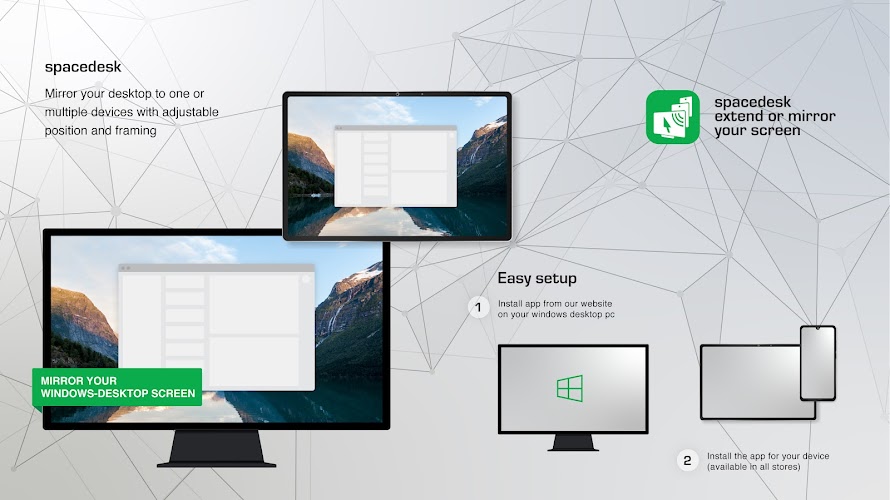
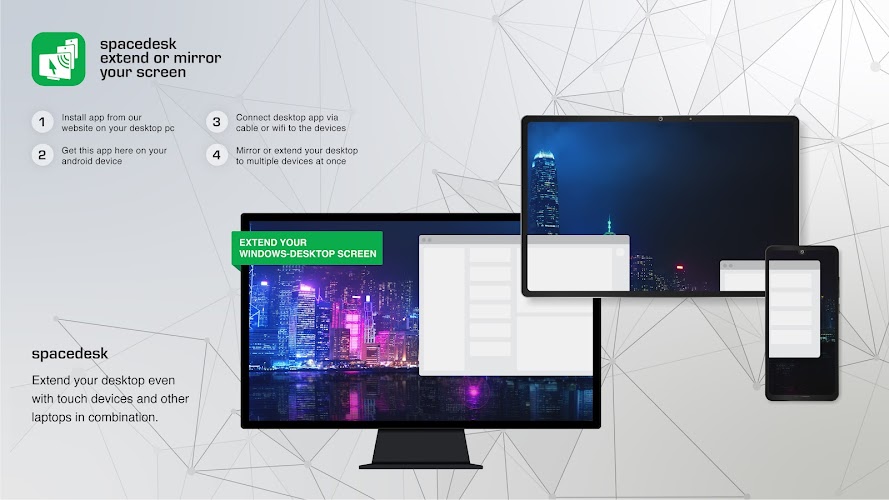
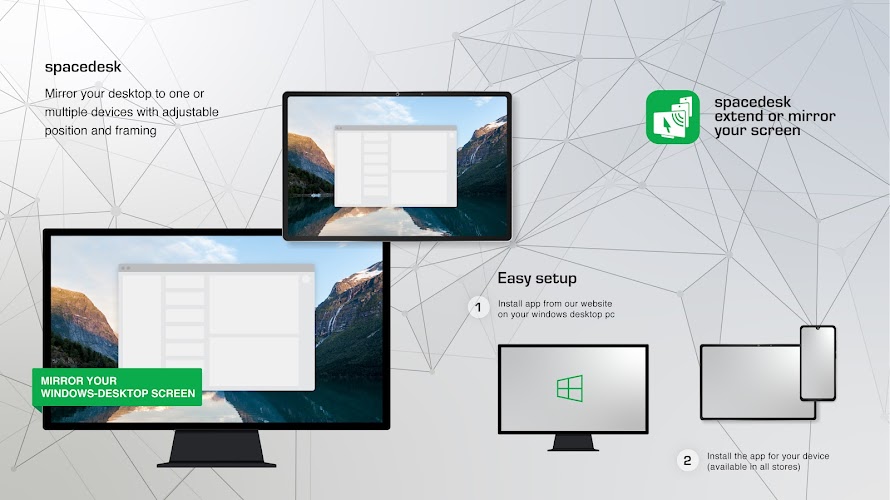
spacedesk - USB Display for PC converts your Android phone or tablet into a responsive secondary monitor via USB, providing low-latency mirroring and extended desktop capabilities. The app streamlines multi-monitor workflows for productivity, design, and presentations by creating a fast, plug-and-play link between Windows PCs and mobile displays.
This utility turns mobile screens into usable extensions of your Windows desktop. Instead of relying on Wi-Fi, it uses a direct USB connection to reduce lag and improve stability, making it well suited for tasks that need precise pointer movement or smooth video playback. Use it to extend a spreadsheet, preview designs, or run reference material while you work on your main monitor.
spacedesk offers a focused set of features designed to make extra screens practical and reliable:
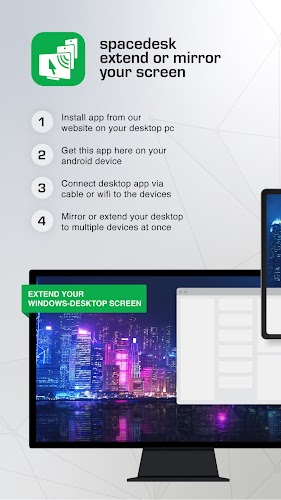
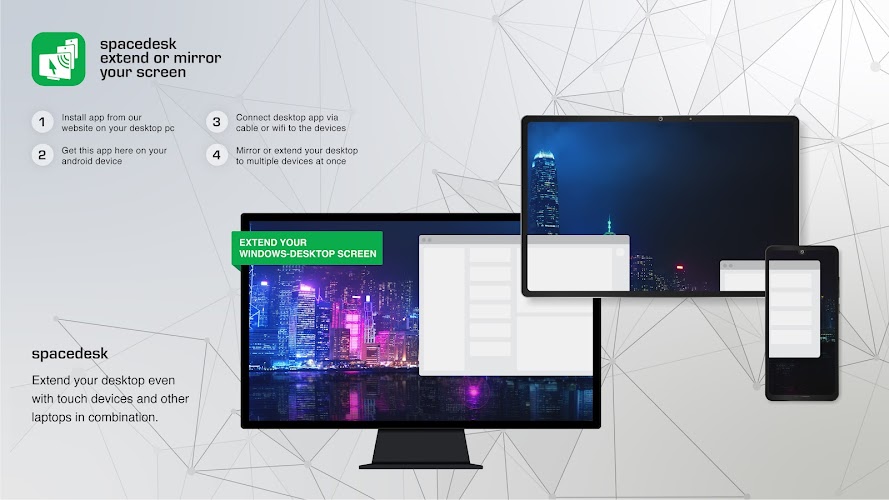
To use spacedesk you install a server component on the Windows machine and a client app on the Android device. The server detects the mobile client over USB and negotiates display parameters. The Windows desktop treats the phone or tablet as an additional graphics output, so existing apps and the operating system handle window placement and scaling as they would with any external monitor.
The client app presents a straightforward interface for connecting, switching between extended and mirrored modes, and adjusting quality settings. Controls are grouped to minimize configuration steps: connect, select display mode, and tweak resolution or compression if necessary. The simplicity helps users focus on their work rather than network configuration.
Performance is one of spacedesk's strengths when used over USB. The direct link reduces dropouts and keeps frame times consistent, which is beneficial for video playback and real-time interaction. It supports a range of Windows versions and most modern Android devices, but performance will depend on the PC’s graphics adapter and the USB connection type (USB 2.0 vs USB 3.0). For demanding tasks, USB 3.0 provides noticeably better throughput.
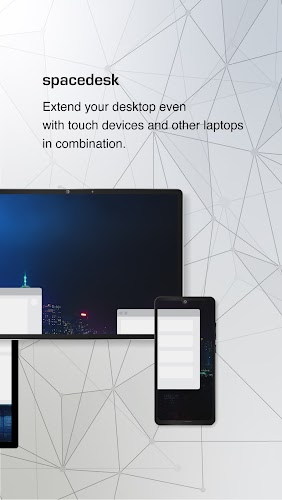
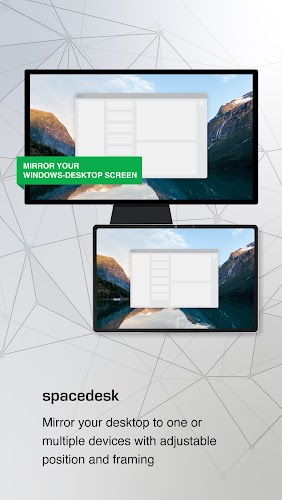
Workers who juggle multiple applications will find immediate benefits. Writers can place research windows on a tablet, developers can keep logs and consoles visible, and designers can preview mobile layouts on the actual device. Presenters can mirror slides while maintaining private speaker notes on the main screen. Because the mobile display functions as a true monitor, common shortcuts and window management tools remain usable.
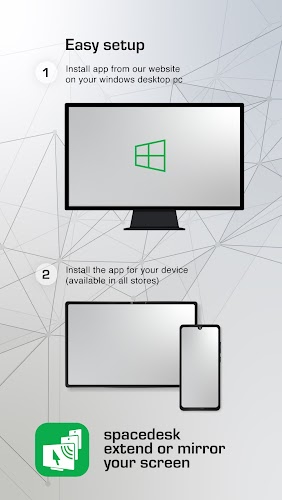
Getting started involves three main steps: install the Windows server, install the Android client, and connect the devices via USB. The server offers a simple status panel that shows connected clients and basic diagnostics. No advanced networking knowledge is required, and default settings are sufficient for most users. For IT environments, administrators can script deployment of the server component to multiple machines.
If you see lag or resolution mismatches, first check the USB bandwidth and cable quality. Enabling higher-performance USB modes and updating the graphics driver on the PC can resolve many issues. For touchscreen responsiveness, confirm that touch drivers and permissions are enabled on the Android device. If multiple clients are connected, prioritize the most critical display to maintain consistent frame rates.
spacedesk - USB Display for PC is a practical choice for professionals who need reliable additional screen real estate without buying dedicated monitors. It suits remote workers, content creators, educators, and anyone who wants a portable, flexible display solution that leverages existing devices with minimal setup.
LifeUp: Gamified To Do List
Size:17.35M ProductivityVPN Proxy Speed
Size:53.00M ProductivityAI Logo Generator (LogoWiz)
Size:41.50M Productivity3D Logo Maker
Size:39.30M ProductivityAI Chat: Ask AI Chat Anything
Size:42.20M ProductivityStars and Planets
Size:116.42M ProductivityImageMeter
Size:119.22M ProductivityHabitKit
Size:56.87M ProductivityMy Passwords Manager
Size:10.60M ProductivitymiMind
Size:48.30M ProductivityCute Note DDay Todo
Size:15.31M ProductivityCleverType AI Keyboard
Size:33.83M ProductivityApril 2024 Clash of Clans Update: Unveiling a Fresh Companion, Enhanced Levels, Chat Tagging, and Be
2024-04-16Arrival of Genshin Impact 4.6 Update: 'Embers of Two Realms, Twilight of Crimson'
2024-04-16V2.2 of the Farlight 84 update introduces an overhauled Season structure, fresh in-game currency, an
2024-04-16Monster Never Cry is now accessible on both Android and iOS mobile devices.
2024-04-18PUBG Mobile Teams Up with Bentley Motors: Luxury Cars, Exclusive Collectibles, and Beyond
2024-04-18March 2024 Free Redemption Codes for Honkai: Star Rail
2024-04-18