English
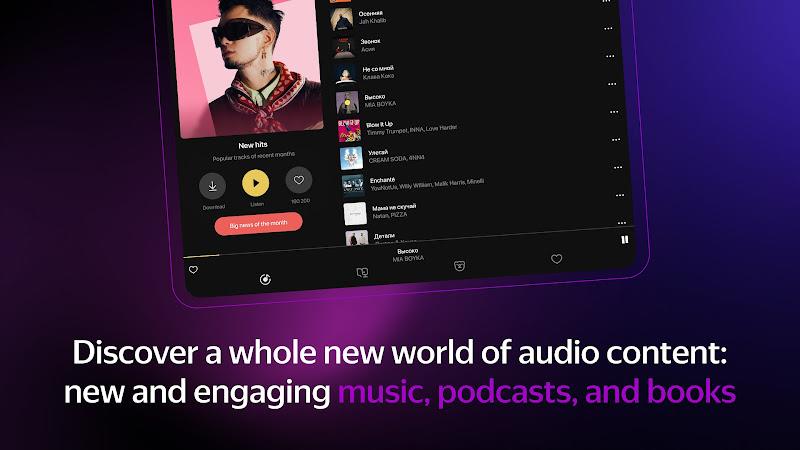
Yandex Music, Books & Podcasts is a unified media player that brings streaming music, narrated audiobooks and podcasts together in a single Android app to simplify listening across formats. The Yandex Music, Books & Podcasts app centralizes on-demand tracks, editorial playlists, full-length audiobooks and serialized shows so you can move from background music to a chapter of a book or a podcast episode without reopening different services. Designed for daily use, this editor overview highlights how the app handles discovery, playback controls, offline access and device syncing while keeping navigation clear on phones and tablets.
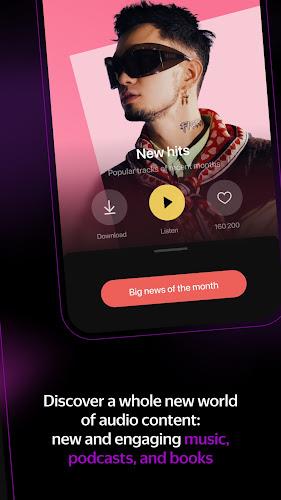
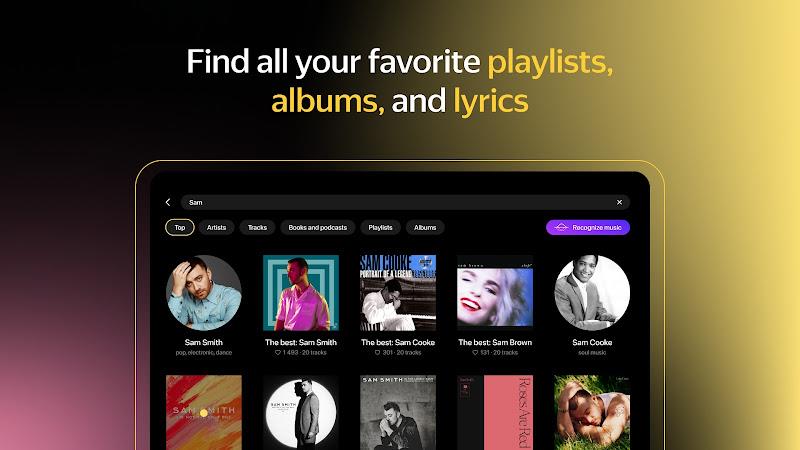
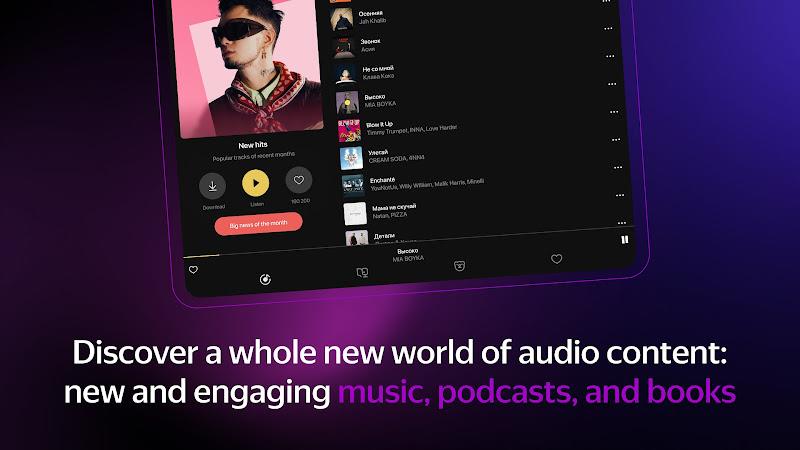
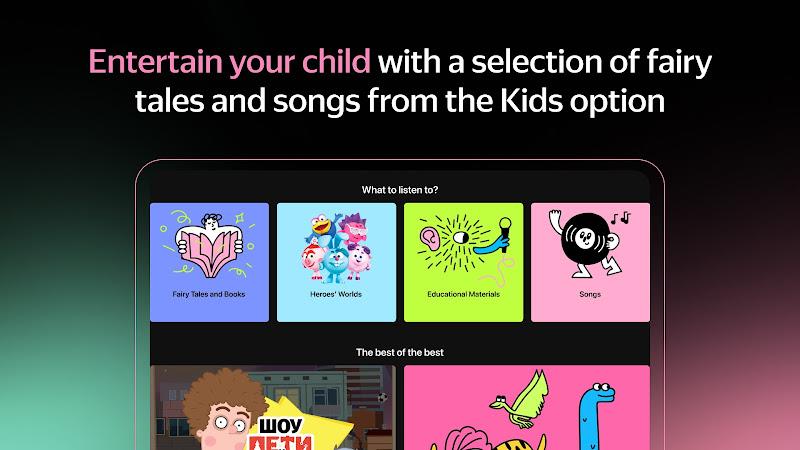
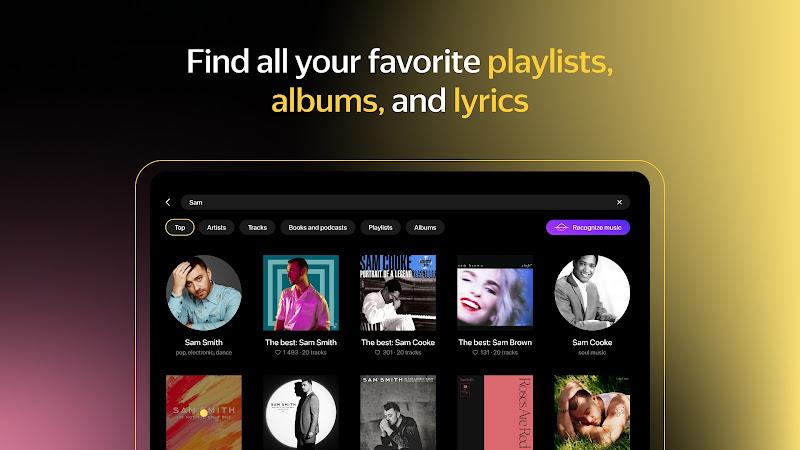
The app collects three media formats under one consistent interface and presents personalized recommendations based on your listening history. You can search for tracks, authors or episode titles, queue items for continuous play, and build a library of saved music, books and podcast subscriptions. Yandex Music, Books & Podcasts uses editorial curation and algorithmic suggestions to help you discover new releases and relevant back catalog items tailored to your preferences.
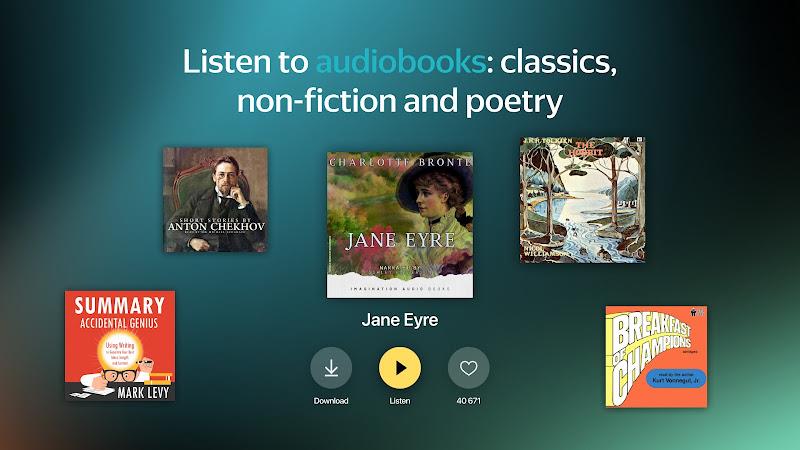
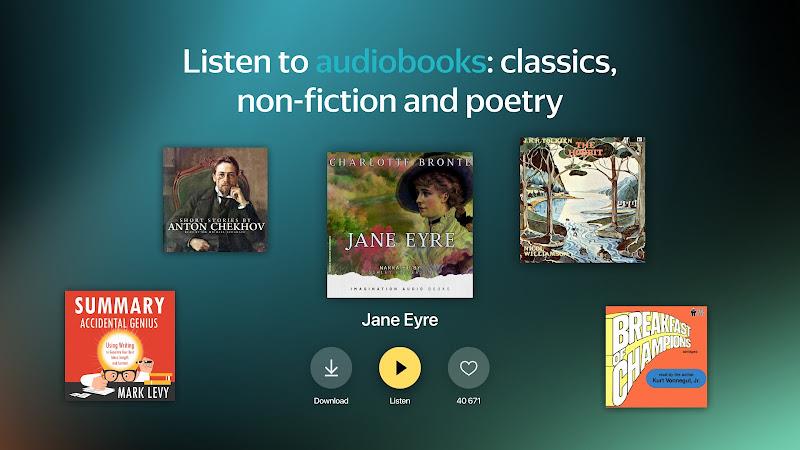
Core capabilities include a large music catalog with mood playlists and algorithmic mixes, professionally narrated audiobooks with position syncing and chapter markers, and a broad selection of podcasts organized by genre and topic. Progression is handled through playback position syncs that allow you to pick up where you left off across devices, chronological and saved-item views that make it easy to track what you have started, and curated collections that help you progress through series of episodes or book chapters in order.
The interface centers on a bottom tab bar separating Home, Library and Search, with large artwork and readable typography to make browsing faster. Playback controls include standard play/pause, skip and seek, as well as playback-speed adjustment for audiobooks, a sleep timer for podcasts, and crossfade for music. Controls are reachable with one hand and support gestures such as long-press to start downloads or to quickly add items to a queue. Widgets and lock screen controls provide quick access without opening the full app.
The library is organized into albums, playlists, saved books and podcast subscriptions, with filters to show downloaded items only, recently played content, or explicitly labeled material. Playlists and smart queues act as progression tools: you can curate listening order, move items within a queue, and save sets for repeated sessions. The app’s organization is designed to reduce friction when switching between modes—music, audiobooks and spoken-word content all appear in unified search results and recommendation feeds.
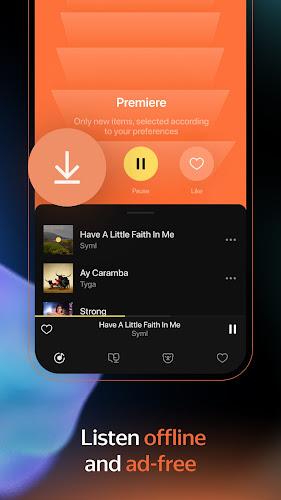
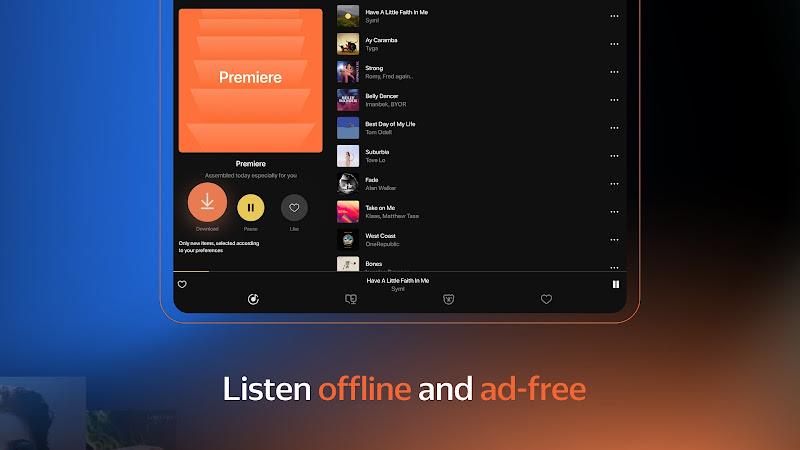
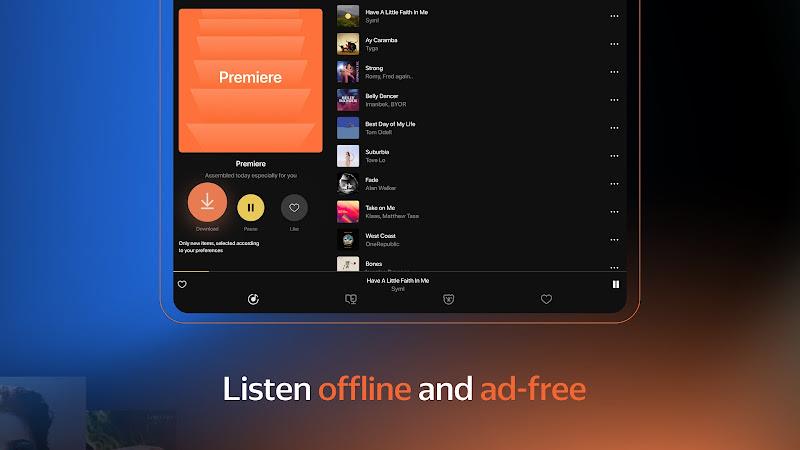
Offline mode lets you download tracks, chapters or episodes for listening without a network connection; downloads are managed from an item page or by long-pressing entries in lists. Streaming uses adaptive buffering that adjusts quality to your connection. When signed into the same account, metadata and playback positions are synced across devices so audiobook bookmarks and podcast progress follow you, which is particularly useful for commuters who switch between phone and tablet.
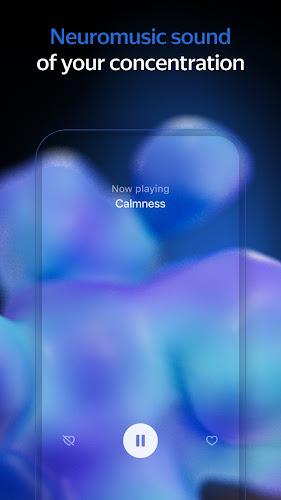
Discovery tools include algorithmic recommendations, editorial playlists, and mood-based stations; these are complemented by user-created playlists and favorite markers. Equalizer presets and manual audio adjustments let you tailor sound for headphones or car speakers, and smart downloads can automatically fetch new episodes or favorite tracks over Wi‑Fi. Replay value comes from curated series, re-listenable podcasts and compilations that refresh as recommendations learn your tastes.
The app supports larger text sizes and high-contrast visual modes to aid readability, and search supports voice queries to locate artists, authors or topics quickly. Playback is stable in the background and generally smooth on modern devices, though actual performance varies with device memory and Android version. Data-saver settings let you cap streaming quality on cellular networks to conserve bandwidth while still providing a usable listening experience.
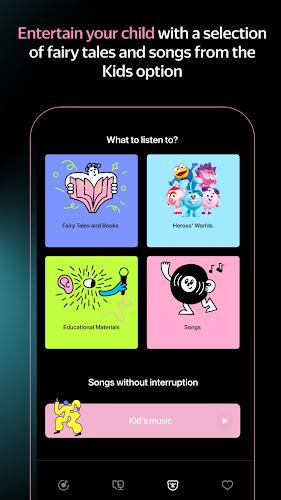
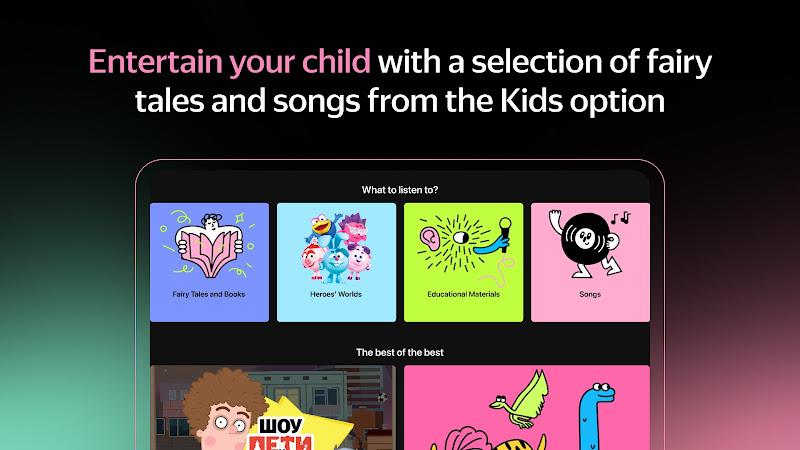
To begin, install the app from a trusted store, sign in or create an account, and import or save a few favorite items to seed recommendations. Free tiers are available, while premium subscriptions remove ads, expand download limits and raise streaming quality. Account settings let you manage devices, review storage used by downloads, and set parental controls for explicit material so you can tailor the experience for different listeners in a household.
Yandex Music, Books & Podcasts aims to keep audio content accessible and organized in one polished Android experience, combining practical playback tools, cross-format discovery and reliable offline capabilities for everyday listening and longer trips.








Compress Video - Resize Video
Size:48.75M Media & VideoMEME Maker: MEME Creator
Size:49.65M Media & VideoInstory Story Video Maker
Size:31.79M Media & VideoDrum Pads 24 - Beats and Music
Size:31.00M Media & VideoRadioTunes
Size:25.30M Media & VideoWiseplay
Size:38.13M Media & VideojetAudio HD Music Player Plus
Size:22.60M Media & VideoTABLA: India Mystical Drums
Size:27.35M Media & VideoOnePlayer
Size:128.00M Media & VideoDeep Bass Booster & Subwoofer
Size:4.30M Media & Videoedjing Mix
Size:70.40M Media & VideoWorld Radio FM Online
Size:24.00M Media & VideoApril 2024 Clash of Clans Update: Unveiling a Fresh Companion, Enhanced Levels, Chat Tagging, and Be
2024-04-16Arrival of Genshin Impact 4.6 Update: 'Embers of Two Realms, Twilight of Crimson'
2024-04-16V2.2 of the Farlight 84 update introduces an overhauled Season structure, fresh in-game currency, an
2024-04-16Monster Never Cry is now accessible on both Android and iOS mobile devices.
2024-04-18PUBG Mobile Teams Up with Bentley Motors: Luxury Cars, Exclusive Collectibles, and Beyond
2024-04-18March 2024 Free Redemption Codes for Honkai: Star Rail
2024-04-18