English
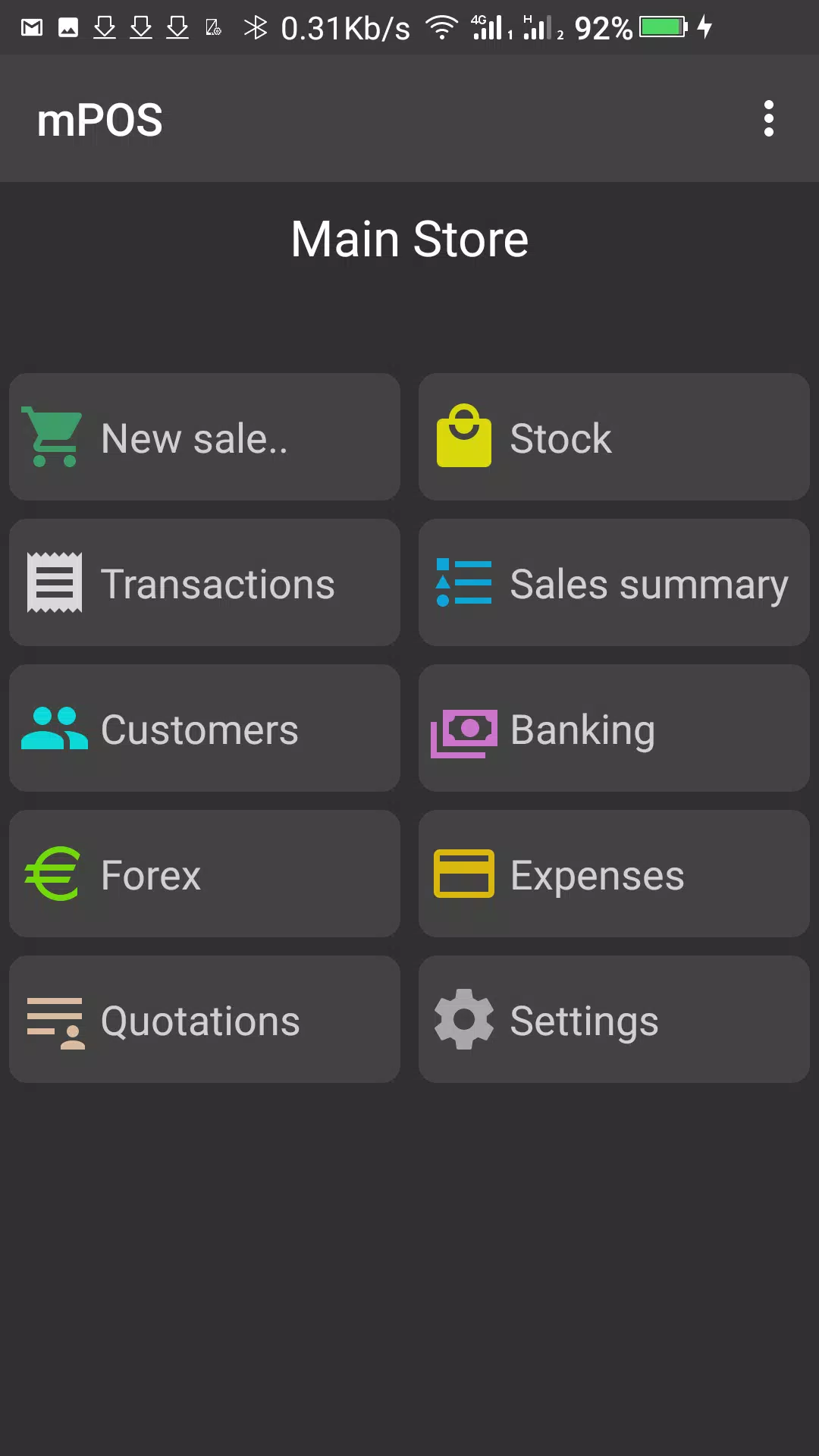
mPOS brings a full mobile Point of Sale experience to Android devices, letting merchants manage sales, inventory and customer payments from phones, tablets or handheld POS terminals; the mPOS app is designed to streamline transactions and centralize control for single shops, multi-branch retailers and field sales agents while keeping daily operations simple and transparent.
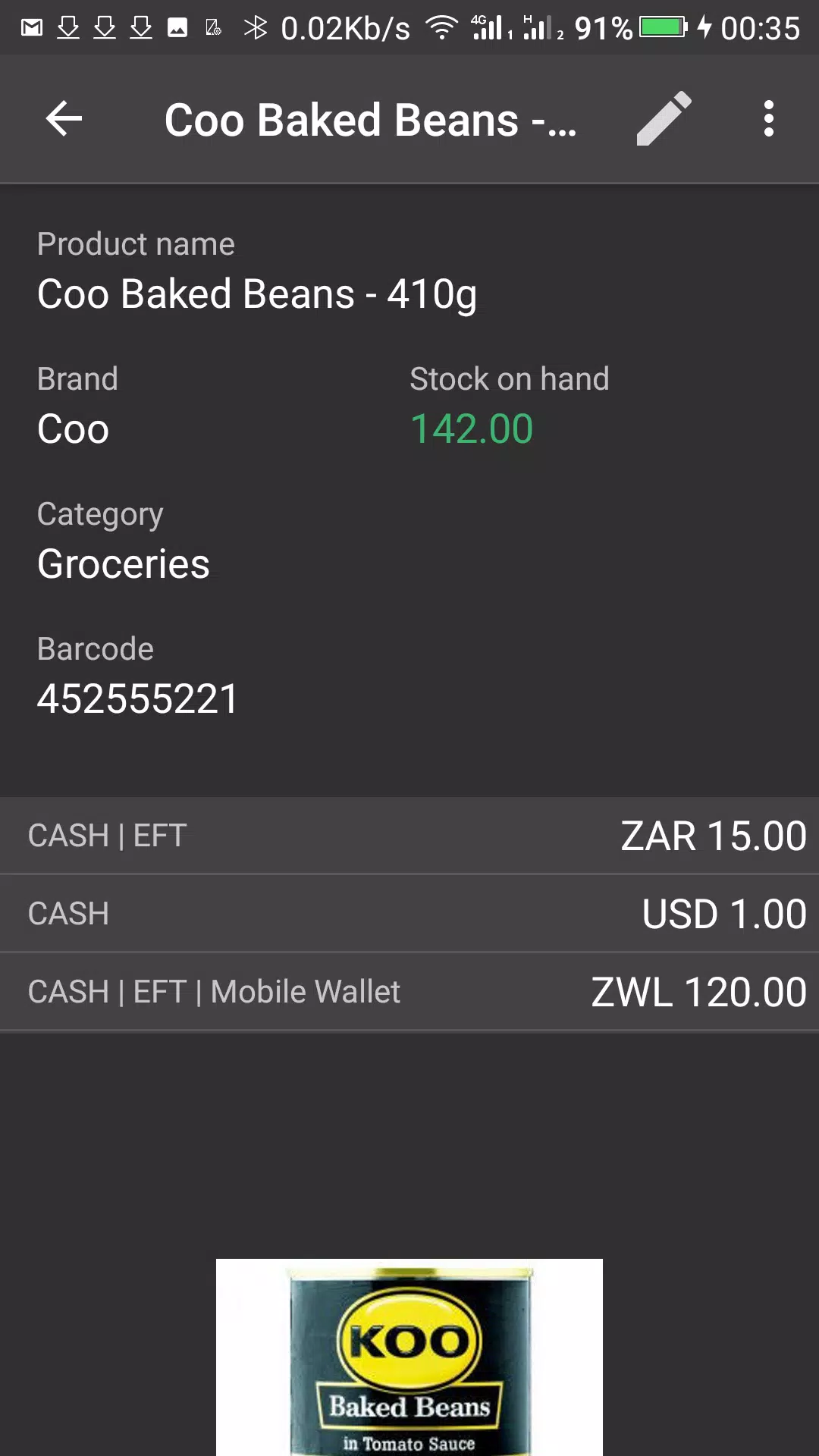
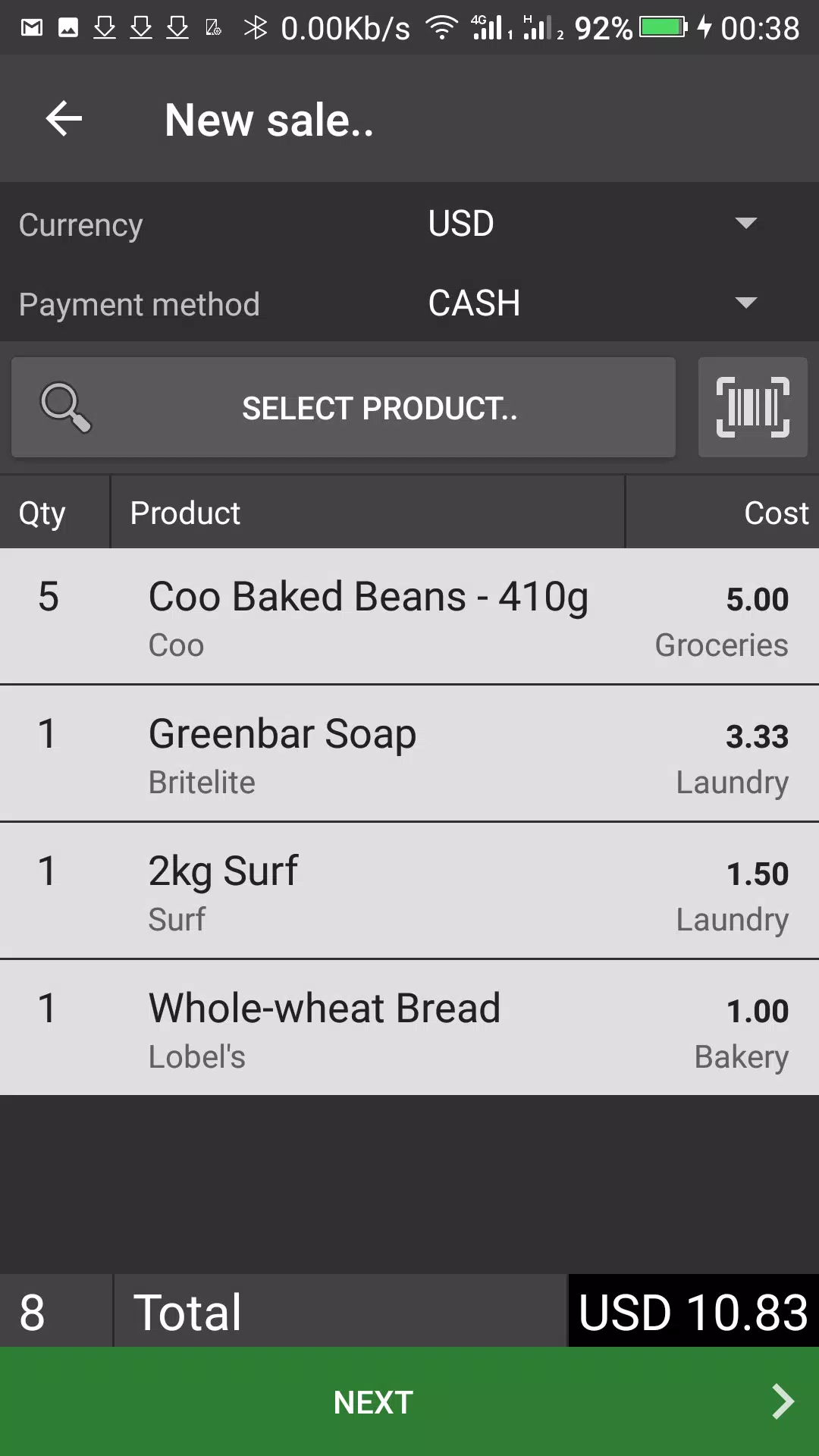
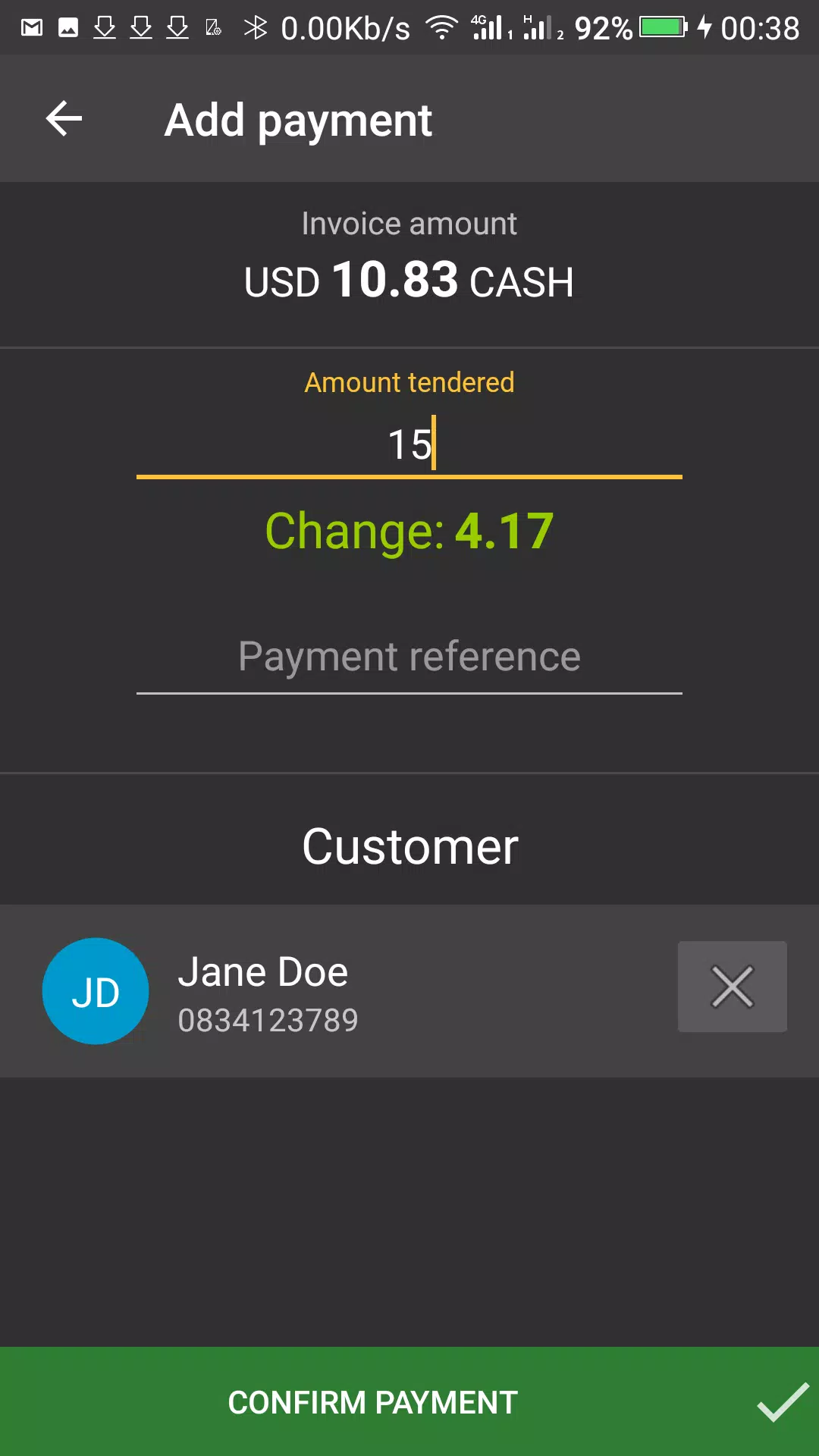
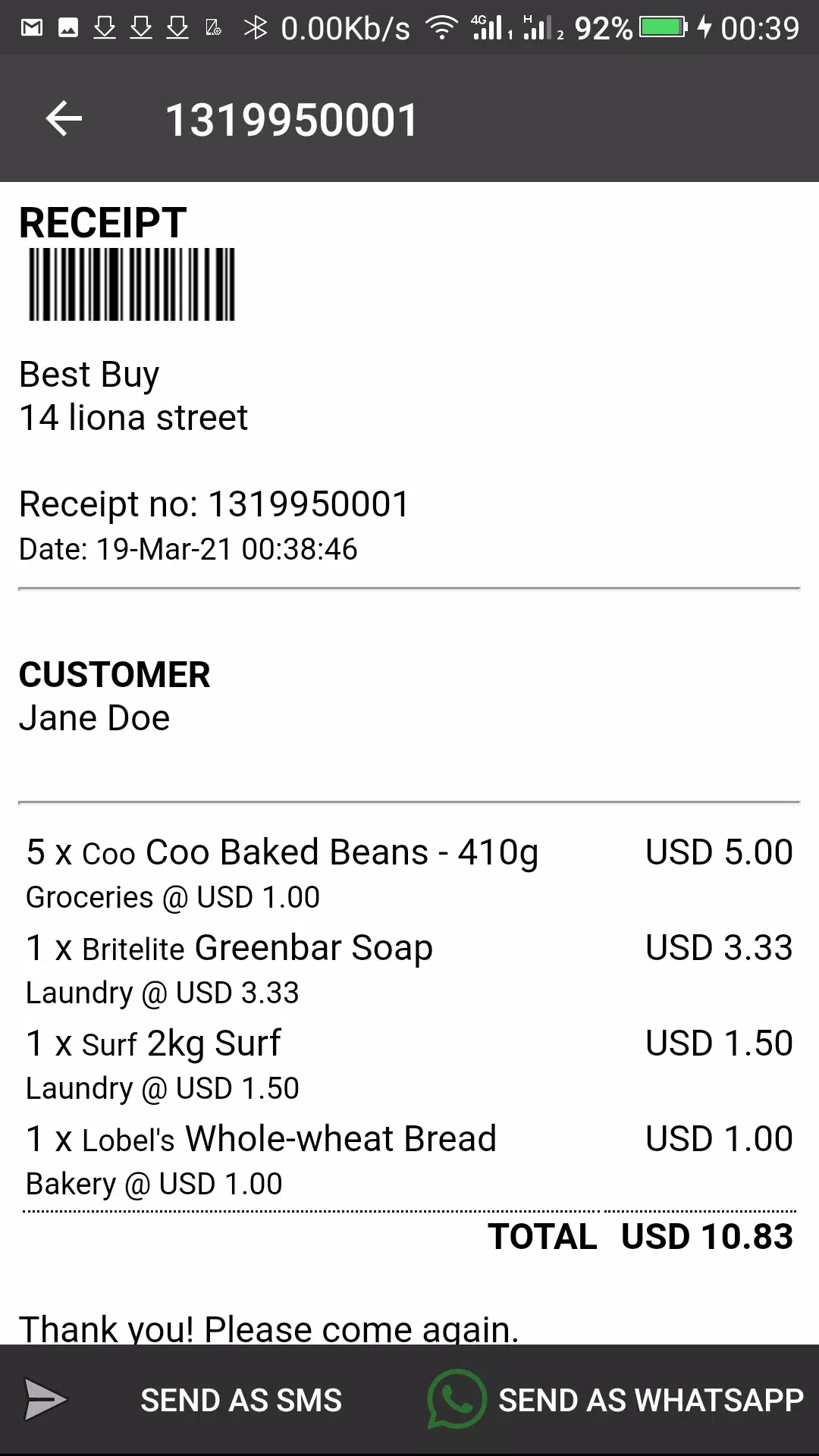
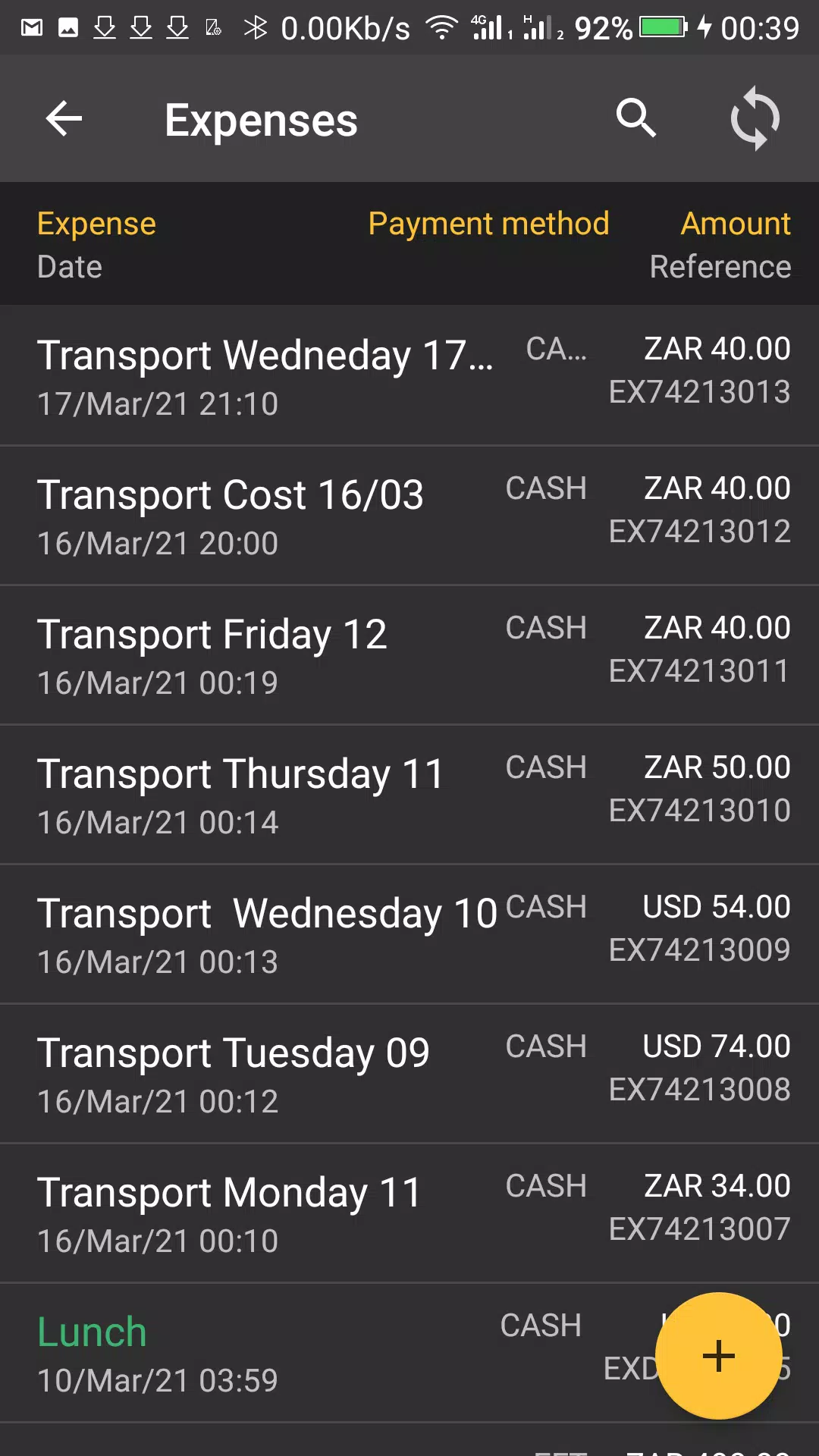
The app combines register-style checkout, product catalog management and basic customer records into a single interface so staff can complete sales quickly and record transaction details for later analysis. Accept multiple payment methods including credit and debit cards, contactless NFC payments, mobile wallets and QR code scanning where supported by the connected payment hardware. Role-based access separates duties between administrators, cashiers and stores controllers, enabling supervisory controls such as price overrides, refunds and shift closing without exposing sensitive administrative settings. Centralized administration tools let managers push product updates, pricing changes and promotions to all locations from one account, reducing setup time for multi-branch retailers.
The user interface emphasizes touch-first controls with large buttons and readable typography to speed common actions during busy service periods; checkout flows are intentionally short so new staff can learn basic operation in minutes. Initial setup guides walk administrators through registering devices, creating outlets and assigning roles, and the app supports progressive onboarding where teams can start with core checkout functions and enable advanced inventory and reporting once they're comfortable. For stores that grow over time, mPOS supports adding extra registers and new locations without complete reconfiguration, allowing businesses to scale operations while maintaining consistent workflows and permissions.
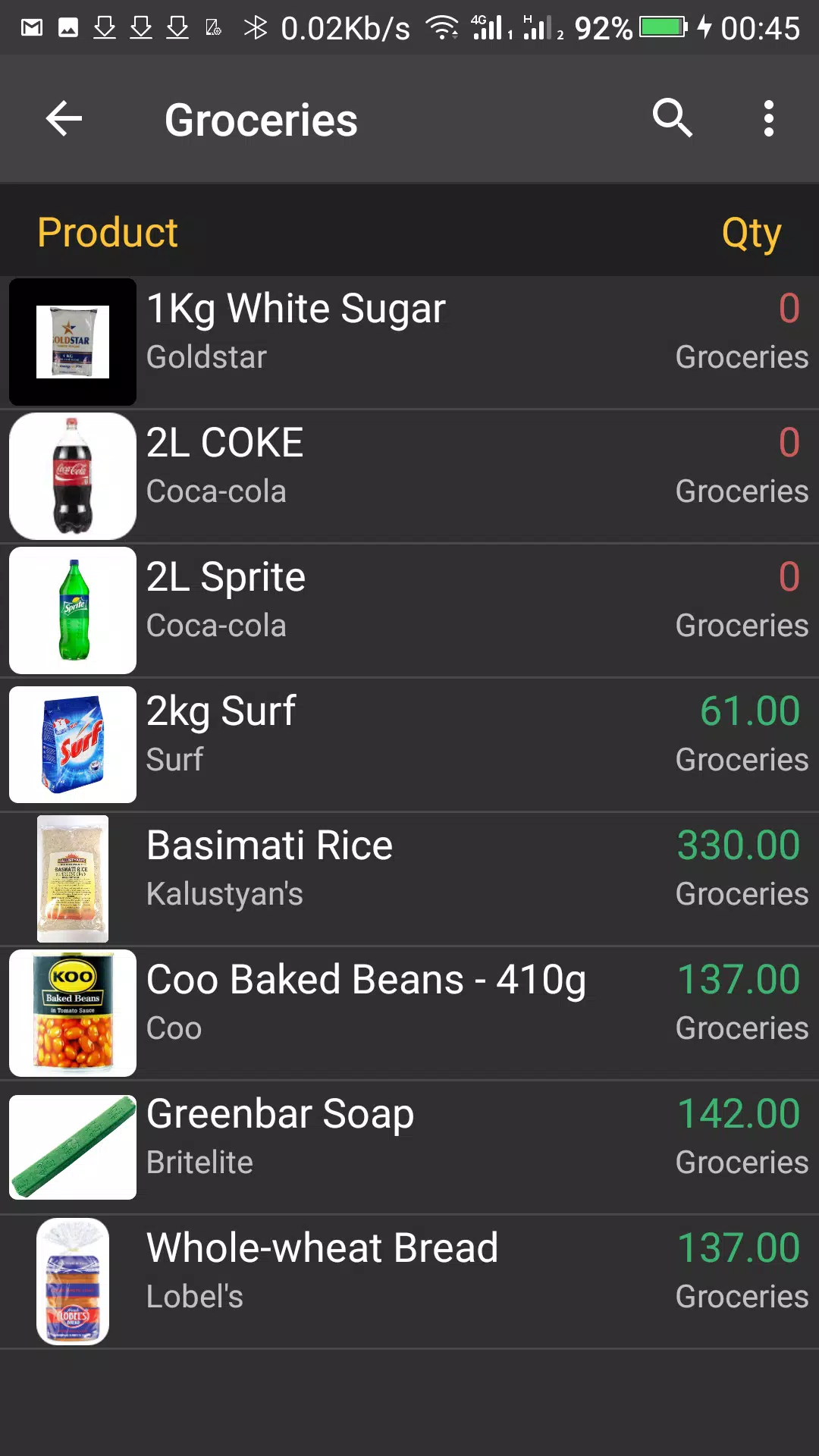
Inventory tools are built around a simple product catalog with categories, stock counts and stock movement history so you can track item levels across one or more sites. Sales and stock reports provide comparable daily, weekly and monthly views to help spot best-selling items and slow-moving inventory; these summaries can be used to guide ordering and merchandising decisions. The reporting set focuses on practical metrics relevant to retail and field sales rather than complex analytics, making it easier for small business owners to act on data without requiring a dedicated analyst.
Offline mode ensures transactions can continue when connectivity is unreliable: sales are processed locally and synchronized to the central account once a connection is restored. The synchronization process is designed to resolve common conflicts such as concurrent updates to product pricing or inventory adjustments by preserving transaction integrity and flagging mismatches for administrator review. The app also supports scheduled background syncs to minimize manual steps while preventing excessive data usage on metered networks.
Security is handled through role-based permissions and encrypted data transport between devices and the central administration portal, helping keep transaction and customer information protected. mPOS supports native Android hardware from phones and tablets to purpose-built handheld POS terminals, and it is compatible with common peripherals such as receipt printers and card readers where the device manufacturer provides Android drivers. Focused customer support channels are available to assist with account setup, hardware pairing and troubleshooting to reduce downtime during deployment.
mPOS is developed for Android devices and does not provide an iOS build, so businesses that rely exclusively on Apple hardware will need alternative solutions. Some advanced features and real-time analytics perform best with a stable internet connection, and detailed pricing for enterprise or customized packages is provided through the sales team, which may require an initial consultation. For most small shops and multi-branch retailers, the application offers a practical balance between ease of use, centralized administration and offline resilience to support everyday retail and mobile sales operations.
LifeUp: Gamified To Do List
Size:17.35M ProductivityVPN Proxy Speed
Size:53.00M ProductivityAI Logo Generator (LogoWiz)
Size:41.50M Productivity3D Logo Maker
Size:39.30M ProductivityAI Chat: Ask AI Chat Anything
Size:42.20M ProductivityStars and Planets
Size:116.42M ProductivityImageMeter
Size:119.22M ProductivityHabitKit
Size:56.87M ProductivityMy Passwords Manager
Size:10.60M ProductivitymiMind
Size:48.30M ProductivityCute Note DDay Todo
Size:15.31M ProductivityCleverType AI Keyboard
Size:33.83M ProductivityApril 2024 Clash of Clans Update: Unveiling a Fresh Companion, Enhanced Levels, Chat Tagging, and Be
2024-04-16Arrival of Genshin Impact 4.6 Update: 'Embers of Two Realms, Twilight of Crimson'
2024-04-16V2.2 of the Farlight 84 update introduces an overhauled Season structure, fresh in-game currency, an
2024-04-16Monster Never Cry is now accessible on both Android and iOS mobile devices.
2024-04-18PUBG Mobile Teams Up with Bentley Motors: Luxury Cars, Exclusive Collectibles, and Beyond
2024-04-18March 2024 Free Redemption Codes for Honkai: Star Rail
2024-04-18