English
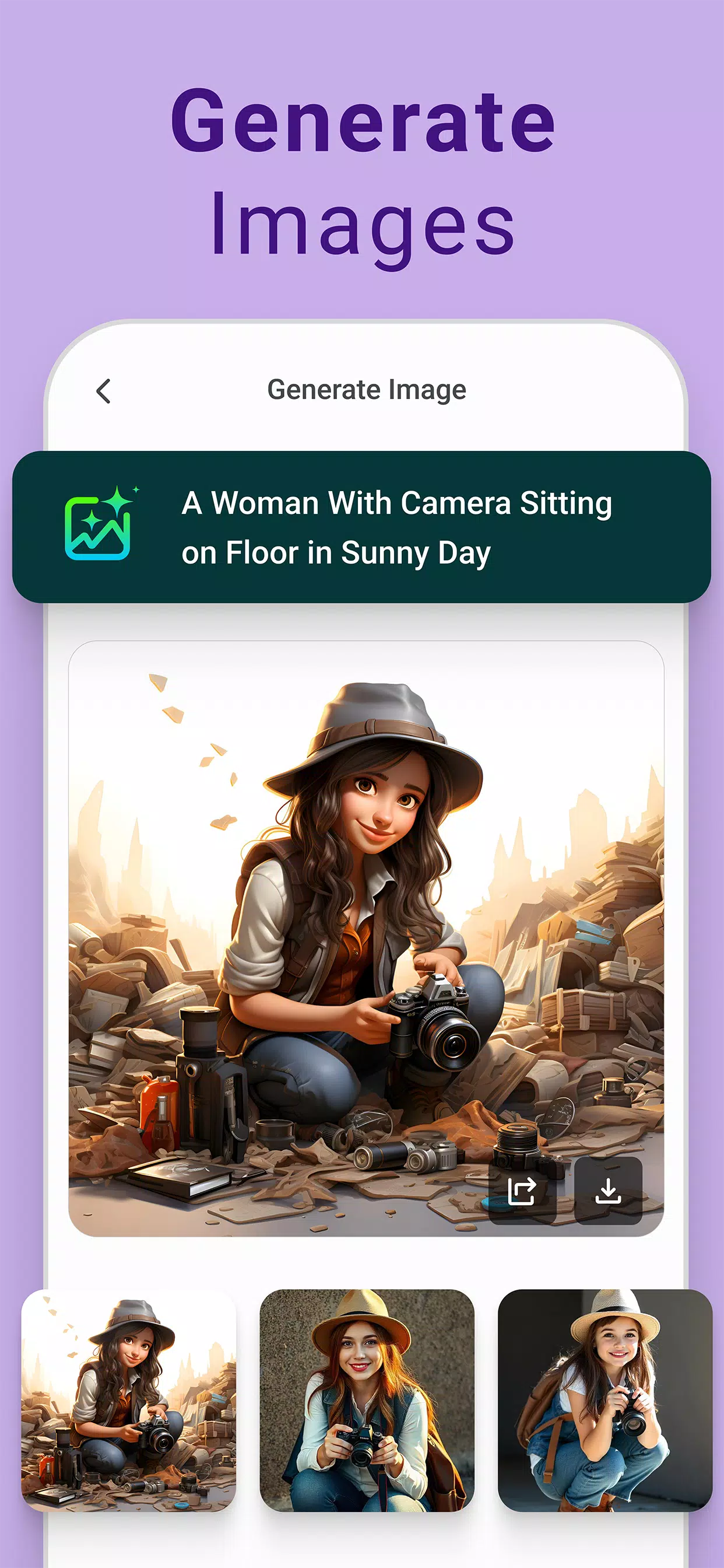
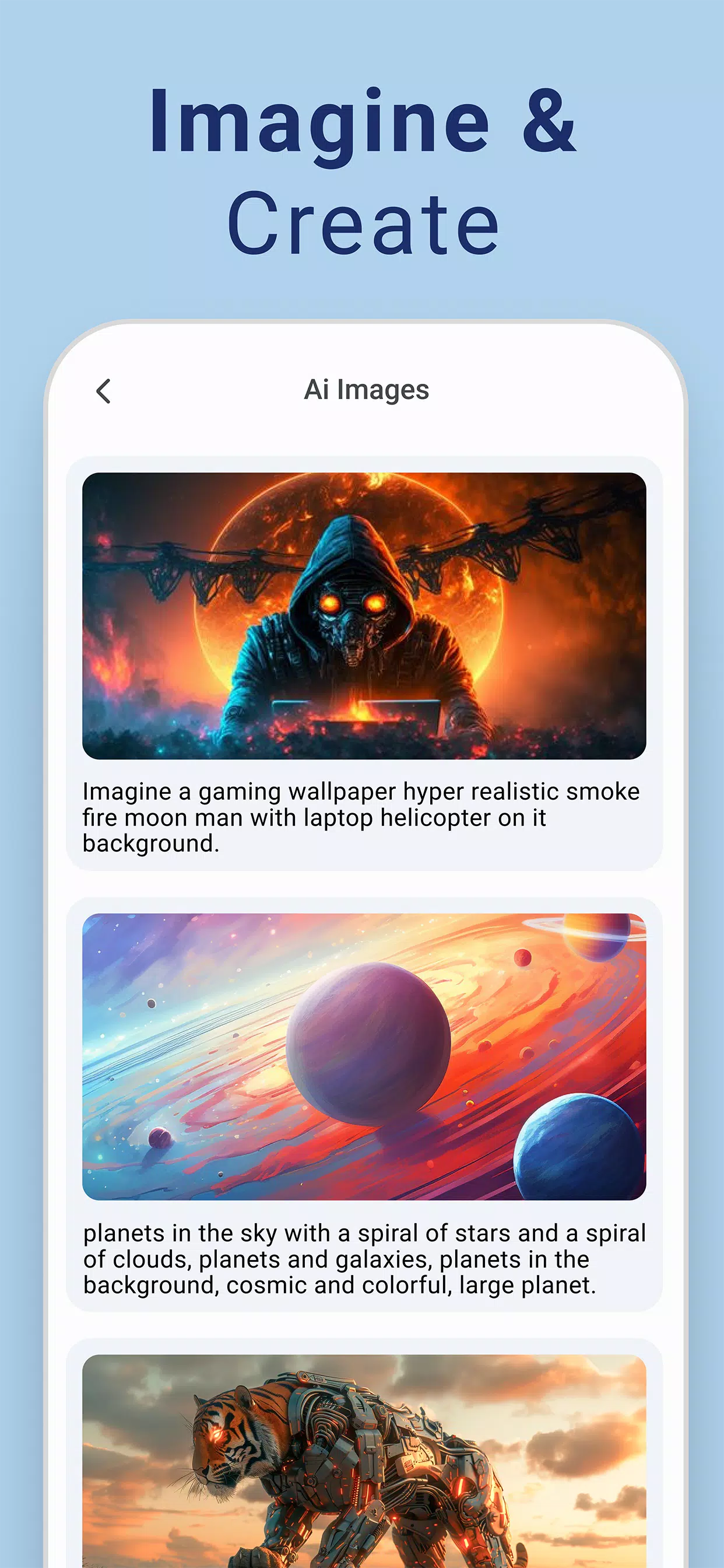
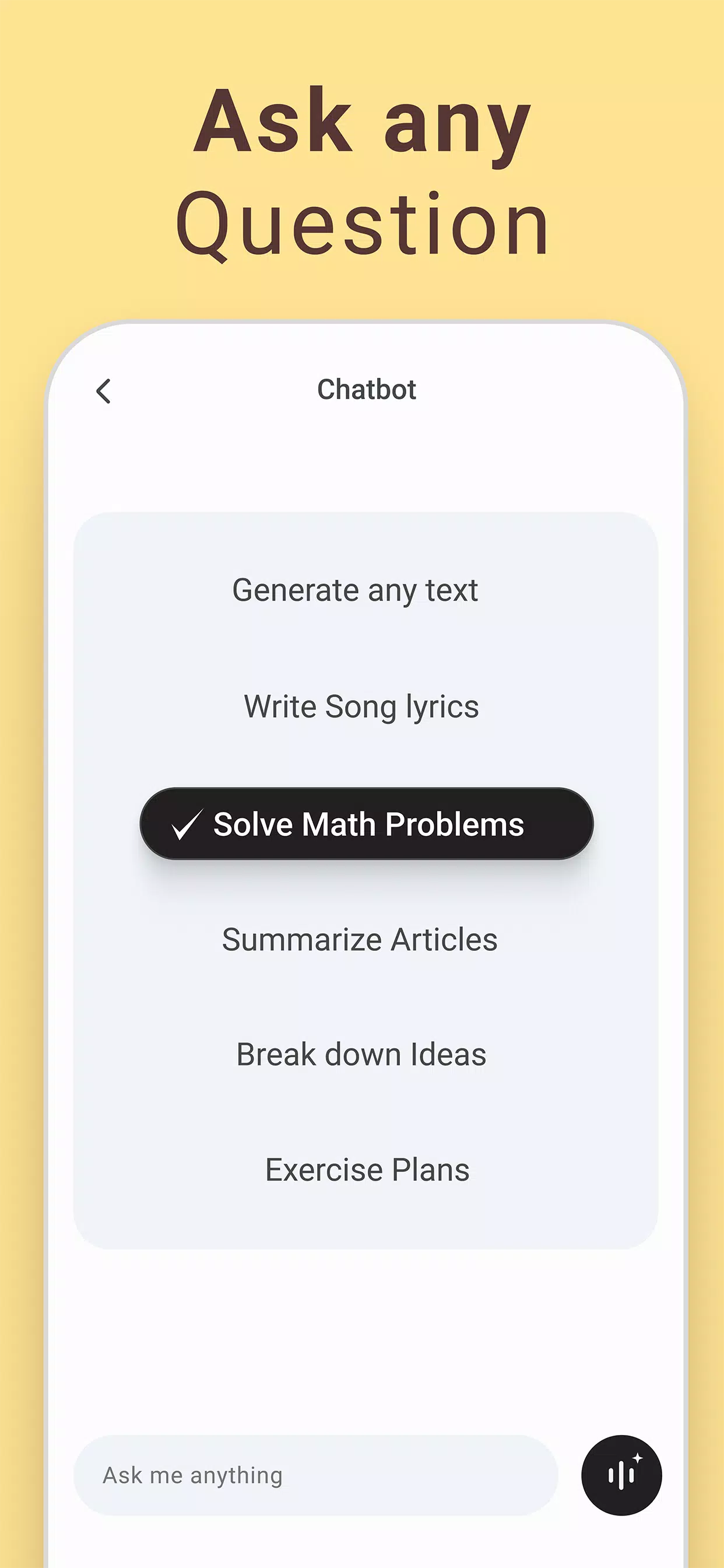
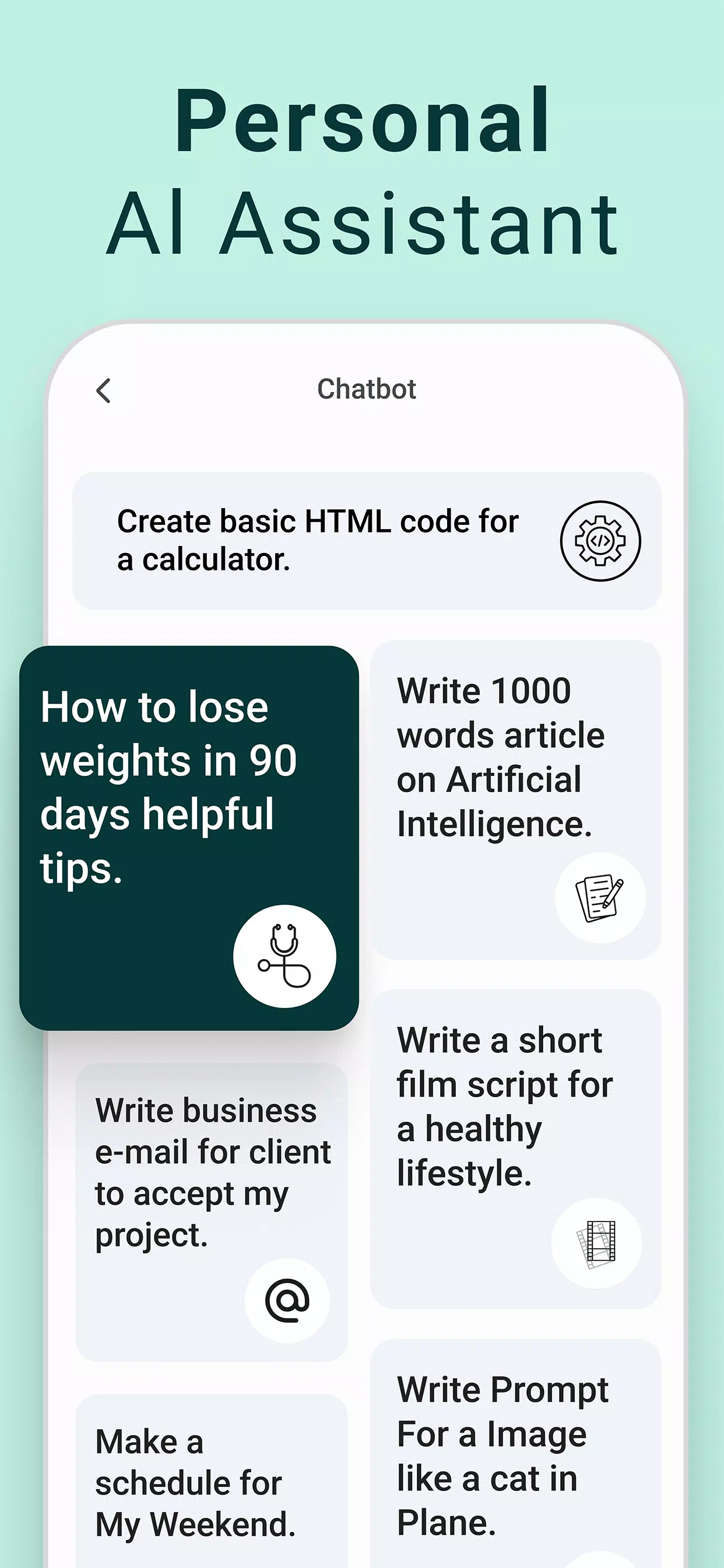
Chatbot - AI Image Generator is a versatile mobile tool that combines conversational AI with on-device image creation, enabling users to generate visuals from text prompts and iterate through chat. It streamlines idea-to-image workflows and supports quick edits, making creative tasks and visual prototyping fast and intuitive in one app.
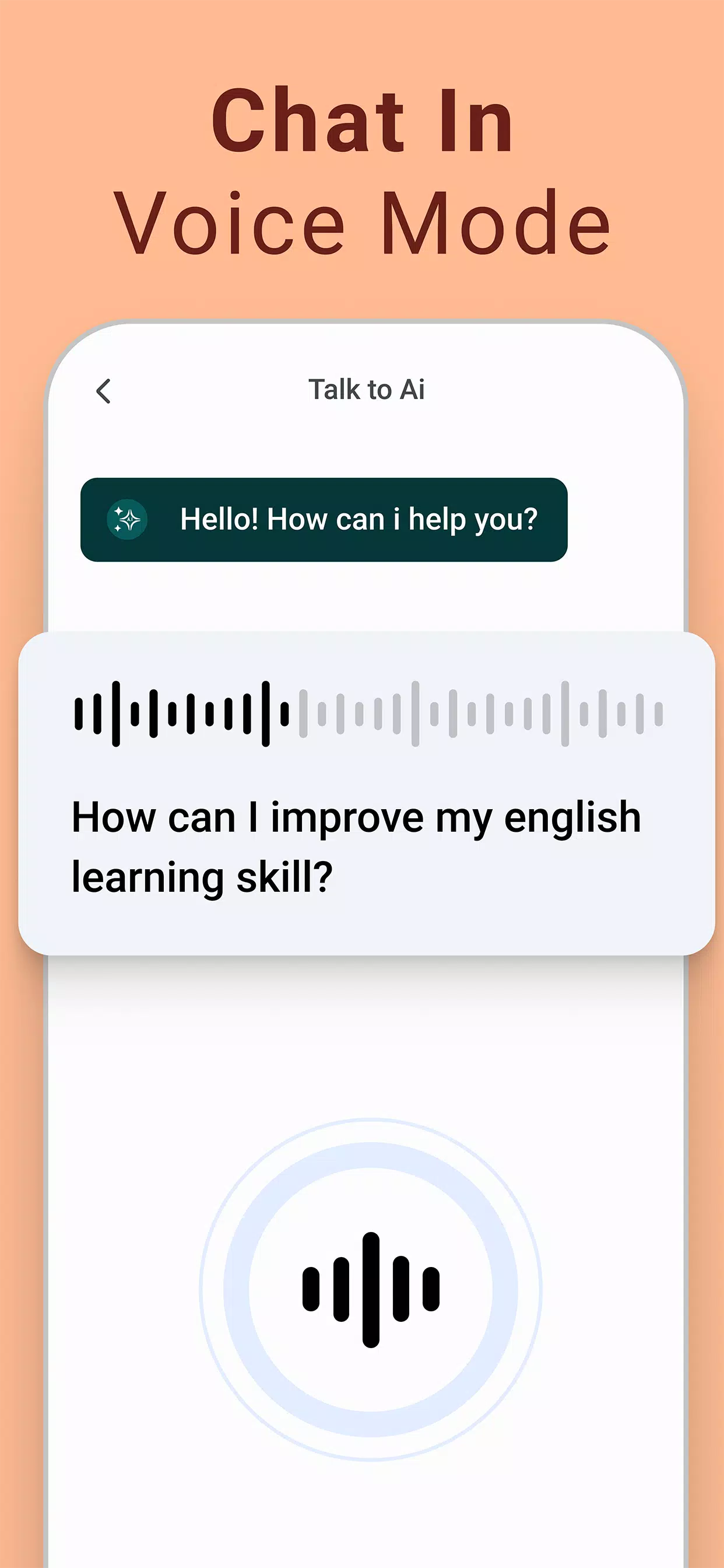
Chatbot - AI Image Generator blends a conversational assistant with an expressive image engine. Users can type natural language prompts, refine outputs through follow-up messages, and export final images for social sharing or project use. The app targets designers, marketers, hobbyists, and anyone who needs rapid visual ideation without complex software.
Starting a project is straightforward. Open a chat, describe your idea, and let the generator produce a first draft. The conversational model helps you iterate—ask for a warmer palette, more contrast, or tighter framing and the next version reflects those changes. That back-and-forth makes experimentation fast and lowers the learning curve for non-designers.
The interface emphasizes clarity. Primary controls sit within the chat thread so image results appear inline with messages. Buttons for style selection and quick edits are within reach. Performance depends on phone hardware and connection for cloud-assisted processing, but most mid-range devices handle previews smoothly while full-resolution exports may take a few seconds.
Beyond simple prompts, Chatbot - AI Image Generator lets users fine-tune outputs with parameters like aspect ratio, level of detail, and artistic filter strength. Preset templates speed up recurring tasks—use a template for social posts, product mockups, or concept sketches. For those who prefer precision, the app supports negative prompts to suppress unwanted elements.
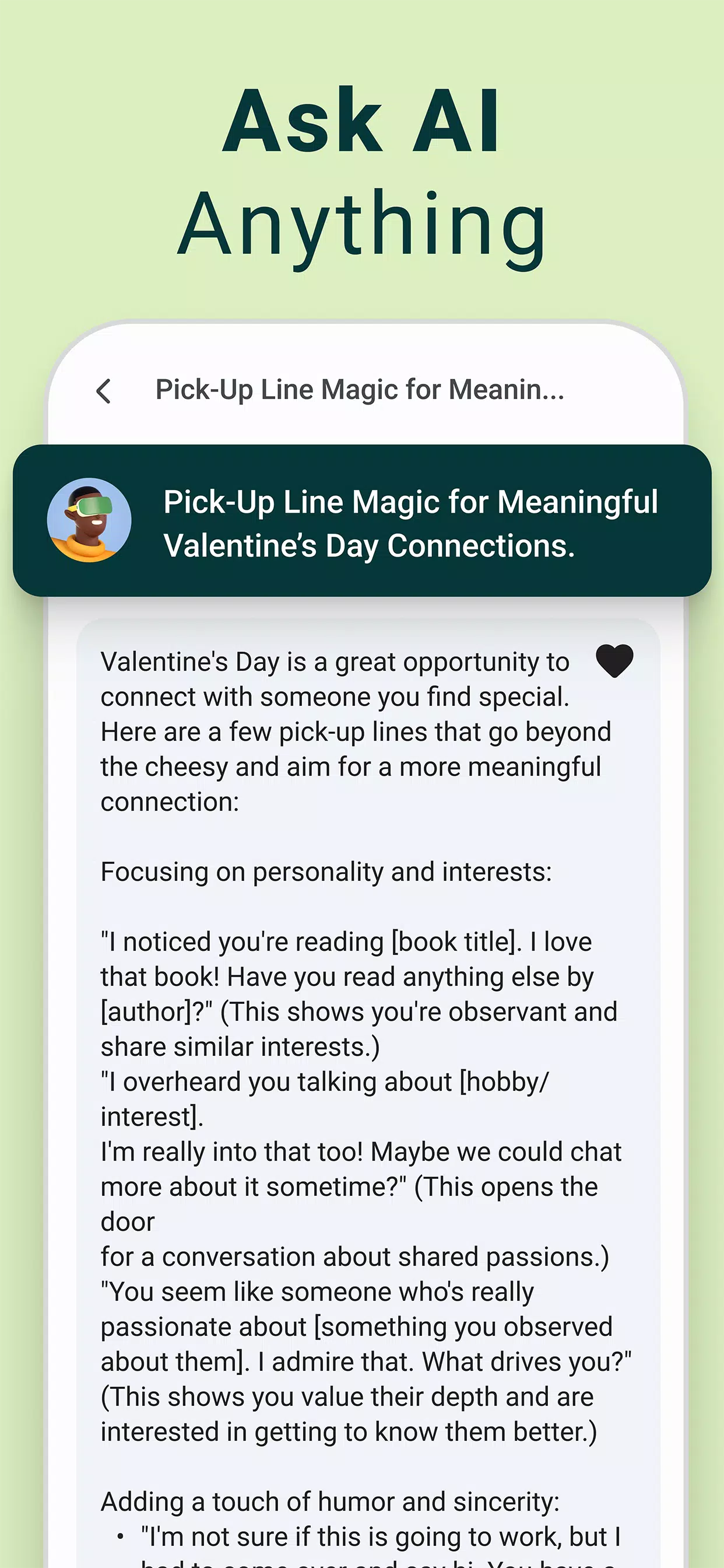
The app balances feature depth with approachability. Helpful tips appear inside the chat to suggest prompt structures and style keywords. New users can follow built-in examples to learn how minor prompt tweaks change the result dramatically. Colorblind-friendly palettes and readable fonts improve accessibility for a wider audience.
To get better results, start with a concise concept, add a style reference, and specify the mood or color scheme. If the output misses the mark, use the chat to give corrective feedback—short, explicit instructions work best. Keep iterations focused: change one variable per request so you can compare outcomes effectively.
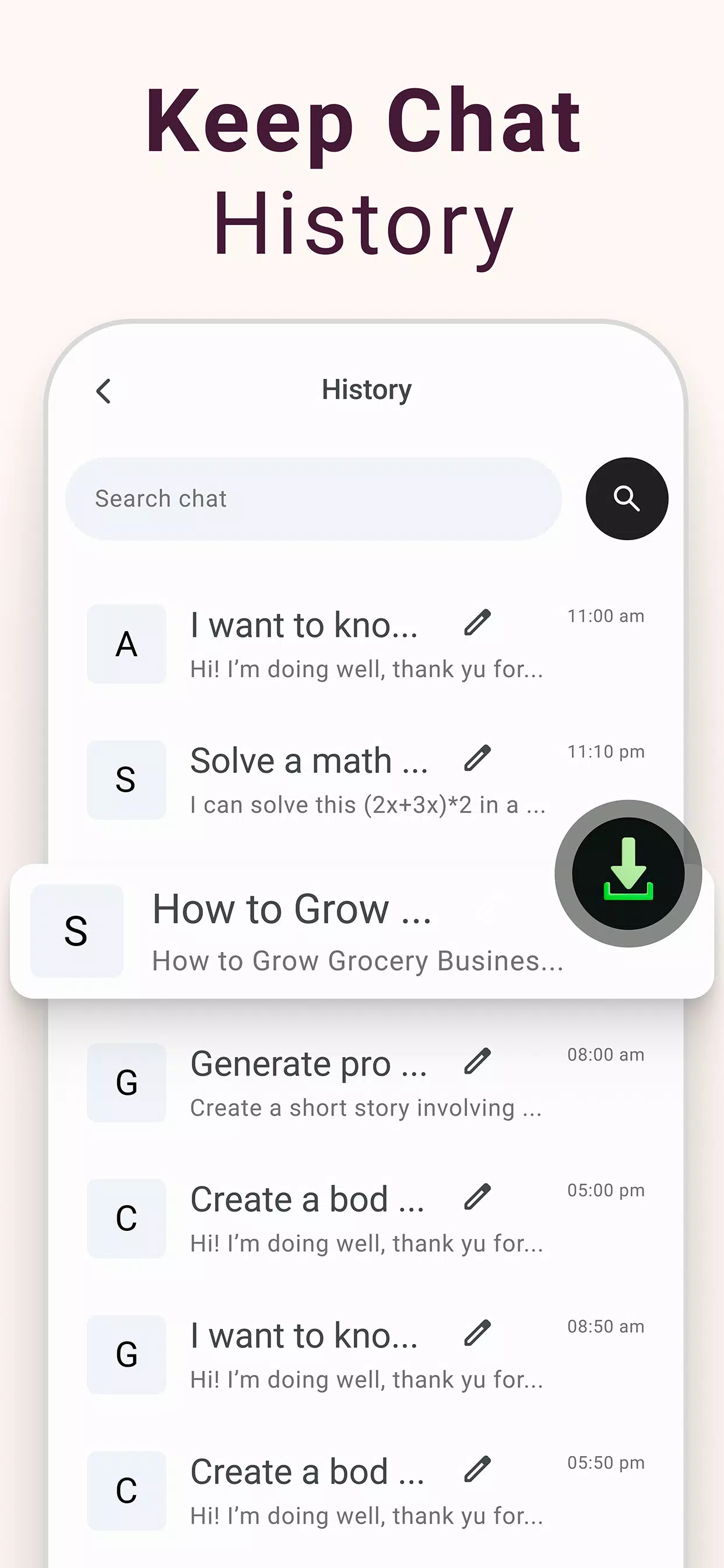
Chatbot - AI Image Generator includes settings to manage data and storage. Users can clear chat history, disable cloud uploads for drafts, and select preferred export resolution. The app also outlines how prompts and images are handled, giving users control over sharing and retention policies.
Install the app, allow any requested permissions for storage, and start with a sample prompt to see the pipeline in action. Explore style presets first, then gradually introduce custom parameters. Frequent users should save useful prompts as templates to speed up repetitive tasks.
Whether you need iterative visual brainstorming or quick polished assets, Chatbot - AI Image Generator presents a compact, chat-centric approach to image creation. Its conversational workflow, combined with practical editing controls, makes it a solid choice for mobile-first visual production and rapid prototyping.
Colorimeter
Size:5.45M ToolsChatBoost
Size:19.33M ToolsRemote Fire TV
Size:48.04M ToolsgetConf - Hidden Settings
Size:16.66M ToolsTracker Detect Pro
Size:10.39M ToolsWiFi Speed Test Pro
Size:8.11M ToolsGG Mouse Pro 2
Size:45.82M ToolsResource Monitor Mini Pro
Size:3.19M ToolsSmart Keyboard Pro
Size:23.22M ToolsMyScript Math: Solve & Plot
Size:108.76M ToolsText Repeater
Size:11.73M Tools3Dcalc+
Size:12.59M ToolsApril 2024 Clash of Clans Update: Unveiling a Fresh Companion, Enhanced Levels, Chat Tagging, and Be
2024-04-16Arrival of Genshin Impact 4.6 Update: 'Embers of Two Realms, Twilight of Crimson'
2024-04-16V2.2 of the Farlight 84 update introduces an overhauled Season structure, fresh in-game currency, an
2024-04-16Monster Never Cry is now accessible on both Android and iOS mobile devices.
2024-04-18PUBG Mobile Teams Up with Bentley Motors: Luxury Cars, Exclusive Collectibles, and Beyond
2024-04-18March 2024 Free Redemption Codes for Honkai: Star Rail
2024-04-18