English
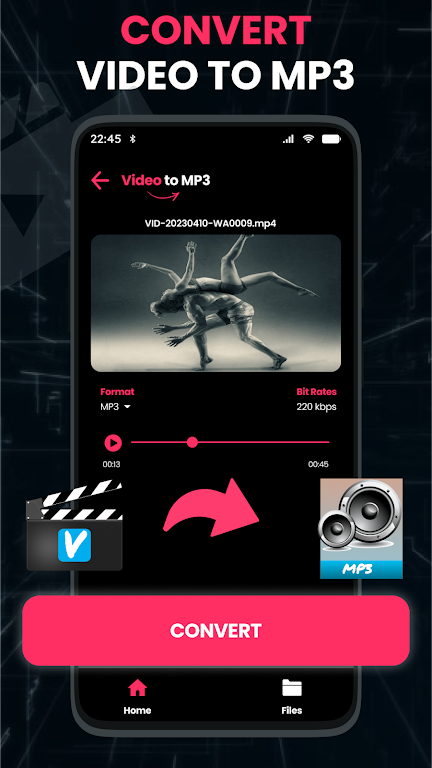
Video to Mp3: Split & Cut transforms video files into clean audio tracks and provides simple editing tools for trimming and splitting clips. It streamlines conversion, supports common formats, and offers a fast, intuitive workflow so users can extract music, podcasts, or sound effects in moments with minimal learning curve.
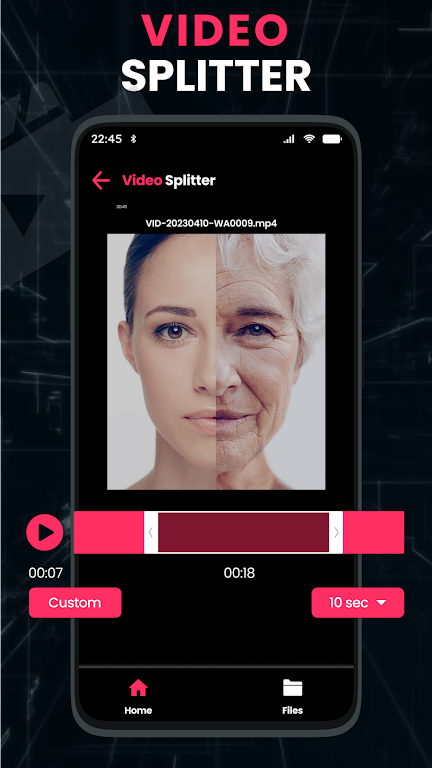
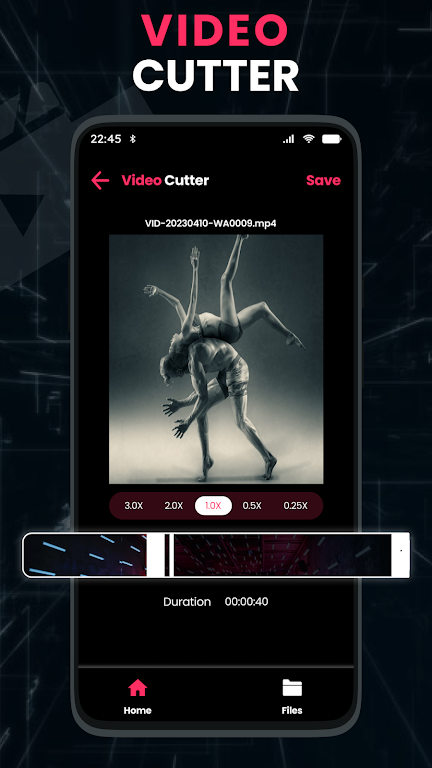
Designed for people who need quick audio extraction, Video to Mp3: Split & Cut focuses on speed and precision. The app handles single files or batches, lets you define start and end points visually, and exports high-quality MP3s without complicated settings. It’s suitable for creators, students, and casual listeners alike.
Using Video to Mp3: Split & Cut is straightforward: import a file, preview the audio waveform, mark the segments you want to keep or remove, then choose an output format and start conversion. The app displays progress and provides options to save output to internal storage or share it with other apps. A simple tap copies settings for consistent results across files.
The interface prioritizes clarity. Waveform views give visual cues for loudness and silence, while large touch targets make precise cuts easy on smaller screens. Performance is optimized for most modern Android devices; conversions run in the background and do not block other phone activities. Minimal permissions are requested to respect privacy.
Video to Mp3: Split & Cut emphasizes a linear workflow: import, edit, export. For professionals, keyboard-compatible controls and quick save presets reduce repetitive steps. Casual users benefit from one-tap conversion modes and guided editing tips. The app integrates with cloud storage and file managers, so finished MP3s can be backed up automatically.
Start with a short file to get comfortable with the trimming tools. Use the zoom slider on the waveform for millisecond precision. If you plan to create many clips from the same source, save a preset for start/end offsets and bitrate. For podcast snippets, enable normalization to maintain consistent volume across episodes.
Video to Mp3: Split & Cut blends essential tools without overwhelming complexity. Users praise its reliability, the accuracy of cuts, and the clarity of exported audio. For anyone who edits audio on the go, the combination of speed and control makes the app a convenient choice.
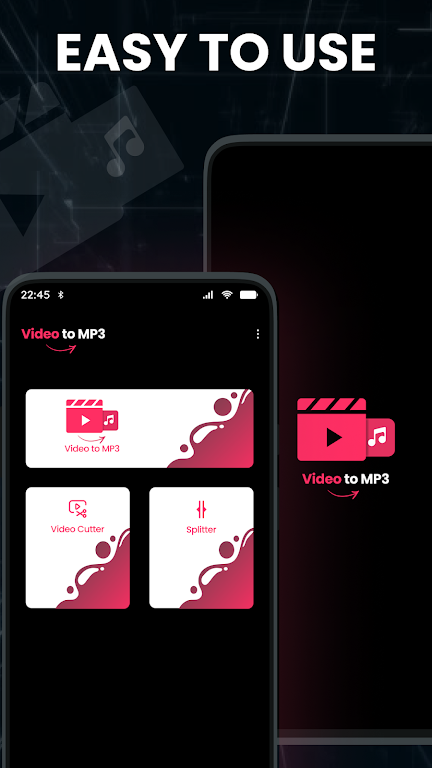
Installation is quick and straightforward; find the app in your store, grant access to media files, then open a video to begin. The onboarding guide highlights trimming, splitting, and exporting features so you can complete your first conversion within minutes. Regular updates add codec support and performance improvements.
Whether you need a single MP3 or a batch of trimmed clips, Video to Mp3: Split & Cut provides the utilities to do it reliably. Its balance of ease and precision makes it a useful utility for creators and everyday users alike.
MEME Maker: MEME Creator
Size:49.65M Media & VideoInstory Story Video Maker
Size:31.79M Media & VideoDrum Pads 24 - Beats and Music
Size:31.00M Media & VideoRadioTunes
Size:25.30M Media & VideoWiseplay
Size:38.13M Media & VideojetAudio HD Music Player Plus
Size:22.60M Media & VideoTABLA: India Mystical Drums
Size:27.35M Media & VideoOnePlayer
Size:128.00M Media & VideoDeep Bass Booster & Subwoofer
Size:4.30M Media & Videoedjing Mix
Size:70.40M Media & VideoWorld Radio FM Online
Size:24.00M Media & VideoPianoMeter – Piano Tuner
Size:9.42M Media & VideoApril 2024 Clash of Clans Update: Unveiling a Fresh Companion, Enhanced Levels, Chat Tagging, and Be
2024-04-16Arrival of Genshin Impact 4.6 Update: 'Embers of Two Realms, Twilight of Crimson'
2024-04-16V2.2 of the Farlight 84 update introduces an overhauled Season structure, fresh in-game currency, an
2024-04-16Monster Never Cry is now accessible on both Android and iOS mobile devices.
2024-04-18PUBG Mobile Teams Up with Bentley Motors: Luxury Cars, Exclusive Collectibles, and Beyond
2024-04-18March 2024 Free Redemption Codes for Honkai: Star Rail
2024-04-18