English
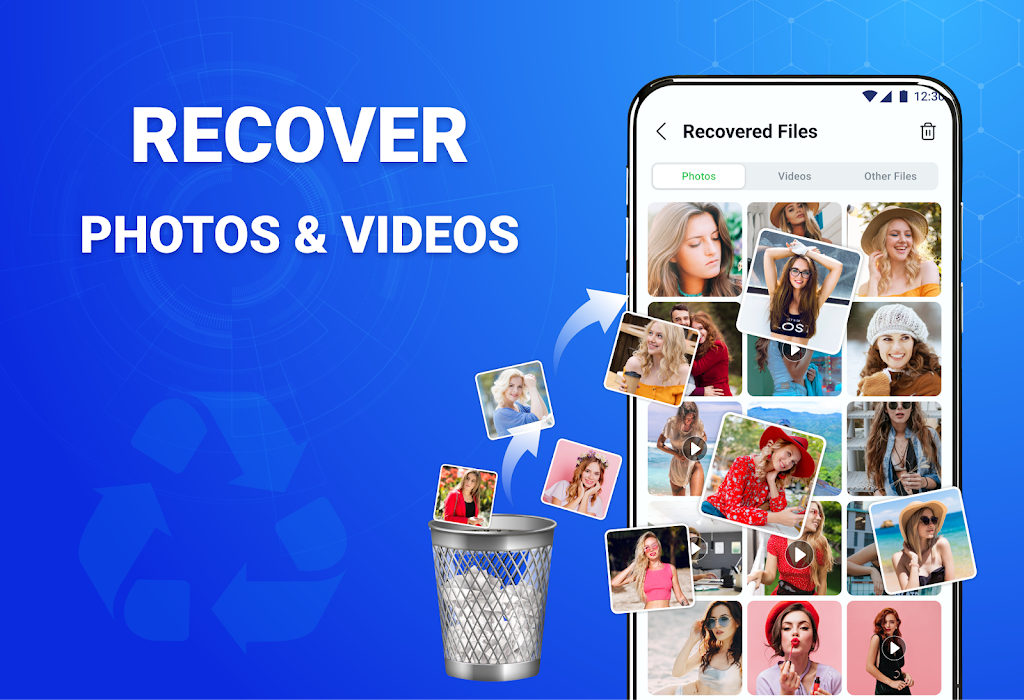
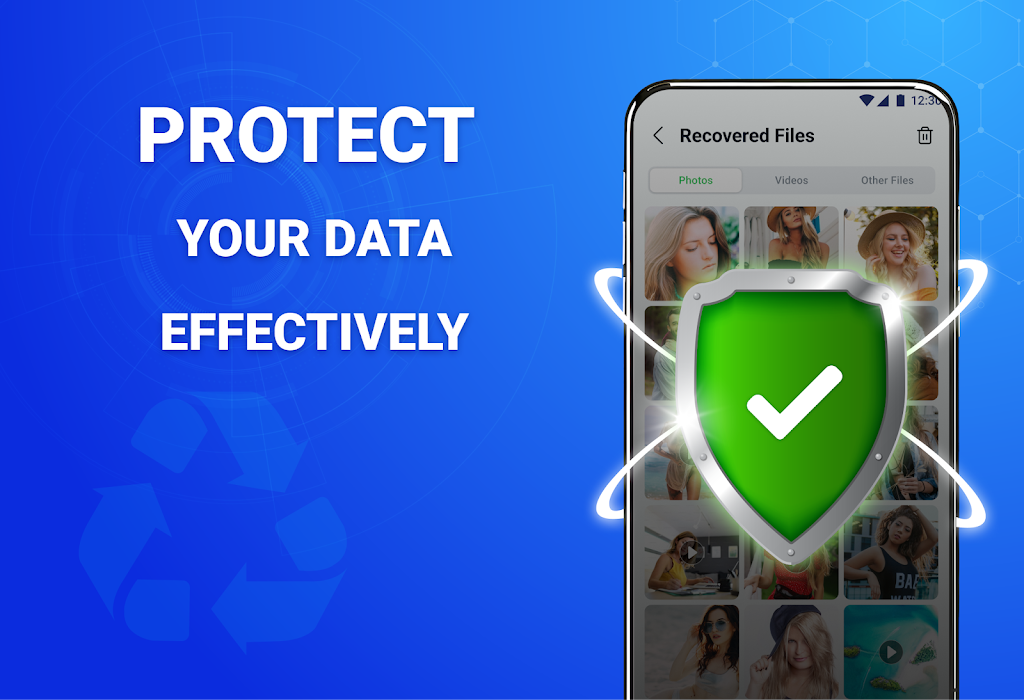
All Recovery - Photos & Videos brings straightforward tools to find and restore deleted images and videos on Android devices. It scans internal memory and SD cards, previews recoverable items, and lets you selectively restore files. Designed for quick retrieval, the app helps recover media lost through accidental deletion or formatting.
All Recovery - Photos & Videos focuses on media recovery with a simple workflow: scan, preview, and restore. The app identifies photos, screenshots, and a wide range of video formats stored on phone memory or removable cards. Scan results include file thumbnails to help you decide which items to restore.
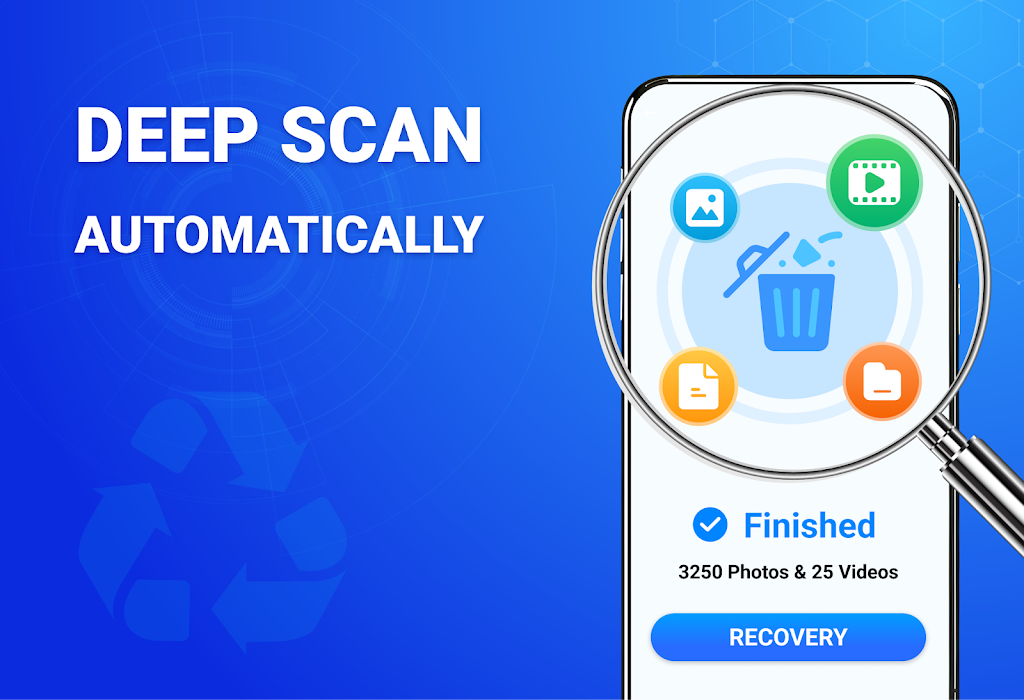
The app scans file system records and temporarily stored data fragments to locate media that haven't yet been overwritten. A quick scan reads recent deletion markers while a deeper scan reconstructs files from residual data blocks. Results are presented with previews and file details so you can select items to restore to a chosen folder.
All Recovery - Photos & Videos balances thoroughness and efficiency. Fast scans complete quickly and are suitable for most accidental deletions; deep scans use more processing time and may consume additional battery. The app provides progress indicators and an option to pause or stop scanning to reduce resource use when needed.
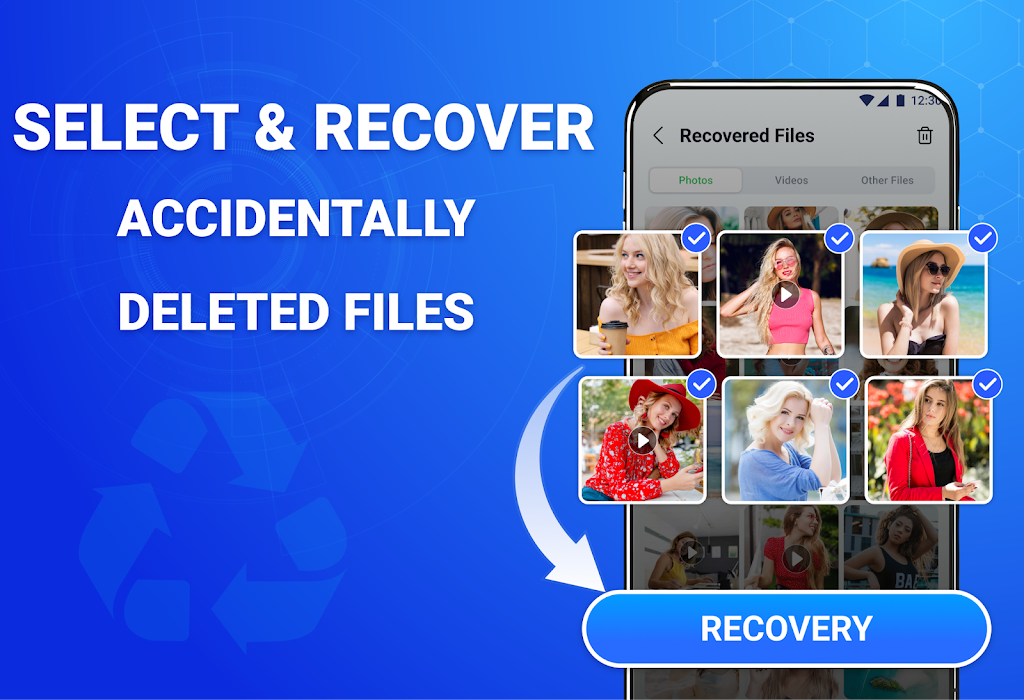
The interface is designed for clarity: a main scan button, filter options by file type, and a results screen with checkboxes for selective recovery. Notifications guide you through each step and an integrated file browser helps you locate restored media. The flow reduces complexity for users who want a straightforward recovery path.
Compatibility covers a wide range of Android versions and device models, but success rates can vary based on system updates and how much new data has overwritten the deleted files. Using the app promptly after deletion and avoiding installing many large apps afterward improves the chance of successful recovery.
Privacy-conscious design keeps recovered files on your device storage only; the app does not upload content to external servers. Access permissions requested during setup are focused on read and write access to storage so scans and restores can run correctly. Review permission prompts and allow only what the app needs to operate.
After installing All Recovery - Photos & Videos, grant storage access, choose the storage area to scan, and tap the scan button. Review previews, select files to restore, and confirm the destination folder. The straightforward steps make it accessible for users who want fast media retrieval without complex setup.
Colorimeter
Size:5.45M ToolsChatBoost
Size:19.33M ToolsRemote Fire TV
Size:48.04M ToolsgetConf - Hidden Settings
Size:16.66M ToolsTracker Detect Pro
Size:10.39M ToolsWiFi Speed Test Pro
Size:8.11M ToolsGG Mouse Pro 2
Size:45.82M ToolsResource Monitor Mini Pro
Size:3.19M ToolsSmart Keyboard Pro
Size:23.22M ToolsMyScript Math: Solve & Plot
Size:108.76M ToolsText Repeater
Size:11.73M Tools3Dcalc+
Size:12.59M ToolsApril 2024 Clash of Clans Update: Unveiling a Fresh Companion, Enhanced Levels, Chat Tagging, and Be
2024-04-16Arrival of Genshin Impact 4.6 Update: 'Embers of Two Realms, Twilight of Crimson'
2024-04-16V2.2 of the Farlight 84 update introduces an overhauled Season structure, fresh in-game currency, an
2024-04-16Monster Never Cry is now accessible on both Android and iOS mobile devices.
2024-04-18PUBG Mobile Teams Up with Bentley Motors: Luxury Cars, Exclusive Collectibles, and Beyond
2024-04-18March 2024 Free Redemption Codes for Honkai: Star Rail
2024-04-18