English
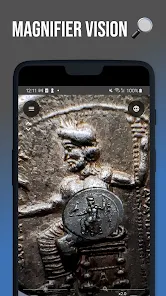
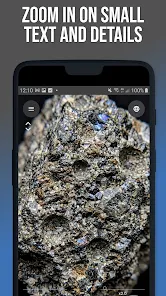
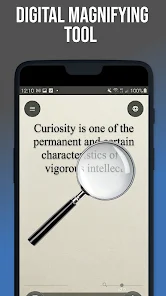
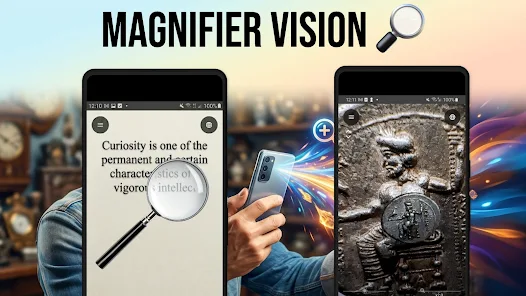
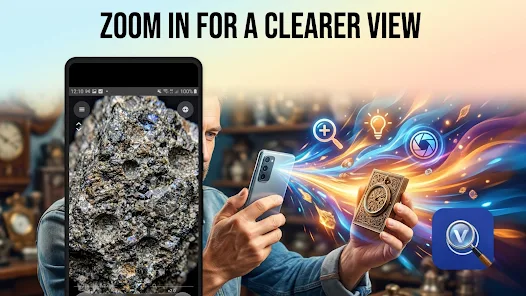
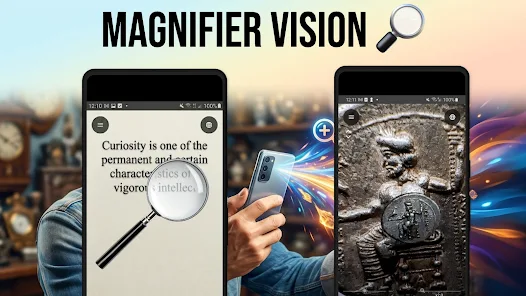
Magnifier Vision turns your phone into a compact digital magnifier, making it easier to read tiny print and inspect fine details without carrying extra equipment. The app uses your device camera to provide smooth zooming and a built-in light, so you can zoom in on menus, labels, receipts, serial numbers or small components and then freeze and capture what you see. Magnifier Vision is designed for quick, practical use: a clear layout and large on-screen controls help you operate the app one-handed while you focus on the task at hand.
This magnifier app combines adjustable magnification, lighting control and simple image capture. Adjustable zoom levels let you fine-tune magnification for different tasks and the app supports intuitive gestures and on-screen sliders to change magnification smoothly. The integrated flashlight (torch) improves visibility when ambient light is low, and the freeze-frame capture lets you stop a live view to inspect details closely. Captured images can be saved locally for later reference or shared through your device’s standard sharing options. The interface emphasizes clarity with large buttons and straightforward labels so that commonly used tools are easy to find and use.
Magnifier Vision offers familiar camera-style controls that most users will recognize: pinch-to-zoom and on-screen zoom controls, a single tap to lock focus in many cases, and a dedicated freeze button to hold an image steady while you examine it. The app works with your phone’s camera focus and exposure features, and it provides manual adjustment options where supported by the device hardware. This makes it possible to get a sharper view of fine print or textured surfaces without having to press the shutter repeatedly. Because the app is optimized for quick tasks, common controls are placed within easy reach and the layout avoids clutter that can get in the way during one-handed use.
Magnifier Vision includes options to adapt the tool to individual needs. Large control elements and high-contrast interface choices improve usability for people with reduced vision, and adjustable zoom increments help users find the most comfortable magnification. You can tweak display brightness and, on supported devices, control exposure to make details clearer. These accessibility-minded options aim to make routine tasks—like reading small labels or checking serial numbers—more manageable for a wide range of users.
The app is useful in many everyday situations: reading restaurant menus in dim lighting, examining medication labels, verifying small printed codes, checking model or craft details, and inspecting tiny components during repairs. Because captured images are saved locally, Magnifier Vision becomes a quick reference tool when you need to preserve a close-up for later comparison or to share with someone else for advice. Its lightweight design means it’s handy for travel, shopping, workshops, or any scenario where a portable visual aid is preferable to carrying a separate magnifier.
Magnifier Vision runs using your device’s camera and local storage, so core magnification and capture functions work offline without relying on a network connection. Captured images are stored on your device and you control when to share them using the system share dialog. Because the app focuses on camera-based viewing and local image saving, it can operate as a straightforward, privacy-conscious visual aid for tasks where online features are not required.
Image clarity depends on your phone camera’s resolution, optical quality and focus range; higher-resolution cameras generally provide better results at extreme zoom. Very low-light situations can remain challenging despite the flashlight, and extended use of camera and torch may increase battery drain. For very steady high-magnification viewing, resting your device on a stable surface or using a small tripod will reduce blur. Keep the lens clean and experiment with the app’s exposure or focus options if details look soft—the combination of proper lighting and a steady hold makes the biggest difference.



Remote Fire TV
Size:48.04M ToolsgetConf - Hidden Settings
Size:16.66M ToolsTracker Detect Pro
Size:10.39M ToolsWiFi Speed Test Pro
Size:8.11M ToolsGG Mouse Pro 2
Size:45.82M ToolsResource Monitor Mini Pro
Size:3.19M ToolsSmart Keyboard Pro
Size:23.22M ToolsMyScript Math: Solve & Plot
Size:108.76M ToolsText Repeater
Size:11.73M Tools3Dcalc+
Size:12.59M ToolsMyScoreTracker
Size:80.28M ToolsPanda Touch Pro
Size:18.13M ToolsApril 2024 Clash of Clans Update: Unveiling a Fresh Companion, Enhanced Levels, Chat Tagging, and Be
2024-04-16Arrival of Genshin Impact 4.6 Update: 'Embers of Two Realms, Twilight of Crimson'
2024-04-16V2.2 of the Farlight 84 update introduces an overhauled Season structure, fresh in-game currency, an
2024-04-16Monster Never Cry is now accessible on both Android and iOS mobile devices.
2024-04-18PUBG Mobile Teams Up with Bentley Motors: Luxury Cars, Exclusive Collectibles, and Beyond
2024-04-18March 2024 Free Redemption Codes for Honkai: Star Rail
2024-04-18