English
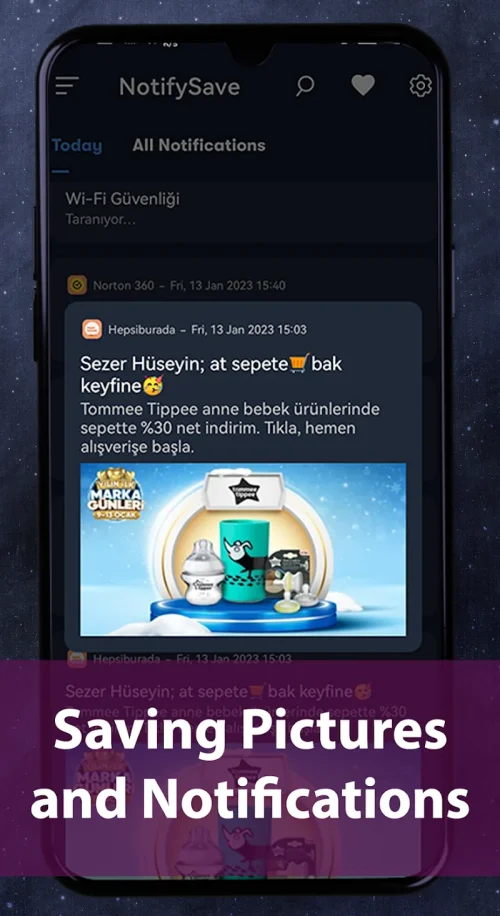
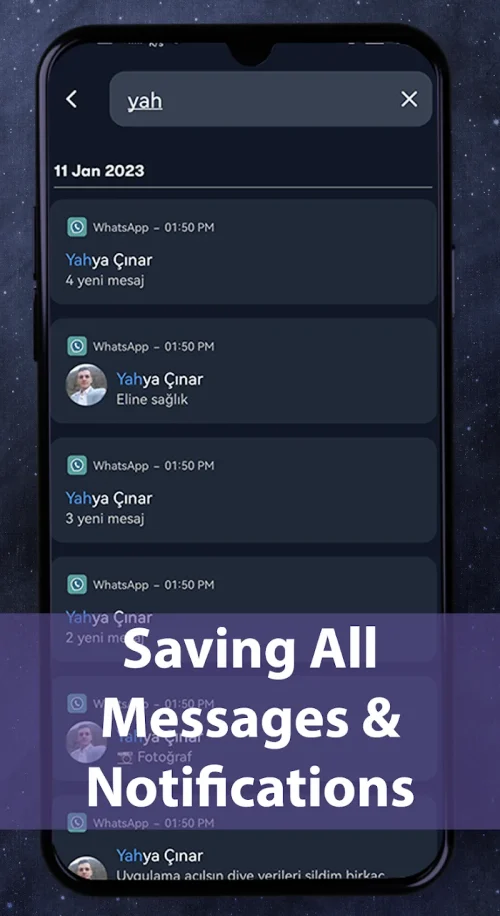
NotifySave Pro keeps a searchable archive of all notifications, making it simple to recover missed messages, alerts, and app notices. Designed for productivity and privacy, the app stores notifications locally, supports backups and filters, and gives quick actions for managing important information without digging through apps.
NotifySave Pro is a utility built for users who rely on timely alerts but want a safety net for anything they miss. Instead of losing a push message after swiping it away, this app preserves notifications in an organized timeline. It targets professionals, power users, and anyone who wants better control over their mobile communications.
Unlike basic notification log tools, NotifySave Pro emphasizes a clean interface, granular permissions, and a flexible export system. The design focuses on minimally intrusive background behavior while providing powerful search and categorization tools for everyday workflows.
After granting accessibility permissions, NotifySave Pro listens for notification events and logs each entry in a local database. The app records metadata—app name, package, title, text, and timestamp—so entries are fully searchable. You can enable optional content capture if you want the full message body saved for context.
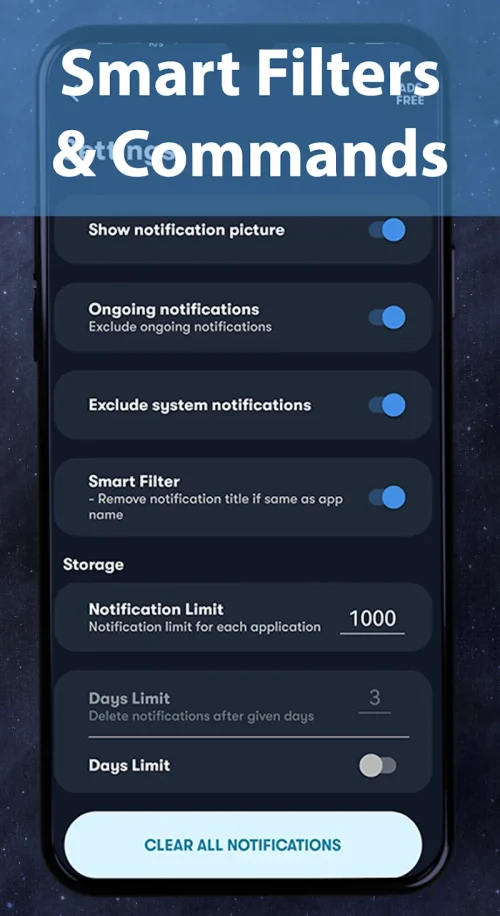
Rules let you automate retention: keep all work-related app messages for 90 days, archive social networks for 7 days, or ignore low-priority system notifications. Built-in automation reduces noise and makes the archive more useful over time.
The interface uses a simple list layout with swipe gestures and clear icons. Scrolling is smooth even with large histories because the app leverages efficient database queries and light-weight background services. Battery impact is minimal compared with continuous sync apps because NotifySave Pro centers on local storage and deferred export operations.
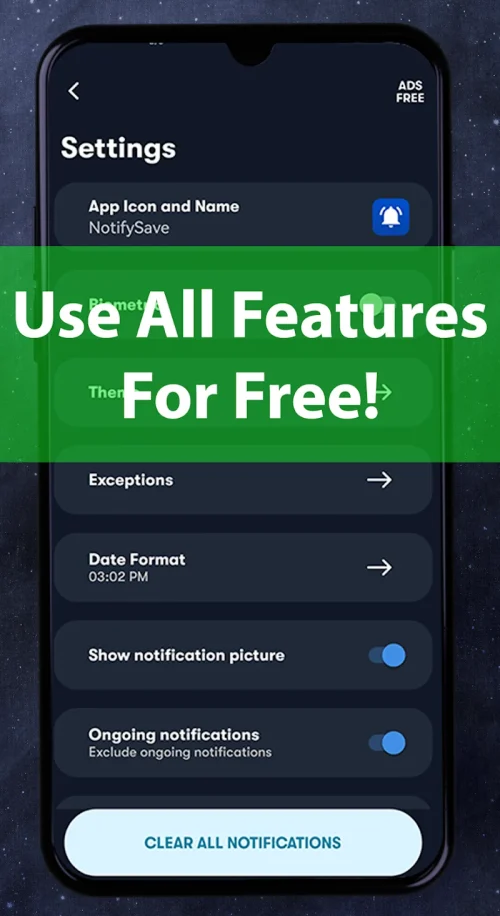
Users can toggle dark mode, adjust font sizes, and create home-screen widgets that surface recent or pinned notifications. Theme choices help the app blend with the rest of your device while maintaining readability for long lists.
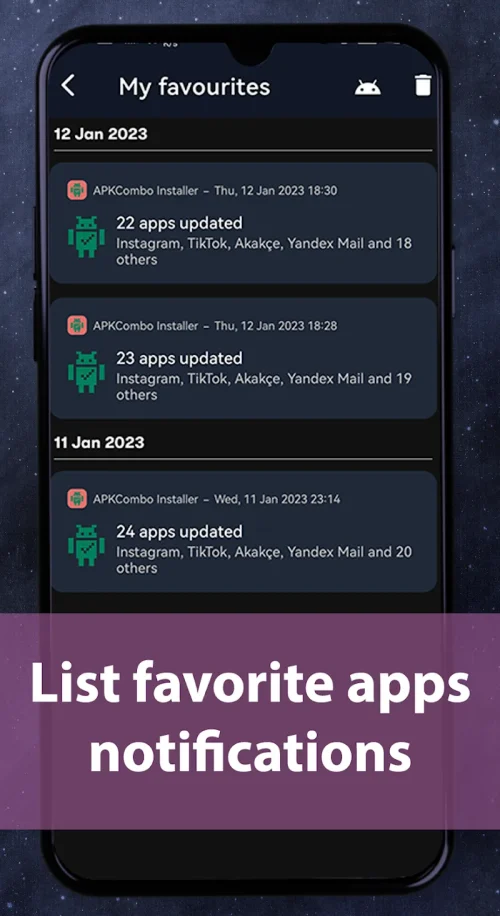
NotifySave Pro provides keyboard navigation, screen reader compatibility, and large-tap targets for quick interaction. Notifications are grouped by app and time, with the ability to mark important items or add personal notes. The pinned items tray gives fast access to critical alerts without searching.
Installation takes only minutes: install NotifySave Pro, grant the notification access and optional accessibility permission, choose a default retention policy, and let the app run in the background. A short onboarding walkthrough highlights privacy settings and how to export your archive.
For users who depend on their phone to manage tasks, meetings, and messages, NotifySave Pro reduces friction by making lost notifications recoverable and actionable. It blends practical features with a lightweight footprint, helping maintain an accurate record of your mobile communications without adding complexity.
LifeUp: Gamified To Do List
Size:17.35M ProductivityVPN Proxy Speed
Size:53.00M ProductivityAI Logo Generator (LogoWiz)
Size:41.50M Productivity3D Logo Maker
Size:39.30M ProductivityAI Chat: Ask AI Chat Anything
Size:42.20M ProductivityStars and Planets
Size:116.42M ProductivityImageMeter
Size:119.22M ProductivityHabitKit
Size:56.87M ProductivityMy Passwords Manager
Size:10.60M ProductivitymiMind
Size:48.30M ProductivityCute Note DDay Todo
Size:15.31M ProductivityCleverType AI Keyboard
Size:33.83M ProductivityApril 2024 Clash of Clans Update: Unveiling a Fresh Companion, Enhanced Levels, Chat Tagging, and Be
2024-04-16Arrival of Genshin Impact 4.6 Update: 'Embers of Two Realms, Twilight of Crimson'
2024-04-16V2.2 of the Farlight 84 update introduces an overhauled Season structure, fresh in-game currency, an
2024-04-16Monster Never Cry is now accessible on both Android and iOS mobile devices.
2024-04-18PUBG Mobile Teams Up with Bentley Motors: Luxury Cars, Exclusive Collectibles, and Beyond
2024-04-18March 2024 Free Redemption Codes for Honkai: Star Rail
2024-04-18