English
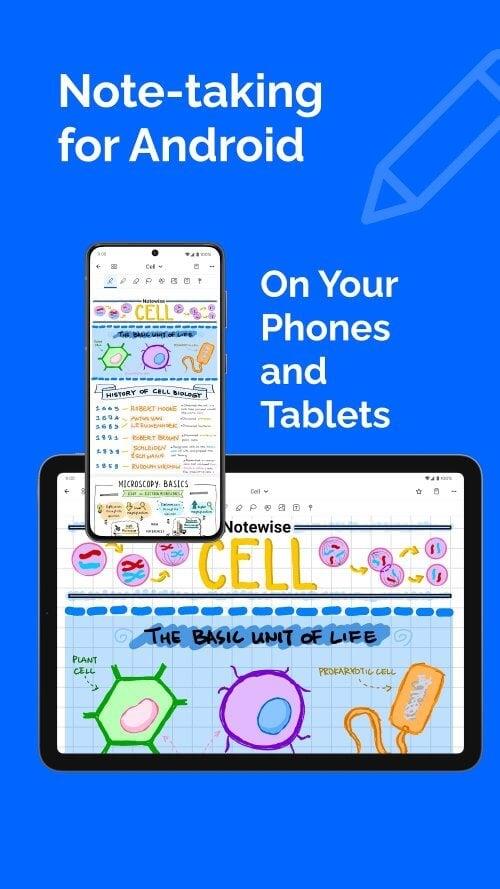
Notewise is a digital note-taking app for Android designed to combine handwriting, PDF annotation and cloud syncing in a single workspace so students, educators, creators and professionals can capture ideas and manage documents with a familiar, low-latency writing feel. The interface prioritizes quick access to pens, highlighters and page templates while keeping file and page navigation straightforward, making it practical for lectures, meetings and personal journals.
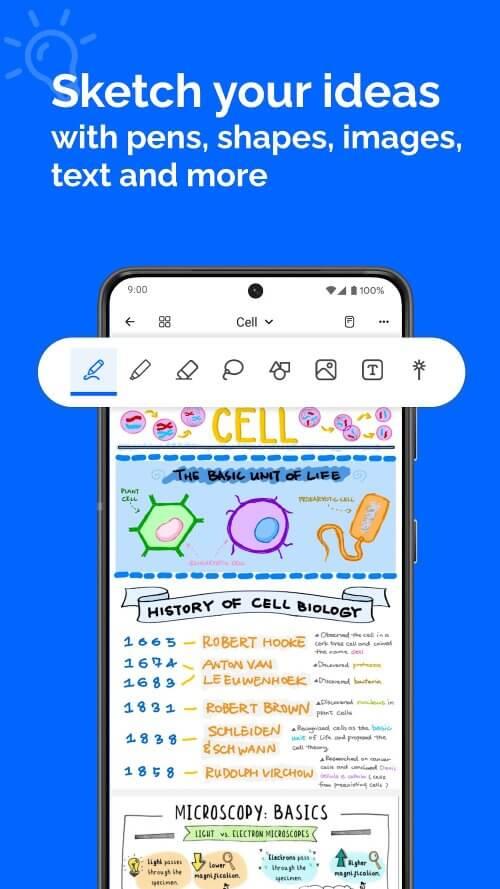
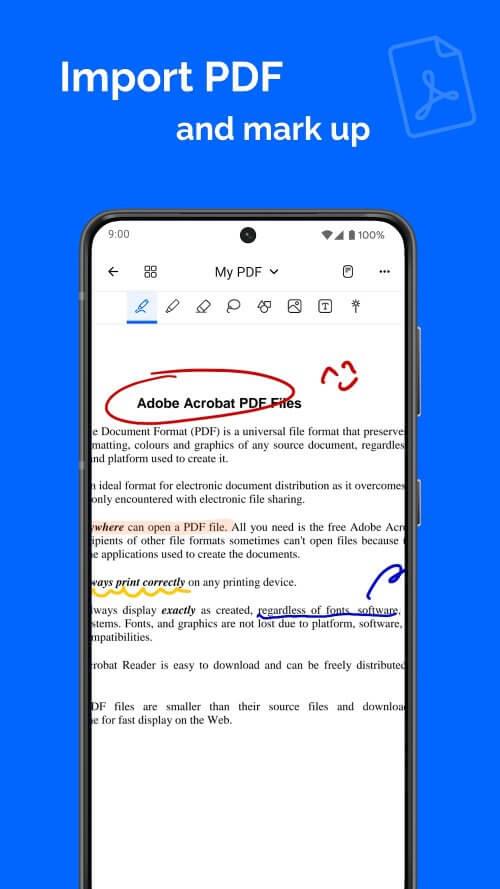
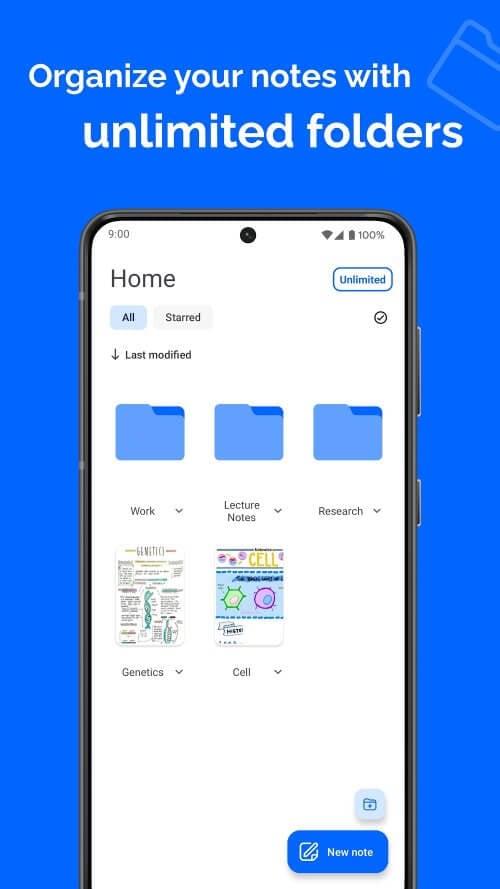
The app provides a handwriting engine with palm-rejection to reduce accidental input and deliver a paper-like sketching experience using a selection of pen tips and highlighter widths. Users can import PDFs, annotate pages, insert signatures and rearrange or merge pages inside the app. Editing tools include a precise eraser, lasso selection for moving or resizing ink, image import for diagrams or photos, basic shape creation for quick charts, and editable text boxes for typed annotations. Notewise stores each page in a structured folder system with thumbnail previews so large notebooks remain scannable at a glance.
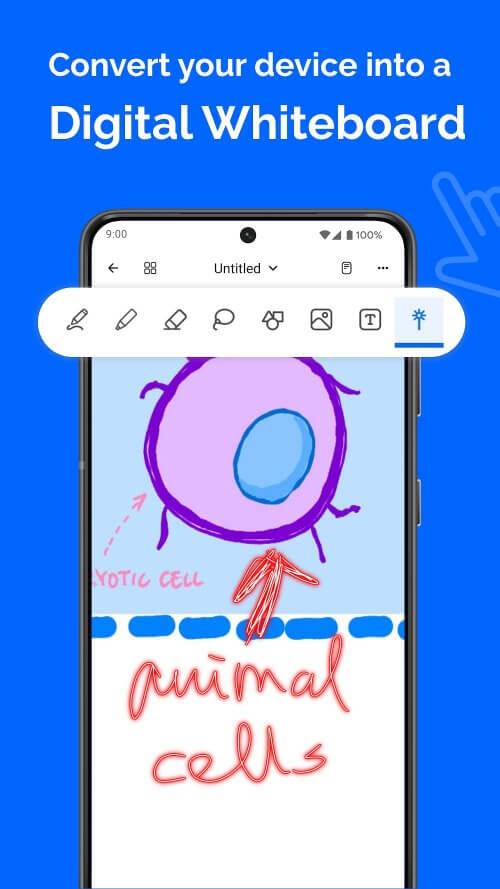
Notewise supports both stylus and finger input with multi-touch gestures for zooming and panning. The toolbar groups the most common tools for fast switching between writing, highlighting and selection. A pointer mode and undo/redo controls are available during presentations or while reviewing notes. Tool settings can be adjusted on the fly—line thickness, color and opacity—so you can refine handwriting and markup without interrupting your flow.
The app’s progression model is based on hierarchical organization rather than levels: you advance by building notebooks, sections and pages. Templates for notebooks, lecture layouts, to-do pages or slide-style layouts help you create consistent notes quickly. Page management features let you duplicate, reorder or archive pages as your collection grows. Over time, the combination of folders, tags and thumbnail views helps users move from a single idea to a mature project file without losing context or past drafts.
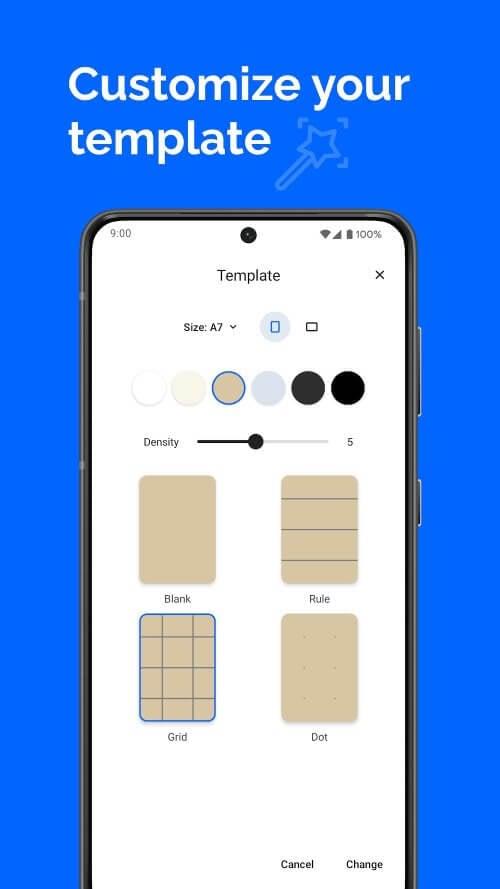
Notewise offers a range of virtual paper types—lined, grid, blank and darker backgrounds for presentation-style notes—so you can match the visual style to the task. Pen and highlighter presets can be customized and saved as your defaults for consistency across notebooks. Image placement and basic shape tools let you create clean, diagram-rich pages, while export settings control output resolution and file format when saving to PDF or image files.
Export options include saving individual pages or entire notebooks as PDFs or images, and merging pages to create compact handouts. The app supports sharing exported files through Android’s standard share sheet or by generating links when cloud sync is enabled. Notewise works offline for editing and saving notes locally; changes are synced automatically when a network connection becomes available, so you can keep working without interruption on planes, in classrooms or while commuting.
Accessibility considerations include support for larger interface elements, clear contrast paper themes and the ability to adjust touch sensitivity to reduce accidental marks. The autosave feature and stable undo/redo history help protect work during long writing sessions. The layout is designed to minimize clutter: commonly used functions are kept within thumb reach on phones, while tablet layouts expose more options without hiding the core canvas area.
Strengths of this tool include a responsive handwriting surface, robust PDF handling and a practical folder-based workflow that fits both short-term notes and longer projects. Because Notewise focuses on Android, advanced document tasks or heavy editing workflows may be more comfortable on larger tablets or desktop apps where available; there is no mention of official desktop or iOS versions in the current information. Some highly detailed PDF edits or multi-page desktop-style layouts may feel easier with a mouse and larger screen, but the Android feature set covers the majority of everyday annotation and note creation needs.
Teachers annotating readings, students capturing lecture diagrams, and professionals archiving meeting notes will find the app useful for day-to-day productivity. Notewise is particularly well suited to users who prefer handwriting input and need a reliable set of export and sync options that work across Android devices while still offering offline editing when a network is unavailable.
LifeUp: Gamified To Do List
Size:17.35M ProductivityVPN Proxy Speed
Size:53.00M ProductivityAI Logo Generator (LogoWiz)
Size:41.50M Productivity3D Logo Maker
Size:39.30M ProductivityAI Chat: Ask AI Chat Anything
Size:42.20M ProductivityStars and Planets
Size:116.42M ProductivityImageMeter
Size:119.22M ProductivityHabitKit
Size:56.87M ProductivityMy Passwords Manager
Size:10.60M ProductivitymiMind
Size:48.30M ProductivityCute Note DDay Todo
Size:15.31M ProductivityCleverType AI Keyboard
Size:33.83M ProductivityApril 2024 Clash of Clans Update: Unveiling a Fresh Companion, Enhanced Levels, Chat Tagging, and Be
2024-04-16Arrival of Genshin Impact 4.6 Update: 'Embers of Two Realms, Twilight of Crimson'
2024-04-16V2.2 of the Farlight 84 update introduces an overhauled Season structure, fresh in-game currency, an
2024-04-16Monster Never Cry is now accessible on both Android and iOS mobile devices.
2024-04-18PUBG Mobile Teams Up with Bentley Motors: Luxury Cars, Exclusive Collectibles, and Beyond
2024-04-18March 2024 Free Redemption Codes for Honkai: Star Rail
2024-04-18