English
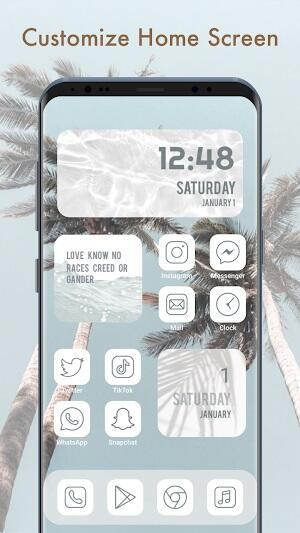
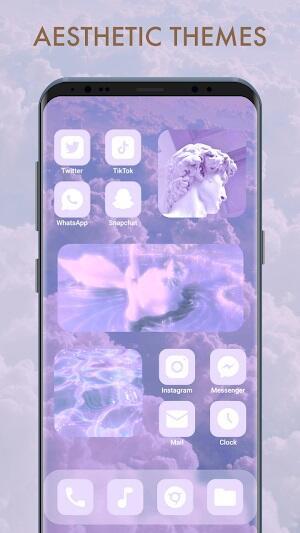
Themepack transforms Android home screens with a large library of customizable themes, icons, and wallpapers. Designed for users who want an instantly refreshed interface, Themepack pairs straightforward theme installation with flexible appearance controls, letting people apply cohesive looks without complex setup or heavy system modifications.
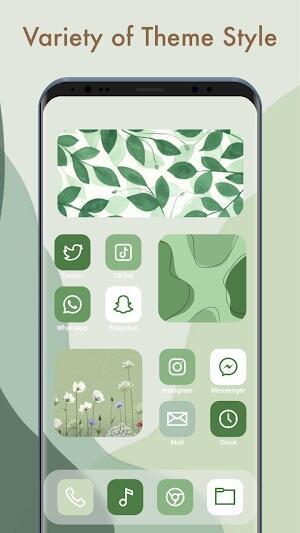
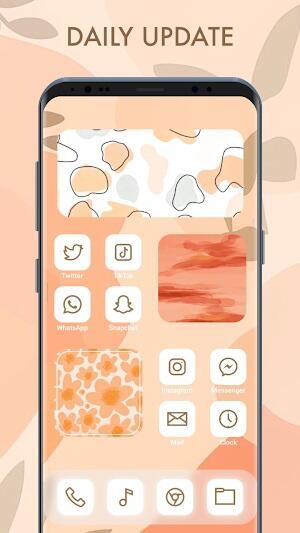
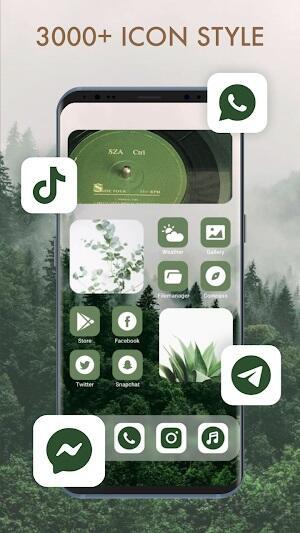
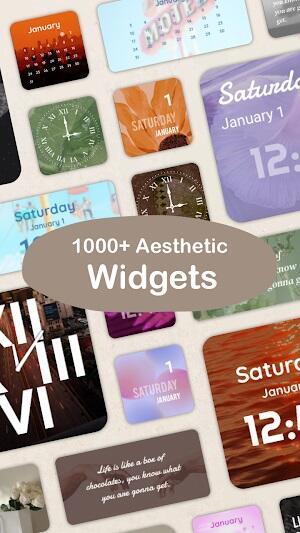
Themepack is a theming application focused on making device personalization accessible and fast. Rather than forcing users to edit individual elements, it groups wallpapers, icon sets, and widget styles into ready-made packages. This approach speeds up visual changes and reduces the trial-and-error process common in manual theming.
The developers aimed for three practical goals: variety, simplicity, and compatibility. Themepack supports multiple launcher types and scales assets to different screen densities. The result is a smooth visual refresh that works well on both phones and tablets without sacrificing performance.
After installing Themepack, users browse the catalog and preview themes in a mock home screen environment. Previews show wallpapers, icons, and suggested widget layouts. Applying a theme triggers a bundled installer that updates system elements where permissions allow or provides step-by-step guidance when manual steps are required.
Themepack detects popular third-party launchers and offers direct integration. If a launcher supports icon packs or custom widgets, the app queues the necessary resources and prompts the user to confirm changes. For stock launchers with limited support, Themepack suggests compatible alternatives or manual instructions to achieve the intended look.
Even though Themepack emphasizes convenience, it doesn’t remove fine-grain control. After applying a theme users can tweak icon shapes, adjust grid sizes, change widget transparency, or swap individual wallpaper images. This balance between ready-made options and granular settings appeals to users who want a fast start without losing personalization.
Users can create their own packs by selecting a wallpaper, assigning icons for favorite apps, and saving the combination as a reusable theme. These personal packs can be exported and shared, which is helpful for users managing multiple devices or recommending setups to friends.
Themepack focuses on a lightweight runtime footprint. Background processes are minimal, limited to downloading and preparing assets. Battery and memory impact are negligible for day-to-day use. The app interface favors clear categorization, with filters for color, style, and popularity to speed discovery.
Animations are subtle and oriented toward clarity. Preview animations demonstrate transitions and widget placements without excessive motion. The consistent layout makes browsing large collections feel organized rather than overwhelming.
Setting up Themepack is straightforward: grant storage or homepage permissions as requested, browse recommended themes, and tap apply. If the app cannot change a setting automatically, it provides clear instructions and directs users to the relevant system menu. For users managing multiple devices, the export feature speeds reapplication.
Themepack shines for anyone who wants quick, repeatable changes to the visual identity of their Android device. Its curated themes, combined with practical customization controls and efficient performance, make it a reliable choice for both casual users and enthusiasts who like to refine details.
Pixly Professional Dark
Size:77.11M PersonalizationPixly Paint - Icon Pack
Size:125.78M PersonalizationWatch Faces by Watch Base
Size:9.40M PersonalizationPixly Dark 3D - Icon Pack
Size:106.58M PersonalizationLena Black - Glyph Icon Pack
Size:17.59M PersonalizationFluffy 3D - Icon Pack
Size:129.39M PersonalizationRad Pack Pro
Size:103.35M PersonalizationBlack Pie - Icon Pack
Size:37.33M PersonalizationEmui - Icon Pack
Size:111.40M PersonalizationAline Yellow: linear icon pack
Size:35.40M PersonalizationFlux for KWGT
Size:36.35M PersonalizationAI Home Design: Interior DecAI
Size:30.61M PersonalizationApril 2024 Clash of Clans Update: Unveiling a Fresh Companion, Enhanced Levels, Chat Tagging, and Be
2024-04-16Arrival of Genshin Impact 4.6 Update: 'Embers of Two Realms, Twilight of Crimson'
2024-04-16V2.2 of the Farlight 84 update introduces an overhauled Season structure, fresh in-game currency, an
2024-04-16Monster Never Cry is now accessible on both Android and iOS mobile devices.
2024-04-18PUBG Mobile Teams Up with Bentley Motors: Luxury Cars, Exclusive Collectibles, and Beyond
2024-04-18March 2024 Free Redemption Codes for Honkai: Star Rail
2024-04-18