English
Rad Pack Pro is a compact utility suite designed to streamline media, file management, and system tools on Android devices, offering a single place to compress, share, and optimize content quickly while keeping a clean, user-friendly interface for daily productivity tasks.
Rad Pack Pro brings together core functions many users need without juggling multiple apps. It includes an advanced file browser, batch image and video compressor, archive creator and extractor, and a set of quick-access converters. Each tool is accessible from a unified dashboard that prioritizes the most-used actions and reduces navigation time.
The app emphasizes practical capabilities: efficient compression to save storage, fast file transfers, and straightforward conversion between common formats. A built-in previewer supports images, PDFs, and popular media types so you can inspect files before sending or archiving. There is also a privacy-focused secure delete option and an integrated duplicate finder that helps reclaim space.
Rad Pack Pro’s interface is organized into tabs and contextual menus that adapt depending on the selected item. The workflow centers on a three-step pattern: select files, pick an action (compress, convert, send), and refine settings. This linear approach shortens task time and minimizes accidental operations, while tooltips and compact dialogs keep the learning curve shallow.
Compression tools let you balance file size and quality through adjustable presets and manual sliders. For images, choose from typical presets like social-ready, email-friendly, or archival. Video compression offers frame-rate and resolution controls plus an option to maintain original audio quality. Archive creation supports common formats and AES encryption for password protection.
Rad Pack Pro integrates with cloud services and local network shares, enabling one-tap uploads to popular storage providers. The app also supports fast local transfers through Wi-Fi Direct and QR-based links when sending to nearby devices. Share sheets and intent filters are implemented so other apps can hand off files to Rad Pack Pro for processing.
Performance was prioritized to keep operations smooth on both recent flagships and older mid-range phones. Background tasks such as batch compression run with low CPU priority and provide progress notifications. The app is optimized for Android’s power-saving modes and adjusts behavior to avoid excessive battery drain. Compatibility is broad, with support for common file systems and Android versions.
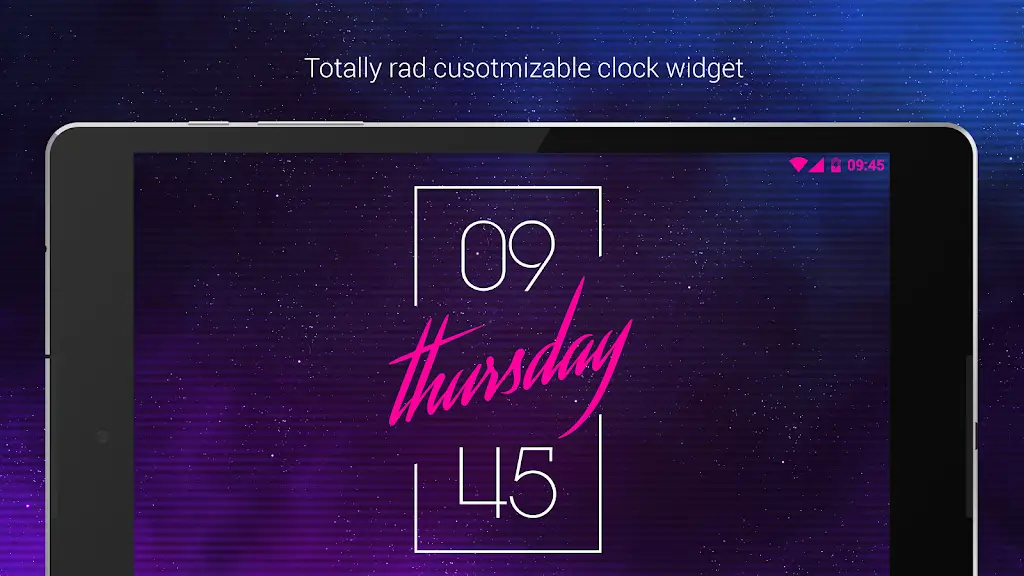
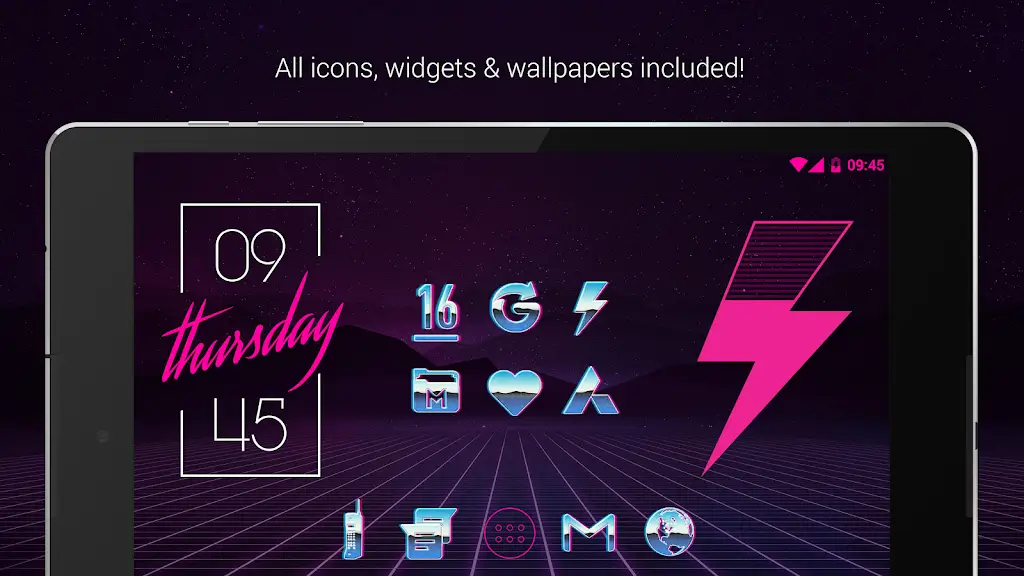
Rad Pack Pro includes appearance options such as a compact list view, grid thumbnails, and adjustable font sizes. Accessibility features include full keyboard navigation for power users and screen reader labels for visually impaired users. You can also create custom action profiles that trigger multiple steps—compress, encrypt, and upload—so repetitive workflows are automated.
Privacy is handled with local-first principles: most operations run entirely on-device unless you choose cloud export. The secure delete tool overwrites files to reduce recovery risk, and optional password or biometric locks protect the app settings and encrypted archives. Permissions are requested only when a feature needs them, and granular controls let you revoke access later.
New users can import files from the system picker or recent folders and try the included preset actions to see results instantly. A short guided tour highlights the main dashboard, compression controls, and secure delete flow. For advanced usage, the app provides an activity log so you can review recent operations and restore tasks if needed.
For users wanting a consolidated toolkit that handles frequent file operations without heavy bloat, Rad Pack Pro delivers reliable performance, sensible defaults, and enough customization to fit varied use cases. Whether you manage media, prepare files for sharing, or free up storage, the app is built to simplify these recurring tasks while staying responsive and secure.
Rad Pack Pro
Size:103.35M PersonalizationBlack Pie - Icon Pack
Size:37.33M PersonalizationEmui - Icon Pack
Size:111.40M PersonalizationAline Yellow: linear icon pack
Size:35.40M PersonalizationFlux for KWGT
Size:36.35M PersonalizationAI Home Design: Interior DecAI
Size:30.61M PersonalizationOxigen McLaren 3D - Icon Pack
Size:120.02M PersonalizationOxigen McLaren - Icon Pack
Size:97.25M PersonalizationThemely
Size:39.96M PersonalizationLeonardo.Ai
Size:16.33M PersonalizationStickman: draw animation
Size:46.80M PersonalizationTapet Wallpapers
Size:19.00M PersonalizationApril 2024 Clash of Clans Update: Unveiling a Fresh Companion, Enhanced Levels, Chat Tagging, and Be
2024-04-16Arrival of Genshin Impact 4.6 Update: 'Embers of Two Realms, Twilight of Crimson'
2024-04-16V2.2 of the Farlight 84 update introduces an overhauled Season structure, fresh in-game currency, an
2024-04-16Monster Never Cry is now accessible on both Android and iOS mobile devices.
2024-04-18PUBG Mobile Teams Up with Bentley Motors: Luxury Cars, Exclusive Collectibles, and Beyond
2024-04-18March 2024 Free Redemption Codes for Honkai: Star Rail
2024-04-18