English
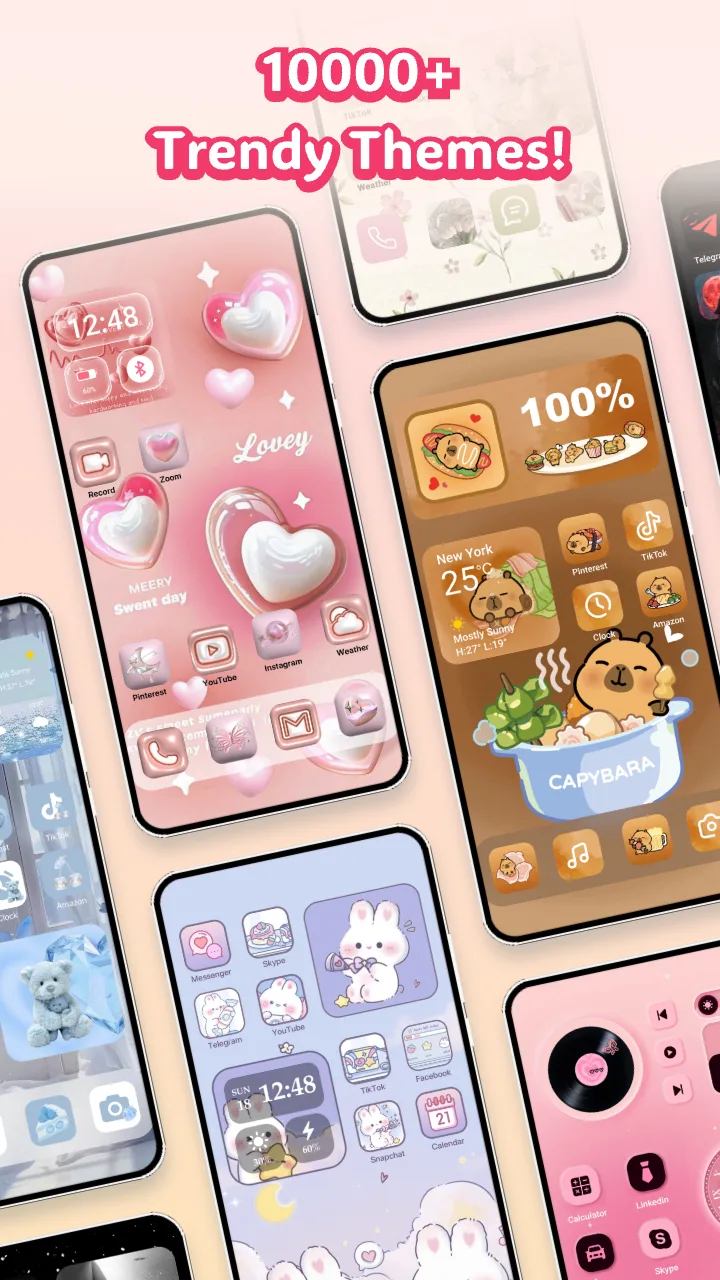
Themely is a versatile Android theming tool that streamlines customization for home screens, icons, and wallpapers while keeping performance smooth. Designed for users who want a polished, cohesive look, it combines an intuitive interface with powerful options, so you can personalize devices without digging through complex settings or sacrificing speed.
Themely targets people who value appearance and efficiency. It groups theme elements into manageable sets, previews changes in real time, and applies them with minimal fuss. The app supports both manual tweaks and one-tap packages, making it practical for casual users and power customizers alike.
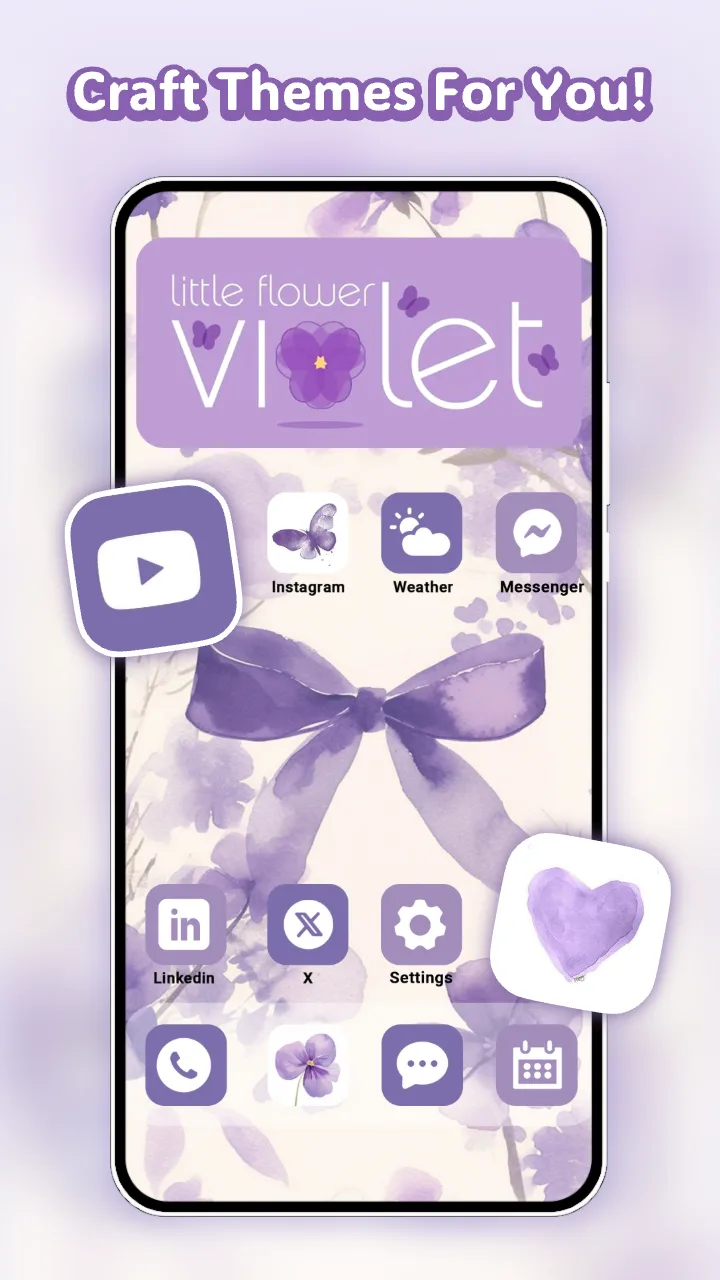
Themely breaks customization into clear steps: choose a base style, adjust component details, preview changes, and apply. Base styles act like templates—select one to change the overall palette and then refine specifics like icon shapes or widget transparency. The app isolates each element so you can mix and match without damaging other settings.
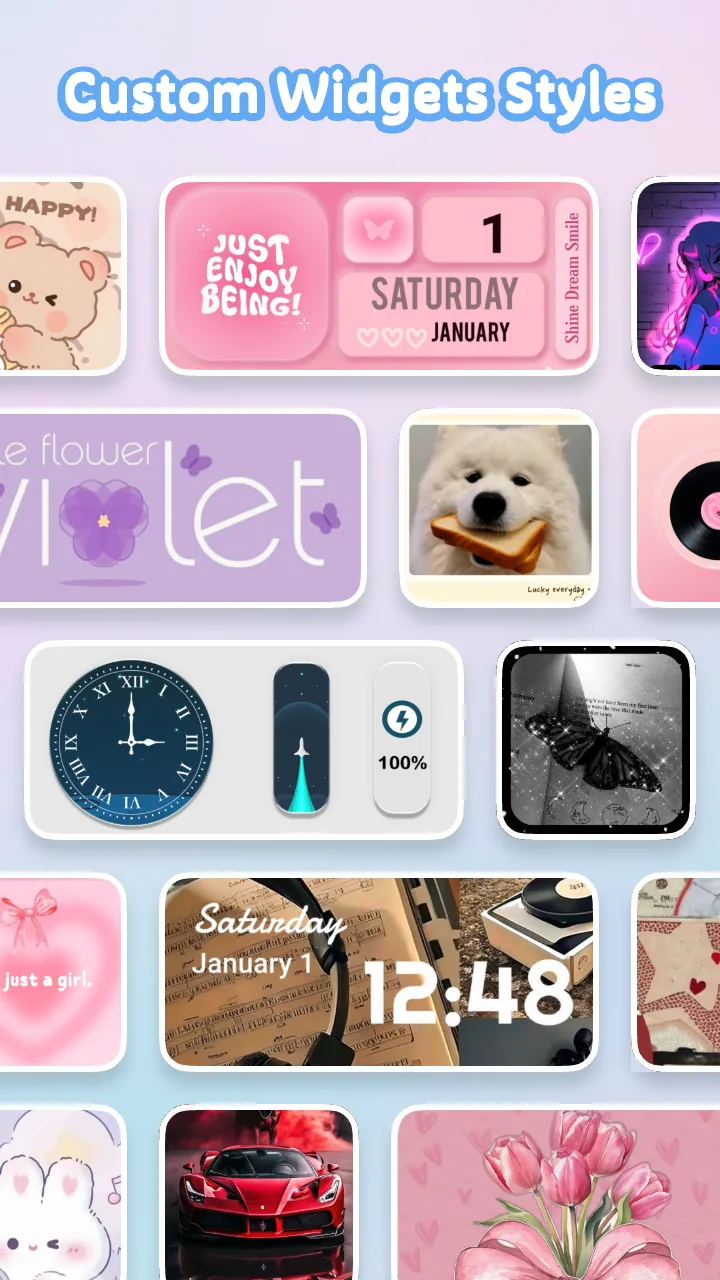
Several tools help you fine-tune the look. A palette editor lets you pick primary and accent colors, while grid and padding controls manage spacing across the launcher. For icons, a mask and overlay system provides uniform shapes and subtle effects. These controls are presented in an approachable layout that keeps advanced settings available but unobtrusive.
Themely’s interface emphasizes clarity: large thumbnails, contextual help, and a consistent flow from selection to application. Animations are purposeful rather than decorative, so responsiveness remains a priority on mid-range hardware. Memory usage is modest, and the app defers heavy operations to background threads to avoid stalling the UI.
Compatibility with popular launchers and Android versions is broad; Themely lists supported environments and adapts its export formats accordingly. Built-in checks avoid applying incompatible packages and provide rollback options if a theme causes unexpected behavior. Regular updates address device-specific quirks and expand the theme catalog.
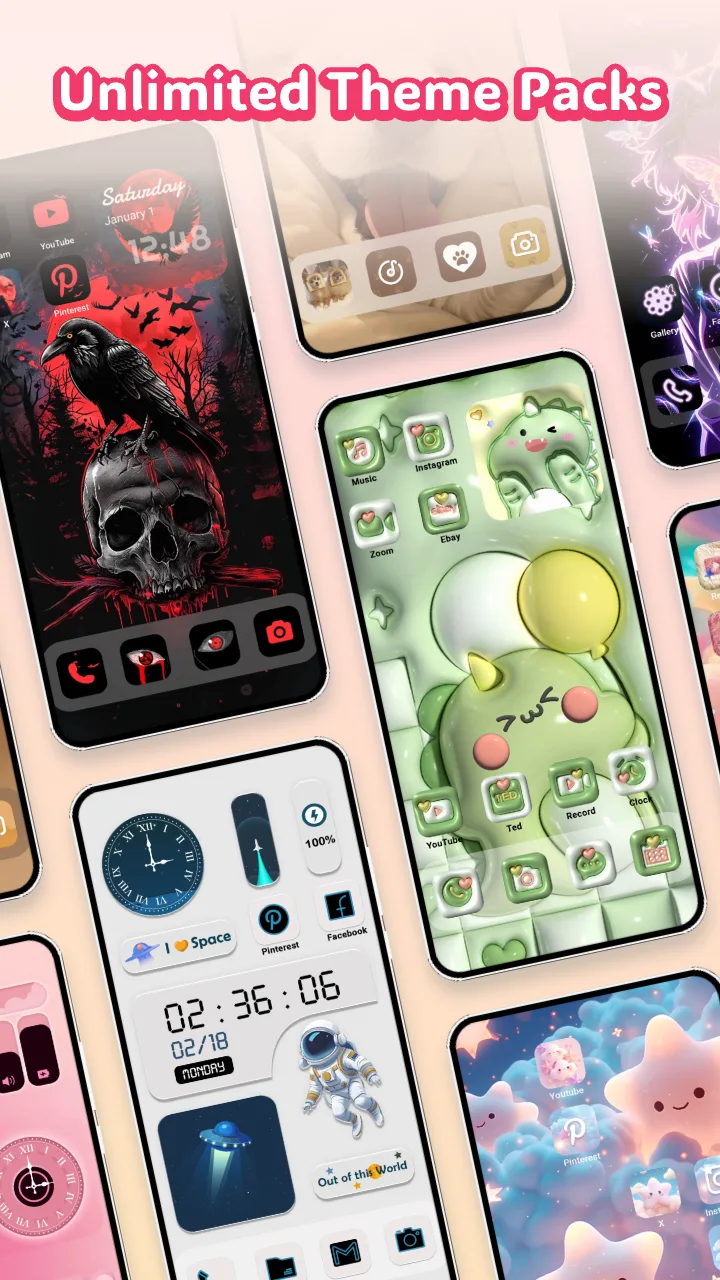
Users praise Themely for shortening the path from idea to finished screen. Preset collections make it easy to achieve a designer-style result, while modular controls keep personalization flexible. The preview-first approach reduces trial-and-error, and the backup feature removes the fear of making irreversible changes.
Installing Themely is straightforward: download, grant the listed permissions, and allow it to integrate with your launcher. A guided first-run setup prompts you to select a default theme and shows how to create a backup. Applying a new look generally takes a few seconds, depending on the number of assets changed.
Themely strikes a balance between creative control and simplicity. It streamlines repetitive tasks, reduces the need for multiple third-party tools, and helps maintain system performance while delivering high-quality visuals. For users who enjoy refining their device’s appearance, it provides both inspiration and the means to realize it.

Pixly Dark 3D - Icon Pack
Size:106.58M PersonalizationLena Black - Glyph Icon Pack
Size:17.59M PersonalizationFluffy 3D - Icon Pack
Size:129.39M PersonalizationRad Pack Pro
Size:103.35M PersonalizationBlack Pie - Icon Pack
Size:37.33M PersonalizationEmui - Icon Pack
Size:111.40M PersonalizationAline Yellow: linear icon pack
Size:35.40M PersonalizationFlux for KWGT
Size:36.35M PersonalizationAI Home Design: Interior DecAI
Size:30.61M PersonalizationOxigen McLaren 3D - Icon Pack
Size:120.02M PersonalizationOxigen McLaren - Icon Pack
Size:97.25M PersonalizationThemely
Size:39.96M PersonalizationApril 2024 Clash of Clans Update: Unveiling a Fresh Companion, Enhanced Levels, Chat Tagging, and Be
2024-04-16Arrival of Genshin Impact 4.6 Update: 'Embers of Two Realms, Twilight of Crimson'
2024-04-16V2.2 of the Farlight 84 update introduces an overhauled Season structure, fresh in-game currency, an
2024-04-16Monster Never Cry is now accessible on both Android and iOS mobile devices.
2024-04-18PUBG Mobile Teams Up with Bentley Motors: Luxury Cars, Exclusive Collectibles, and Beyond
2024-04-18March 2024 Free Redemption Codes for Honkai: Star Rail
2024-04-18