English
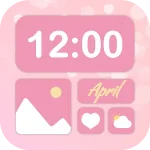
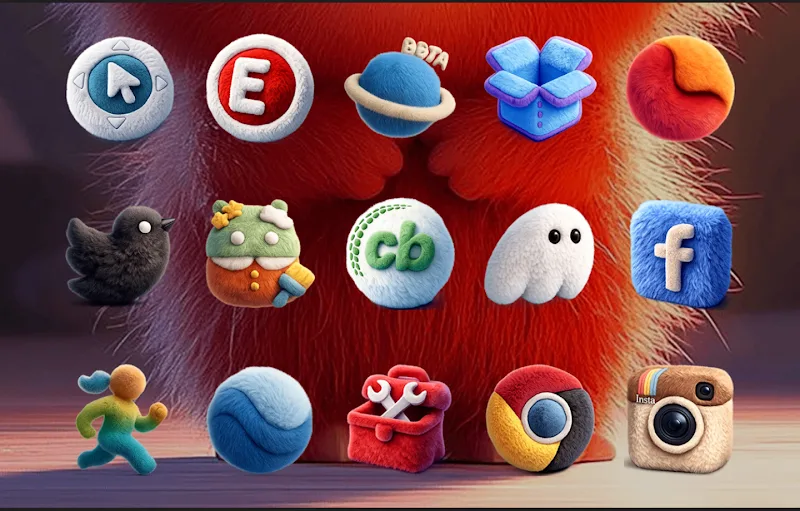
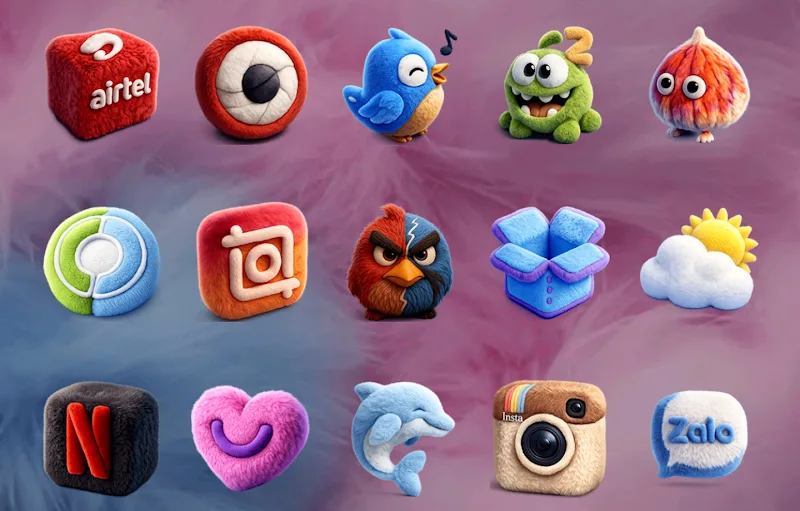
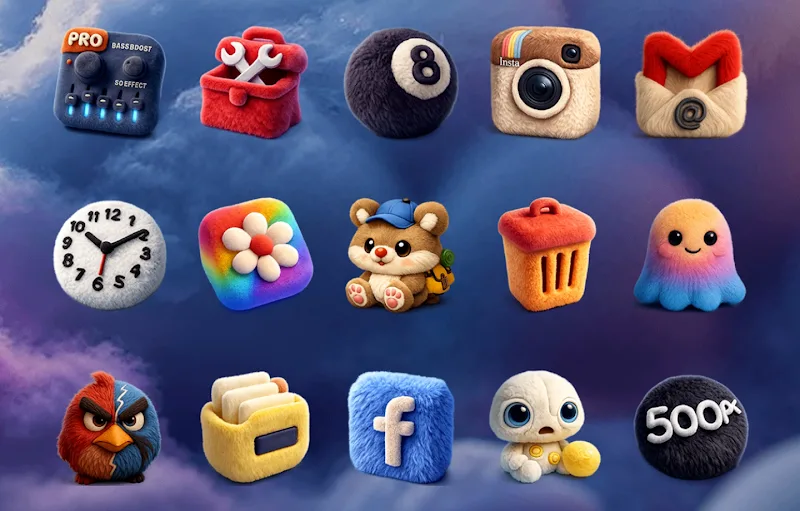
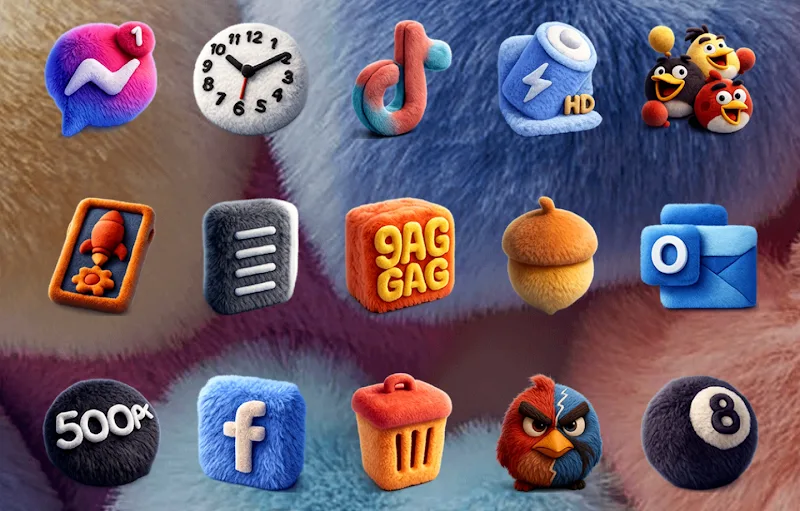
Fluffy 3D - Icon Pack gives Android users a playful, sculpted look for app icons, combining soft shadows, rounded edges, and layered depth to refresh any home screen. The pack focuses on coherent color palettes, clear glyphs, and adaptive sizing so icons remain readable and consistent across launchers and widgets.
The visual identity of Fluffy 3D - Icon Pack centers on tactile, friendly forms that mimic physical depth while staying minimal. Each icon emphasizes a subtle light source, soft bevels, and gentle gradients that produce a 3D impression without overwhelming the interface. Designers balanced saturated accents with muted backgrounds so icon glyphs stand out on a variety of wallpapers.
Fluffy 3D - Icon Pack works with most third-party launchers and many popular OEM home screens. Supported launchers typically include Nova, Lawnchair, Apex, Action, ADW, Smart Launcher and several others. Some stock launchers also accept alternative icon packs via built-in theming tools. The pack handles adaptive icons and masks so icons remain properly cropped regardless of launcher preferences.
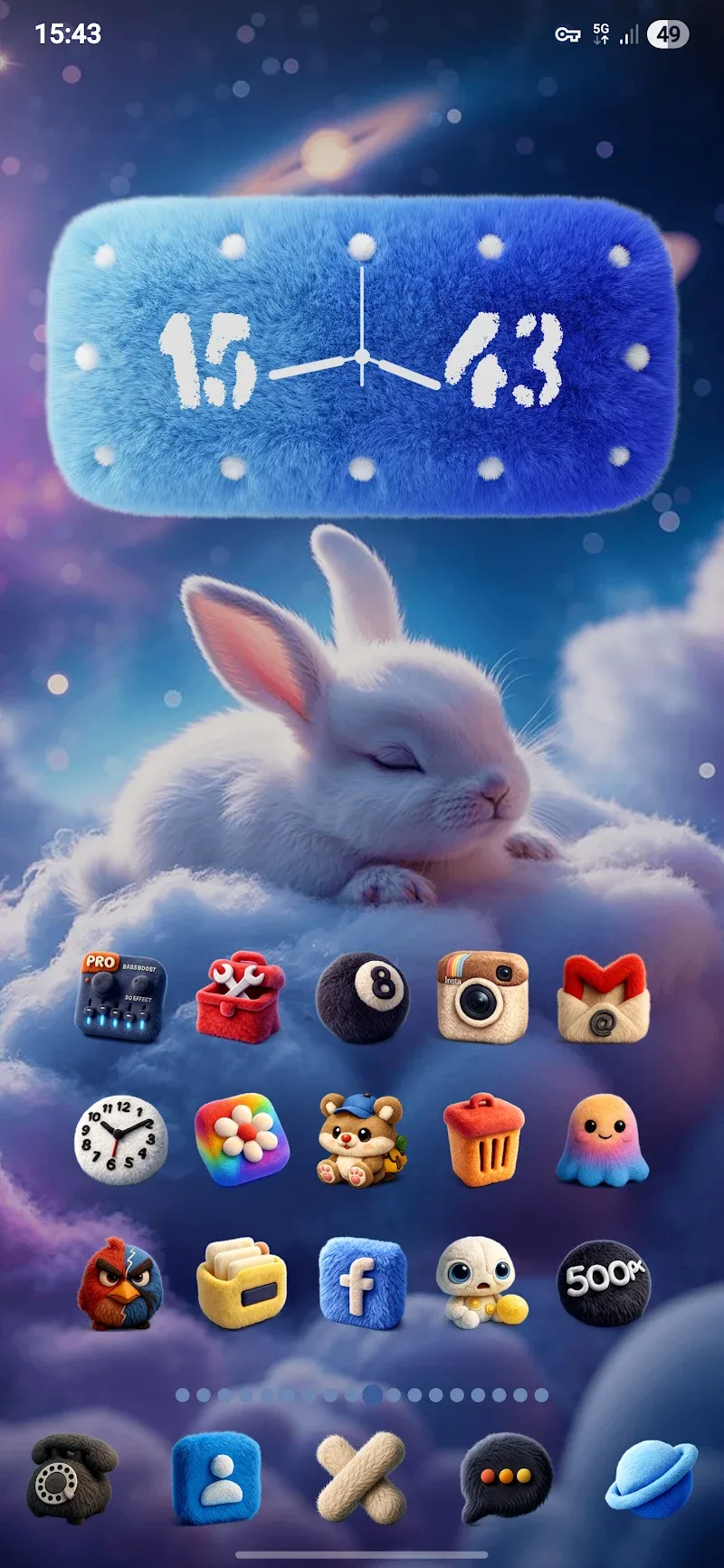
Applying the pack is straightforward with compatible launchers. With Fluffy 3D - Icon Pack you can change the look of individual apps or apply the full set at once. Typical steps include selecting the pack from a launcher’s theme or icon settings, choosing a wallpaper that pairs well with the icons, and adjusting icon size and grid spacing to optimize the 3D effect.
Although Fluffy 3D - Icon Pack offers richly detailed graphics, it is optimized to avoid unnecessary battery drain or memory overhead. Icons are delivered as efficient PNGs and vector-based assets where possible, keeping APK size reasonable while preserving crispness on high-resolution displays. The pack avoids live or animated elements, which helps maintain smooth system performance even on modest hardware.
A few adjustments can enhance the overall result: pick a wallpaper with a soft, low-contrast area behind icons to accentuate shadows; reduce icon label size or hide labels for a cleaner appearance; and use a consistent widget style—rounded or material widgets complement the 3D icons best. Experiment with grid density and icon scaling to find the sweet spot between visibility and minimalism.
To use Fluffy 3D - Icon Pack allow installation from the Play Store or sideload the APK if provided by your device. If icons do not apply correctly, ensure your launcher is up to date and supports third-party icon packs. Clearing launcher cache or reapplying the pack usually resolves display mismatches. If an app icon remains unthemed, use the request feature or manually replace it through the launcher’s edit menu.
Fluffy 3D - Icon Pack targets users who want personality without clutter. Its soft, tactile aesthetic offers a distinct alternative to flat icon styles while maintaining readability and launcher compatibility. Frequent updates, a wide icon set, and thoughtful wallpaper pairings make it a practical choice for users seeking a cohesive and cheerful visual refresh for their Android device.
Pixly Dark 3D - Icon Pack
Size:106.58M PersonalizationLena Black - Glyph Icon Pack
Size:17.59M PersonalizationFluffy 3D - Icon Pack
Size:129.39M PersonalizationRad Pack Pro
Size:103.35M PersonalizationBlack Pie - Icon Pack
Size:37.33M PersonalizationEmui - Icon Pack
Size:111.40M PersonalizationAline Yellow: linear icon pack
Size:35.40M PersonalizationFlux for KWGT
Size:36.35M PersonalizationAI Home Design: Interior DecAI
Size:30.61M PersonalizationOxigen McLaren 3D - Icon Pack
Size:120.02M PersonalizationOxigen McLaren - Icon Pack
Size:97.25M PersonalizationThemely
Size:39.96M PersonalizationApril 2024 Clash of Clans Update: Unveiling a Fresh Companion, Enhanced Levels, Chat Tagging, and Be
2024-04-16Arrival of Genshin Impact 4.6 Update: 'Embers of Two Realms, Twilight of Crimson'
2024-04-16V2.2 of the Farlight 84 update introduces an overhauled Season structure, fresh in-game currency, an
2024-04-16Monster Never Cry is now accessible on both Android and iOS mobile devices.
2024-04-18PUBG Mobile Teams Up with Bentley Motors: Luxury Cars, Exclusive Collectibles, and Beyond
2024-04-18March 2024 Free Redemption Codes for Honkai: Star Rail
2024-04-18