English
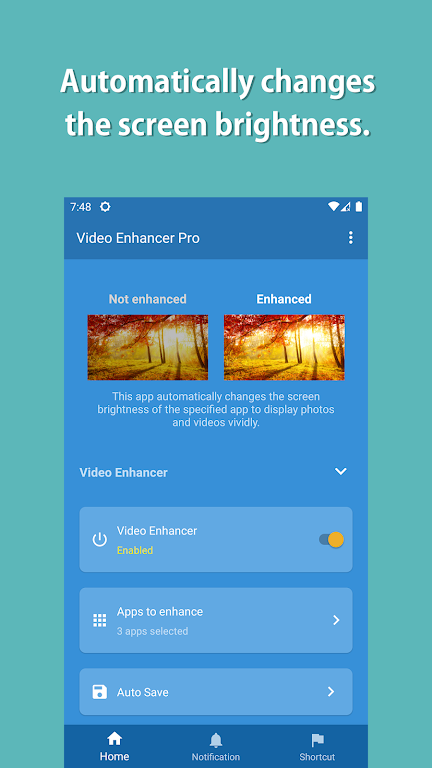
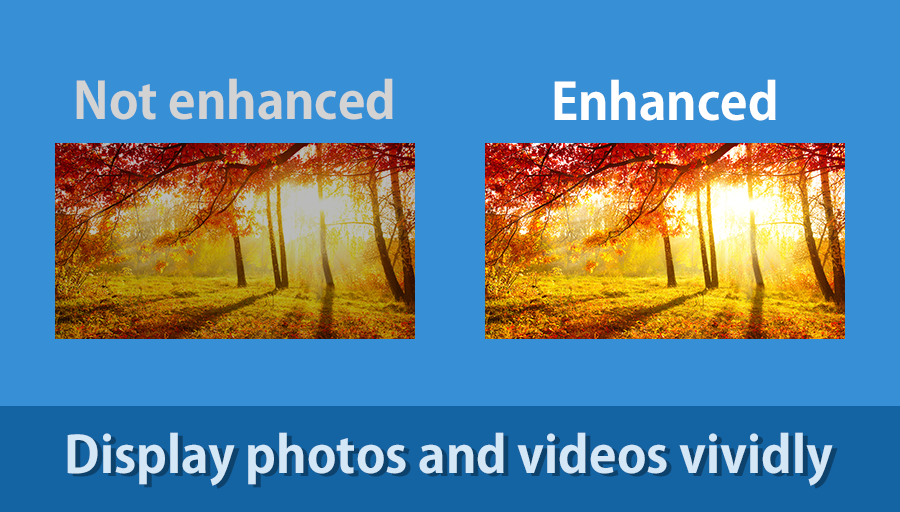
Adjust, sharpen, enjoy: Video Enhancer Pro opens a straightforward path to clearer, brighter playback on Android. The app focuses on improving how videos and photos look on your device by raising perceived brightness and sharpening detail during viewing. It bundles automatic adjustments with options you can tweak, so casual viewers and hobby editors alike can get a better picture without complicated toolchains. Whether you're replaying old home movies or checking a clip before sharing, Video Enhancer Pro aims to make images feel more vivid and easier on the eyes.
Install and grant access: Allow the app to access your media library so it can scan and display available videos and photos.
Choose a clip: Open any video or image from the built-in browser and pick a file to preview with the enhancement tools.
Use auto or manual modes: Start with the automatic adjustment to see instant improvements, then try manual sliders if you want finer control.
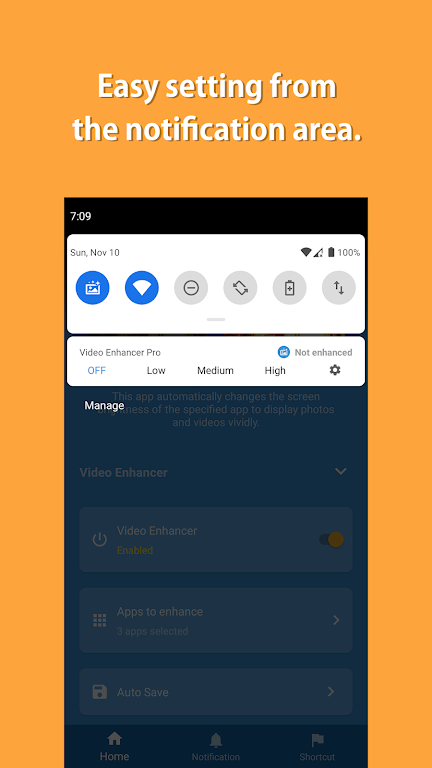
Automatic brightness adjustment: The app detects scene lighting and raises or lowers display brightness during playback to keep images visible in dim or bright surroundings.
Sharpness enhancement: Subtle sharpening improves clarity on softer footage so faces and text read better without extreme artifacting.
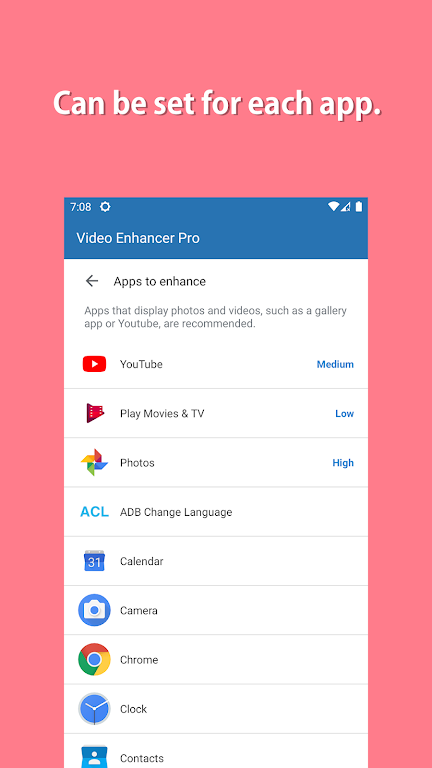
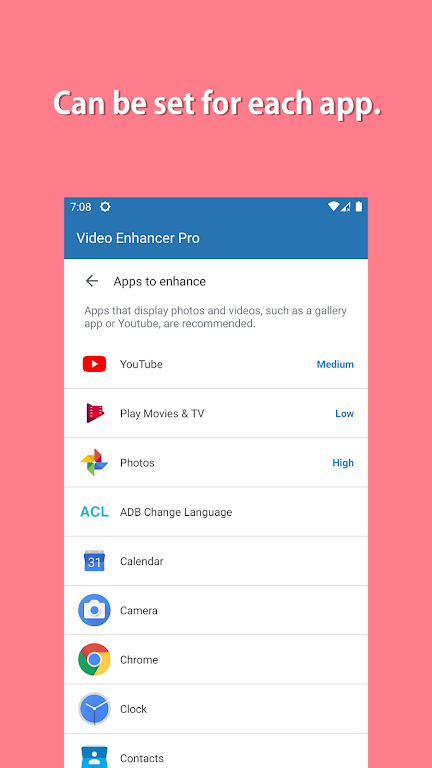
Customizable settings: Save presets and tweak parameters so your preferred look loads quickly for similar clips.
Privacy-minded controls: You can manage which folders and files appear in the app, keeping personal media organized and private.
Preview before you share: Use the app to check contrast and detail on a clip before uploading to social platforms, especially if the original looks washed out.
Watch in low-light situations: Try Video Enhancer Pro on overnight flights or dim rooms where automatic brightness makes a noticeable difference.
Restore old footage: When revisiting older recordings, run the enhancement to reveal hidden detail and make memories easier to enjoy with family and friends.
Will the app alter my original files?
That depends on the export or save options provided; many users apply enhancements only for playback while keeping originals untouched—check the app's save settings to be sure.
Does it run while videos stream from other apps?
Video Enhancer Pro is designed primarily for files opened inside the app. Streaming integration varies by device and app permissions, so streaming improvements may not be available in every setup.
Is performance consistent across phones?
Performance will vary by hardware. Modern midrange and flagship Android phones handle the adjustments smoothly, while older devices may see longer load times or reduced frame rates during heavy processing.
Video Enhancer Pro offers a pragmatic way to lift the look of on-device videos with automatic tuning and simple controls. It suits users who want crisper, brighter playback without diving into complex editors, though exact behavior and export options may change with updates and differ between devices.
Video Enhancer Pro
Size:6.43M Toolse-Connect
Size:164.49M ToolsColorimeter
Size:5.45M ToolsChatBoost
Size:19.33M ToolsRemote Fire TV
Size:48.04M ToolsgetConf - Hidden Settings
Size:16.66M ToolsTracker Detect Pro
Size:10.39M ToolsWiFi Speed Test Pro
Size:8.11M ToolsGG Mouse Pro 2
Size:45.82M ToolsResource Monitor Mini Pro
Size:3.19M ToolsSmart Keyboard Pro
Size:23.22M ToolsMyScript Math: Solve & Plot
Size:108.76M ToolsApril 2024 Clash of Clans Update: Unveiling a Fresh Companion, Enhanced Levels, Chat Tagging, and Be
2024-04-16Arrival of Genshin Impact 4.6 Update: 'Embers of Two Realms, Twilight of Crimson'
2024-04-16V2.2 of the Farlight 84 update introduces an overhauled Season structure, fresh in-game currency, an
2024-04-16Monster Never Cry is now accessible on both Android and iOS mobile devices.
2024-04-18PUBG Mobile Teams Up with Bentley Motors: Luxury Cars, Exclusive Collectibles, and Beyond
2024-04-18March 2024 Free Redemption Codes for Honkai: Star Rail
2024-04-18