English
Video.Guru is a lightweight, fast video editor designed for creators who want polished clips without a steep learning curve; the app puts core tools within immediate reach so you can trim, add effects and export social-ready videos quickly. From a single-layer timeline to tabbed editing panels, Video.Guru focuses on streamlined workflows that reduce clutter while keeping keyframe control and audio tuning accessible to both beginners and more experienced editors. The interface balances simplicity with a handful of advanced options so users can produce short-form content, captions and overlays on the go.
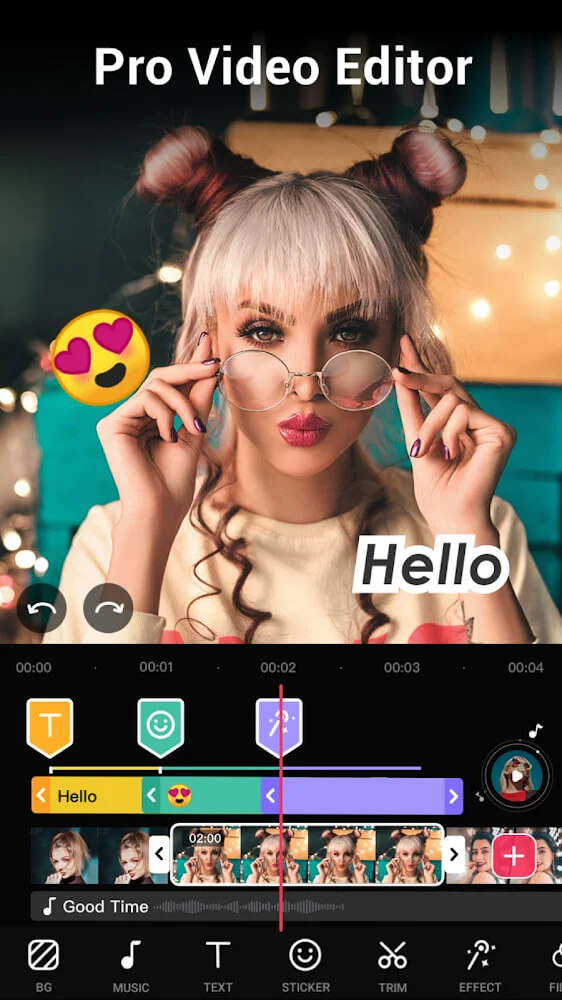
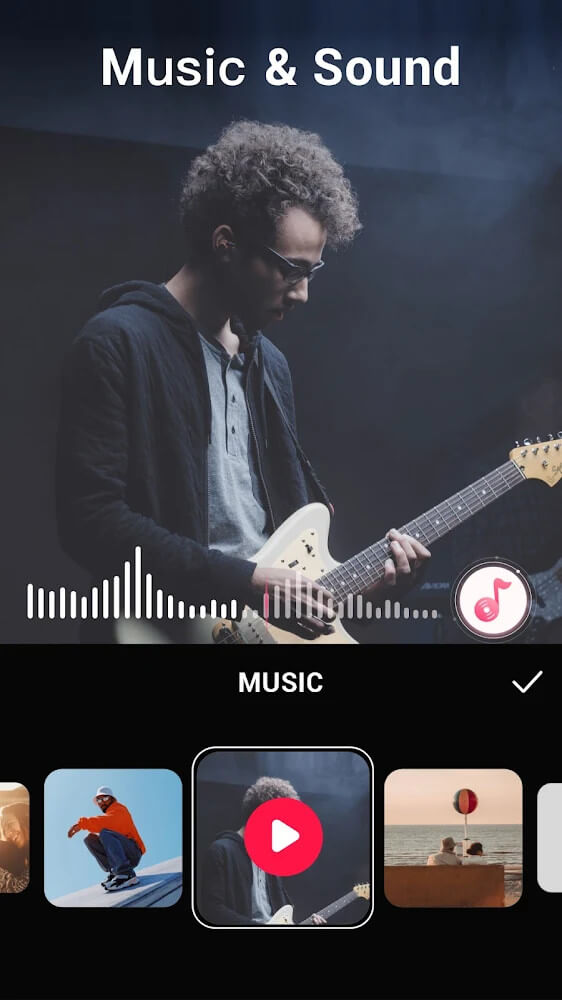
Video.Guru organizes editing into tabs for trims, effects and audio rather than multiple stacked layers, which speeds routine edits and keeps the workspace readable. The editor includes an intuitive keyframe system for motion and transition timing, a compact timeline for arranging clips and overlays, and multiple preset aspect ratios tuned for portrait and landscape social feeds. Built-in filters and trend-focused effects help clips look consistent, and a small sound library plus simple audio controls let you add background music and balance levels while you edit.
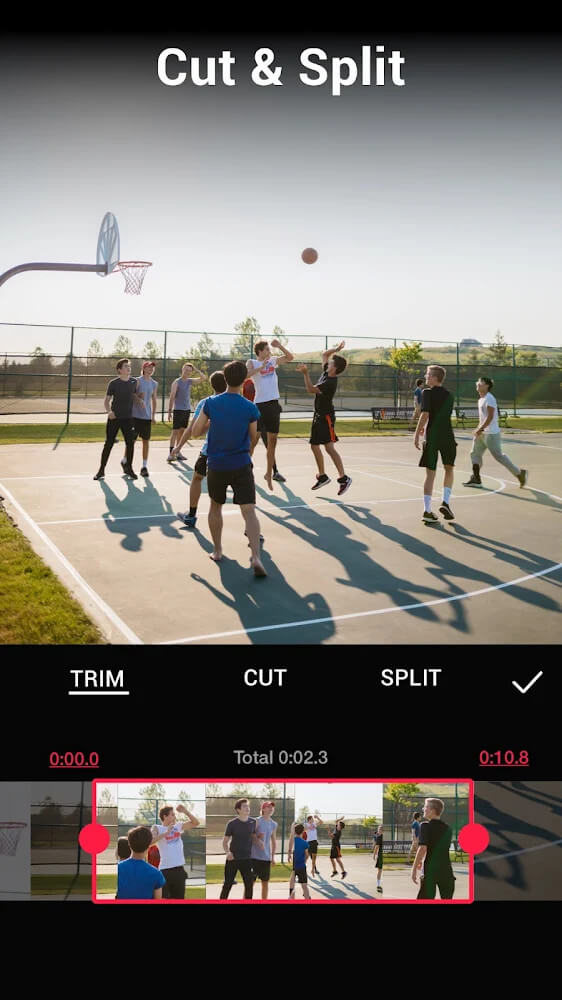
Projects begin by importing clips from your device library; drag-and-drop or tap-to-add feels immediate and responsive on most modern Android phones. After importing, trims and cuts are performed on a single main timeline while sub-layers for audio, effects and keyframes provide precision without full multi-track complexity. Applying a keyframe is a short sequence of selecting the clip, enabling keyframe mode in the effects tab, and setting start and end values; this approach keeps the learning curve shallow while allowing for smooth animated overlays and motion effects.
The control model favors gestures and direct manipulation: pinch to zoom the timeline, tap to trim, drag handles to extend clips and use tabs to switch between trimming, effects and audio. On-device performance is prioritized so scrubbing and simple trims feel fast; a compact timeline reduces the need for constant zooming on smaller screens. Preset templates and saved export configurations let you speed up repeated workflows and maintain consistent visual standards across multiple projects.
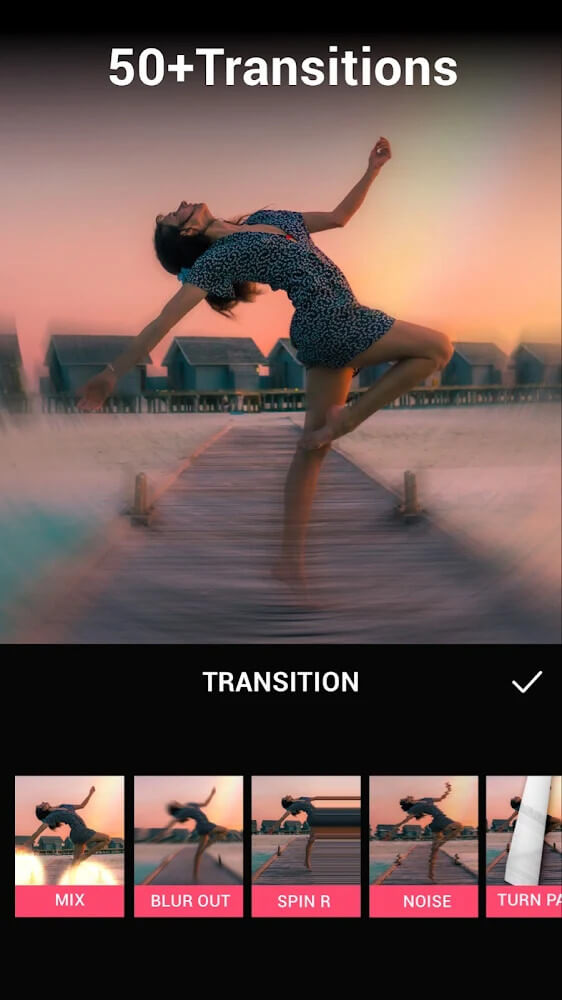
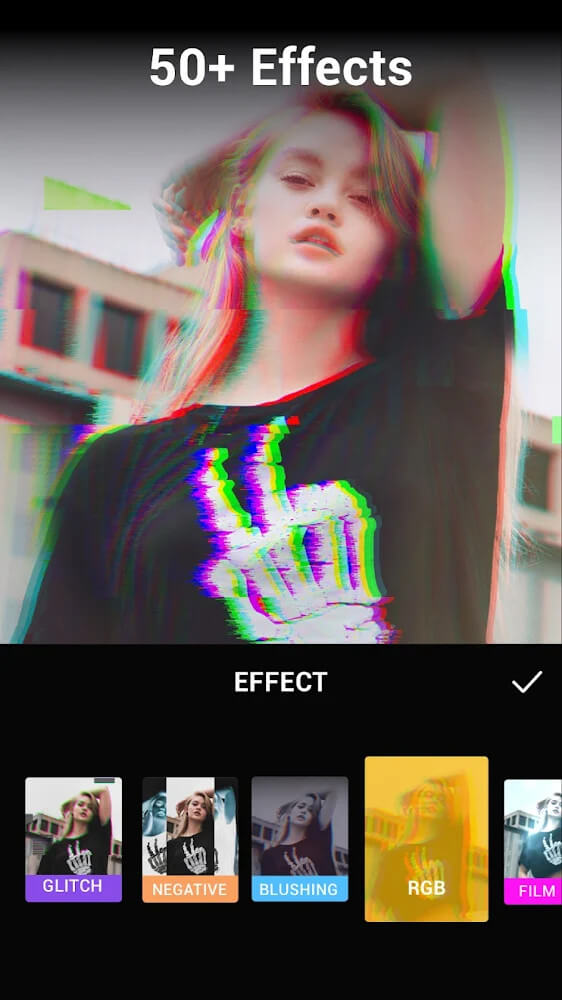
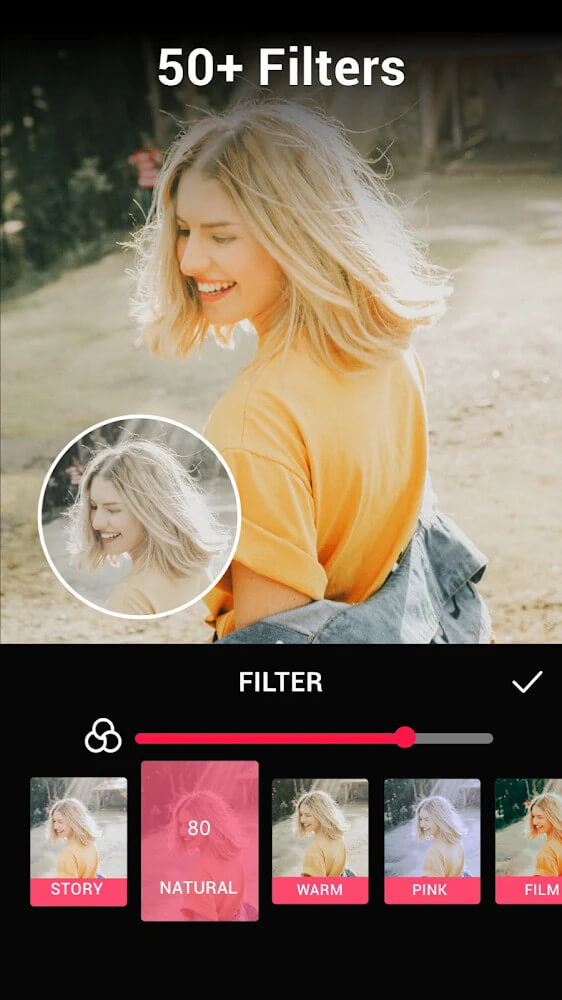
Video.Guru includes several filters, adjustable color and exposure controls, and a modest selection of transitions and animated overlays. Fonts, title templates and basic motion presets help you match a desired visual style without building everything from scratch. While the feature set keeps the app compact, the available customization covers most short-form content needs: captions, lower-thirds, simple color adjustments and timing of overlays are all achievable through the tabbed interface.
The app offers multiple export settings to balance quality and file size, and convenient aspect ratio presets simplify preparing clips for stories, reels or feed posts. Exports are performed locally on the device so you can work offline; this makes Video.Guru suitable for editing in low-connectivity situations. Saved export profiles allow you to choose commonly used resolutions and bitrate settings with one tap, streamlining the final stage of production.
Rather than a game-style progression, the editor’s progression is skill-based: as you become comfortable with trimming, keyframes and audio balancing, you can create more polished results faster. Reusable templates, saved projects and presets increase replay value for creators who regularly publish content, and experimenting with different effects and timing encourages iterative improvement across multiple projects.
Video.Guru aims to run smoothly on a range of Android devices by keeping the feature set focused; basic editing functions require minimal memory and CPU compared with full multi-track editors. The interface uses clear labels and large touch targets for common actions, and timeline zooming helps users with visual accessibility. Because all processing happens locally, permissions are limited to media access and storage, and no mandatory online accounts are required to use the core editor.
Video.Guru’s single-layer timeline with tabbed editing reduces clutter and speeds up the most common editing tasks, while sub-layers for audio, effects and keyframes provide just enough precision for professional-looking clips without overwhelming complexity. Helpful presets for aspect ratios and exports make publishing to social platforms more efficient, and built-in audio controls and a small sound library let you manage background music and voice levels directly in the app.
The simplified, single-layer approach can feel limiting for creators who need extensive multi-track mixing or very complex layering; large, multi-scene projects may be better suited to desktop editors. Keyframing offers strong potential but requires practice to master for consistently smooth motion, and audio levels sometimes need manual fine-tuning to prevent music from overpowering dialogue or sound effects. If you regularly require full multi-track timelines or advanced color grading, you may encounter some constraints with this compact editor.
Pixly Vintage - Icon Pack
Size:114.40M LifestyleMap My Fitness
Size:72.60M LifestyleGym Day
Size:33.40M LifestyleVideo.Guru
Size:55.14M LifestyleLyfta: Gym Log Workout Tracker
Size:21.30M LifestyleDiscDj 3D Music Player
Size:14.91M LifestyleKeto Manager Keto Diet Tracker
Size:53.43M LifestyleAmaha (InnerHour)
Size:22.50M LifestyleBetterSleep
Size:114.10M LifestyleMyNetDiary
Size:122.90M LifestyleThe Athletic
Size:71.00M LifestyleViki: Asian Dramas & Movies
Size:20.30M LifestyleApril 2024 Clash of Clans Update: Unveiling a Fresh Companion, Enhanced Levels, Chat Tagging, and Be
2024-04-16Arrival of Genshin Impact 4.6 Update: 'Embers of Two Realms, Twilight of Crimson'
2024-04-16V2.2 of the Farlight 84 update introduces an overhauled Season structure, fresh in-game currency, an
2024-04-16Monster Never Cry is now accessible on both Android and iOS mobile devices.
2024-04-18PUBG Mobile Teams Up with Bentley Motors: Luxury Cars, Exclusive Collectibles, and Beyond
2024-04-18March 2024 Free Redemption Codes for Honkai: Star Rail
2024-04-18