English
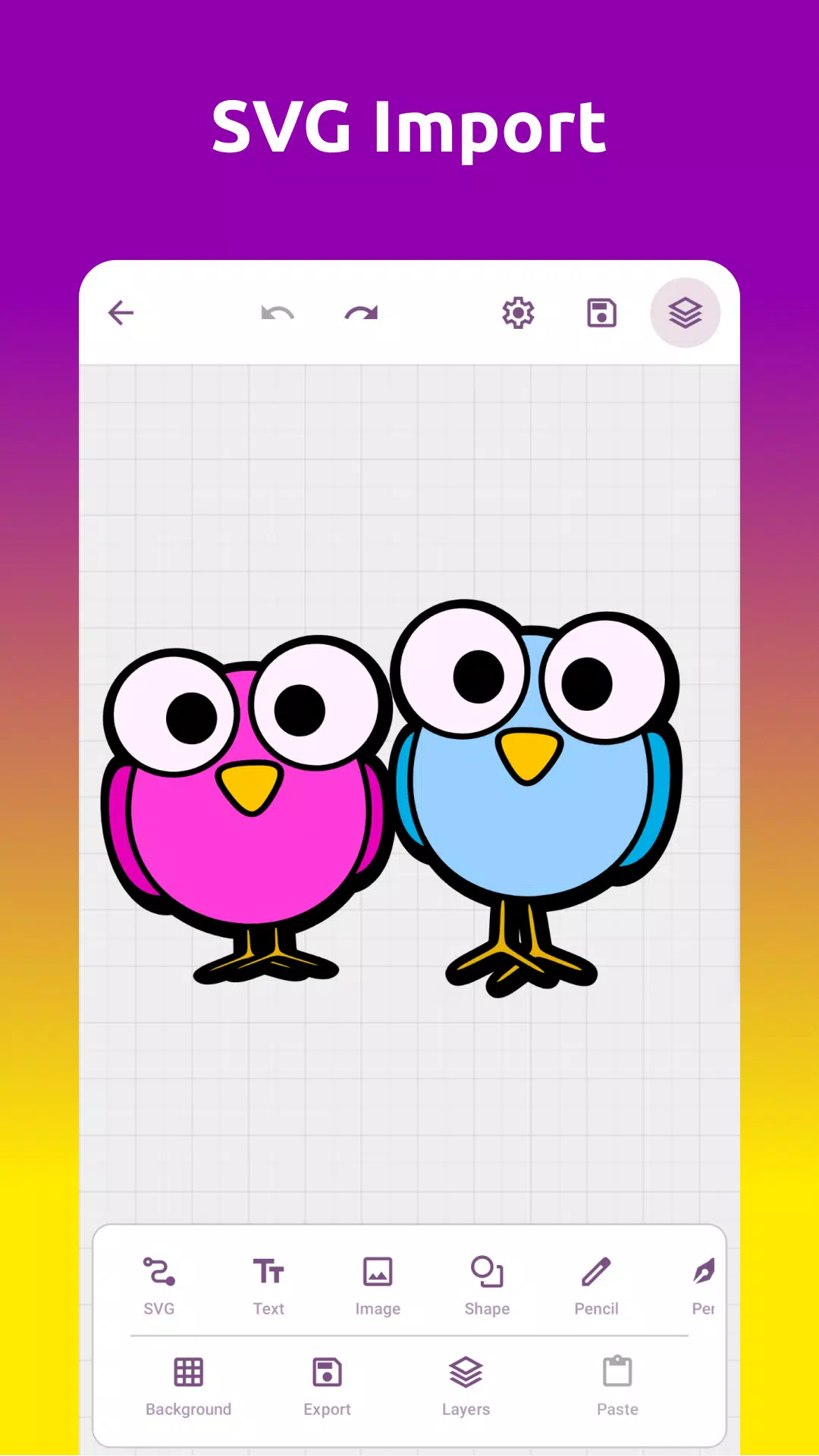
Grafika is a professional-grade Android application for image editing and visual experimentation, designed to give users a flexible set of tools for working with graphics, filters, and transformations. It combines a clean interface with real-time previews to help creators refine images quickly and efficiently on mobile devices.
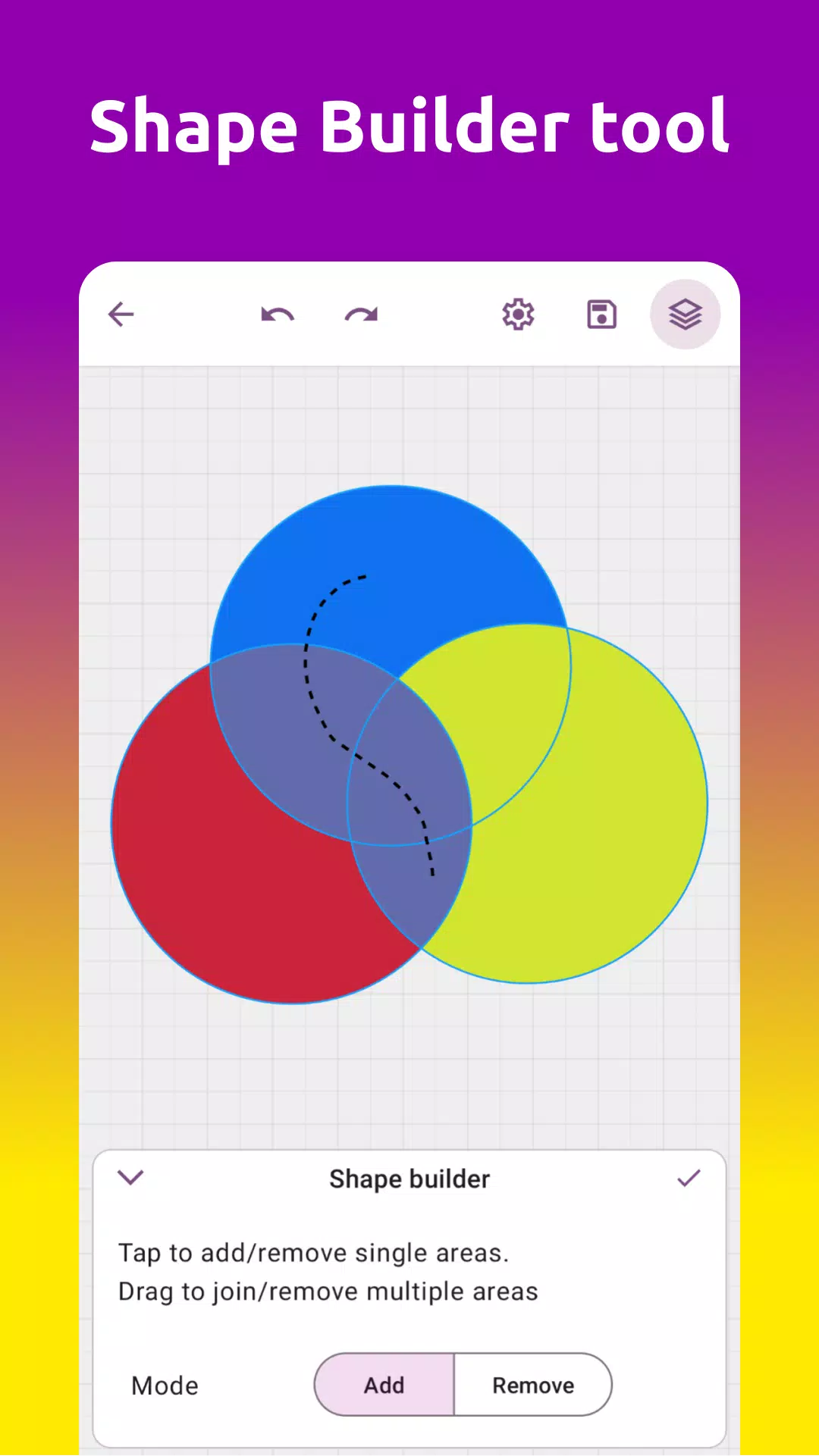
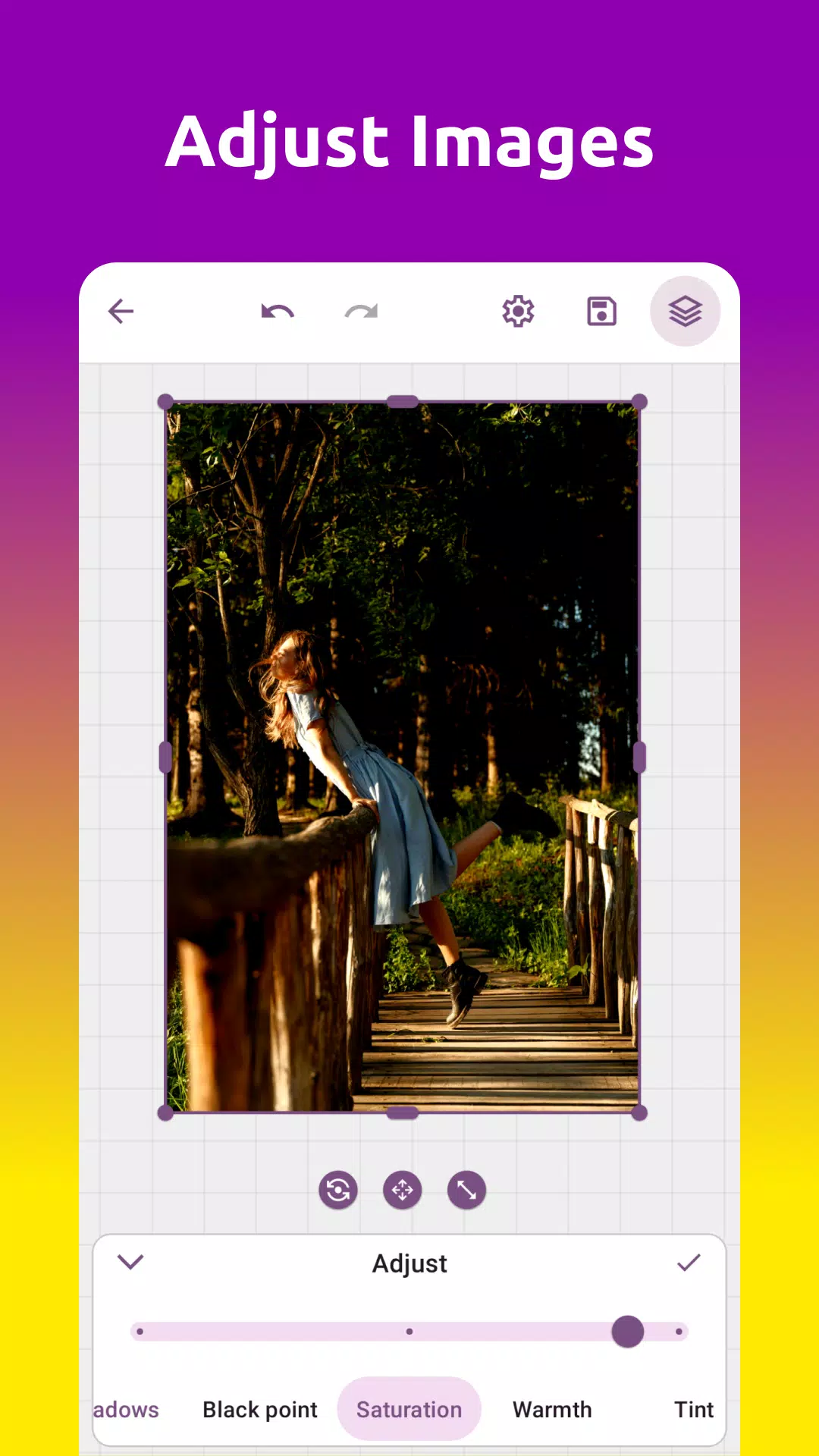
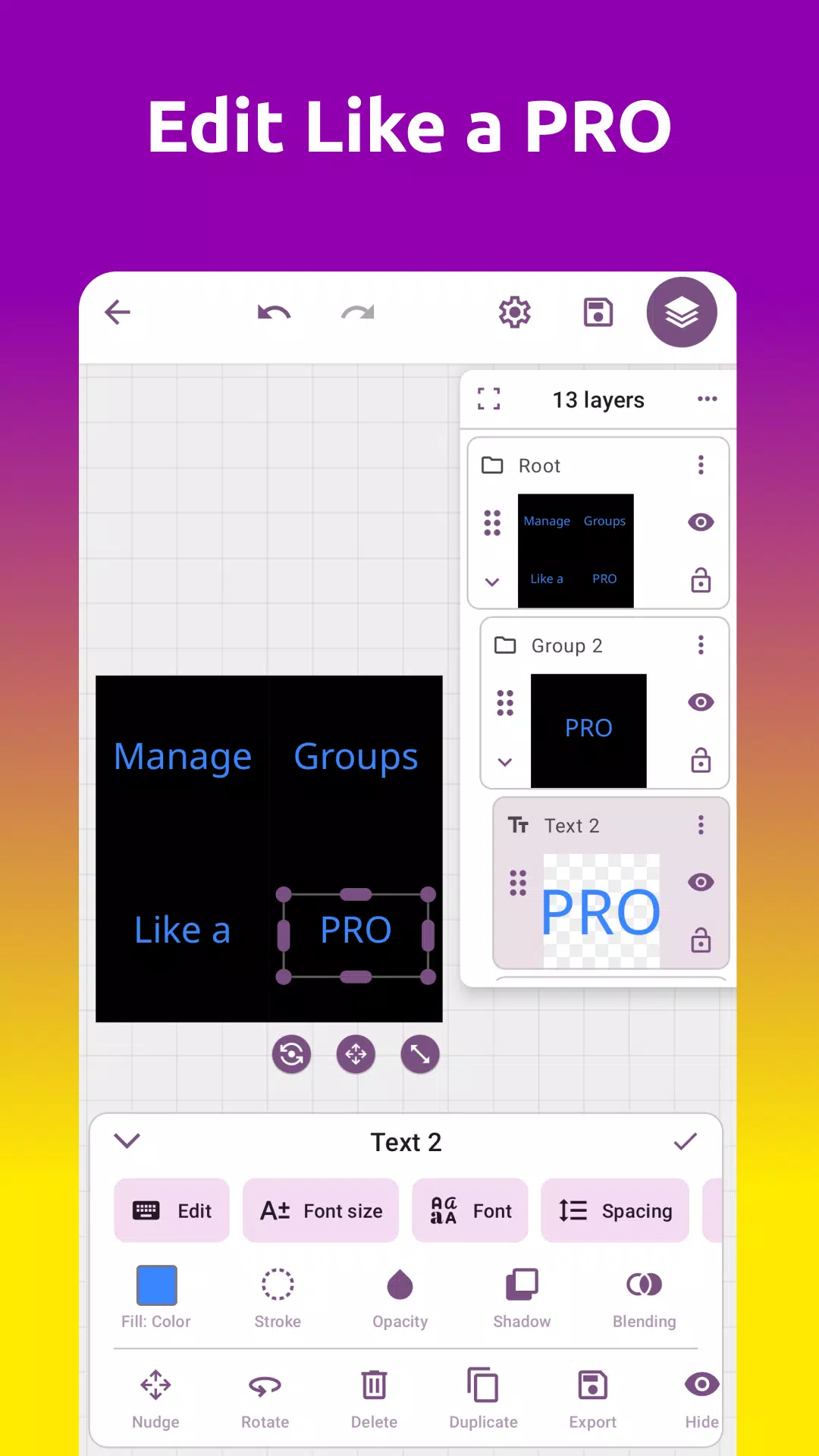
Grafika delivers a suite of tools for adjusting color, contrast, and composition as well as advanced operations like layer blending, masks, and non-destructive edits. The app supports common image formats and provides fast access to cropping, resizing, and rotation features. Its emphasis on precision makes it useful for photo retouching, design mockups, and visual testing.
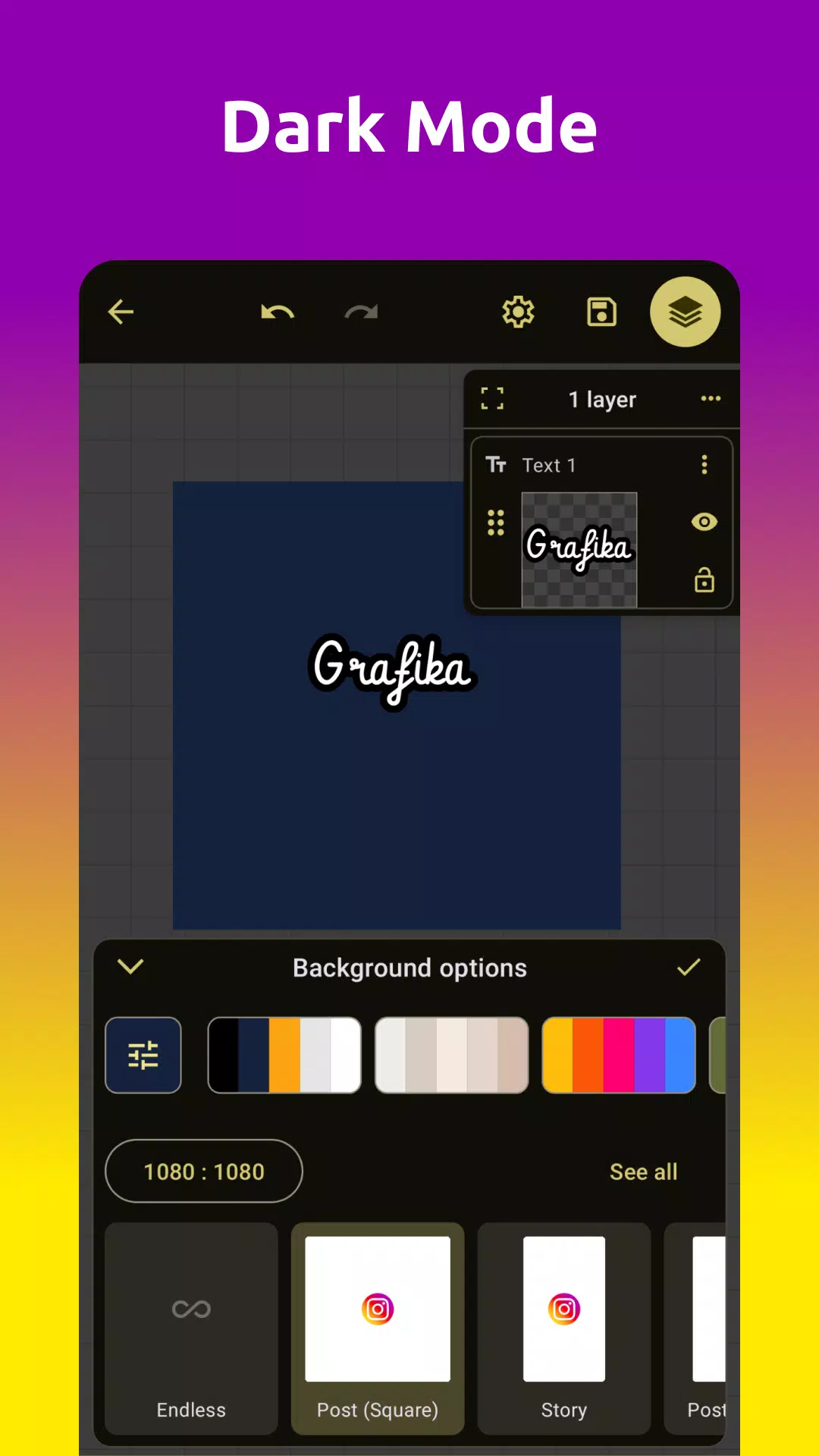
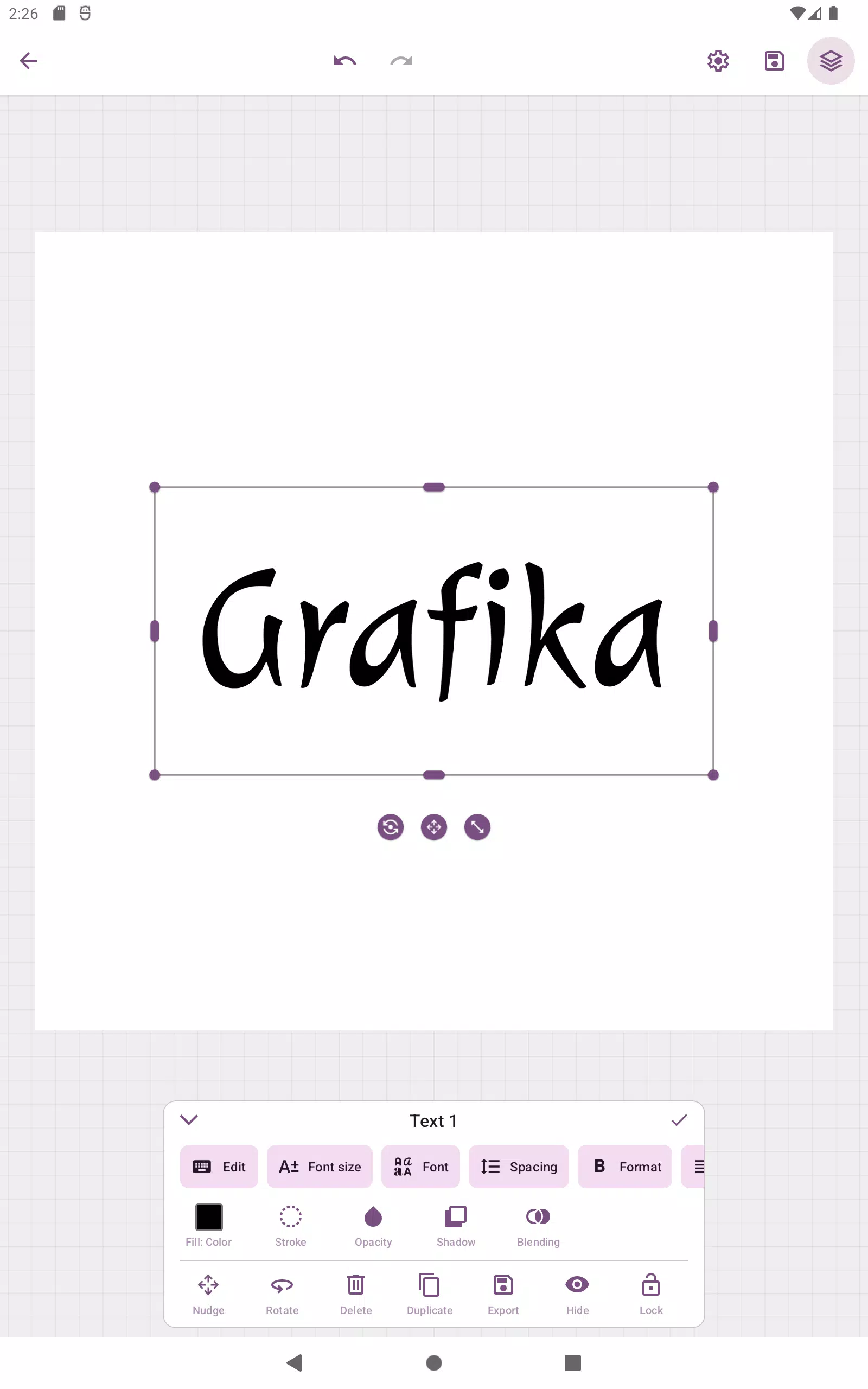
The interface prioritizes clarity: primary controls are arranged along a bottom toolbar, while a live preview occupies the central workspace. Panels are collapsible to maximize canvas space, and context-sensitive menus give quick access to relevant adjustments. Grafika streamlines common workflows by exposing frequently used features up front and grouping more advanced options in a second-level menu.
Among the standout tools are selective color correction, layered filters, and a set of creative blend modes. Users can stack multiple filters and toggle individual layer visibility to experiment without committing to changes. The app also includes a set of predefined presets for fast results, which can be customized and saved as new templates.
Grafika is optimized for modern Android devices, offering smooth pan and zoom operations even on large images. It takes advantage of hardware acceleration when available to speed up rendering and minimize battery drain. The app is compatible with many common image file types and exports high-quality results suitable for print or web use.
For users who demand precision, Grafika includes support for layer masks, curve adjustments, and a histogram display for evaluating tonal distribution. A snapshot history allows users to revert to earlier states, and an export queue simplifies creating multiple outputs at once. Scripting and automation hooks are included in the settings for repetitive tasks, enabling faster batch edits.
Grafika supports touch gestures, stylus input, and external keyboard shortcuts to speed up editing. Pressure-sensitive brush strokes and palm rejection improve the experience for tablet users with active pens. Customizable gestures allow users to tailor the app to their preferred ways of working and reduce repeated taps.
Export options are flexible: save to device storage, upload directly to cloud services, or share to social platforms. Export formats include PNG, JPEG, and TIFF with control over compression and color profiles. A preset manager helps maintain consistent export settings when preparing assets for clients or online portfolios.
Grafika fits multiple use cases, from quick photo touch-ups to detailed design work. Amateur photographers will appreciate the instant filter previews and one-tap corrections, while designers can leverage layers and masks to construct complex compositions. The app is also useful for educators and students who need a mobile tool for visual projects.
Grafika balances approachable tools with powerful options for detailed editing. Its combination of responsive performance, a clear layout, and advanced editing features makes it a strong choice for anyone needing a capable graphics app on Android. With regular updates and a focus on practical workflow enhancements, it continues to evolve to meet the needs of mobile creators.
OneUI 9.5: Dark Icon Pack
Size:138.35M PersonalizationSpektrum
Size:66.92M PersonalizationPixly Material You - Icon Pack
Size:126.40M PersonalizationGrafika
Size:9.80M PersonalizationOne UI 3D - Icon Pack
Size:123.20M PersonalizationFunko - Icon Pack
Size:91.54M PersonalizationRotation Control Pro
Size:4.00M PersonalizationLena Adaptive: Icon Pack
Size:30.80M PersonalizationColor OS - Icon Pack
Size:119.16M PersonalizationFluOxigen 3D - Icon Pack
Size:131.30M PersonalizationLines Dark Pro - Icon Pack
Size:57.94M PersonalizationDark Void Pro - Black Icons
Size:49.41M PersonalizationApril 2024 Clash of Clans Update: Unveiling a Fresh Companion, Enhanced Levels, Chat Tagging, and Be
2024-04-16Arrival of Genshin Impact 4.6 Update: 'Embers of Two Realms, Twilight of Crimson'
2024-04-16V2.2 of the Farlight 84 update introduces an overhauled Season structure, fresh in-game currency, an
2024-04-16Monster Never Cry is now accessible on both Android and iOS mobile devices.
2024-04-18PUBG Mobile Teams Up with Bentley Motors: Luxury Cars, Exclusive Collectibles, and Beyond
2024-04-18March 2024 Free Redemption Codes for Honkai: Star Rail
2024-04-18