English
Most icon collections promise a tidy home screen but leave you juggling mismatched colors and clumsy shapes. Spektrum offers a cohesive visual system for Android that focuses on bold strokes, saturated hues and coordinated wallpapers so your device feels intentional. This review walks through what Spektrum provides, how it fits into common setup workflows and practical ideas for using the pack whether you want a clean look for a work presentation or a themed layout for weekend photos.
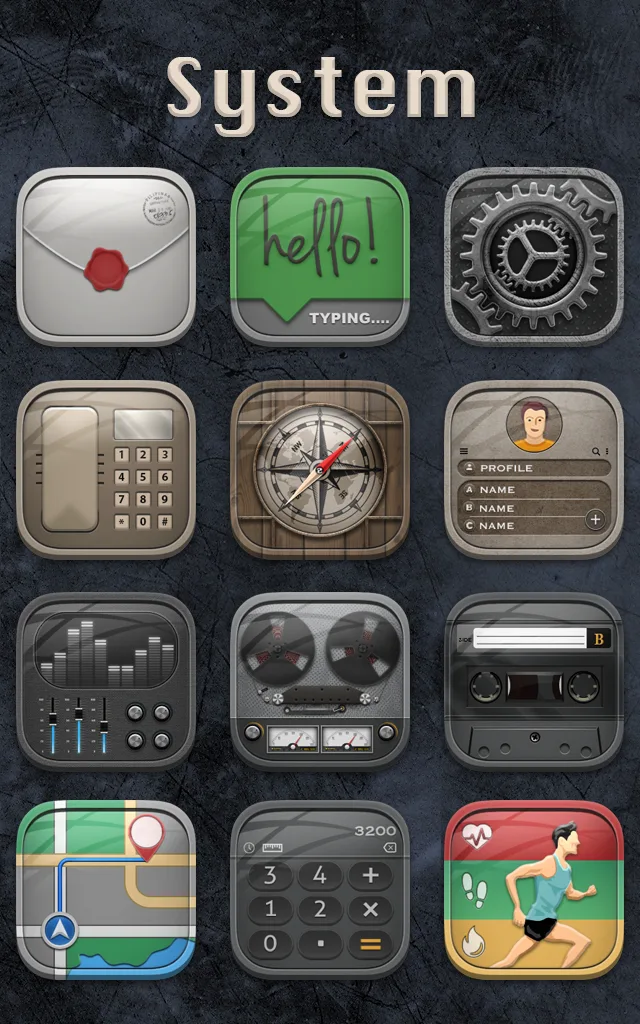
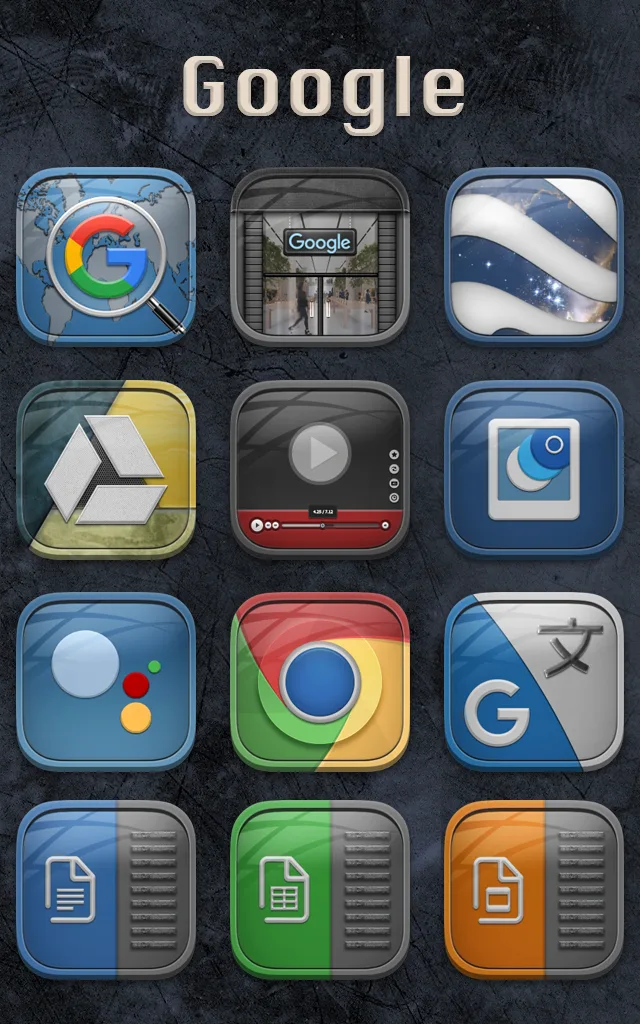
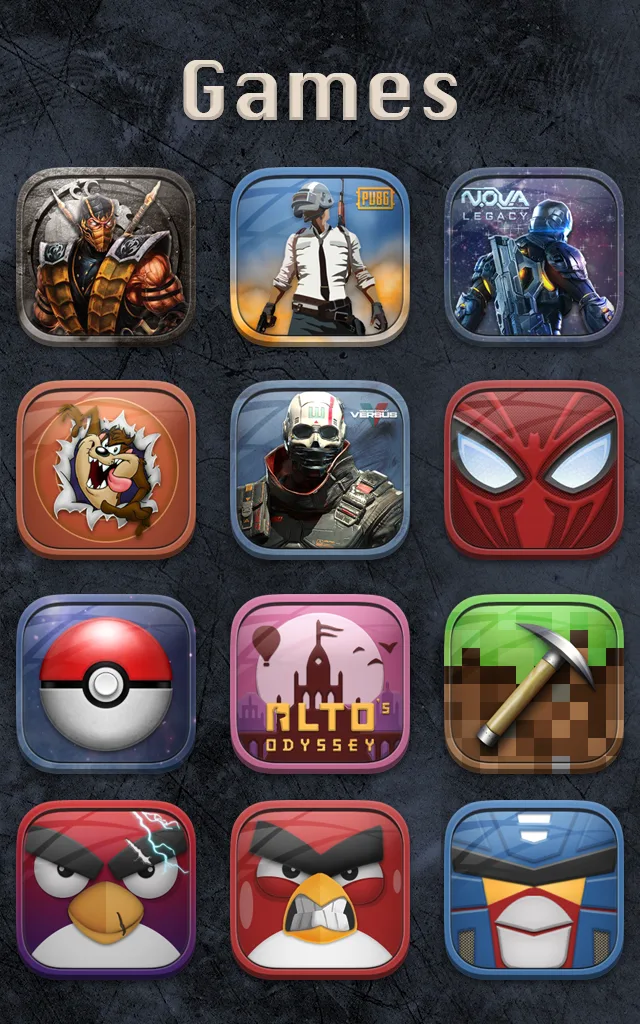
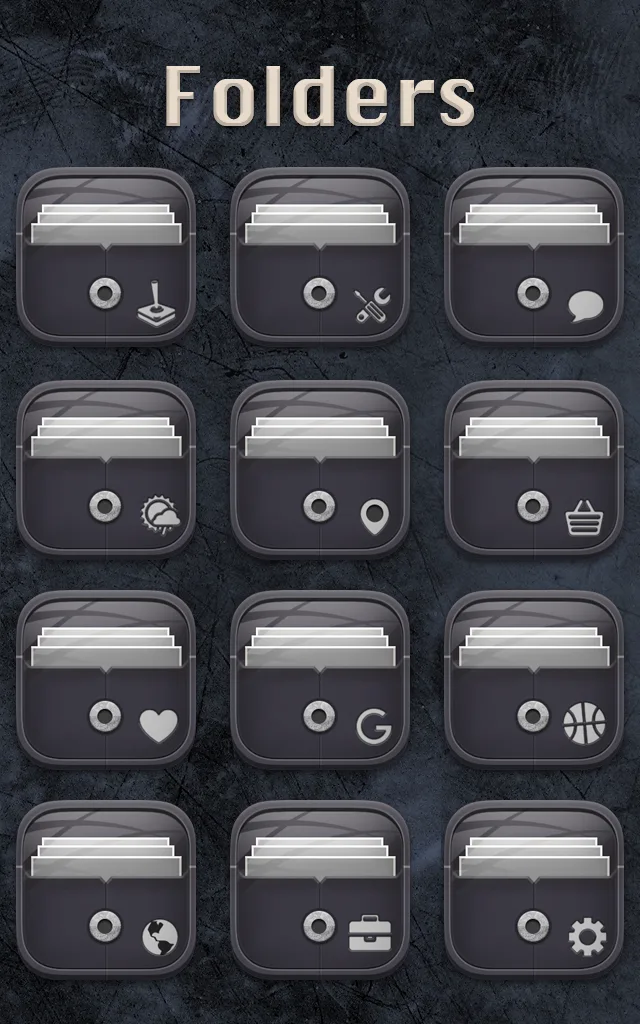
Icon pack: Spektrum centers on a comprehensive set of themed icons that replace default app glyphs with hand-styled alternatives to create a unified look.
Wallpapers: The package includes a rotation of curated backgrounds designed to match the icons, making it easy to get a consistent home screen aesthetic.
Compatibility: This app is built to work with popular third-party launchers and requires additional tools like KLWP and KWGT for advanced wallpaper and widget features.
Distinctive visual language: Spektrum uses a deliberate set of design choices so icons read clearly at a glance while maintaining a modern, artisanal feel.
Vibrant color set: The palette leans toward brighter tones and contrasts to make icons pop against darker or lighter wallpapers.
Large library: With over 1800 icon templates available, you can cover most commonly installed apps with themed variants and frequent updates.
Theme synchronization: Icon art and wallpapers are created to work together, so applying a theme keeps app shapes, accents and backgrounds in harmony.
Prepare prerequisites: Before applying Spektrum, install a compatible launcher plus KLWP or KWGT if you intend to use the dynamic wallpapers and widget skins.
Create a 'work' profile: Make a home screen profile for presentations or meetings that uses the calmer palette and simplified icons from Spektrum so your phone looks professional during calls.
Mix and match selectively: If a particular app needs a clearer symbol, swap only that icon rather than reverting the whole pack; this keeps the overall theme while preserving usability.
Do I need a special launcher to use Spektrum?
You will need a third-party launcher to apply the full icon set. Popular launchers support icon packs directly; KLWP and KWGT enable the custom wallpapers and widget layouts.
How many icons are included and are they updated?
Spektrum offers a large collection (around 1800+ templates) and the developer typically adds new icons over time to cover newer apps.
Can I use the wallpapers separately from the icons?
Yes, wallpapers can be applied on their own. Using KLWP gives you additional flexibility like animated or layered backgrounds, but static wallpapers work on any home screen.
Spektrum makes it simple to move from a scattered home screen to a coherent, colorful setup that still feels personal. If you value a bold, curated visual identity and don’t mind installing a compatible launcher and a couple of helper apps, Spektrum is worth trying—install it and see how a consistent icon and wallpaper system can refresh your device.
CRiOS Circle - Icon Pack
Size:119.80M PersonalizationOneUI 9.5: Dark Icon Pack
Size:138.35M PersonalizationSpektrum
Size:66.92M PersonalizationPixly Material You - Icon Pack
Size:126.40M PersonalizationGrafika
Size:9.80M PersonalizationOne UI 3D - Icon Pack
Size:123.20M PersonalizationFunko - Icon Pack
Size:91.54M PersonalizationRotation Control Pro
Size:4.00M PersonalizationLena Adaptive: Icon Pack
Size:30.80M PersonalizationColor OS - Icon Pack
Size:119.16M PersonalizationFluOxigen 3D - Icon Pack
Size:131.30M PersonalizationLines Dark Pro - Icon Pack
Size:57.94M PersonalizationApril 2024 Clash of Clans Update: Unveiling a Fresh Companion, Enhanced Levels, Chat Tagging, and Be
2024-04-16Arrival of Genshin Impact 4.6 Update: 'Embers of Two Realms, Twilight of Crimson'
2024-04-16V2.2 of the Farlight 84 update introduces an overhauled Season structure, fresh in-game currency, an
2024-04-16Monster Never Cry is now accessible on both Android and iOS mobile devices.
2024-04-18PUBG Mobile Teams Up with Bentley Motors: Luxury Cars, Exclusive Collectibles, and Beyond
2024-04-18March 2024 Free Redemption Codes for Honkai: Star Rail
2024-04-18