English
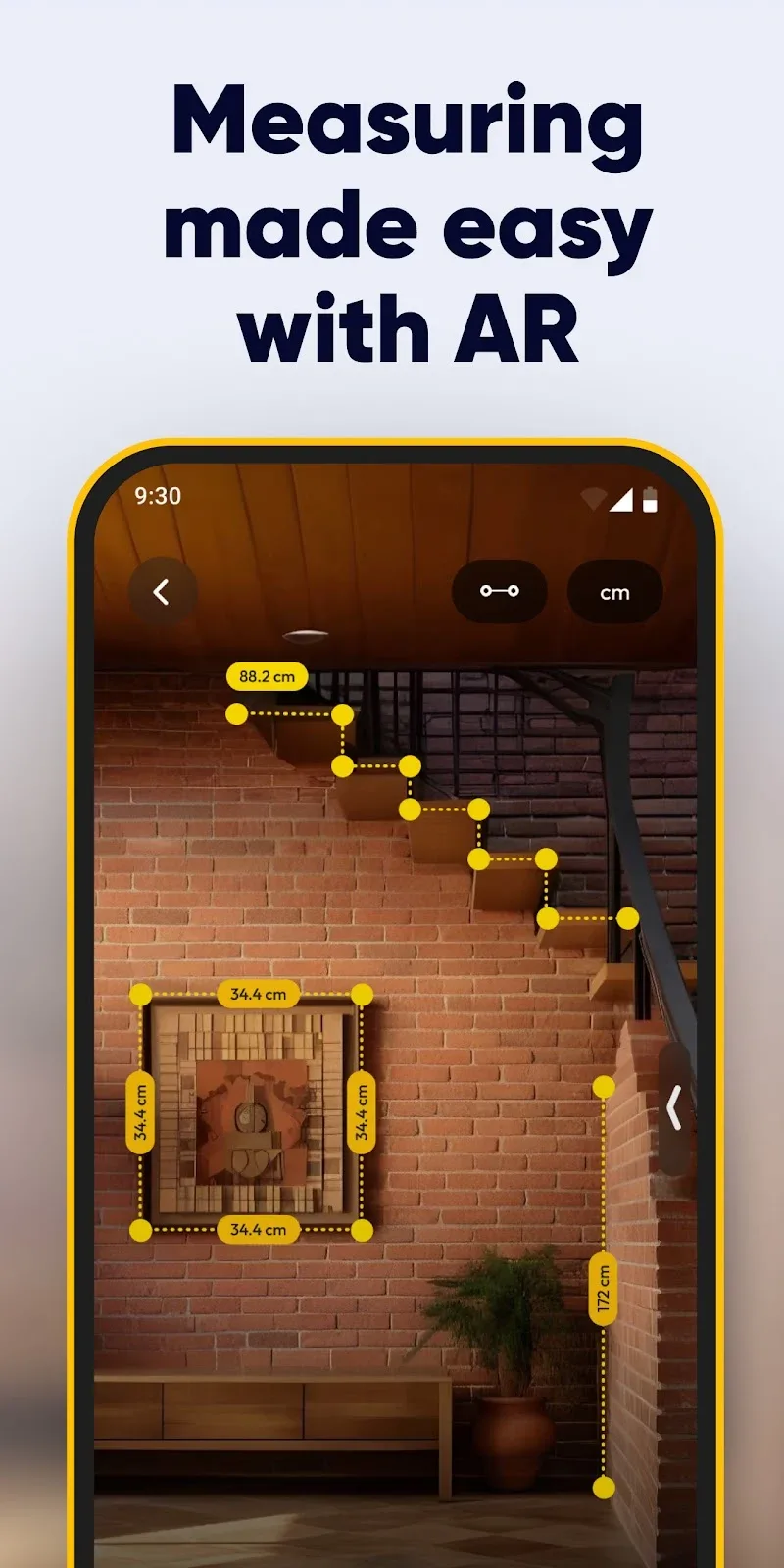
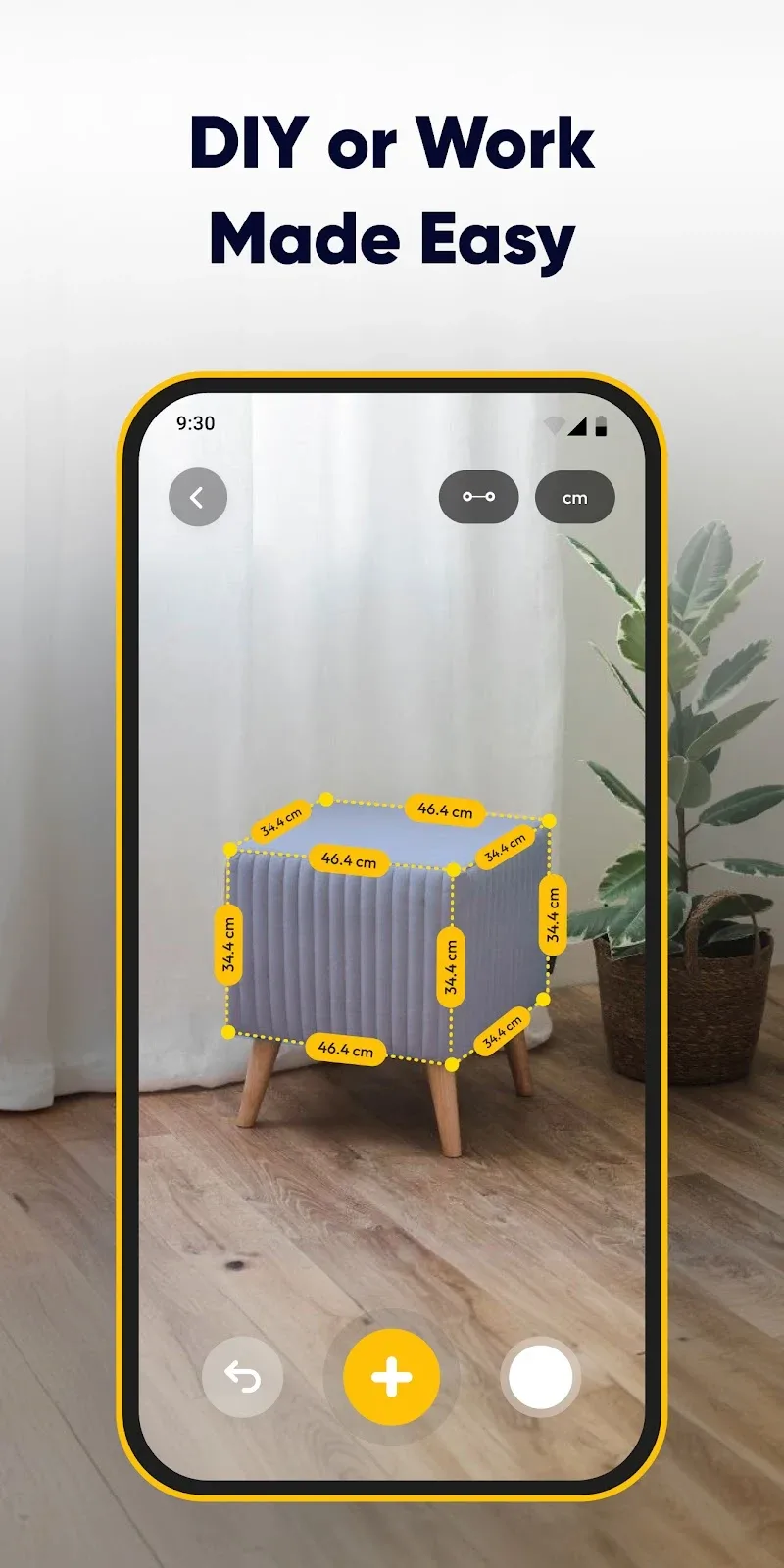
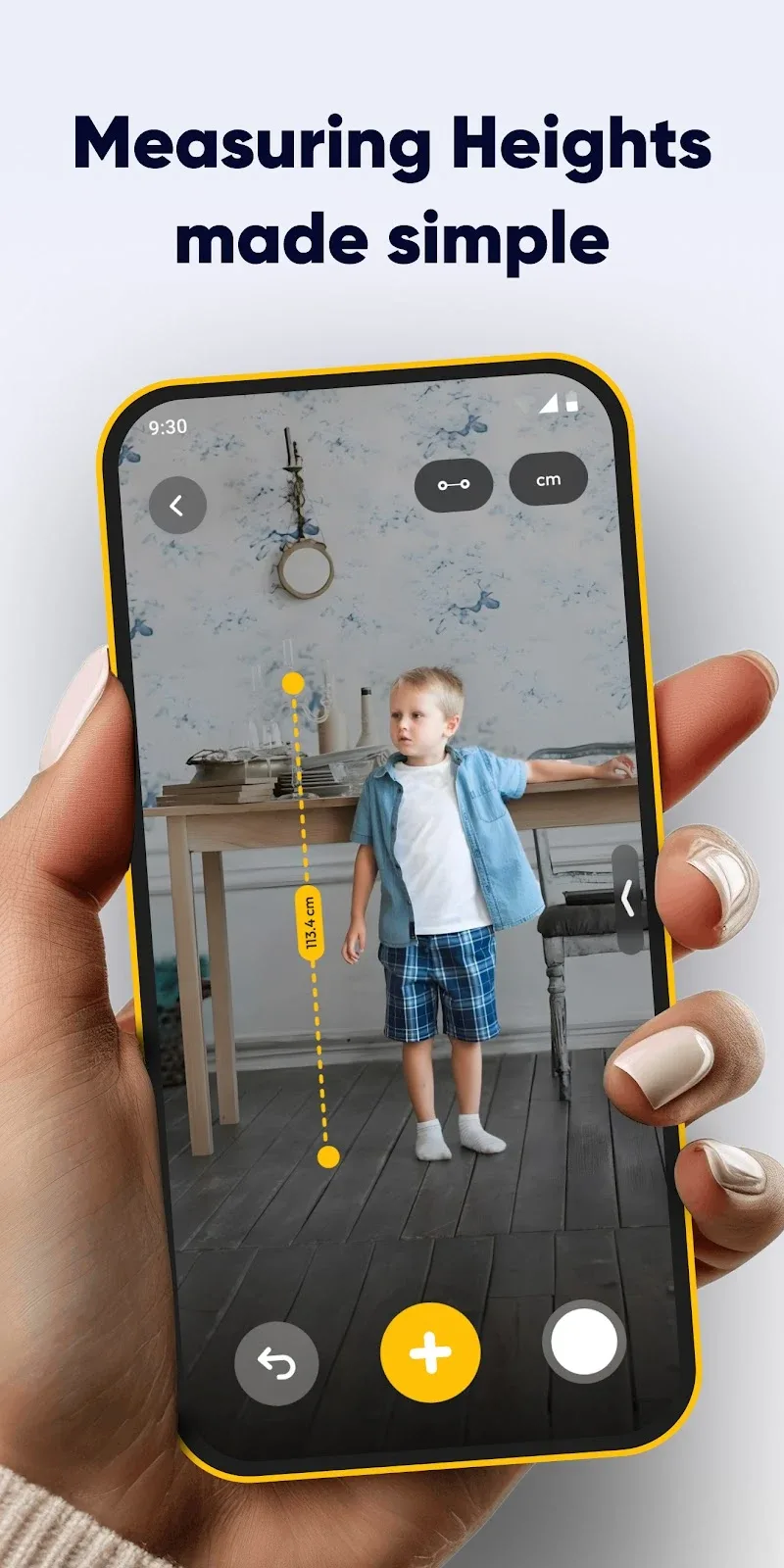
AR Measure Tape: SmartRuler is a precision AR measuring tool that turns your Android phone into a virtual tape measure and ruler. It provides quick distance estimates, object dimensions, and area calculations with a clean interface, suitable for DIY projects, interior planning, and on-the-spot measurements.
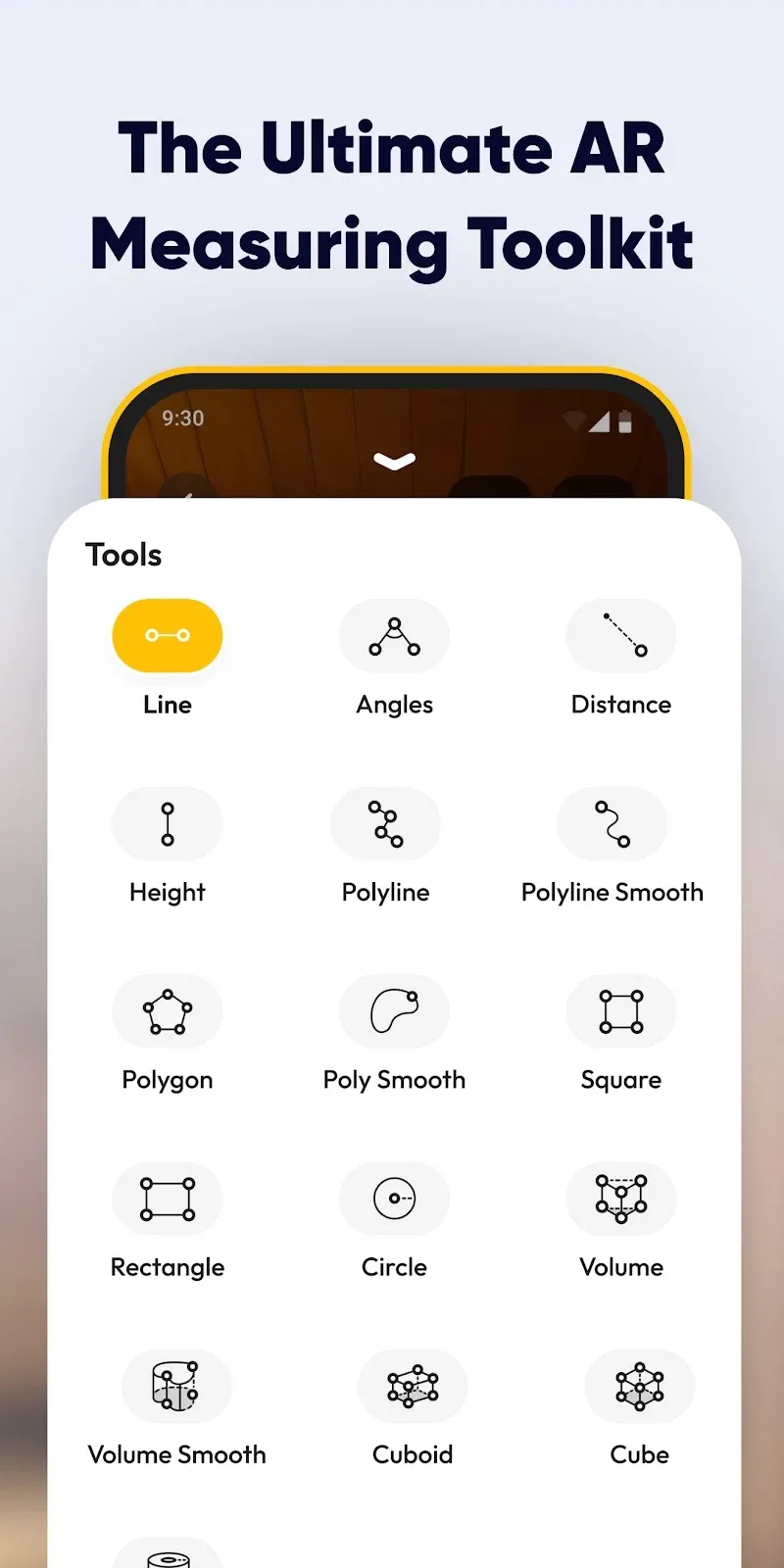
The app includes a selection of measurement modes designed for different tasks. Use a linear ruler for single edge-to-edge distances, a tape mode for longer spans, and a box or polygon mode for calculating perimeters and areas. SmartRuler supports unit switching between metric and imperial systems and offers on-screen guides and adjustable anchor points for more reliable results.
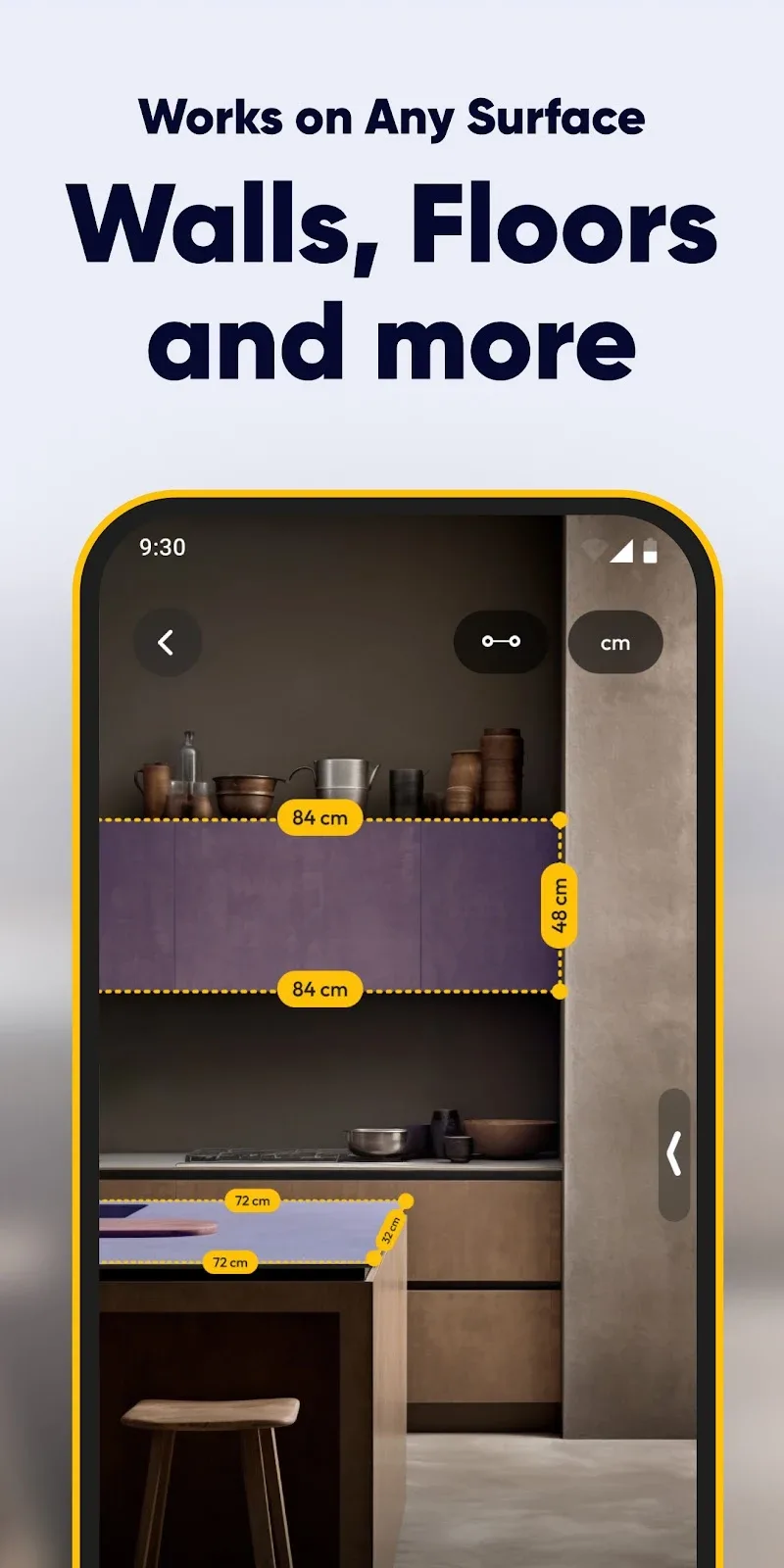
AR Measure Tape: SmartRuler relies on your device camera and ARCore (or compatible AR frameworks) to understand depth and surface planes. After calibrating with a simple tap and sweep motion, the tool places virtual anchors in the camera view. The app then calculates distances between anchors using the device’s spatial tracking, creating instant measurements that appear overlaid on real scenes.
SmartRuler presents a compact toolbar with clear icons so you can switch measurement modes with one touch. The workflow is straightforward: open the camera view, select a mode, tap to set starting and ending points, then refine anchors by dragging. Measurement labels remain visible while you adjust, and results can be locked, copied to the clipboard, or saved as screenshots for reference.
This app is helpful for homeowners, contractors, designers, and students. Quick tasks like checking furniture fit, measuring wall space for artwork, or estimating material length become faster without a physical tape. Professionals can rough-check distances on-site before taking precise measurements with traditional tools, while DIYers get a convenient way to verify dimensions during projects.
While AR Measure Tape: SmartRuler is useful for rapid estimates, its accuracy depends on lighting, camera quality, and surface detection. For best results, work in well-lit environments and keep the device steady during anchor placement. Smooth, textured surfaces allow the AR system to lock anchors more reliably than reflective or featureless backgrounds. Use multiple anchors and cross-check critical measurements with a physical tape for tasks that require high precision.
The app is optimized for modern Android devices with AR support, delivering smooth tracking on phones with capable processors and quality cameras. It conserves battery by pausing AR tracking when the app is idle and allows low-resolution preview modes to reduce processing load on older hardware. Check device compatibility and permission settings to enable camera and storage access before use.
Measurement sessions can be saved as annotated images for documentation or client communication. SmartRuler supports exporting screenshots and copying numerical values for pasting into notes or spreadsheets. This makes it easy to share quick site estimates with colleagues or to keep a reference log of dimensions gathered during a planning session.
The settings panel offers customization of units, decimal precision, and label visibility. You can toggle an on-screen grid to help align anchors visually and enable vibration feedback for anchor placement confirmations. These small adjustments let you tailor the app’s behavior to your personal workflow and preference.
To begin, allow camera permissions, follow the brief calibration prompts, and choose your measurement mode. Practice on familiar objects to get a feel for anchor placement and the app’s responsiveness. After a few quick measurements, you’ll understand when SmartRuler is ideal for fast checks and when to switch to a traditional tape for exacting jobs.
AR Measure Tape: SmartRuler streamlines common measuring tasks by combining augmented reality with intuitive controls and export options. It is a convenient companion for anyone who needs instant dimensional feedback without carrying extra tools, and it integrates easily into everyday planning and verification routines.
Jota
Size:19.82M ToolsCapacity Info: Battery Health
Size:6.07M ToolsStatus Bar Mini Pro
Size:3.22M ToolstinyCam PRO
Size:93.20M ToolsBlock-Spam
Size:10.16M ToolsWiFi Monitor Pro
Size:4.12M ToolsAR Measure Tape: SmartRuler
Size:52.15M ToolsInSave
Size:14.29M ToolsTalker ACR
Size:16.98M ToolsInfiniteClone
Size:64.53M ToolsLG Remote
Size:20.44M ToolsClone Master
Size:7.67M ToolsApril 2024 Clash of Clans Update: Unveiling a Fresh Companion, Enhanced Levels, Chat Tagging, and Be
2024-04-16Arrival of Genshin Impact 4.6 Update: 'Embers of Two Realms, Twilight of Crimson'
2024-04-16V2.2 of the Farlight 84 update introduces an overhauled Season structure, fresh in-game currency, an
2024-04-16Monster Never Cry is now accessible on both Android and iOS mobile devices.
2024-04-18PUBG Mobile Teams Up with Bentley Motors: Luxury Cars, Exclusive Collectibles, and Beyond
2024-04-18March 2024 Free Redemption Codes for Honkai: Star Rail
2024-04-18