English
Fast CV Maker helps you build polished, professional resumes in minutes using a guided, user-friendly interface. Fast CV Maker focuses on clarity, layout and practical prompts so you can assemble a CV that clearly communicates your experience and skills for a specific role. The app is designed for people who want a fast, no-fuss way to produce high-quality PDFs or printable resumes without learning complex design tools.
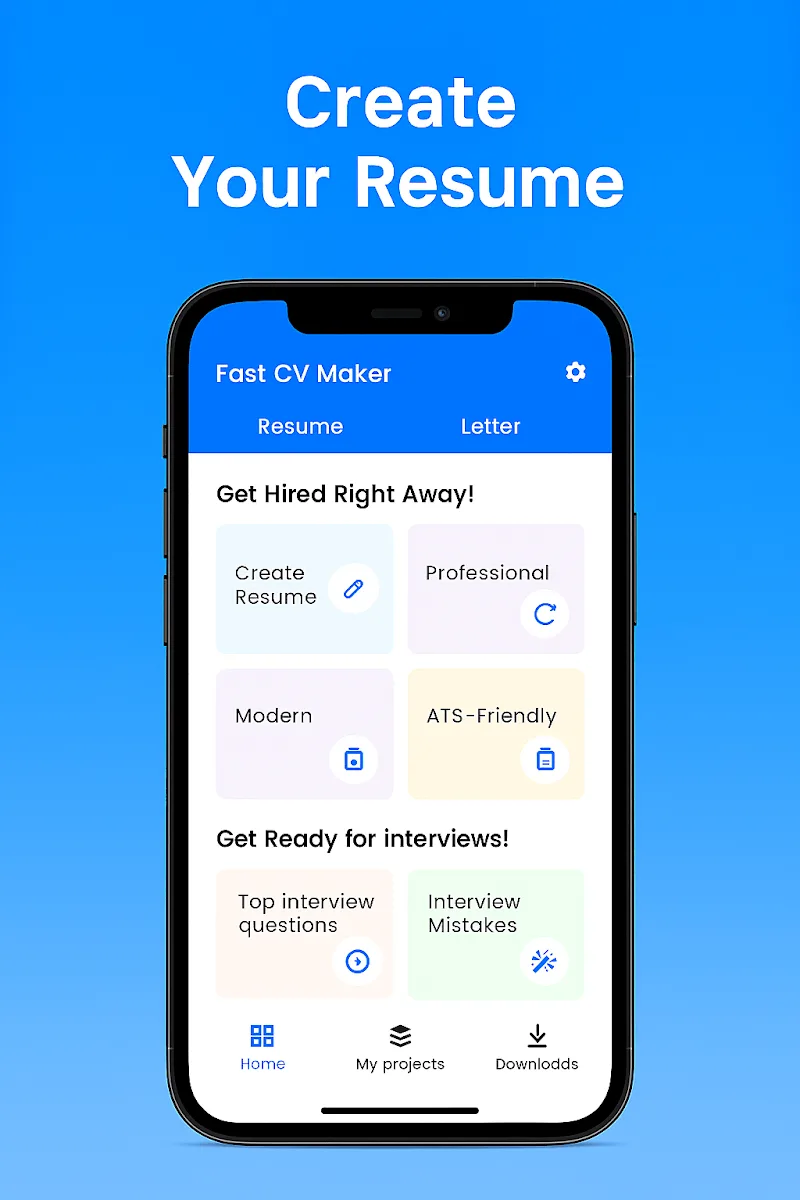
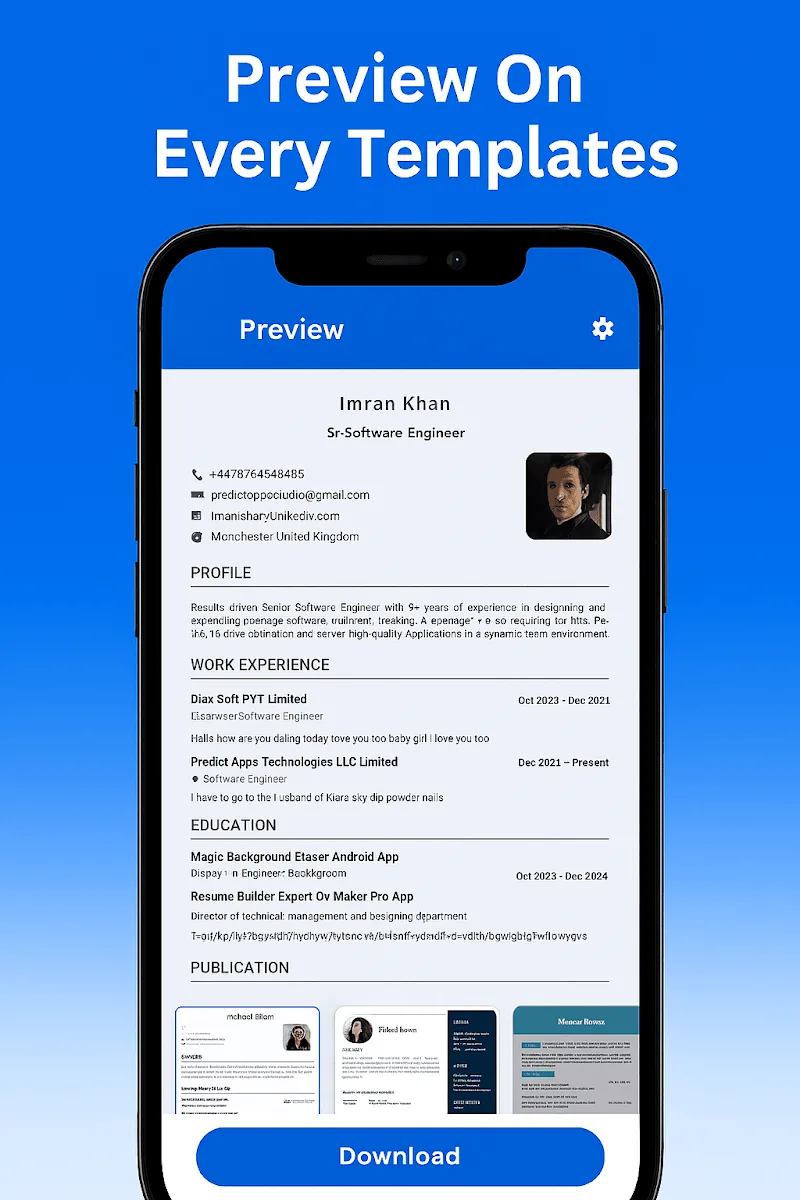
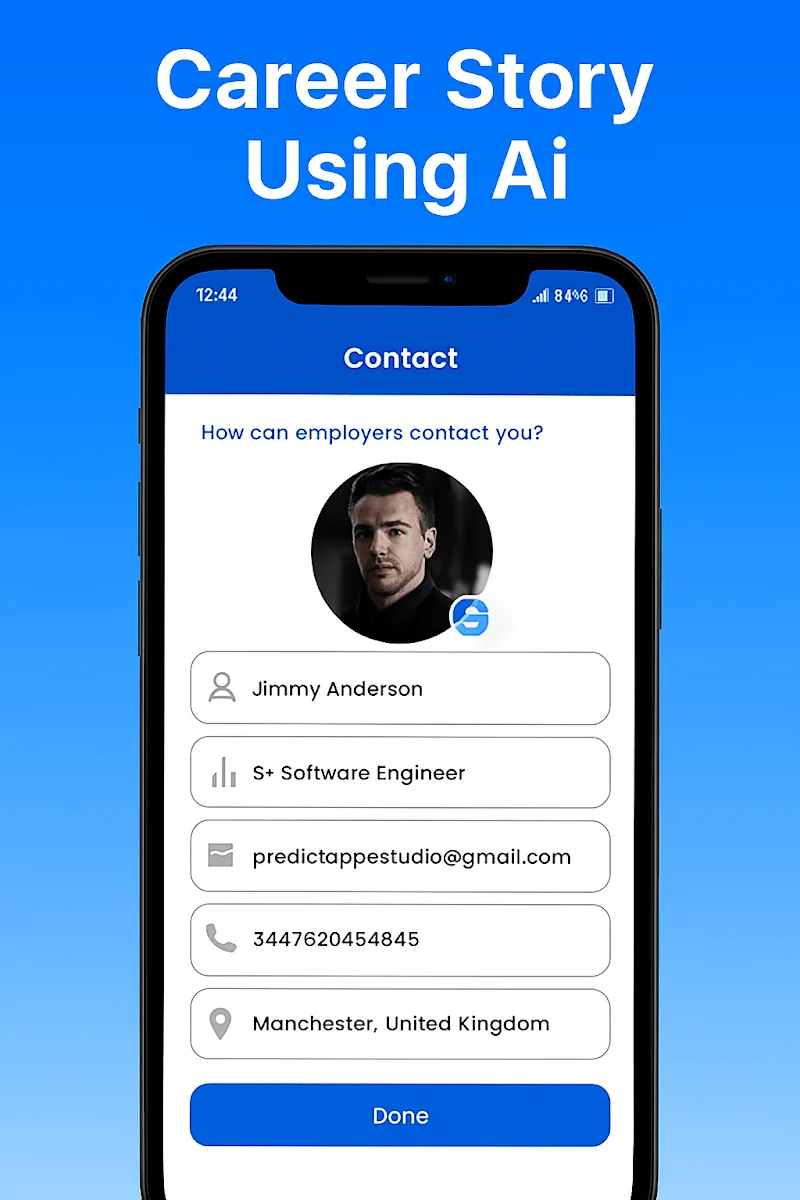
Fast CV Maker provides a smart resume builder that walks you through each section with clear guidance and contextual suggestions. Templates are modern and clean, optimized for legibility and concise content. The app offers step-by-step prompts for common sections like contact details, summary, work experience, education, skills and certifications, and it highlights typical omissions so you can finish with confidence. You can reorder sections, add or hide fields to tailor layouts for different applications, and preview a print-ready PDF before exporting. Share and print options let you distribute completed CVs directly from your device.
The workflow centers on simple controls: tap to edit any field, long-press or drag to reorder sections, and use inline preview to check spacing and page breaks. A visual progress indicator shows which sections are complete and which need attention, reducing the back-and-forth when tailoring a CV for different roles. Export settings let you choose page size and basic margin settings so the PDF looks the same when printed. Because edits are stored locally, you can work without an internet connection and export finished files at any time.
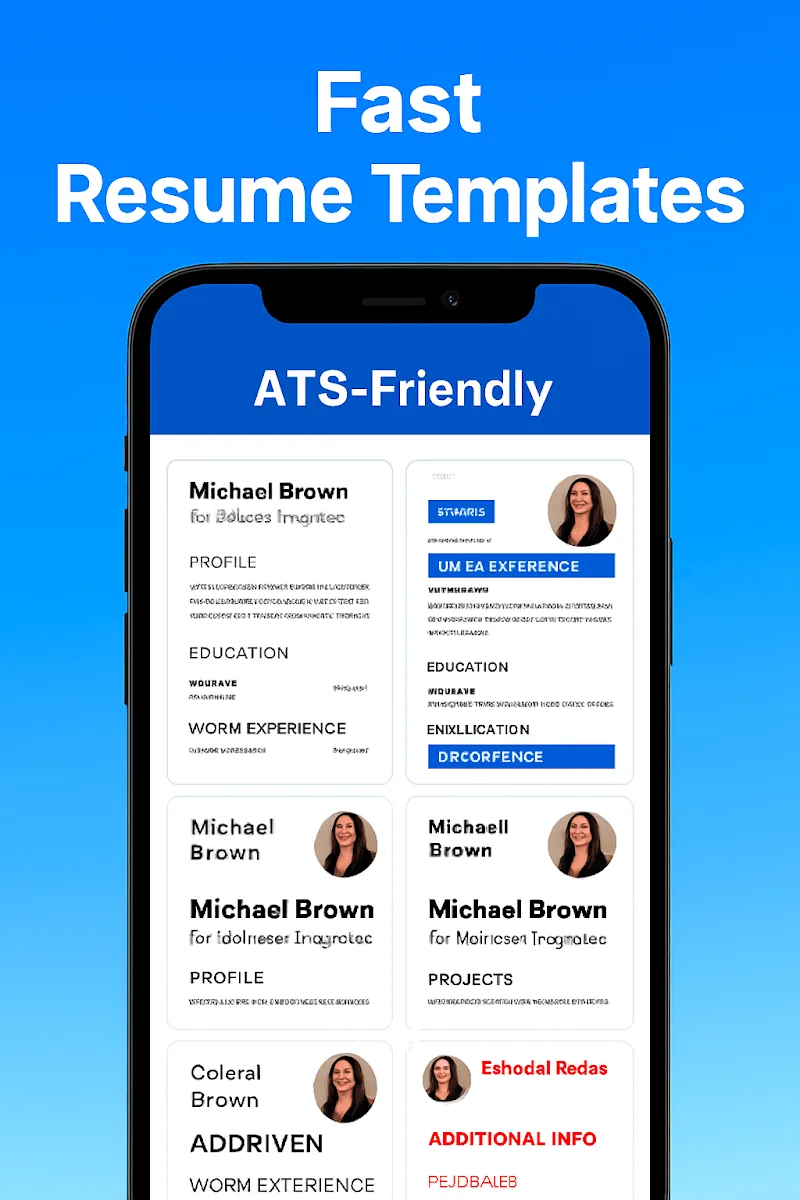
Templates are designed with professional typography, clear headings and balanced white space to improve scannability by hiring managers and applicant tracking systems. You can make basic customizations such as adjusting font size, toggling section visibility and applying a limited set of color accents for headings or section dividers. These options make it easy to adapt a single template for corporate, creative or technical roles while keeping the overall layout consistent and printer-friendly. Power users should note that advanced graphic edits are intentionally limited to keep templates reliable across devices.
The app encourages an efficient progression through resume creation by breaking the process into manageable stages: personal details, summary, experience, education, skills and extras. You can save multiple CVs on your device to maintain tailored versions for different job types or industries, which boosts replay value when you apply to several positions. Copying an existing resume into a new document lets you experiment with wording and layout quickly without rebuilding your entire CV from scratch.
Fast CV Maker emphasizes a clean, distraction-free editor and readable templates. Controls are intentionally simple to reduce the learning curve for users of all experience levels. Templates use high-contrast color combinations and legible typefaces to help users with visual impairments, and the app works smoothly with standard screen readers and system accessibility settings. Keyboard navigation and large-touch targets make editing faster on both phones and tablets.
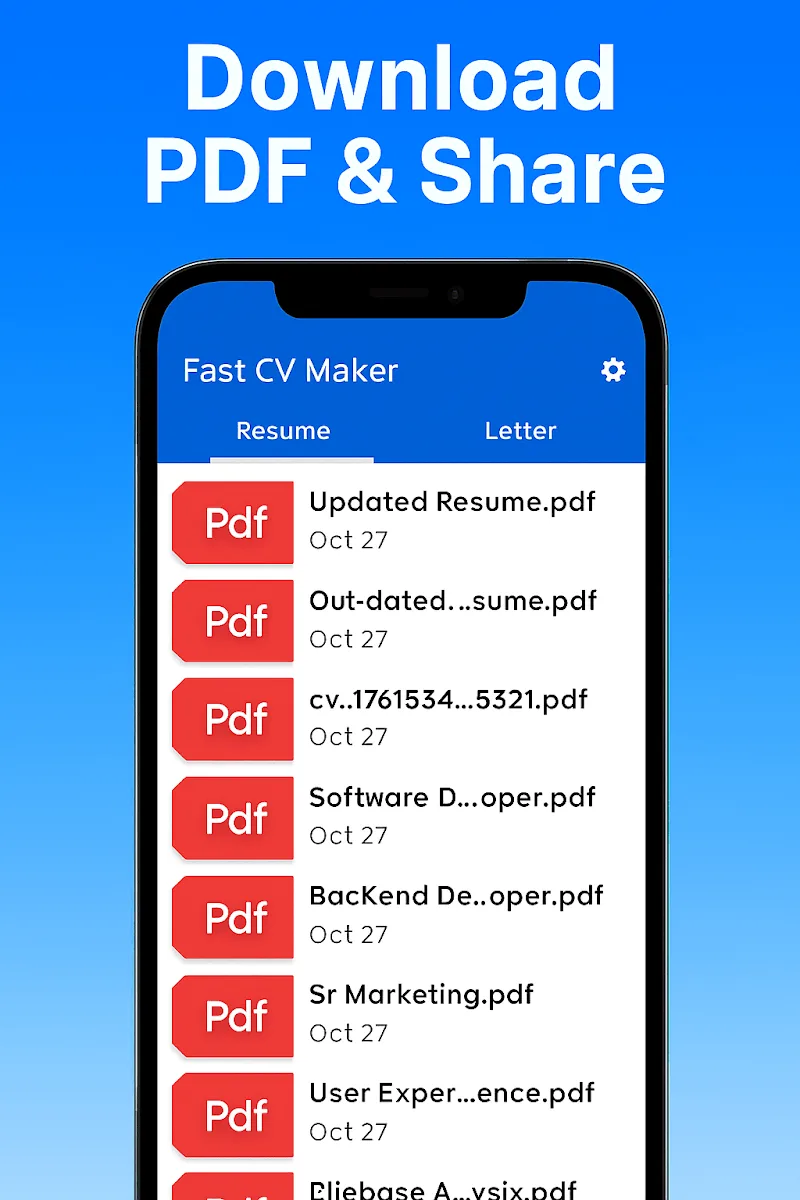
The core editing and export functions are available offline, so you can draft and finalize resumes without an internet connection. This local-first approach keeps your data on the device and ensures you can generate a final PDF whenever needed. Exported files are standard PDFs compatible with common email and printing workflows.
Use the built-in prompts to avoid common mistakes like missing dates, unclear job titles or contact information that is hard to find. Tailor your summary and keywords to the job description rather than using a generic statement, and review formatting in the preview mode to avoid orphaned lines or awkward page breaks. While Fast CV Maker speeds up layout and content assembly, a final manual review will help ensure nuanced or niche job requirements are addressed correctly.
Fast CV Maker is aimed at fast, professional CV creation and intentionally limits highly advanced graphic editing. Users who need complex visual layouts or detailed typographic control may find the customization set basic. Print and device-specific layout results can vary slightly depending on printer drivers and paper settings, so testing a print preview before final copies is recommended.
Fast CV Maker
Size:30.67M FinanceAutomated Expense Tracker
Size:12.53M FinanceMoney Tracker Expense Tracker
Size:24.21M FinanceFast Scan by CamScanner
Size:37.51M FinanceExpense IQ
Size:29.73M FinanceCover Letter
Size:11.77M FinanceCV Engineer
Size:16.85M FinanceSimple Invoice Manager
Size:25.30M Finance华融融达期货
Size:109.18M FinanceChurchNest
Size:83.00M FinanceYnotOne
Size:0.00M FinanceMoohan Taekwondo
Size:10.80M FinanceApril 2024 Clash of Clans Update: Unveiling a Fresh Companion, Enhanced Levels, Chat Tagging, and Be
2024-04-16Arrival of Genshin Impact 4.6 Update: 'Embers of Two Realms, Twilight of Crimson'
2024-04-16V2.2 of the Farlight 84 update introduces an overhauled Season structure, fresh in-game currency, an
2024-04-16Monster Never Cry is now accessible on both Android and iOS mobile devices.
2024-04-18PUBG Mobile Teams Up with Bentley Motors: Luxury Cars, Exclusive Collectibles, and Beyond
2024-04-18March 2024 Free Redemption Codes for Honkai: Star Rail
2024-04-18