English
Multi Space:Dual Apps helps users who juggle separate work and personal accounts keep everything organized on a single Android device. The app creates isolated copies of installed applications so you can run two or more accounts at once without mixing data, cookies or login tokens. Designed for fast switching and simple account management, Multi Space:Dual Apps gives you a compact dashboard, per-clone controls and an optional upgrade path if you need extra capacity or priority support.
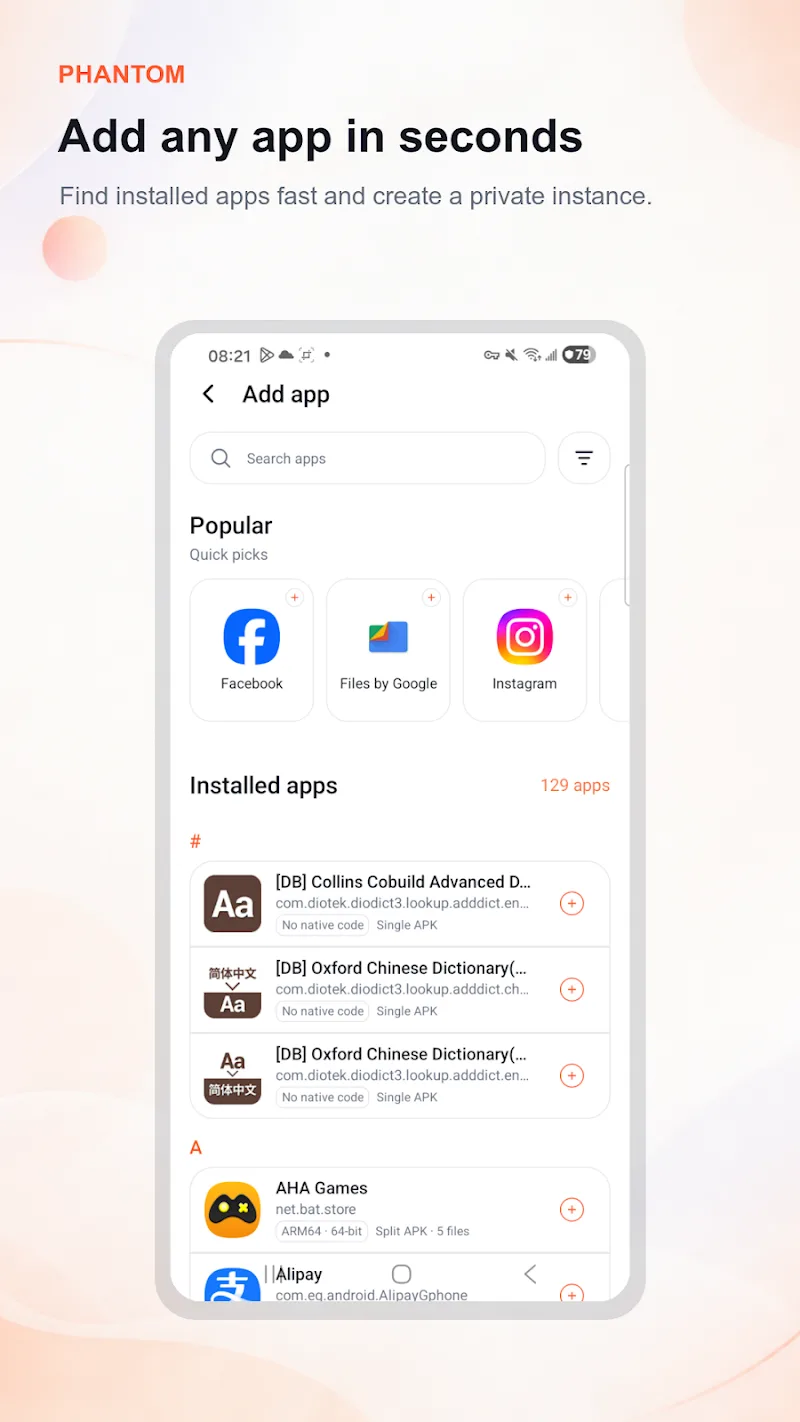
Install and open the app, then grant the basic permissions it requests so cloning and management functions can run correctly. The onboarding guides you through the minimum settings: permission for creating separate storage areas and the ability to place shortcuts on your home screen. Core controls are simple: tap an app in the list to clone it, long-press a clone entry to reveal management actions, and use the dashboard toggles to enable or disable instances without deleting them.
When you create a clone the system treats it as an independent application with its own data folder. Each clone can be launched directly from the Multi Space:Dual Apps dashboard or added as a shortcut to your launcher for quicker access. You can configure permissions and notification behavior per cloned instance so alerts and access rights stay separate between your accounts.
App isolation is the central feature: cloned instances keep separate storage so cookies, authentication tokens and in-app settings do not overlap. That isolation makes it practical to run multiple social, messaging or business accounts on the same phone without repeated sign-ins. The quick switch control reduces friction — switch between copies with one tap instead of signing out and back in, which speeds up frequent tasks.
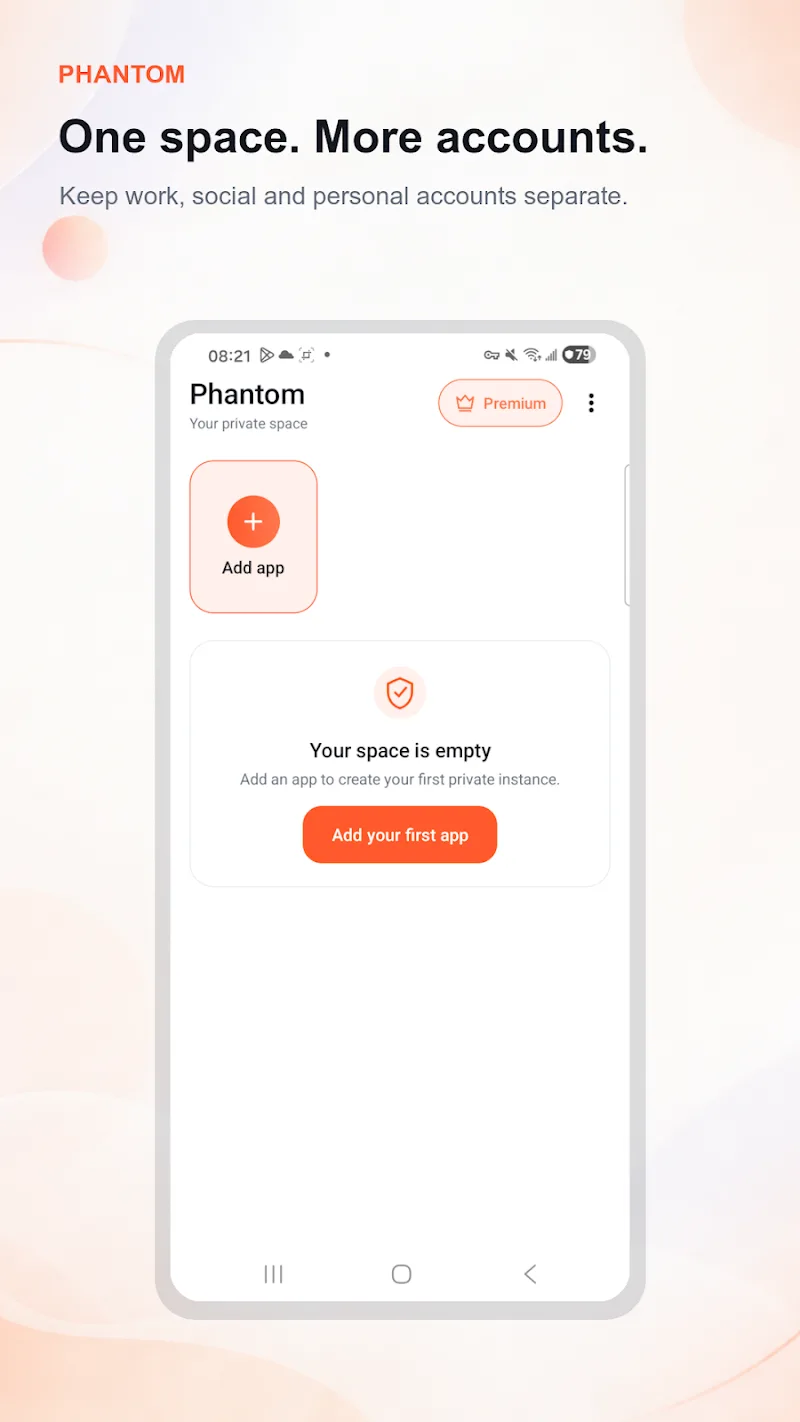
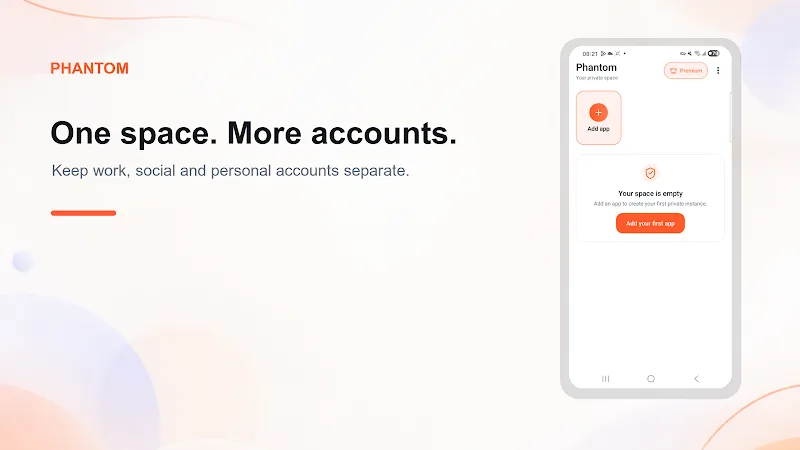
The centralized dashboard lists active clones, shows a simple storage overview for each instance and provides shortcuts for creating, pausing or removing clones. The interface emphasizes clarity: readable labels, compact status icons and straightforward access to permission controls. If you rely on many accounts, the optional premium tier increases the allowed number of clones and adds priority support via email for troubleshooting.
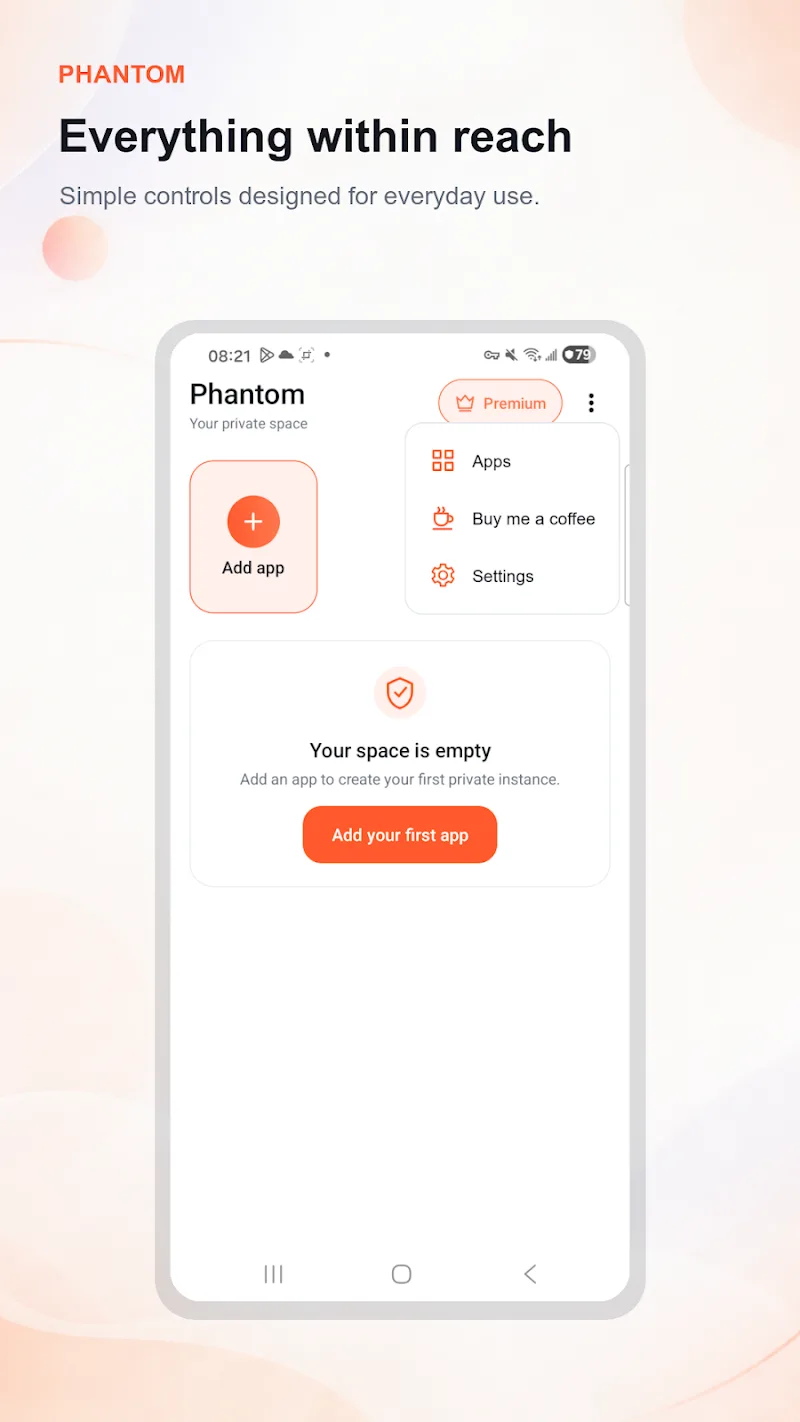
Interaction patterns are familiar to Android users: tapping, long-pressing and simple menu choices handle most tasks. Organization options let you reorder clone entries, create home-screen shortcuts and keep frequently used clones at the top of the dashboard. While the app avoids deep customization that could complicate setup, it provides practical labeling and shortcut placement so you can keep personal and professional workflows distinct.
Progression in Multi Space:Dual Apps is driven by how you use slots rather than game-like levels: start with a few clones to test workflows, then expand as needed. The free tier is suited to light daily use; upgrading unlocks higher clone limits and faster support. Core cloning and switching functions operate locally on the device and do not require a constant connection, but individual cloned apps may need network access for login, synchronization or verification steps.
The app supports a wide range of standard Android apps and many lightweight games, but a few services still require a unique phone number or platform verification that cannot be bypassed by cloning. Running many active clones will increase memory and battery usage, so balance the number of instances with your device’s capabilities. Multi Space:Dual Apps is designed to work with Android’s accessibility features such as system text scaling and common screen readers, and the dashboard layout keeps touch targets large enough for comfortable use.
For reliable performance, keep an eye on storage and clear cached data for clones you use infrequently. If you encounter login issues, check the cloned instance’s permissions and network access, and consider using fewer simultaneous active clones on older devices. Backup important data from original apps when possible, since the cloning process preserves separate data folders but does not replace traditional app backups.
Multi Space:Dual Apps is a practical utility for anyone who needs clear separation between personal and professional app usage, testers who want isolated environments, or users who maintain multiple social identities. With straightforward controls, a compact dashboard and the option to scale capacity through upgrades, the app focuses on reducing repeated logins and keeping routines tidy while respecting device limitations and common verification requirements.
Multi Space:Dual Apps
Size:7.90M ToolsPrivify: Fast Secure VPN Proxy
Size:33.42M ToolsTForwarder - message forwarder
Size:6.90M ToolsGFX Tool for PUBG
Size:4.06M ToolsIP Scanner
Size:27.04M ToolsPingTools Pro
Size:5.86M ToolsGlextor App Folder Organizer
Size:6.04M ToolsRoom Planner
Size:22.60M ToolsAndProxy
Size:5.45M ToolsSkyVPN
Size:26.70M ToolsUPX v98.0.4758.101
Size:159.30M ToolsColorize it
Size:36.00M ToolsApril 2024 Clash of Clans Update: Unveiling a Fresh Companion, Enhanced Levels, Chat Tagging, and Be
2024-04-16Arrival of Genshin Impact 4.6 Update: 'Embers of Two Realms, Twilight of Crimson'
2024-04-16V2.2 of the Farlight 84 update introduces an overhauled Season structure, fresh in-game currency, an
2024-04-16Monster Never Cry is now accessible on both Android and iOS mobile devices.
2024-04-18PUBG Mobile Teams Up with Bentley Motors: Luxury Cars, Exclusive Collectibles, and Beyond
2024-04-18March 2024 Free Redemption Codes for Honkai: Star Rail
2024-04-18