English
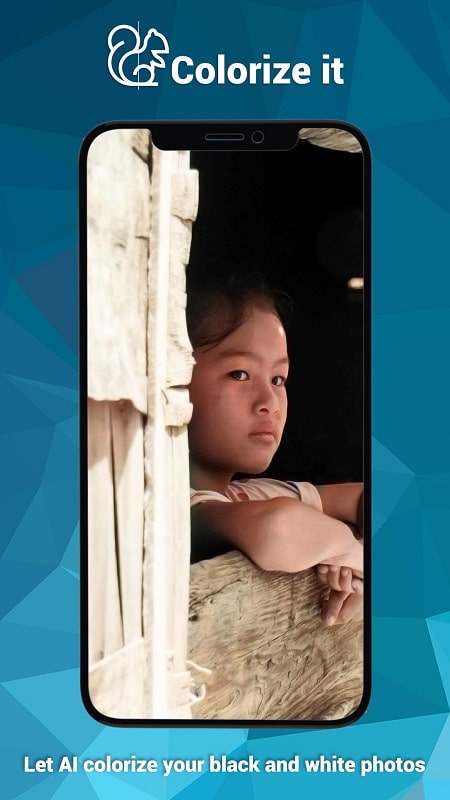
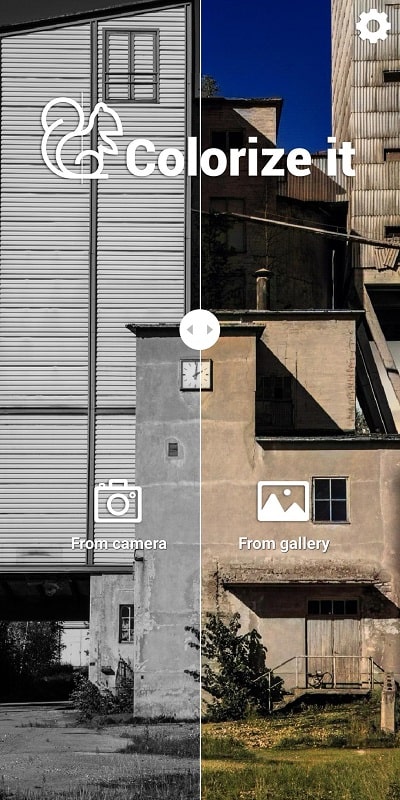
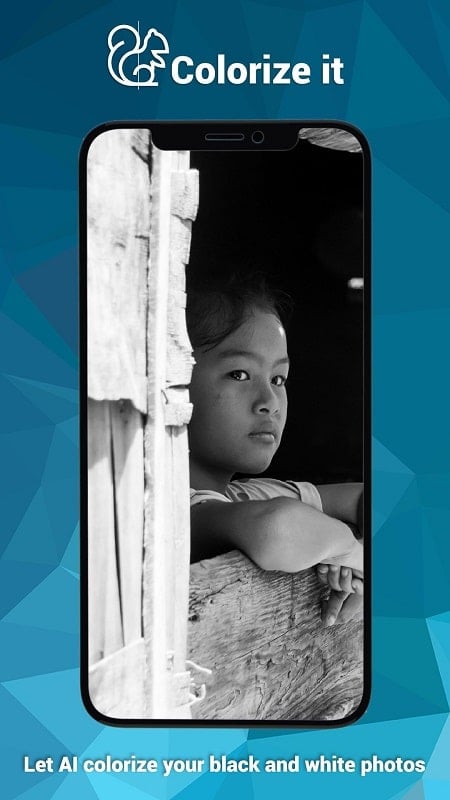
Colorize it brings modern AI colorization tools to your Android device, turning black-and-white photos into vivid color images with an intuitive workflow. Quick automatic processing combines with manual brushes and tonal controls so users can achieve natural results while keeping full control over edits and exports.
Designed for hobby photographers, archivists and anyone restoring old prints, this utility focuses on delivering accurate, realistic color from monochrome originals. Colorize it pairs on-device algorithms with optional cloud enhancements, making it flexible for offline use or heavier batches when you want faster throughput.
Start by importing a single image or a folder of photos. The app analyzes edges, faces and textures, then proposes an initial color palette. From that starting point you can accept the automatic result or switch to manual tools. Colorize it stores a non-destructive history so you can revert steps, compare before-and-after images, and save multiple versions for different outcomes.
The interface is laid out to keep the most-used controls within thumb reach. Sliders are responsive and previews update quickly on capable phones. Colorize it supports hardware acceleration on many modern chipsets, speeding up batch jobs and reducing battery drain compared with CPU-only processing. For older devices, a low-resource mode limits background passes to conserve memory.
Privacy settings let you choose whether images stay entirely on-device or are uploaded temporarily for enhanced processing. Local-only mode keeps everything on your phone, while cloud-assisted mode reduces processing time for large or high-resolution sets. Saved outputs can be organized into albums inside the app or exported to any gallery folder.
People choose Colorize it for its balance between automation and control. The automatic engine yields fast, believable results for casual users, while deeper editing tools satisfy those restoring family archives or preparing prints for display. Regular updates add model improvements and format support, keeping the app current with common camera outputs and scanning methods.
Colorize it installs like any Android app from your preferred store and requests access to storage and camera roll. Minimum requirements vary by model; newer devices unlock faster processing and higher export resolutions. Tutorials and an interactive help guide are included so first-time users can move from import to export in minutes.
Whether you want a quick color touch-up or a careful restoration project, Colorize it offers a practical workflow tailored to mobile use, making it simple to revive old photographs and preserve memories in vibrant color.
IP Scanner
Size:27.04M ToolsPingTools Pro
Size:5.86M ToolsGlextor App Folder Organizer
Size:6.04M ToolsRoom Planner
Size:22.60M ToolsAndProxy
Size:5.45M ToolsSkyVPN
Size:26.70M ToolsUPX v98.0.4758.101
Size:159.30M ToolsColorize it
Size:36.00M ToolsUbikiTouch
Size:5.22M ToolsIXO RPAS
Size:3.90M ToolsJota
Size:19.82M ToolsCapacity Info: Battery Health
Size:6.07M ToolsApril 2024 Clash of Clans Update: Unveiling a Fresh Companion, Enhanced Levels, Chat Tagging, and Be
2024-04-16Arrival of Genshin Impact 4.6 Update: 'Embers of Two Realms, Twilight of Crimson'
2024-04-16V2.2 of the Farlight 84 update introduces an overhauled Season structure, fresh in-game currency, an
2024-04-16Monster Never Cry is now accessible on both Android and iOS mobile devices.
2024-04-18PUBG Mobile Teams Up with Bentley Motors: Luxury Cars, Exclusive Collectibles, and Beyond
2024-04-18March 2024 Free Redemption Codes for Honkai: Star Rail
2024-04-18