English
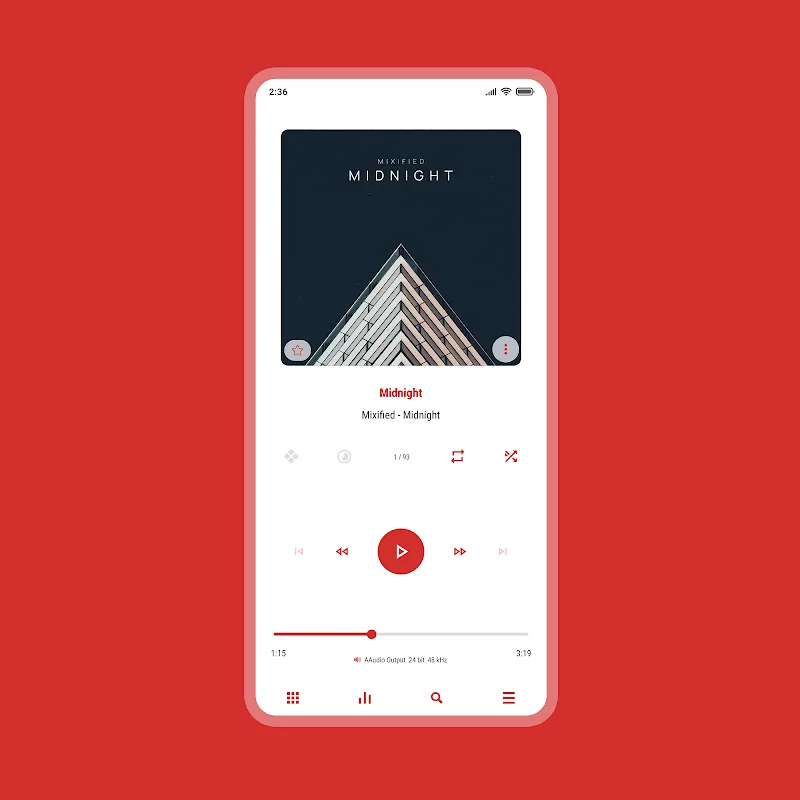
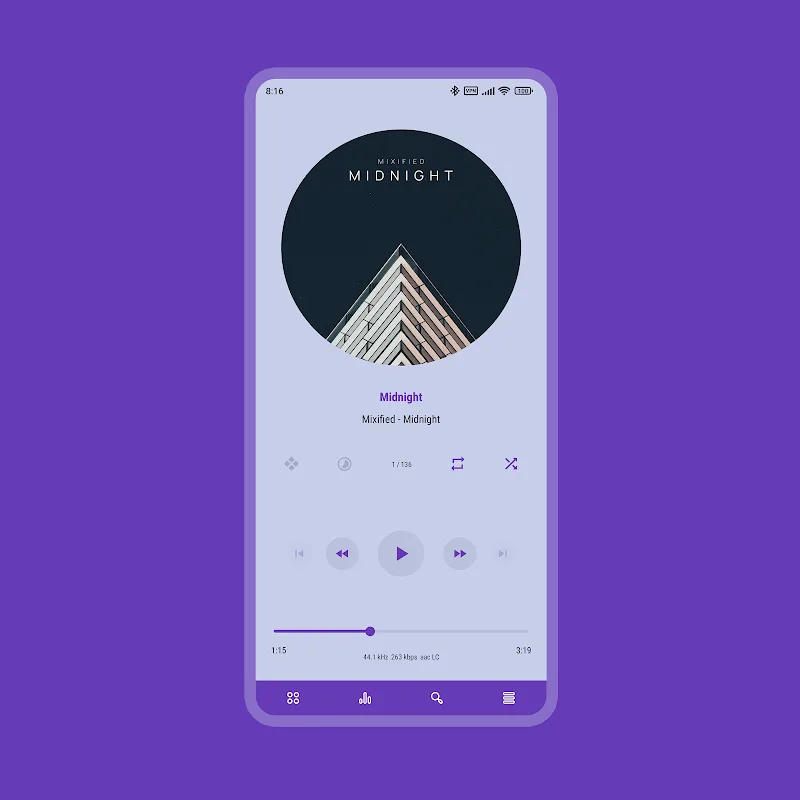
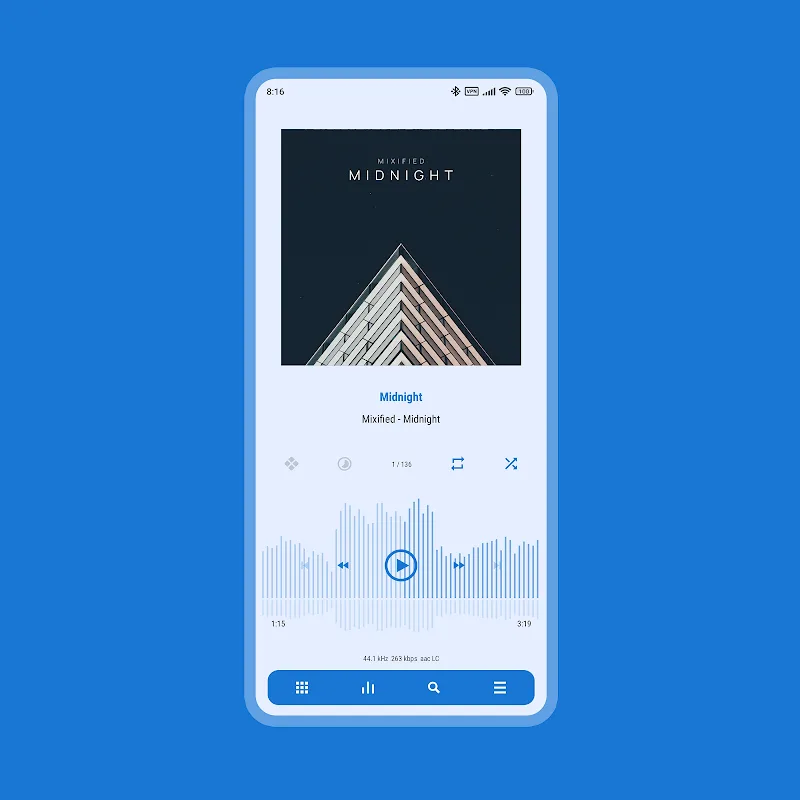
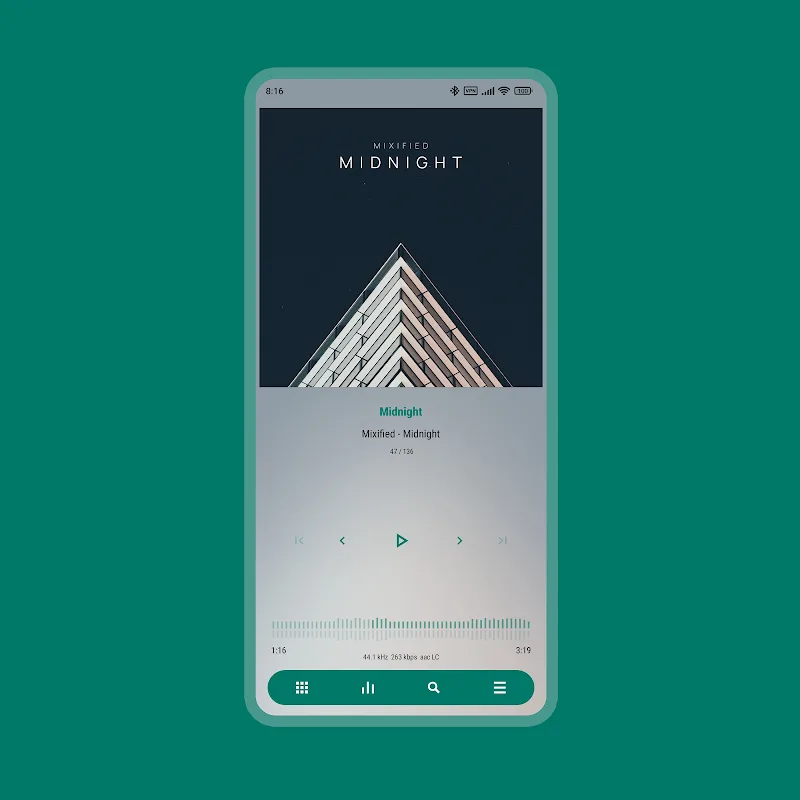
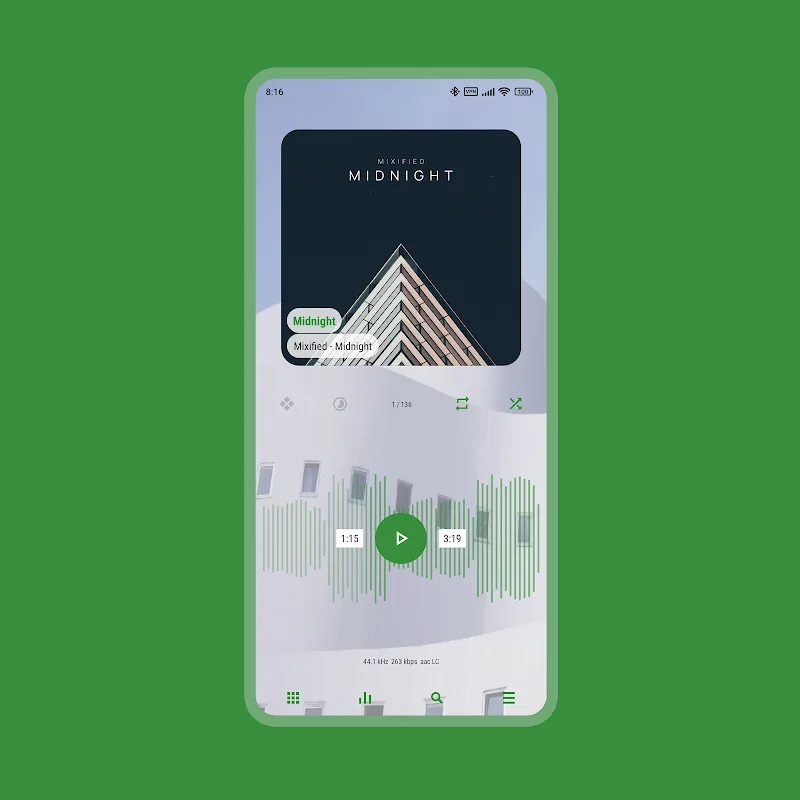
Luminous - Poweramp Skin refreshes your Poweramp player's interface with a sleek, luminous design, high-resolution assets and harmonious color accents. It enhances readability and controls without slowing playback, supports multiple accent themes, and installs quickly so you can enjoy a cleaner, more modern listening experience across Android devices.
Luminous - Poweramp Skin prioritizes clarity and visual balance. The skin replaces default buttons, sliders and album art frames with crisp vector-style icons and subtle gradients that preserve contrast in both bright and dim environments. Designers focused on spacing and typography to reduce clutter while keeping essential playback information prominent.
Once installed, the skin becomes available in Poweramp's theme manager. You can switch between accent colors, toggle compact controls, and choose whether metadata overlays appear on album art. Luminous also allows small tweaks like meter style for the equalizer display and the visibility of secondary controls, enabling a personalized listening setup without jumping into complex settings.
Installing Luminous - Poweramp Skin is straightforward: download the APK, allow installation from unknown sources if prompted, and open the skin app to apply it to Poweramp. The skin uses Poweramp’s native theming hooks, so changes are applied without restarting your music library. A short first-run guide inside the skin helps you select initial color accents and layout preferences.
The skin is engineered to be lightweight. Assets are vector-based where possible to reduce file size and memory use. Visual enhancements are rendered with minimal overhead so audio threads remain unaffected. In normal usage the skin should not increase CPU usage noticeably, and background battery drain is comparable to Poweramp without a custom skin.
Luminous supports recent Poweramp releases and targets Android versions that still receive security updates. Before installing, confirm your Poweramp version is compatible and that the skin has the required permissions to modify themes. The developer provides version notes and changelogs indicating supported Poweramp builds and Android API levels.
Active maintenance is important for skins that integrate closely with a player app. Expect periodic updates to address compatibility with new Poweramp releases and to introduce additional accent options or minor polish. If you encounter layout issues, check the skin's in-app help or changelog for quick troubleshooting steps.
Luminous - Poweramp Skin is a practical choice for users who want a modern, polished interface without sacrificing performance. Its balance of aesthetic refinement, useful customization and compatibility focus makes it suitable for users who prioritize both looks and playback stability. With straightforward setup and sensible defaults, the skin enhances Poweramp’s interface while leaving audio fidelity untouched.
Moxy Icon Pack
Size:128.98M PersonalizationAurora - Poweramp Skin
Size:9.68M PersonalizationStarlight Widgets
Size:63.02M PersonalizationLuminous Black - Poweramp Skin
Size:9.18M PersonalizationLuminous - Poweramp Skin
Size:9.04M PersonalizationGlass Aurora Widgets
Size:31.11M PersonalizationArmorPaint
Size:13.41M PersonalizationEverything Widgets MOD Premium Unlocked
Size:13.09M PersonalizationButton Master Premium MOD Premium Unlocked
Size:14.76M PersonalizationMiniPhone Launcher 26: Cool OS MOD Premium Unlocked
Size:45.40M PersonalizationSquare Home MOD Premium Unlocked
Size:5.90M PersonalizationLauncher OS 2026 MOD Premium Unlocked
Size:52.70M PersonalizationApril 2024 Clash of Clans Update: Unveiling a Fresh Companion, Enhanced Levels, Chat Tagging, and Be
2024-04-16Arrival of Genshin Impact 4.6 Update: 'Embers of Two Realms, Twilight of Crimson'
2024-04-16V2.2 of the Farlight 84 update introduces an overhauled Season structure, fresh in-game currency, an
2024-04-16Monster Never Cry is now accessible on both Android and iOS mobile devices.
2024-04-18PUBG Mobile Teams Up with Bentley Motors: Luxury Cars, Exclusive Collectibles, and Beyond
2024-04-18March 2024 Free Redemption Codes for Honkai: Star Rail
2024-04-18