English
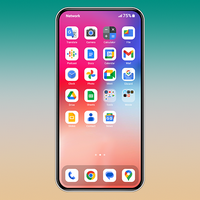
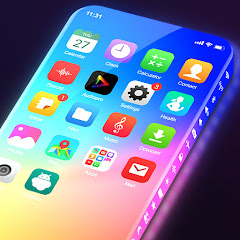
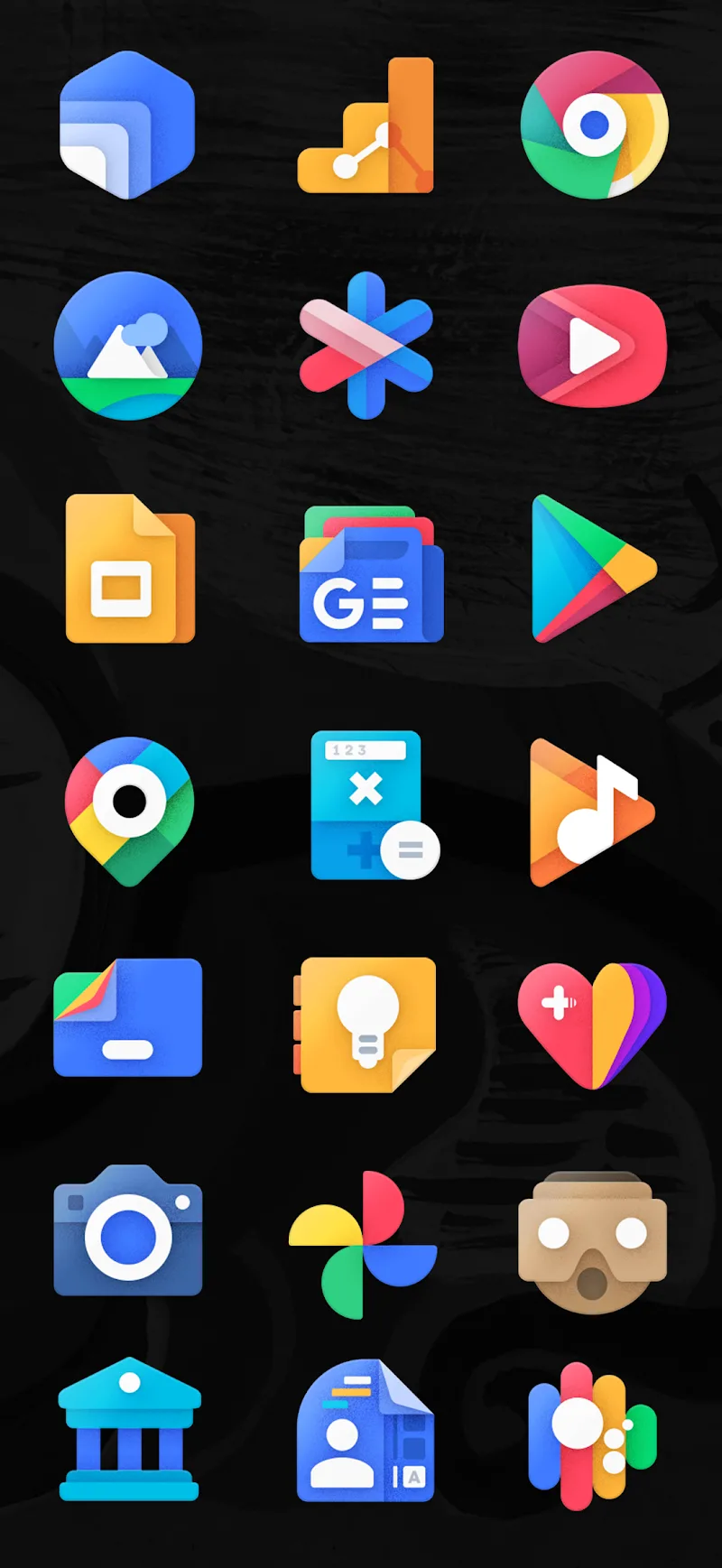
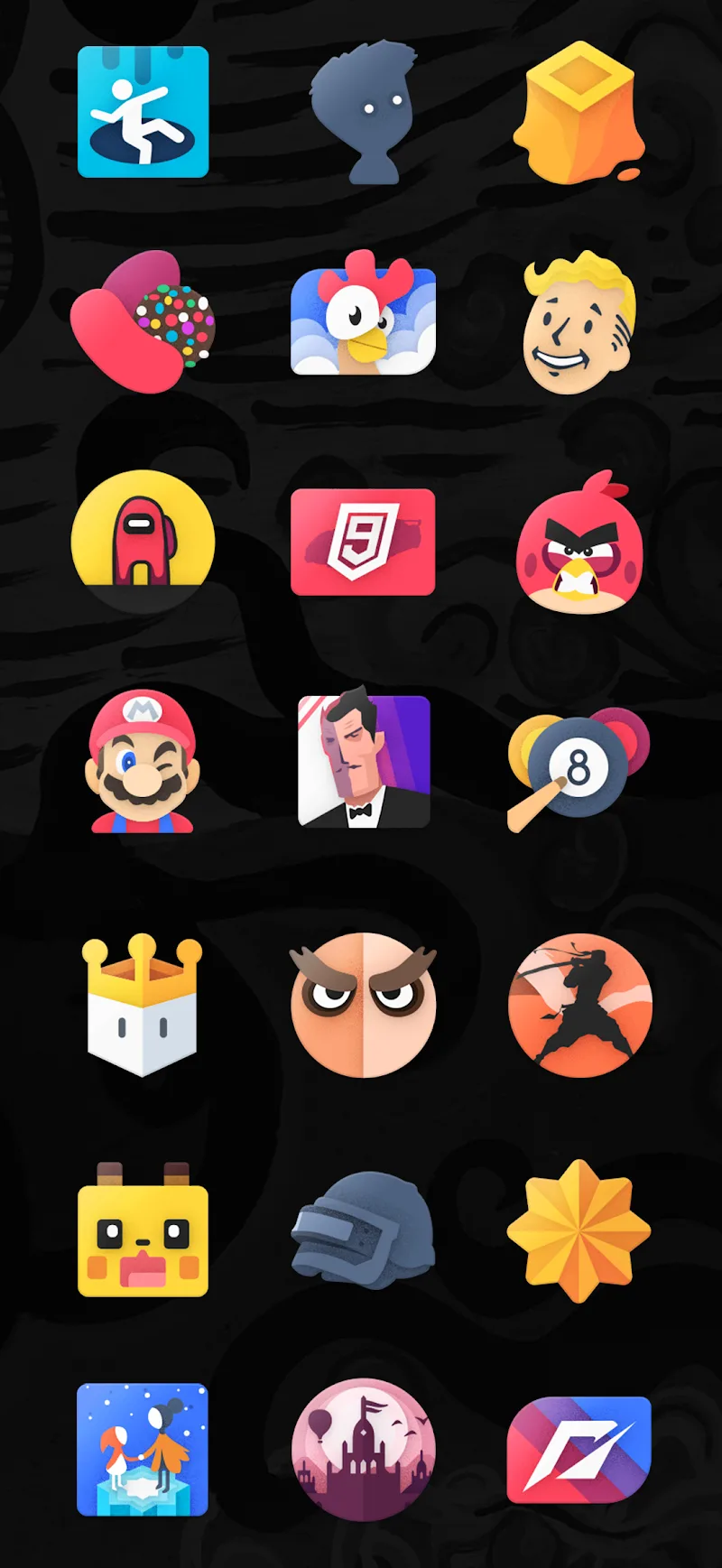
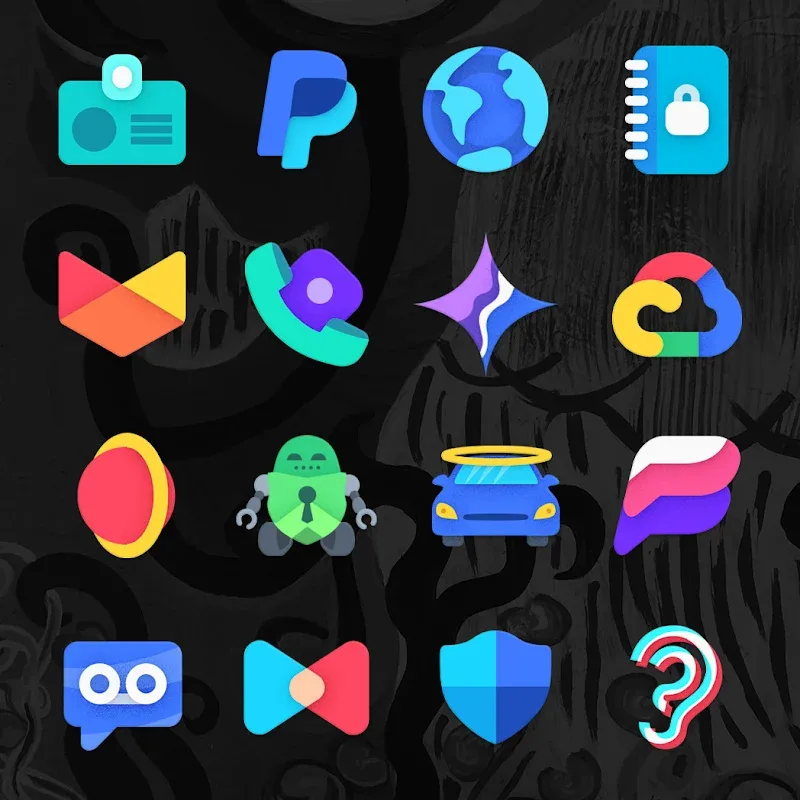
For Android users who like to personalize every detail of their home screen, Moxy Icon Pack provides a focused way to refresh your device without overhauling its setup. The pack replaces standard app icons with a cohesive set of hand-crafted vector designs that stay crisp on any display and pair well with most third-party launchers. Whether you want a cleaner look for work, a themed feel for the holidays, or a consistent visual style across multiple devices, Moxy Icon Pack gives you the core assets to rework your launcher quickly and attractively.
Install and apply: Download the package and use your current launcher’s theme or icon settings to apply the set; the pack is built to slot into common launchers without extra steps.
Select a baseline look: Pick either the full icon set or mix selected icons into your existing theme so your home screen keeps a balanced appearance.
Manual replacements: For apps that don’t change automatically, long-press the app shortcut in your launcher and swap the icon from the pack to keep everything consistent.
High-definition vector artwork: Icons are created as scalable vectors so they render sharply on phones and tablets with varied resolutions.
Large library: A broad collection covers thousands of apps, increasing the chance that most of your installed apps have a matching icon.
Distinctive visual style: The designs aim for a modern, slightly bold aesthetic that moves away from default system icons while remaining readable at small sizes.
Wide launcher compatibility: Moxy Icon Pack works with many popular Android launchers, letting you keep the launcher you prefer rather than switching to apply icons.
Consistent cross-device appearance: Because of the vector approach and a unified design language, the icons maintain uniformity whether you use a small phone or a large tablet.
Give Moxy Icon Pack a try if you want a fast way to lift the look of your Android home screen; it makes visual overhaul simple while keeping your current launcher, so install it and experiment with a few home-screen layouts to see what fits your routine.
Moxy Icon Pack
Size:128.98M PersonalizationAurora - Poweramp Skin
Size:9.68M PersonalizationStarlight Widgets
Size:63.02M PersonalizationLuminous Black - Poweramp Skin
Size:9.18M PersonalizationLuminous - Poweramp Skin
Size:9.04M PersonalizationGlass Aurora Widgets
Size:31.11M PersonalizationArmorPaint
Size:13.41M PersonalizationEverything Widgets MOD Premium Unlocked
Size:13.09M PersonalizationButton Master Premium MOD Premium Unlocked
Size:14.76M PersonalizationMiniPhone Launcher 26: Cool OS MOD Premium Unlocked
Size:45.40M PersonalizationSquare Home MOD Premium Unlocked
Size:5.90M PersonalizationLauncher OS 2026 MOD Premium Unlocked
Size:52.70M PersonalizationApril 2024 Clash of Clans Update: Unveiling a Fresh Companion, Enhanced Levels, Chat Tagging, and Be
2024-04-16Arrival of Genshin Impact 4.6 Update: 'Embers of Two Realms, Twilight of Crimson'
2024-04-16V2.2 of the Farlight 84 update introduces an overhauled Season structure, fresh in-game currency, an
2024-04-16Monster Never Cry is now accessible on both Android and iOS mobile devices.
2024-04-18PUBG Mobile Teams Up with Bentley Motors: Luxury Cars, Exclusive Collectibles, and Beyond
2024-04-18March 2024 Free Redemption Codes for Honkai: Star Rail
2024-04-18